
Website Architecture SEO: Structure, Depth and URL Design

Website Architecture: What Actually Matters for SEO
Website architecture is how your pages are organised and linked. It decides which pages search engines consider important, and it is the hardest thing to change later.
Depth. Every page that matters should be reachable within about three clicks of the homepage. Pages buried deeper get crawled rarely and inherit little authority. This is the single most useful rule.
Shape. A pyramid works: homepage, then category pages, then individual pages, with links flowing both ways. Flat structures work for small sites; they break past a few hundred pages.
URLs. Short, readable, organised by topic — /blog/seo-audit/ rather than /p?id=4821. Decide once, because changing them later costs rankings unless you redirect properly.
Fixing an existing site without rebuilding: add internal links from strong pages to buried ones. This reduces effective depth immediately and costs nothing.
The rest of this article covers each decision with examples of what breaks at scale.
The supermarket that stocks things "wherever"
Imagine two supermarkets. The first divides into clear sections: food in one aisle, household goods in another, signs above each aisle, a map at the door. You find anything fast. The second dumps stock everywhere — milk next to detergent, rice next to shampoo, no signs, no clear aisles. You get lost in the maze, frustrated, and leave empty-handed. Same amount of stock, but only one keeps customers.
Your website is a "supermarket" too. Site architecture is how you arrange pages into aisles, sections, and walkways; URLs are the addresses on each shelf's sign. Arranged tidily, both users and Google find everything fast — and Google understands which pages matter. Arranged messily, customers get lost and Google misses many pages.
This guide shows how to "lay out the supermarket" right: the pyramid structure and the few-clicks rule, the concepts of crawl depth and orphan pages, what a clean URL is and six principles for good URLs, breadcrumbs and navigation, how to change URLs without losing strength, and the process to design architecture from scratch.
What is site architecture? How you organize and link the pages of a website into a clear hierarchy — home page on top, big categories, then detail pages. Good architecture helps users find things, and helps Google crawl all pages and understand which matter.
The pyramid structure: every page a few clicks from home
The ideal site architecture is shaped like a pyramid — widening downward, but shallow.
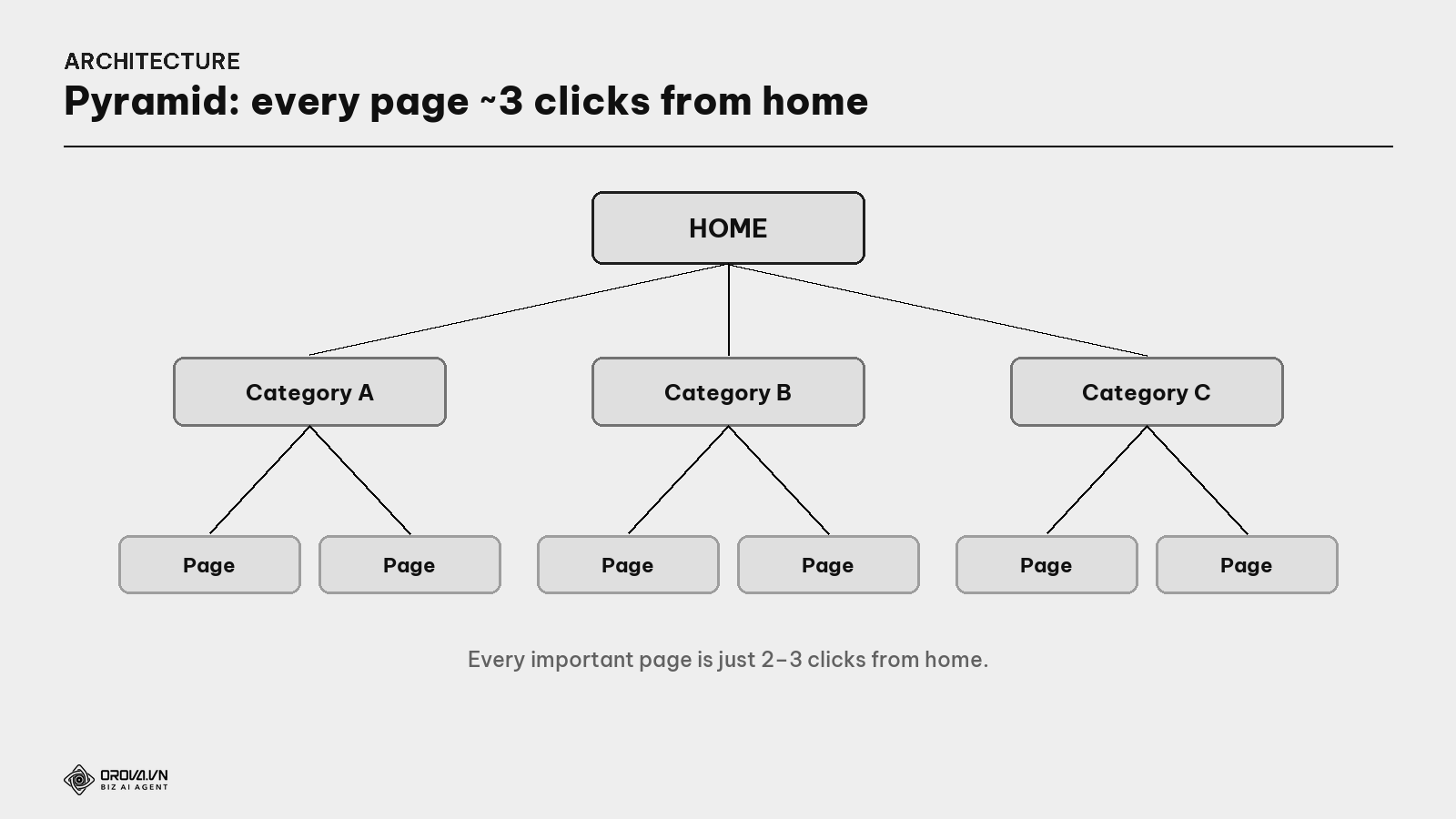
What is the 3-click rule? The principle that every important page should be no more than 3 clicks from home. The "deeper" a page (more clicks to reach), the harder for users to find and the less Google visits. It's a guideline, not a hard law — but keeping a site "shallow" is always good.
What is crawl depth? The number of clicks from home to a page. A page at shallow depth (near home) is treated as more important by Google and visited more often; a too-deep page is crawled slowly or missed.
What is an orphan page? A page with no internal links pointing to it — like an item shoved into a storeroom with no entrance. Google struggles to find it, and users can't reach it either. Every important page must have at least one link leading in (see the Internal Linking guide).
The pyramid solves all three: a shallow site (few clicks), no orphan pages, and a clear hierarchy Google understands.
Clean URLs: addresses readable by people and machines
A URL is each page's "address on the shelf sign". Clean URLs let people and machines understand what a page is about before even clicking.
What is a URL? The address of a web page (e.g.,
orova.vn/en/seo/keywords). The part after the domain (the path) shows which section the page is in and what it's about. A short, meaningful URL helps both users and Google grasp the content at once.
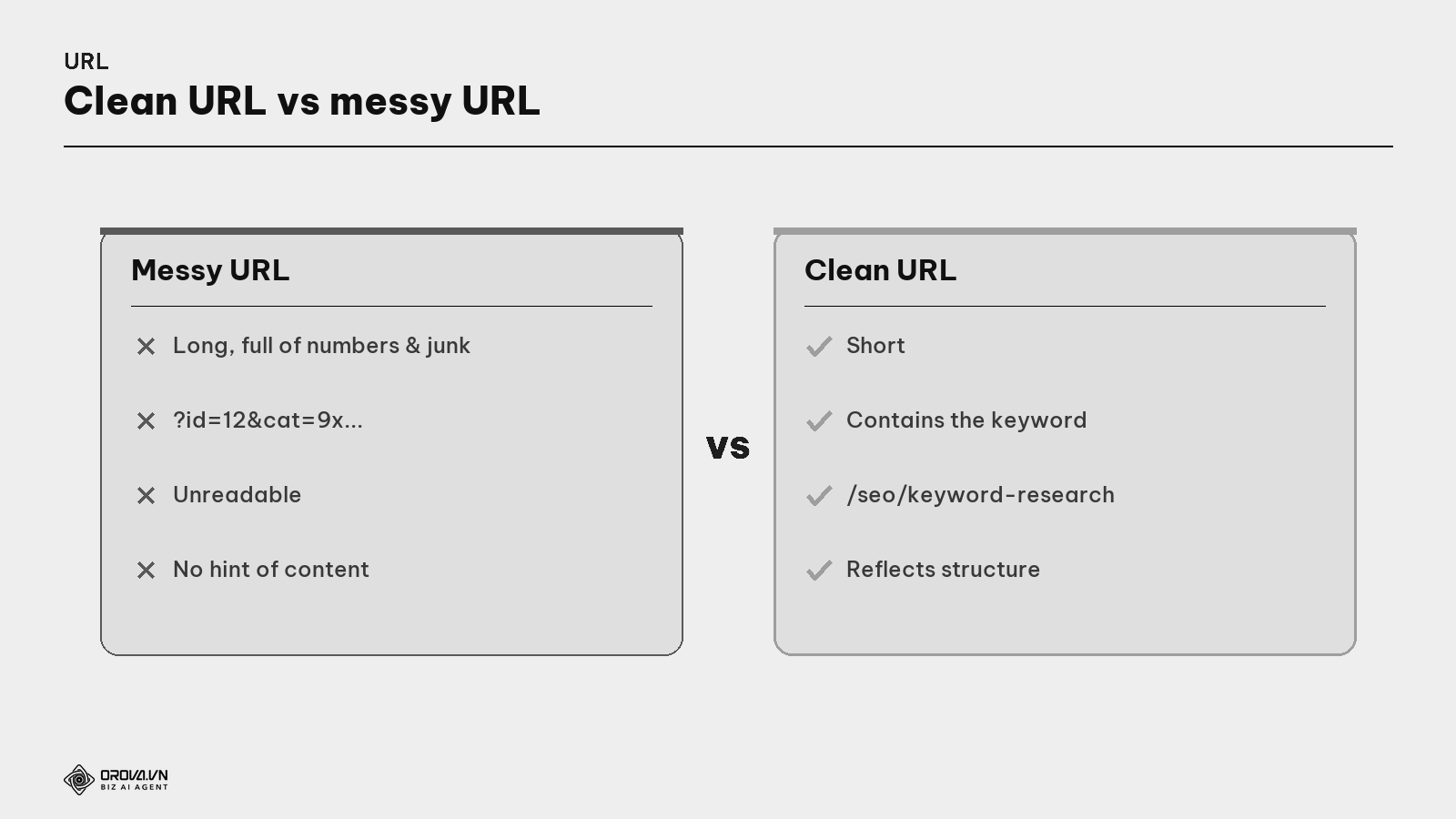
A messy URL (full of numbers and encoded characters) makes users hesitant to click and gives Google no clue about the content. A clean URL is the opposite: a glance tells you what the page is about.
Six principles of a good URL
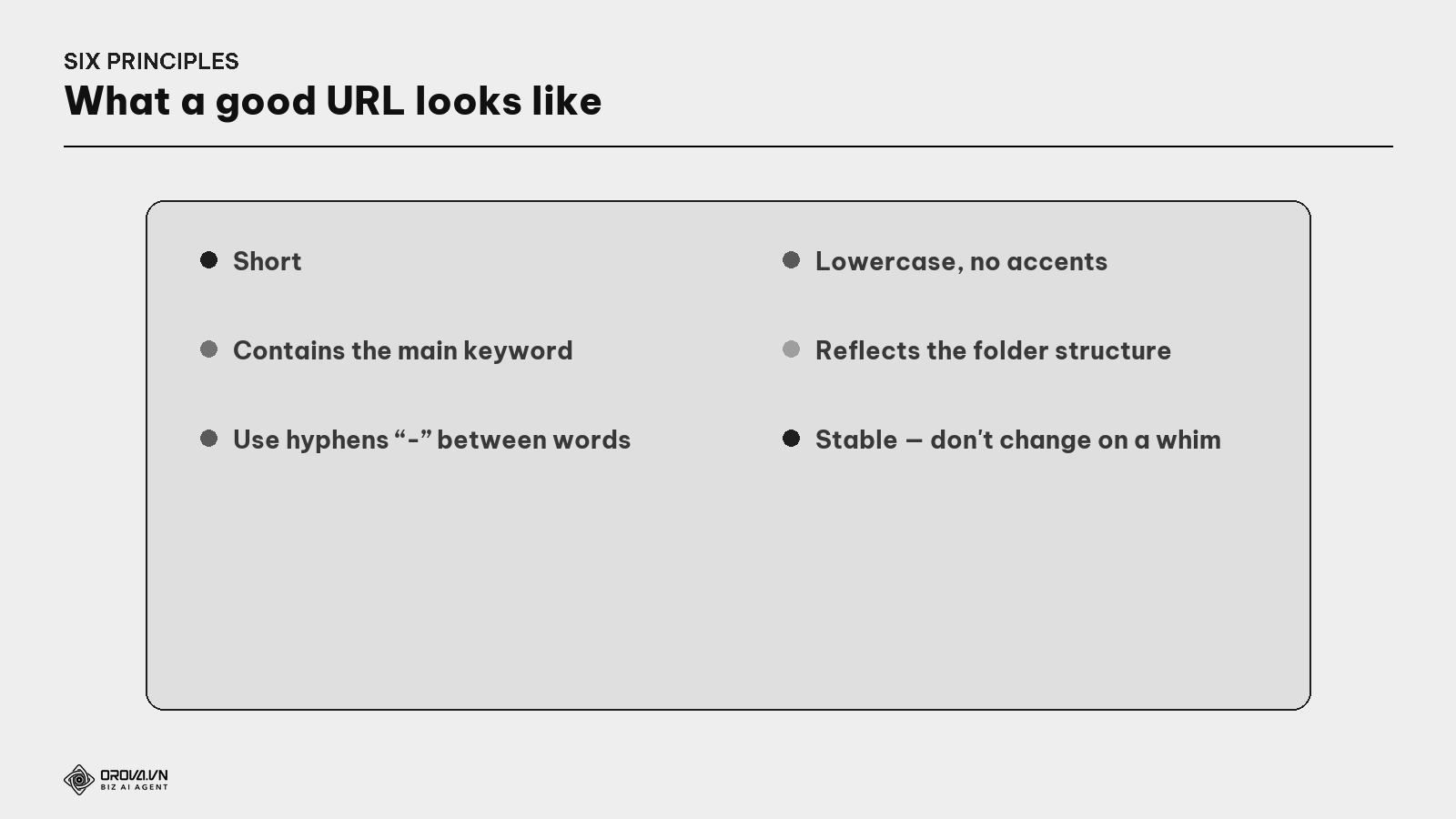
- Short. A short URL is easy to read, share, remember.
- Contains the main keyword. Tells people and Google what the page is about.
- Use hyphens
-between words (not underscores or run-together) — Google reads a hyphen as a space. - Lowercase, no accents. Avoid uppercase and special characters (encoding errors); write
keyword-research. - Reflects the folder structure.
/seo/keywordsshows "keywords" belongs to the "seo" section. - Stable — don't change on a whim. Every URL change risks losing rankings; only change when truly needed, and always set a redirect.
Breadcrumbs & navigation: the signposts
Good architecture must be shown so users and Google can see it — via the menu and breadcrumbs.
What is a breadcrumb? A small trail at the top of a page showing where you are in the structure, e.g., "Home › SEO › Keyword Research". It helps users know their location & go back easily, and helps Google understand the page hierarchy. The name comes from the tale of dropping breadcrumbs to find the way home.
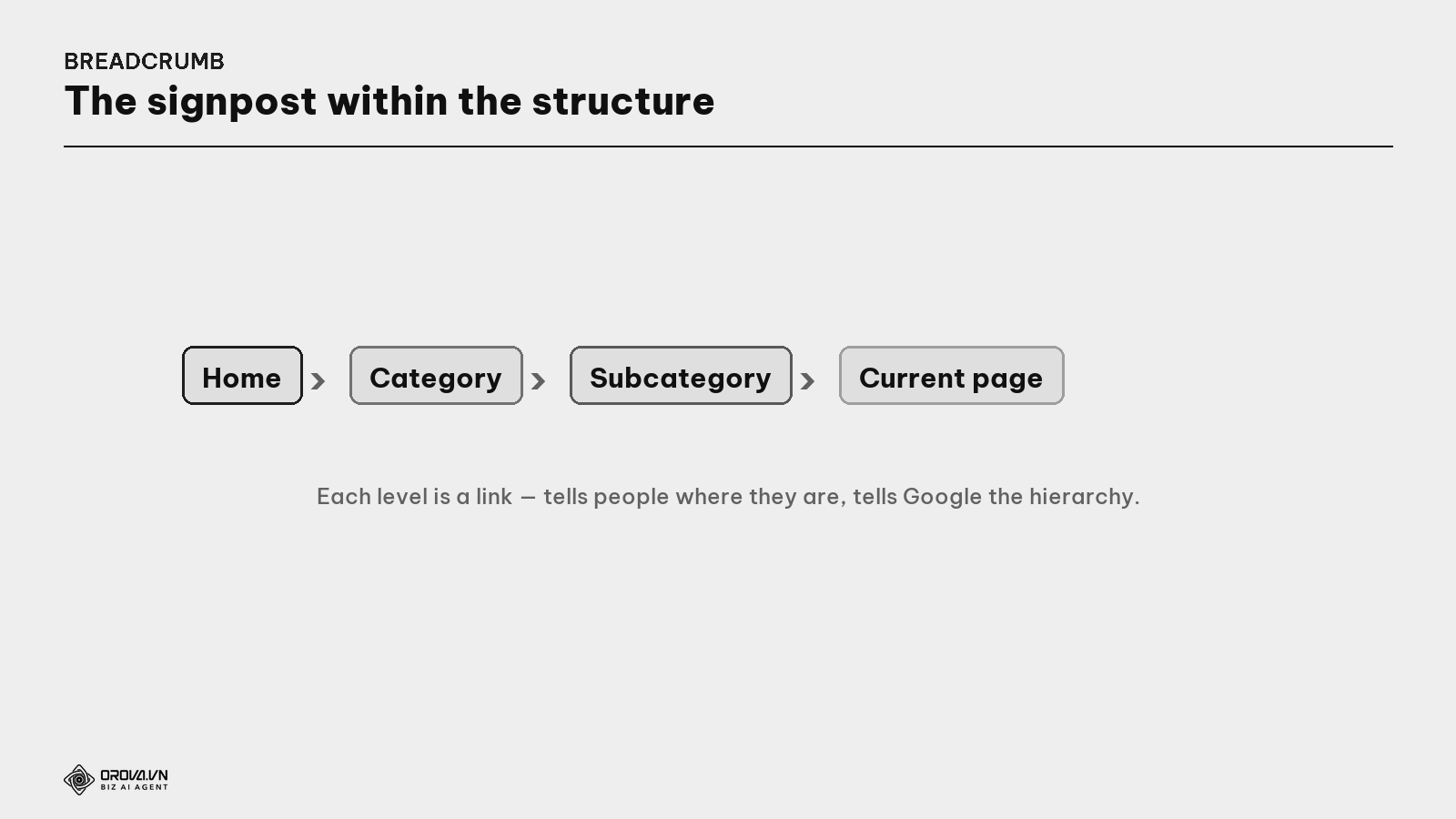
Beyond breadcrumbs, a clear navigation menu (the main categories at the top) is the supermarket's "aisle signs" — getting customers to the right section at a glance.
Changing URLs: how to do it without losing strength
Sometimes you must change a URL (restructure, merge pages). Done wrong, you lose rankings; done right, it's safe.
What is a 301 redirect? A command saying "this page permanently moved to that one", transferring all the authority of the old URL to the new and sending visitors of the old link to the right new page. Whenever you change/delete a URL, set a 301 to keep built-up strength and avoid 404 errors (see the Technical SEO guide).
The rule: minimize URL changes; if you must change, always set a 301 from old to new, and update internal links to point to the new URL.
The process to design site architecture
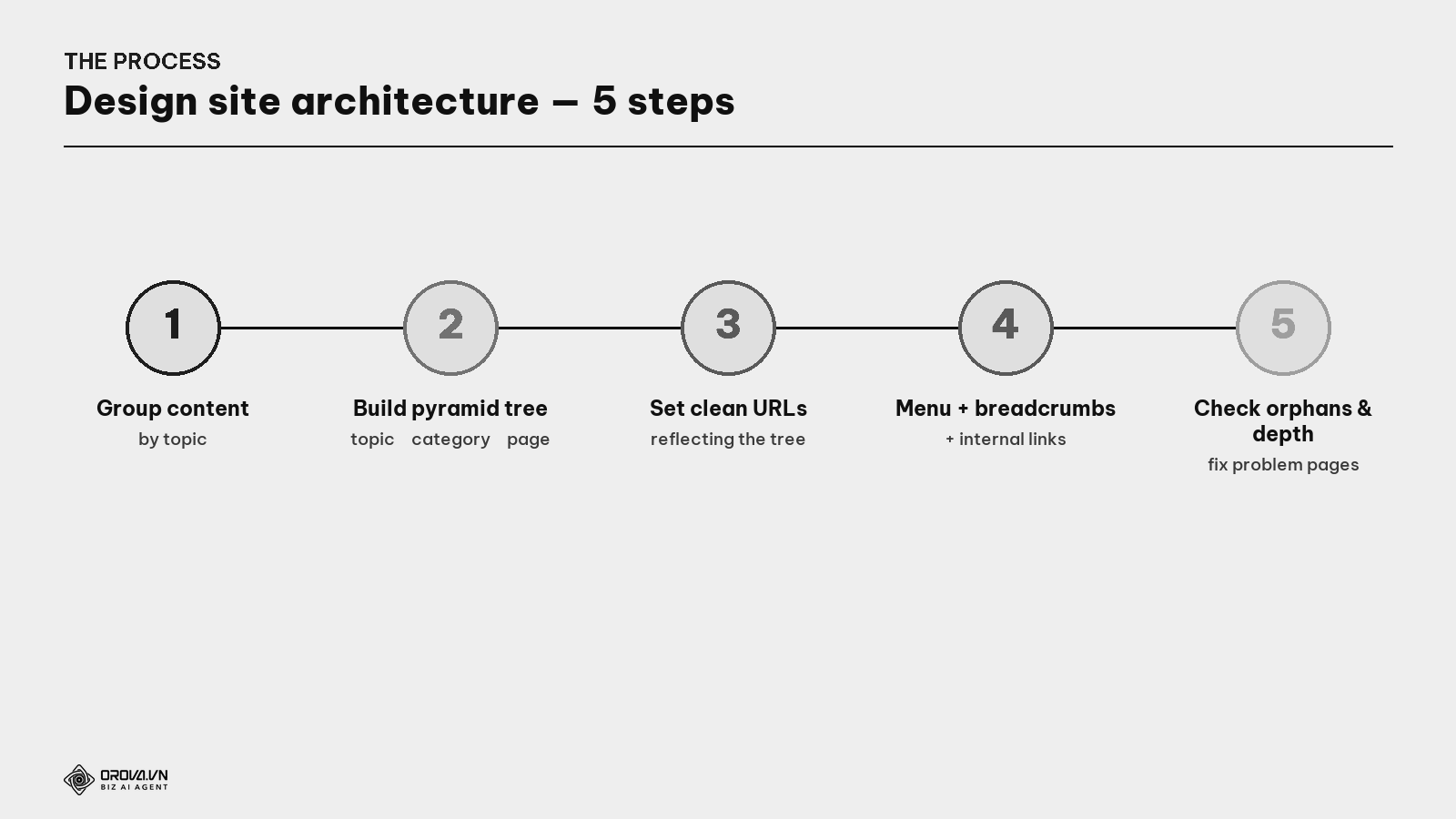
- List & group content by topic (tied to topic clusters — see the Topic Cluster guide).
- Build the pyramid tree — big topic → category → detail page, keep it shallow.
- Set clean URLs reflecting the tree (the six principles above).
- Add menu, breadcrumbs, internal links to show the structure externally.
- Check orphan pages & depth (with a crawl tool / Search Console), fix any page too deep or with no link in.
"Pass" standard
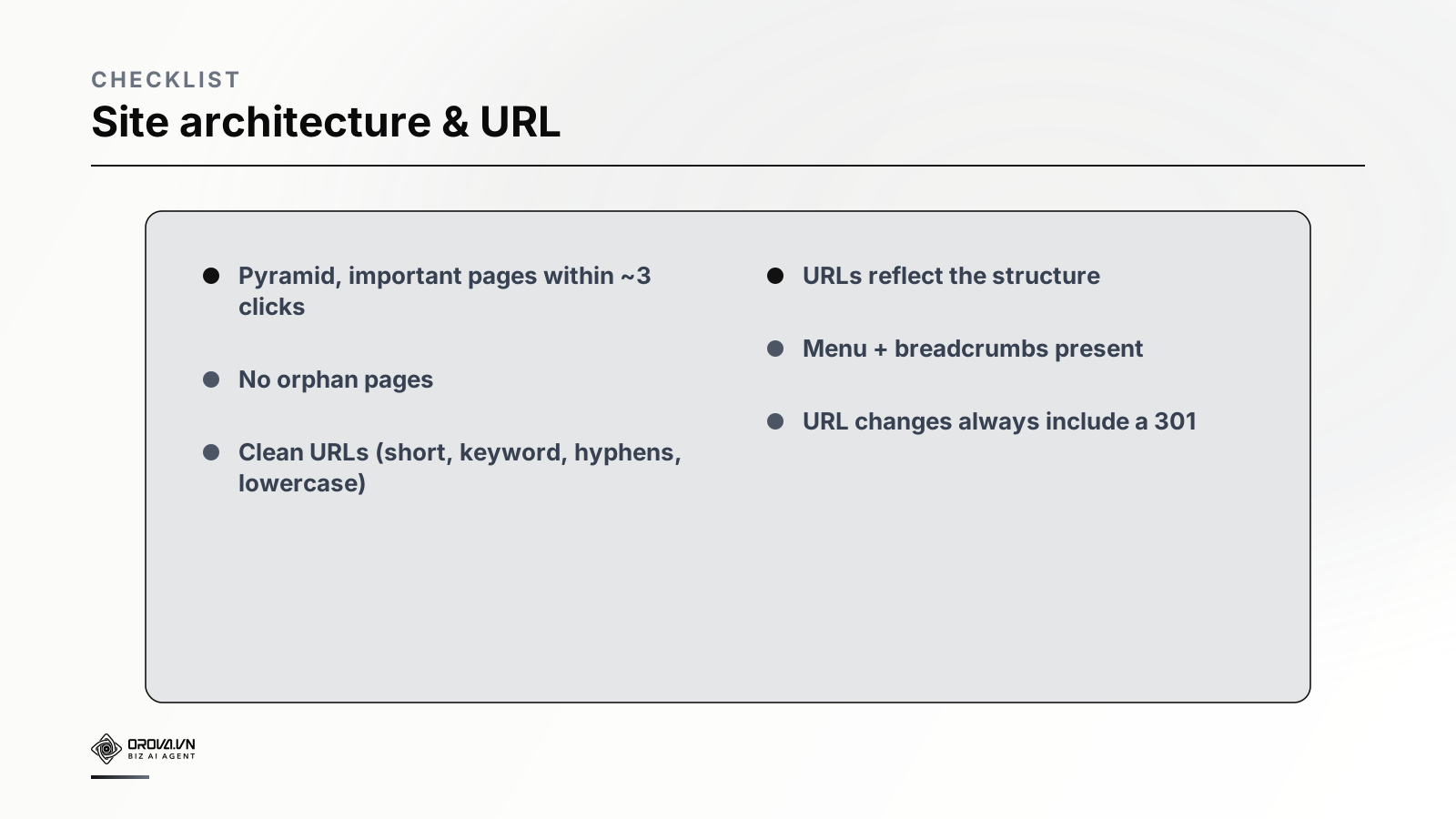
"Pass" standard: a pyramid structure with every important page about 3 clicks from home; no orphan pages remain; clean URLs (short, with keyword, hyphens, lowercase no accents) reflecting the folder structure; a clear navigation menu + breadcrumbs; and every URL change paired with a 301. At this level, your "supermarket" is tidy with signposts — customers find everything fast, and Google crawls fully and correctly understands which pages matter.
Benefit: good architecture delivers three things at once — users find things easily (stay longer, buy more), Google crawls fully & understands the hierarchy (full indexing, right pages prioritized), and link strength flows sensibly down to important pages (see the Internal Linking guide). It's the unglamorous foundation few notice, but it decides whether your content gets found at all.
FAQ
Is the 3-click rule mandatory? Not a hard law, but a guideline. The core idea: keep the site shallow so important pages are easy to reach for people and Google. Big sites can be deeper than 3 clicks on some branches, but don't bury important pages too deep.
Should URLs contain keywords? Yes, naturally — it helps people and Google understand what the page is about. But don't stuff keywords into URLs; short and meaningful matters more than cramming many words.
Should URLs be flat (/article) or deep by folder (/seo/keywords/article)?
Depends on scale. Small sites can stay flat for simplicity; big sites should use folders reflecting structure so Google (and people) understand which group a page belongs to. The key is URLs consistent with the real structure.
Does changing a URL hurt rankings? There's risk if done wrong. If you must change, set a 301 from old to new and update internal links — then authority transfers and risk is minimized. Don't change URLs on a whim.
How harmful are orphan pages? A page with no internal links pointing to it is very hard for Google to find and index, and users can't reach it either. Ensure every important page has at least one link leading in (from the menu, category, or related article).
Do small sites need breadcrumbs? Yes, even sites of a few dozen pages. Breadcrumbs help users orient, help Google understand hierarchy, and can show nicely in search results. Low added cost, clear benefit.
How do site architecture and topic clusters relate? They go together: topic clusters decide which content groups belong together, while site architecture is how you arrange and link those groups into a tree. Good architecture usually reflects the topic clusters (see the Topic Cluster & Internal Linking guides).
Back to the two supermarkets
Remember the two supermarkets? One with clear sections and signposts, one dumping stock with no walkways. Same amount of stock, but only the tidy one keeps customers — because they find what they need without getting lost.
Your website is treated the same by customers (and Google). Good content is the merchandise; but if it's laid out messily — pages buried too deep, no link paths in, tangled URL addresses — both users and Google get lost and leave. Lay out your "supermarket" tidily: a shallow pyramid structure, no orphan pages, clean URLs like clear signs, a menu and breadcrumbs to guide. Do that, and every piece of your content gets found — the first condition for it to be bought.
This article is part of Orova's complete SEO guide series. It's a deep-dive within the cluster — see "Technical SEO", "Topic Clusters", and "Internal Linking" for the full picture. Get started with Orova at orova.vn/en/seo.
Sources
Google Search Central (simple URL structure, navigation, breadcrumbs) · Ahrefs & Semrush (site architecture, crawl depth, orphan pages) · Google Search Console Help (checking indexing & missed pages).
Related reading: SEO Website Design: What to Get Right Before You Build
Let Orova SEO handle the repetitive part
Keyword research, drafting, refreshing old posts and rank tracking — running automatically on your own site.
Explore Orova SEO