
Orova SocialOne piece of content. Many channels. One place to run Social.
Orova Social helps you write, create, schedule and publish content to many platforms from a single place.
From captions and images to Reels videos, AI helps you create content while Orova handles the format and publishing schedule that fit each channel.
Free until July 7, 2027 · No credit card
Orova Social demo video
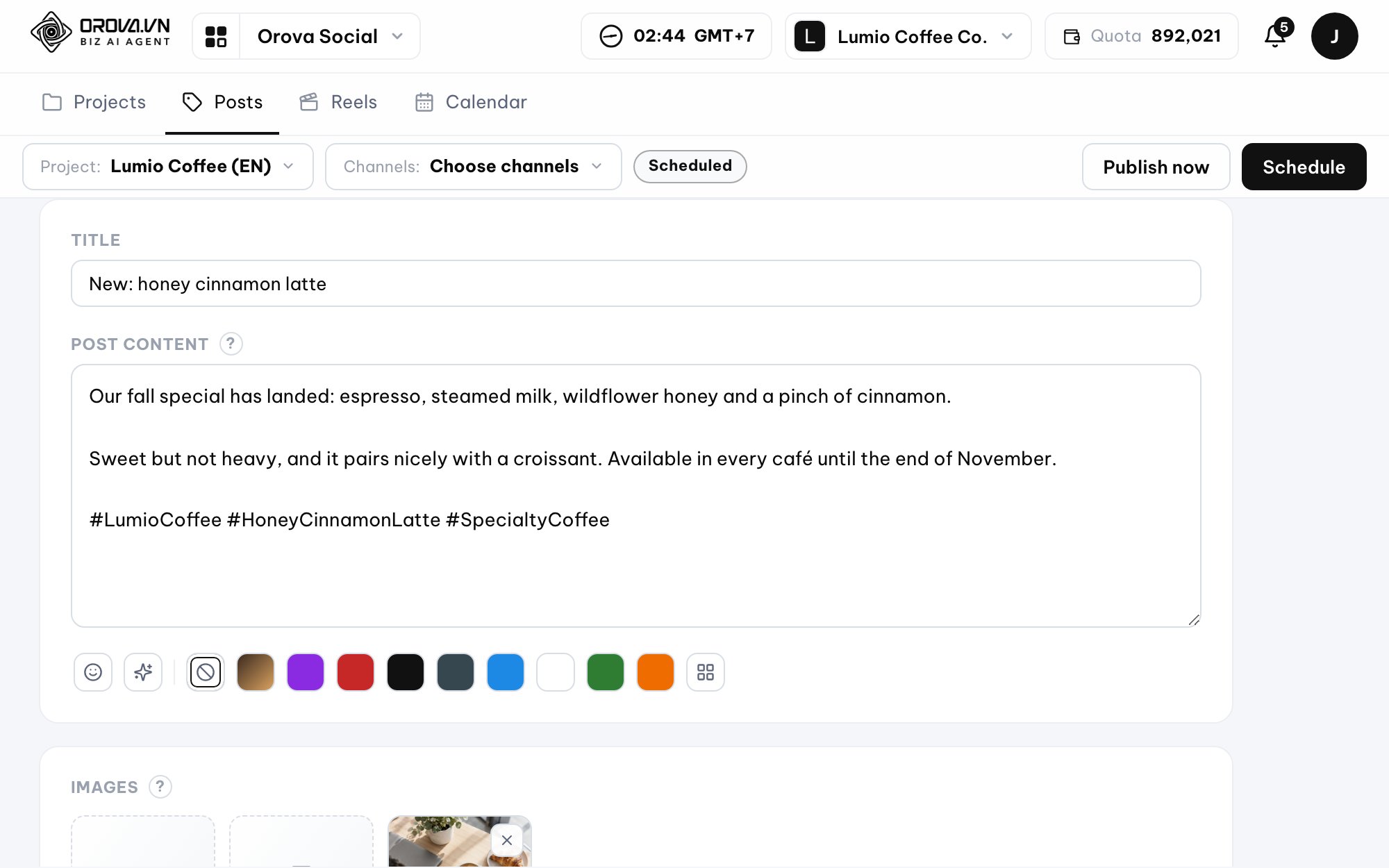
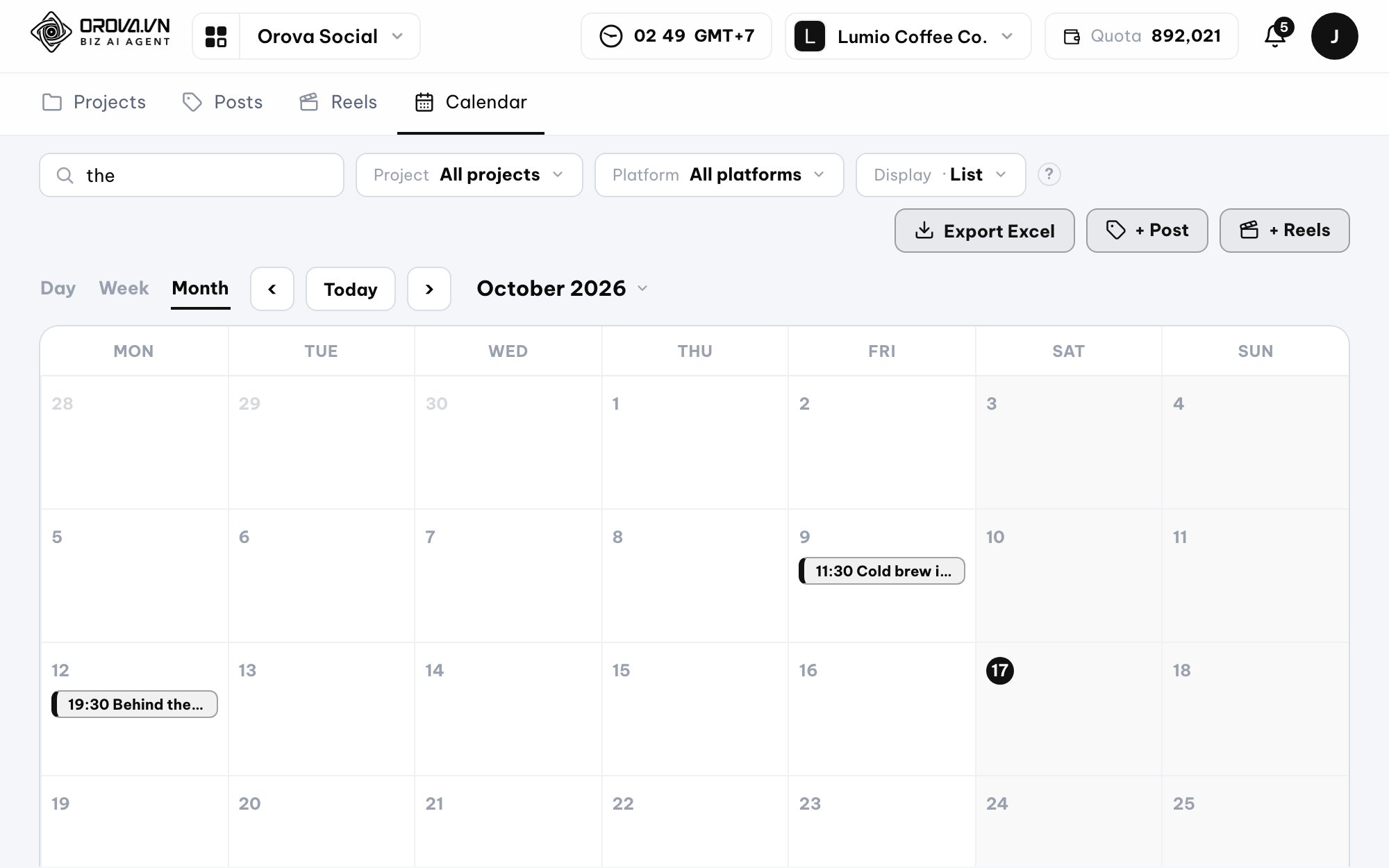
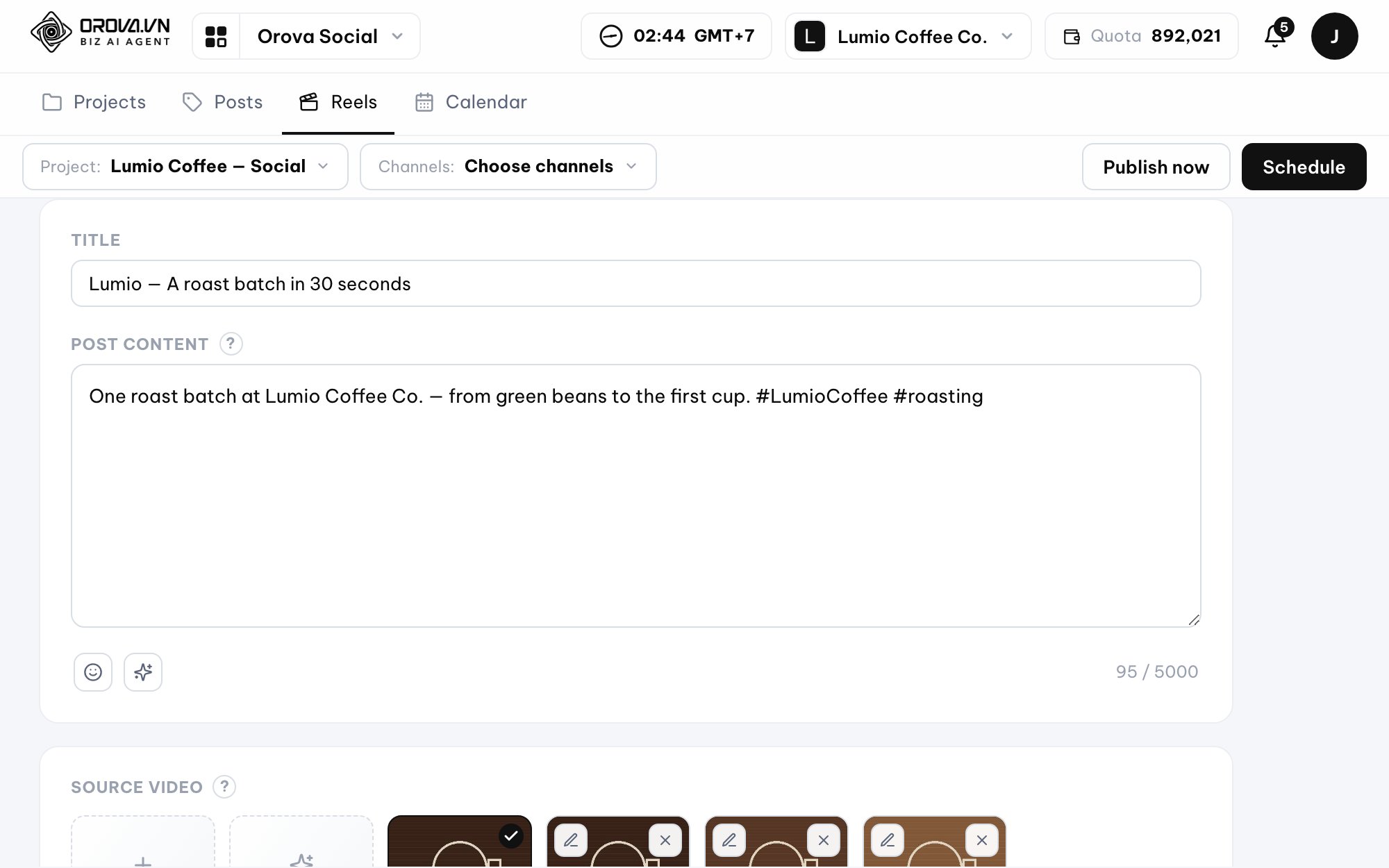
How many tools are you using to run Social?
- You write content in one place.
- You design images somewhere else.
- You edit videos in yet another app.
- Then you publish each post to each platform and keep the schedule in your head.
As the amount of content grows, running Social turns into the same work repeated over and over.
Orova Social brings that work into a single workflow.
- Write content
- Create images
- Process video
- Choose channels
- Schedule
- Track publishing results
Write once, publish to many channels
Connect and manage content on 8 platforms:
Facebook
Instagram
Threads
YouTube
TikTok
Zalo OA
Telegram
LinkedIn
LinkedIn supports both personal profiles and Company Pages.
You can pick multiple channels right while writing a post. Orova adapts the content to the formats each platform supports and returns the publishing result for every channel.
No need to open each platform to repost the same content.
Every platform displays content its own way. Orova handles that.
Not every piece of content can be published exactly the same way on every platform.
Orova supports the popular formats of each channel:
- Instagramphoto, carousel up to 10 photos, Reels
- Facebooktext, photo, multiple photos, video, Reels
- Threadstext, photo, carousel up to 10 photos, video
- YouTubevideo and Shorts
- TikTokvideo, and photo posts when the account is eligible
- Zalo OAtext and photo articles
- Telegramtext, photo, album up to 10 photos, video
- LinkedIntext, photo, up to 20 photos
You focus on the content. Orova handles publishing for each channel.
AI writes captions in your brand voice
No need to start from a blank page.
You can ask AI to write something new from a topic or rewrite content you already have.
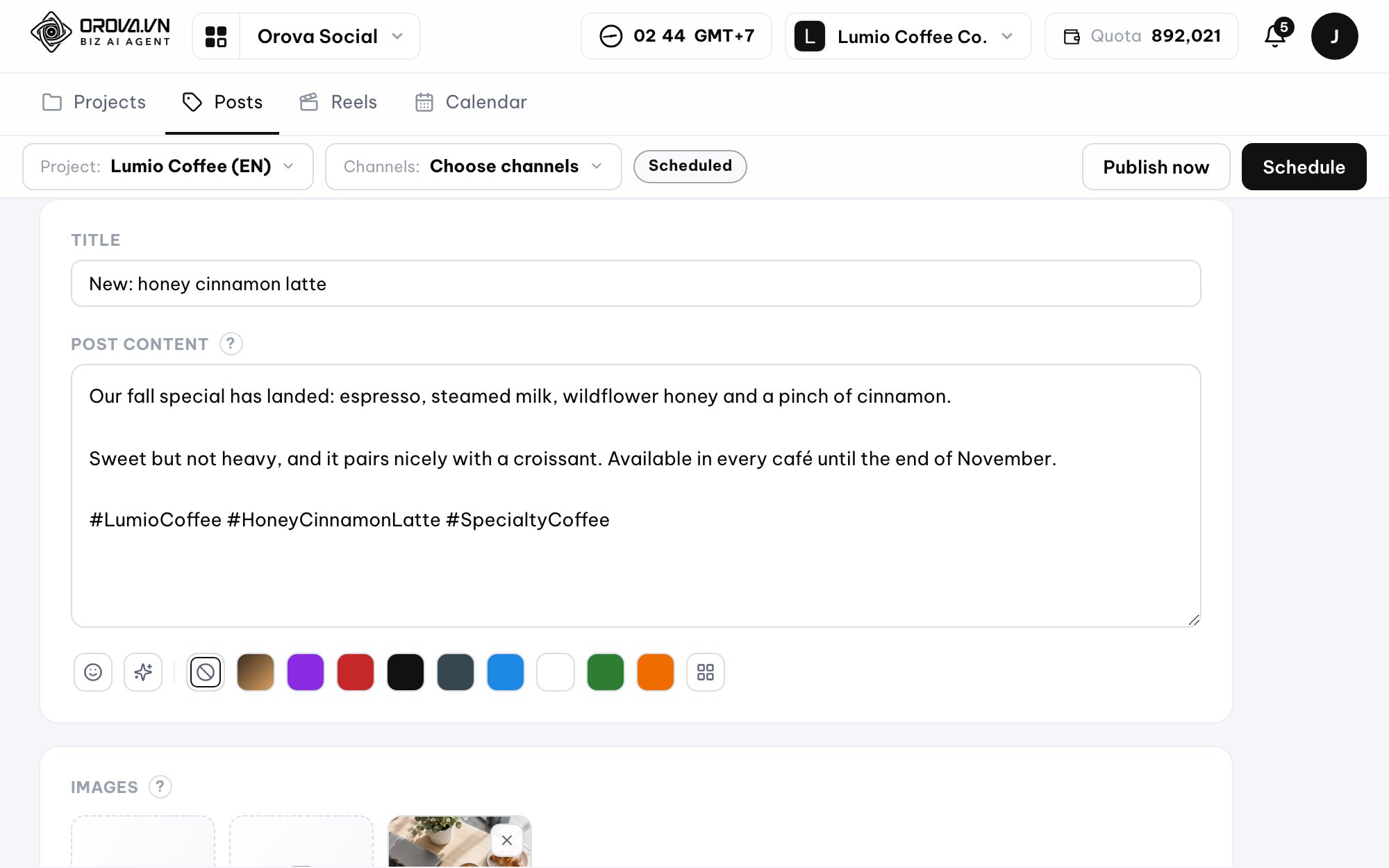
Choose one of 13 writing voices:
- Natural
- Professional
- Friendly
- Sales
- Concise
- Inspiring
- Humorous
- Storytelling
- Expert
- Urgent
- Luxury
- Youthful
- Community
AI also adapts the writing to each channel, including length, hashtags and how emoji are used.
You can also choose which elements of your brand kit to bring into the content.
Need fresh information? Let AI search the web before writing.
Turn on Web search when the content needs up-to-date information.
AI can use up to 3 lookups per writing run, so the content gets fresh data instead of relying only on what it already knows.
Create images straight from your content
No need to switch to another tool to find illustrations.
Orova can create 1–10 images per run, in three popular sizes:
- 1080 × 1080
- 1080 × 1920
- 1920 × 1080
Before generating, AI reads the content and builds an image brief so the images stay close to the topic.



Not quite right?
Just describe the change in a prompt.
AI will edit the image as requested.
Keep your brand identity without redesigning every post
You can set up a separate brand kit for each project:
Orova can automatically apply the frame, logo, colors and fonts to images or videos based on the brand kit you set up.
Brand frames are built directly in the system; no AI is used for this part.
- Logo
- Colors
- Fonts
- Post frame
- Video frame
- Hashtags
- Signature
- Contact info
- Products
- Content pillars
Turn one long video into many short pieces
This part is for people who have plenty of videos but not enough time to edit them.
Upload a video to Orova, then pick the steps you need:
Cut by meaning
AI analyzes the video and finds suitable segments based on the content, the number of clips, or the notes you add.
Remove dead air
Remove silences, repeated phrases, filler sounds and unnecessary parts.
AI watches and understands the video
AI analyzes the visuals and audio to build a content timeline that helps you choose which segments to cut.
Voice-over
Enter a script or let AI watch the video and write the narration. Supports 30 Google Chirp3-HD voices in the languages TTS supports.
Auto subtitles
Customize the font, size, color, weight, background and position of subtitles, or upload an .srt file.
Brand framing
Add a frame, a logo in 9 positions, and end credits to the video.
One long video → a week of content
Once you have created many clips, you don't need to schedule each video yourself.
Each clip can have its own title and content.
Choose a start date and the time slots you want to post in, and Orova splits the clips into separate posts and puts them on the calendar.
One video can become a whole content series instead of a single post.
Schedule content in a more visual way
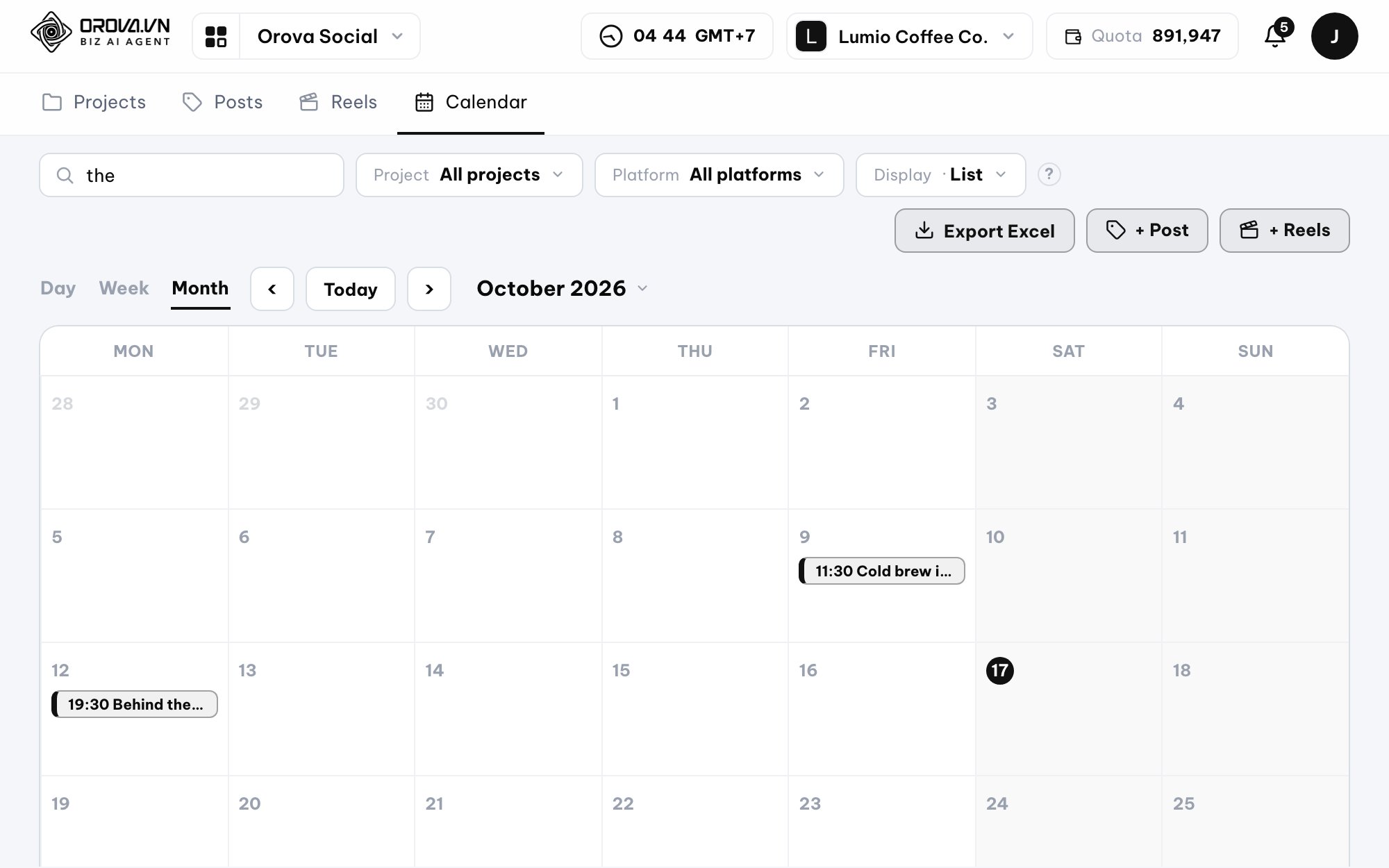
The Social calendar supports:
Filter by project or platform, then drag and drop posts to change when they go out.
You can also:
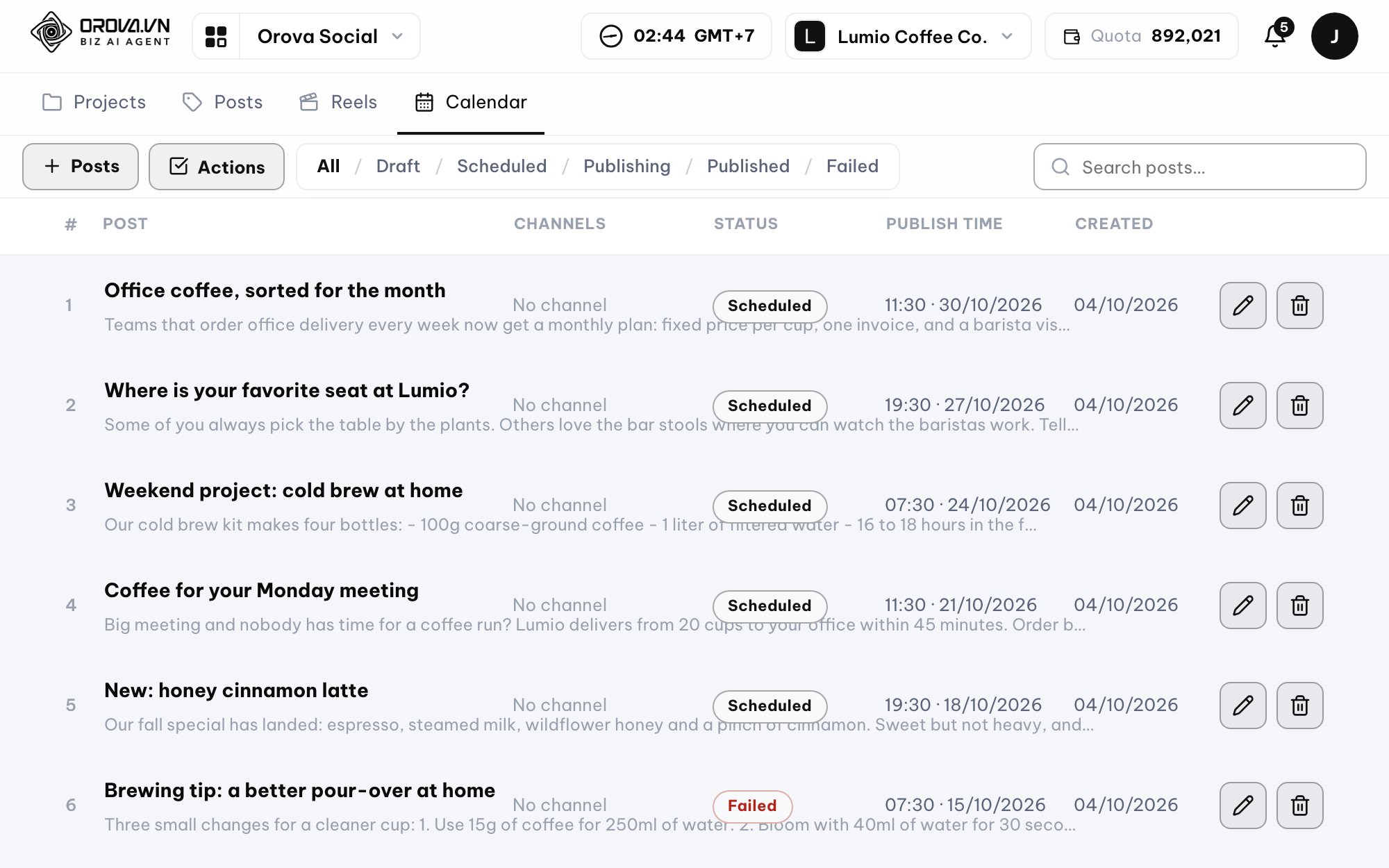
- Publish now
- Cancel schedule
- Keep as draft
- Export to Excel
The Excel file includes the content calendar and the publishing results for each channel.
Missed a posting time? Orova handles it on the next run.
The system checks for posts that are due on a background schedule.
If a post is past its scheduled time but has not been published, Orova can publish it on the next run. On top of that, the system also has duplicate-post protection:
Clicking publish twice does not mean the post is sent twice.
For multi-channel posts, if some channels have already published successfully, the next run only handles the channels that are still missing.
Automate the repetitive parts of Social
Orova Social has Workflow to handle a few common situations.
For example:
Or:
You set the rule once and let the system act on the conditions you defined.
Manage many brands in one workspace
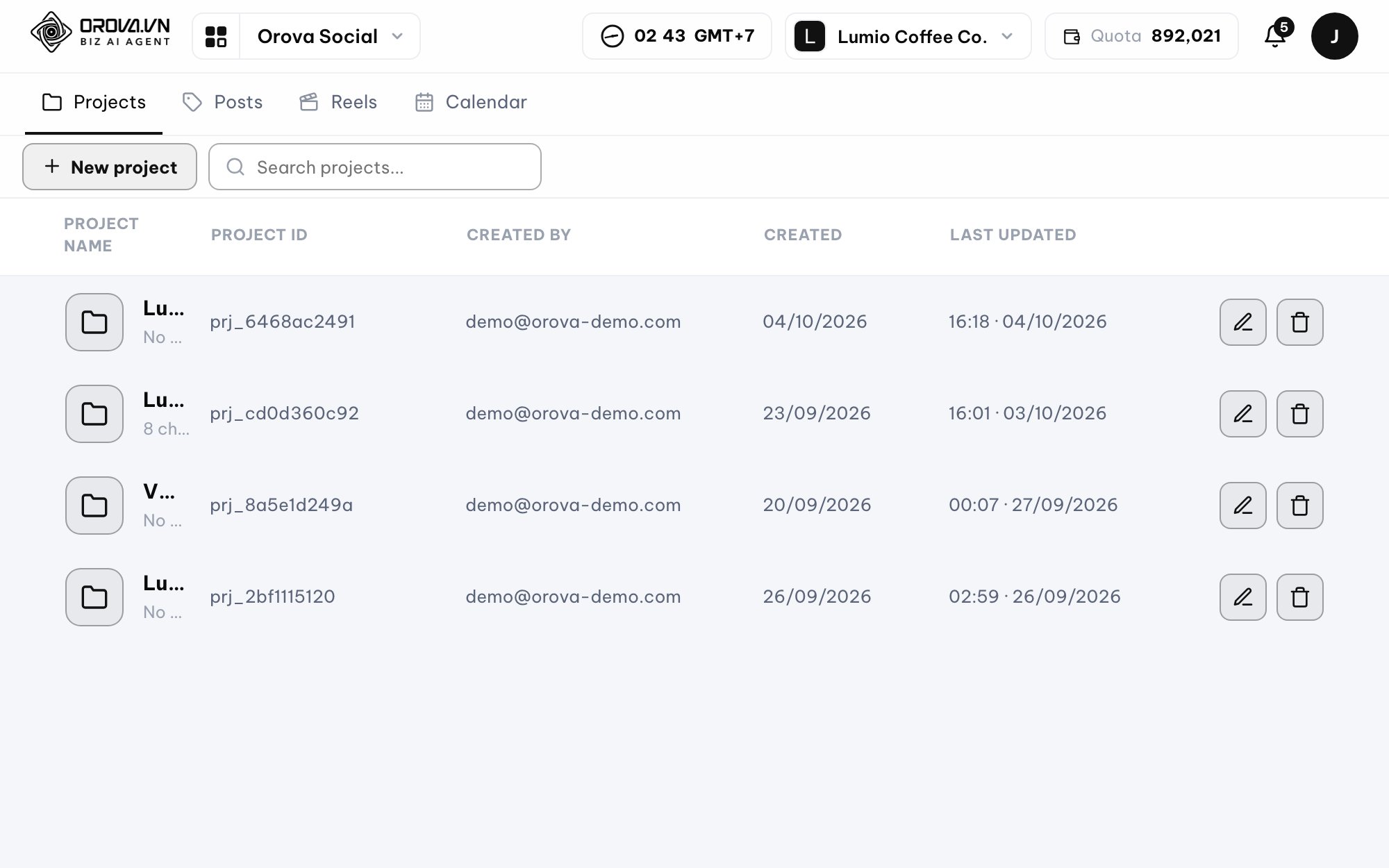
Each project has its own channels and its own brand kit.
This is especially useful for agencies and teams managing several brands.
One workspace can manage up to 40 projects, and each project can have its own:
- Channels
- Logo
- Colors
- Fonts
- Post frame
- Video frame
- Brand content
Access is also split into two levels: view and edit.
Content goes to the right channel, on schedule
Orova is designed to cut down the manual steps in your Social workflow:
Connect channels
Connect the social accounts you already use.
Set up your brand
Add your logo, colors, fonts and brand information to the project.
Create content
Write it yourself or use AI to create captions, images and videos.
Choose channels
Pick one or more platforms to publish to.
Schedule
Publish now or put the content on the calendar.
Auto-publish
Orova publishes posts on schedule and returns the result for each channel.
Not just for Social Media Managers
Businesses
Manage content for many channels from one place instead of posting to each platform by hand.
Marketing teams
Create captions, images, videos and the content calendar in the same workflow.
Agencies
Manage many brands, each with its own channels and brand identity.
Content creators
Turn one long video into many short clips and spread them across your posting plan.
Focus on the content. Let Orova run the operations.
You don't have to keep switching between a writing tool, a design tool, video editing software and each social platform.
Orova Social brings content creation, brand management, video processing, scheduling and publishing into a single workflow.