
Meetings without note-taking, email without writing.
AI takes your meeting notes and writes your emails. Orova Connect brings your inboxes, meeting calendar and video meeting rooms into one place in your Orova workspace. The most tedious work — writing the minutes, polishing an email — goes to AI; everything else is yours to use freely, with no quota spent.
Free until July 7, 2027 — sign up early to lock it in.


- 1Summary
- 2Decisions
- 3Action items
- 4Open questions
AI meeting notes and email, minus the busywork
Online or around the same table, AI transcribes and sums it up in 4 clear sections: Summary, Decisions, Action items, Open questions. No more scribbling while you talk.
Gmail and your company-domain mailboxes sit on one screen, and new mail lands almost instantly. Primary, Promotions and Social tabs keep the important messages on top.
Video meetings, connecting mailboxes, sending and receiving, templates and recordings saved to your device spend no quota. Quota only goes to the two high-value AI jobs: writing email and summarizing meetings.
Before and after AI meeting notes
The small chores that eat your team's day, handled one by one.
Meeting recap AI, inbox and video rooms in one place
Four standout features, ready to use inside your Orova workspace.
AI Recap — a note-taker in every meeting
Stop typing minutes while you talk. One click, and AI listens and does it for you.
- A 4-part summary: Key points, Decisions, Action items (who – what – by when) and Open questions. Download as .md or email it to every attendee.
- Online on Orova Meet: the transcript carries each speaker's real name.
- In person: put a phone or laptop in the middle of the table and press Record. AI separates voices into Speaker 1, Speaker 2…, and counts speakers and talk time.
- With captions on in the meeting room, press End and the recap is built straight from the captions — no recording, no transcription wait.
- The transcript keeps the language each person spoke; captions are translated separately into each listener's chosen language; the summary is written in the interface language of whoever pressed the button — easy to read after a call with overseas partners.
- Upload existing audio or video files (mp3, mp4, webm…) up to 500 MB.
Inbox and AI compose — tidy mail, sharp replies
A full-featured email client right inside your Orova workspace.
- Unlimited connections: Gmail (via app password) or any company mailbox over IMAP/SMTP. Up to 2 GB per mailbox, threaded conversations, automatic Primary · Promotions · Social tabs.
- AI rewrite: highlight a passage, press i and type what you want. AI makes it clearer and more professional while keeping links, images and template variables intact.
- AI translation right in the reading pane: pick a language at the top of the message (50 languages); formatting, names, amounts and links stay intact. Your choice is remembered, and re-translating the same message within 7 days is free of quota.
- 35+ ready-made templates: quotes, invoices, customer thank-yous… Variables fill in the client's name and company; share templates with a department or the whole company.
- Scheduled send, undo send (0–60 seconds), out-of-office replies (by leave dates or outside working hours), snooze, and labels and filters that sort incoming mail.
- Shared contacts: fast search, CSV import/export of 5,000 contacts, color tags and quick send groups; new recipients are saved automatically for next time.
Meeting calendar and attendance reports
From the invite to knowing who showed up, without switching apps.
- Day, Week and Month views; drag and drop to move a meeting.
- Invitations go out from your own mailbox, with a .ics file and Accept/Decline buttons.
- Leave the link blank and Orova creates an Orova Meet room; prefer another meeting link? Just paste it in.
- After the meeting, one page holds the attendees, transcript and AI minutes.

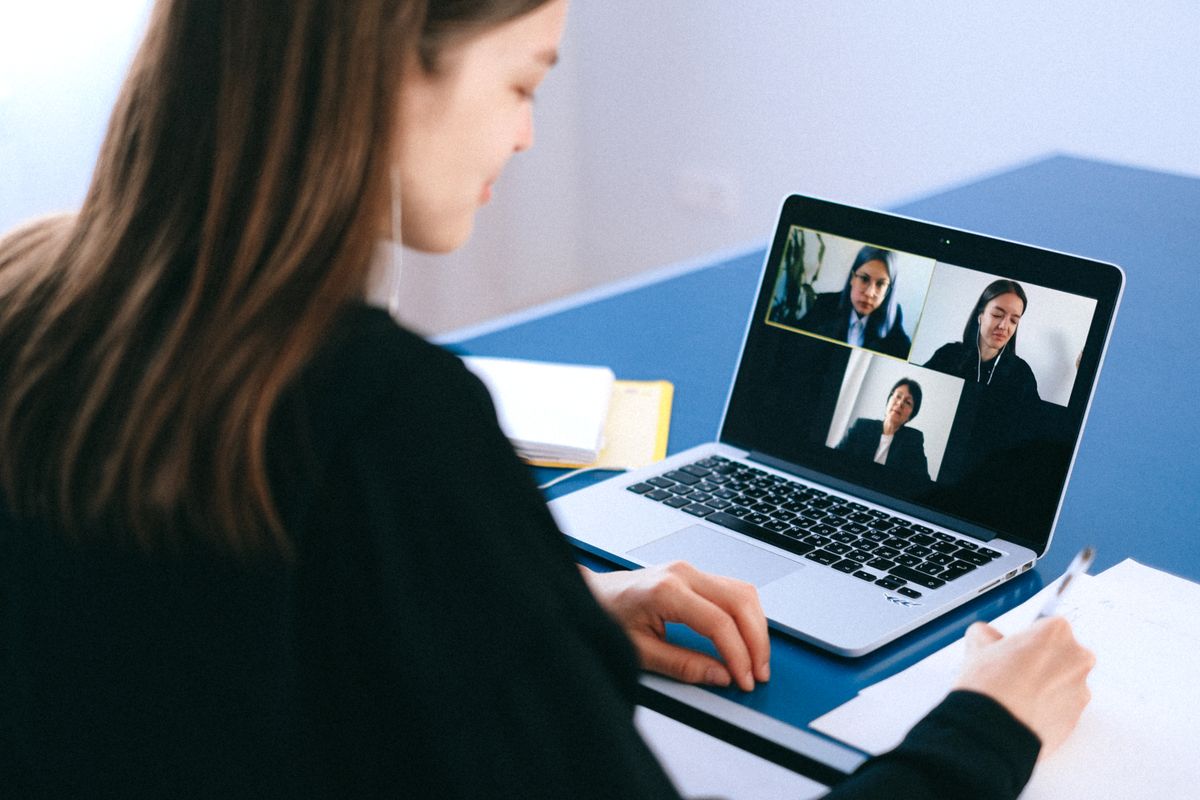
Orova Meet — secure, business-grade video rooms
Runs on Orova's own servers. No app to install, no dependence on Zoom or Google Meet.
- Up to 50 people at once, video up to 1080p that adapts smoothly to each person's connection.
- 4 entry modes: whole workspace, invitees only, anyone with the link (no account needed), or registration first (collect email and phone before entry).
- Hosts can mute mics and cameras for everyone, lock chat, remove people and manage raised hands — changes apply instantly, no one has to reload.
- Live captions: flip one switch and speech turns into text as people talk. Understands 30+ spoken languages, Vietnamese included.
- Everyone picks their own caption language from 50. A separate caption history panel, apart from chat; switch language and the whole history is re-translated.
- Screen sharing with computer audio; hosts choose who may share; a "Screen only" layout shrinks people into a small tile you can drag anywhere; quality adjusts to each device.
- Chat with 25 MB attachments. Virtual backgrounds with 10 built-in rooms, light or strong blur, or your own image — processed on your own device.
- Recordings save straight to your device as 2 separate video and audio files — Orova keeps no copy.
Meeting results: the whole picture on one page
Ready the moment the meeting ends — nothing to compile by hand.
- 01Attendee list, join and leave times, real total time (duplicate devices filtered out) and contact details of registered guests
- 02A detailed transcript, turn by turn
- 03The 4-part AI Recap summary
- 04One-click export of the full report to Excel
Transparent quota: only AI counts
Orova Connect has no hidden fees. Quota is only used by AI tasks, and Orova always estimates it up front so you stay in control of your wallet.
- AI rewriting an email or a template
- AI transcribing and summarizing a meeting (based on audio length and summary length)
- Live captions and caption translation in meeting rooms
- AI email translation (re-translating the same message within 7 days costs nothing extra)
- Video meetings — not charged per person or per minute
- Syncing, reading, sending and scheduling email
- Templates, signatures, filters and contacts
- Screen sharing, chat, virtual backgrounds and recordings saved to your device
- Attendance reports, Excel export and emailing the AI minutes
- Tiếng Việt
- English
- 日本語
- 繁體中文
- 中文
- Français
- Español
- ไทย
- ລາວ
- ខ្មែរ
Up and running in 3 steps
Add Gmail with an app password, or any company mailbox over IMAP/SMTP. Existing and new mail flows in.
Create an event and add guests by email. Leave the link blank and Orova opens an Orova Meet room for you.
In the meeting room, or record at the table. Stop, and the transcript and 4-part minutes are ready.
Free until July 7, 2027
All of Orova Connect is free through July 7, 2027. It's a limited-time offer — open your account during this window to lock in the perks; Orova only starts charging by usage after that date.
- Every plan gets every feature
- Free until July 7, 2027
- No credit card required
Frequently asked questions
How do I turn on AI recap during a meeting?
The host clicks "AI recap" in the meeting room toolbar. Everyone in the room sees a notice that recording is on. When the meeting ends or the host clicks Stop, AI processes the audio and returns the minutes.
How do I connect Gmail to Orova Connect?
You connect through Gmail's IMAP/SMTP using a 16-character App Password generated by Google. You never hand over your main Google account password.
Can I book a meeting and invite outside guests by email?
Yes. When you create the event, just type the guests' emails. Orova sends the invitation with a .ics file (to add to their own calendar) and Accept/Decline buttons.
Where can I see who attended after the meeting?
Open the "Meeting results" page. It shows join and leave times and total time for each person (guests without an account included), with an Excel export.
How does AI Recap work for an in-person meeting?
Open the event on your Orova calendar, go to the "Recap" tab, put a laptop or phone on the table and press "Record". AI captures the audio, separates the voices (Speaker 1, Speaker 2…) and writes the same 4-part summary as an online meeting.
Can the whole company share email templates and signatures?
Yes. Each mailbox can have as many signatures as you like. For templates, create your own or start from 35+ built-in ones, then give "Can use" or "Can edit" access to named people or a whole department.
How do virtual backgrounds work in the meeting room?
Backgrounds are processed right in your own browser — your video isn't sent anywhere to cut out the background. Choose light blur, strong blur, one of 10 built-in rooms, or upload your own (under 8 MB) — you can pick it in the lobby before you join.
Can captions be translated into each person's language?
Yes. Flip the captions switch and speech turns into text as people talk; Orova understands 30+ spoken languages, Vietnamese included. Each attendee picks their own reading language from 50: in the same room, your team reads Vietnamese while partners read English or Chinese. Captions have their own history panel, separate from chat, and switching language re-translates the whole history. Captions use quota like every AI feature, and every plan can use them.
Does translating email use quota?
Yes, AI email translation uses quota like every AI feature, and every plan can use it. Pick a language at the top of the message (50 languages); the translation keeps formatting, names, amounts and links intact. Orova remembers your choice, and reopening the same message within 7 days costs no extra quota.
Who can join an online meeting?
Orova Meet has 4 modes: (1) the whole workspace plus invitees, (2) named invitees only, (3) anyone with the link — guests just type a name, (4) registration first — guests leave their name, email and phone number before joining. The organizer decides who gets in. You can also schedule a meeting up to 5 minutes in the past, so an event created a few minutes late still saves.
Explore more Orova products
One account, one quota wallet — a full AI agent suite for business.