
Orova TrainingTurn raw documents into multimedia learning content and automate internal training
No voice recording, no camera. Just upload a document (200 characters or more) and Orova's AI instantly creates a lesson, slides, a narrated video, a podcast and a quiz. Make sure people really study and really test, and issue certificates automatically.
Free until July 7, 2027 · No credit card · No locked features
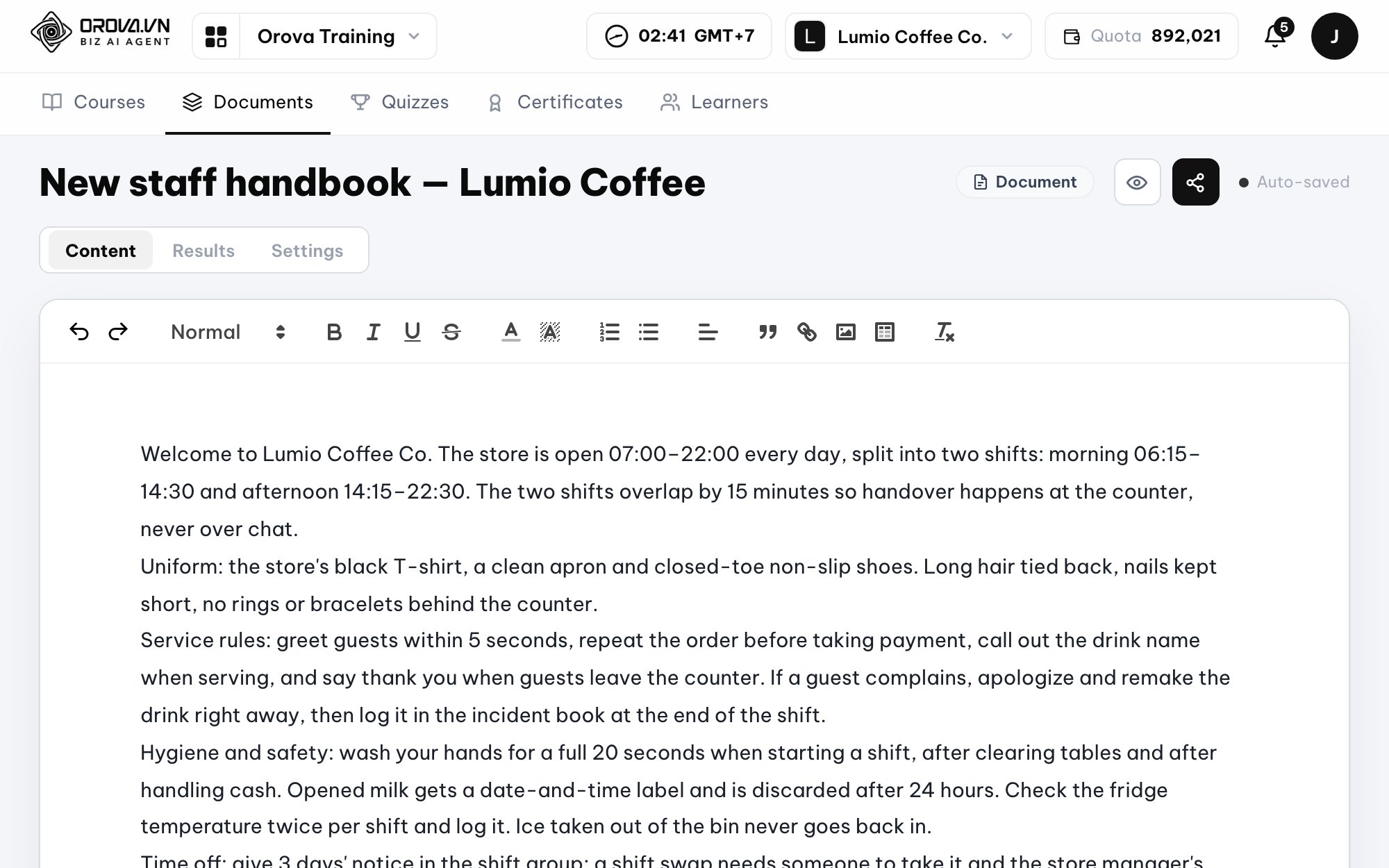
Article
Slides
Video
Podcast
Flashcards
1 → 5
Input document → Output formats
Article, Slides, Video, Podcast, Flashcards
30
AI voices
24 languages, including Vietnamese, English, Japanese, Chinese, Korean, French, Spanish, Thai
100%
Real learning
No skipping ahead, time counted only on the open tab, no copying
3
Export formats
SCORM 1.2 export, PPTX download, mp4 1080p video at no extra cost
Orova Training demo video
Fast learning content creation (AI Generation)
Instead of spending weeks building a lesson, AI cuts it down to minutes.
01
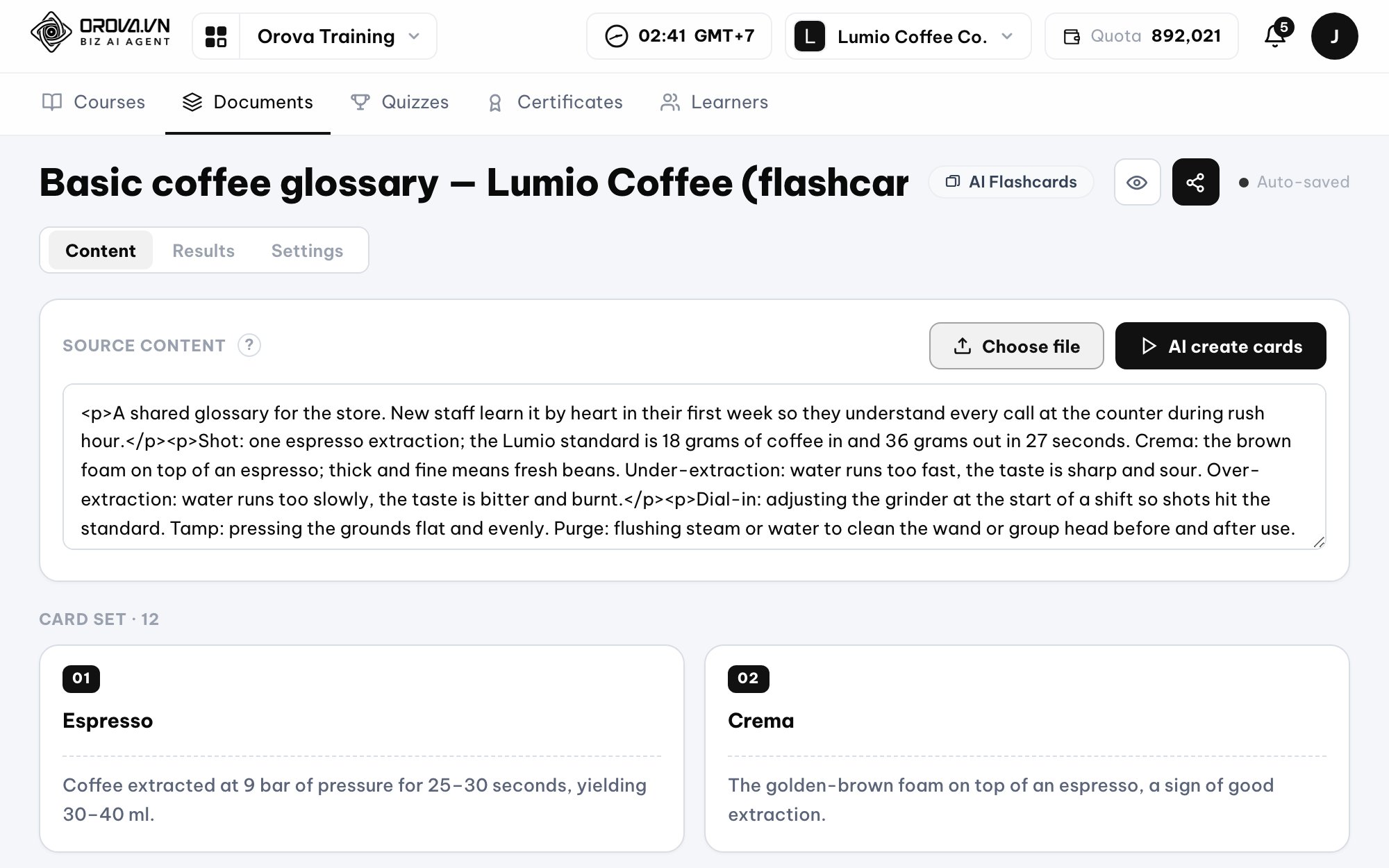
One document, five learning formats
Paste text or upload a file (PDF, Word... under 10MB). AI extracts the content and turns it into a reading lesson, designed slides, a video with narration and auto-playing subtitles, a podcast script and a flashcard set.
02
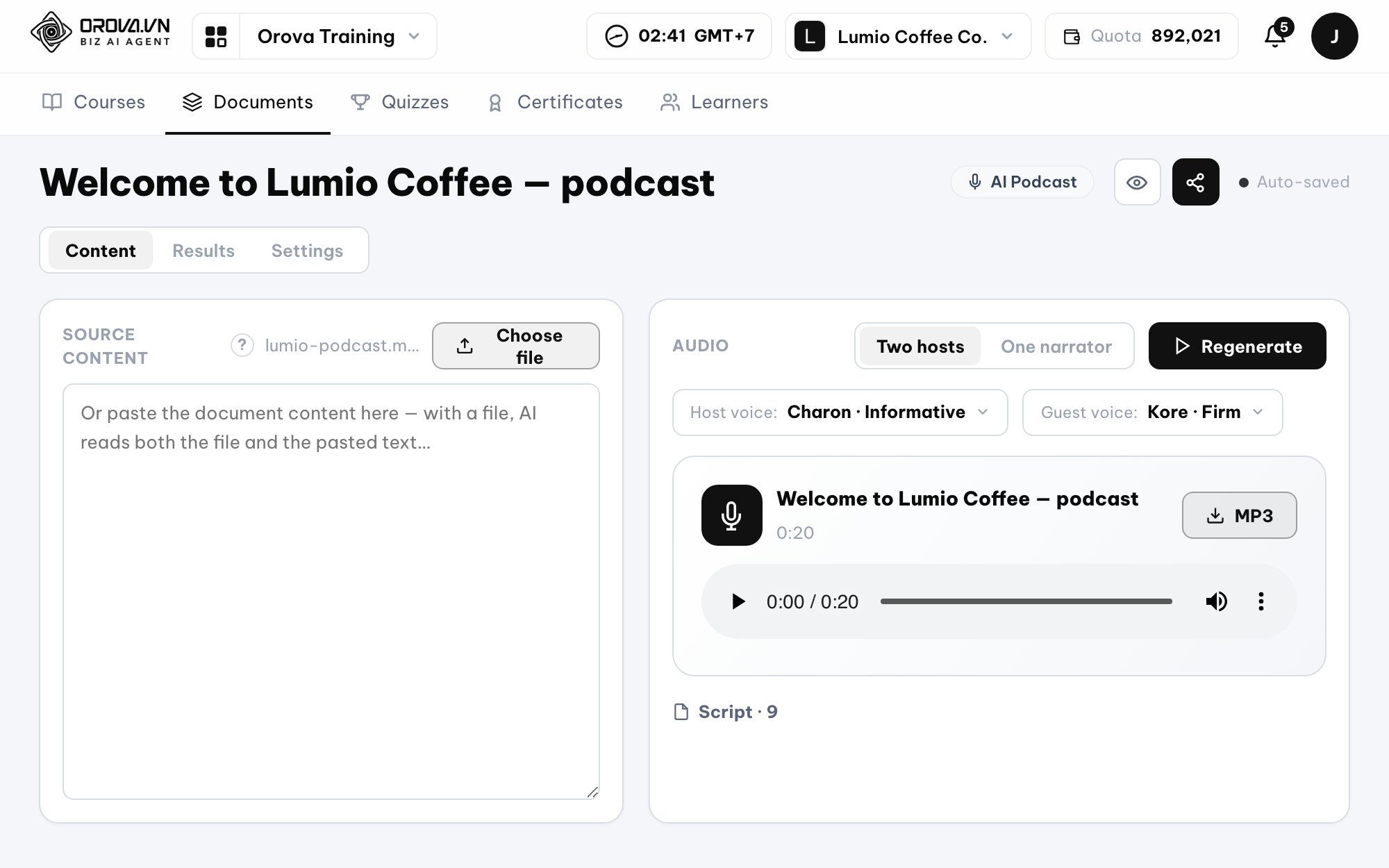
Training videos without filming
Scripts and narration are generated automatically with 30 realistic voices. Slide animations play in perfect sync with the narration. Export 1080p video (mp4/webm/mov) to keep permanently.
03
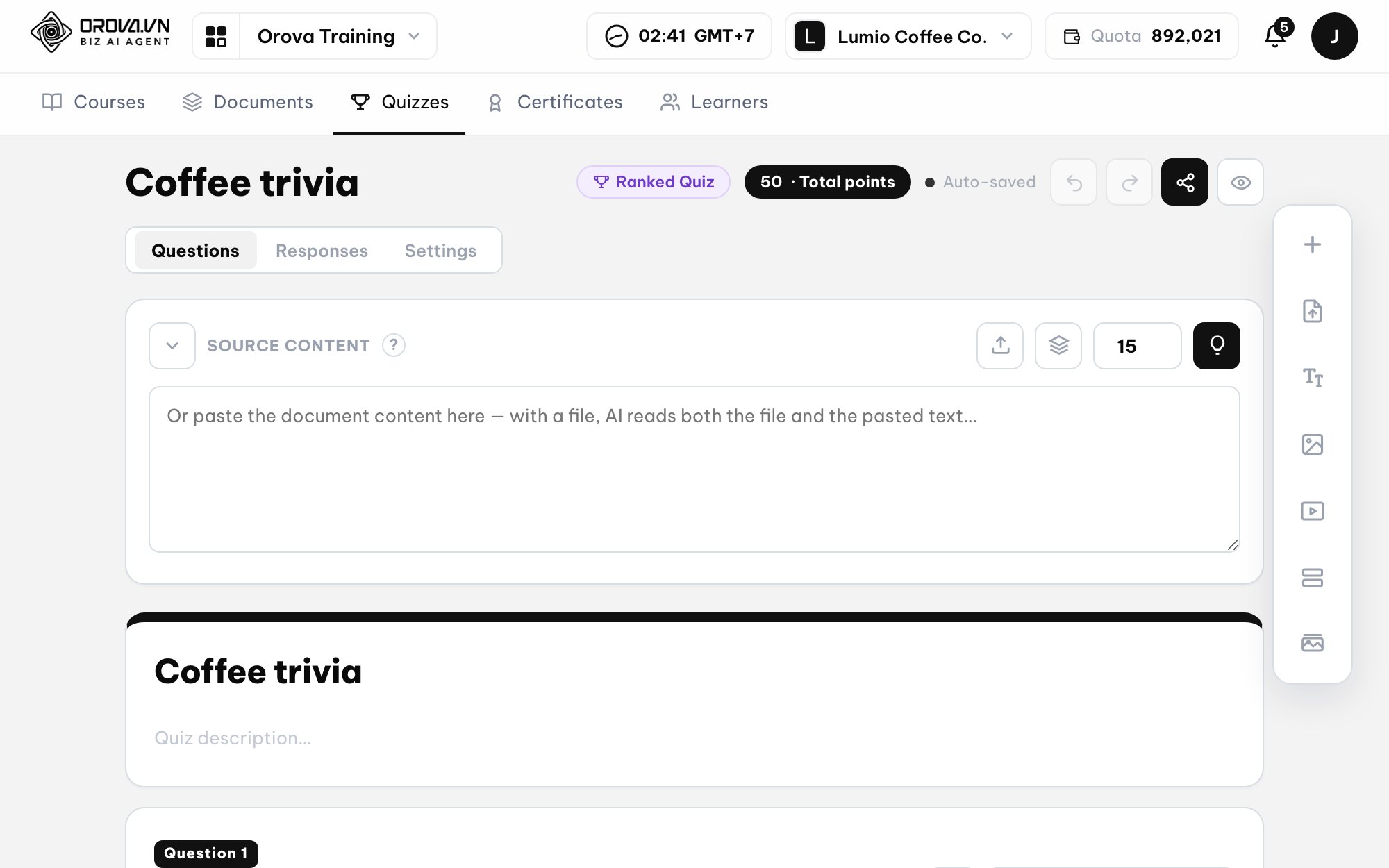
Quizzes generated in seconds
AI reads the documents in your library and generates 5–50 multiple-choice or short-answer questions per run. 8 in-depth question types, as easy to edit as Google Forms.
Meaningful assessment & high engagement (Testing & Engagement)
Skills testing that is no longer boring.
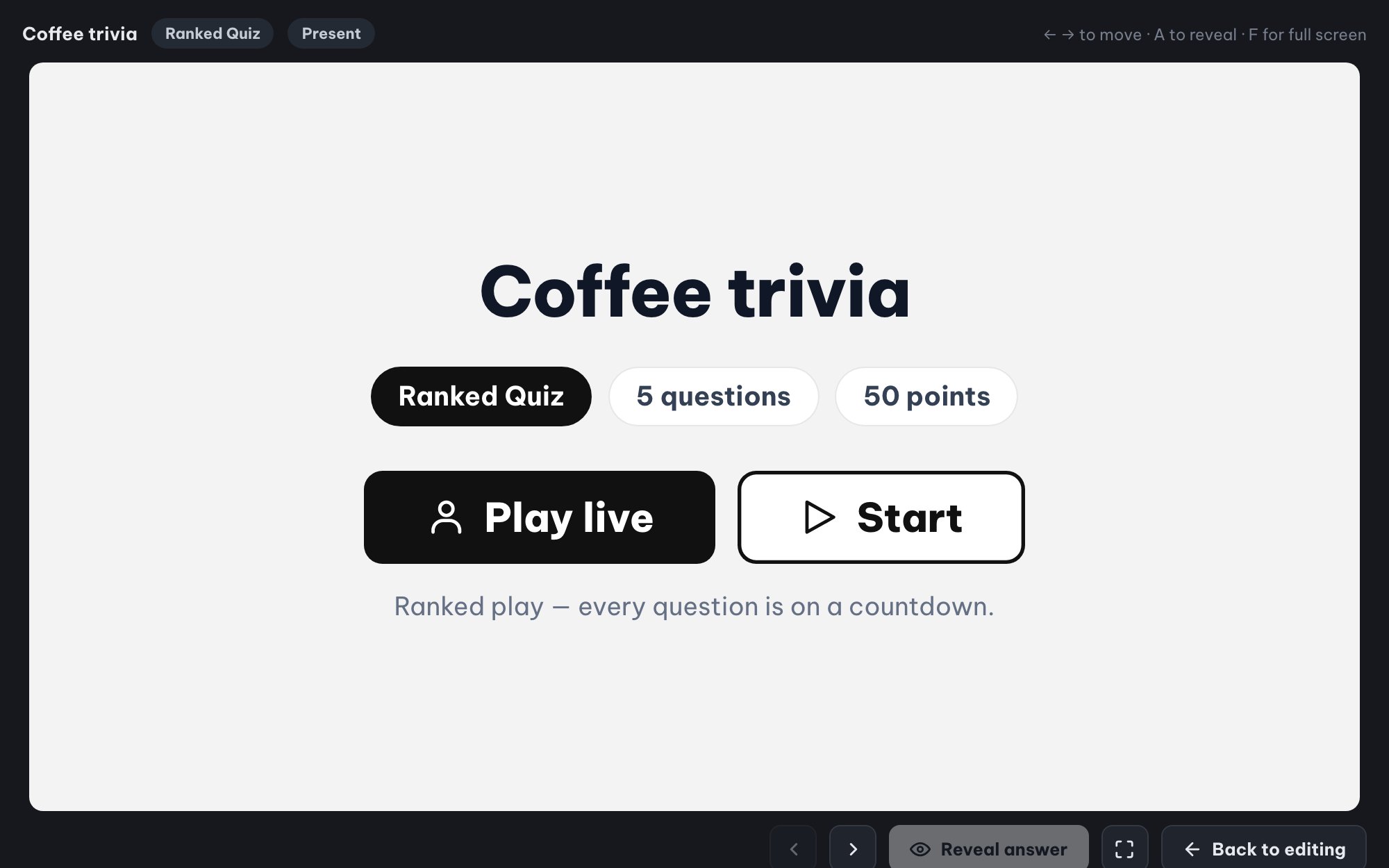
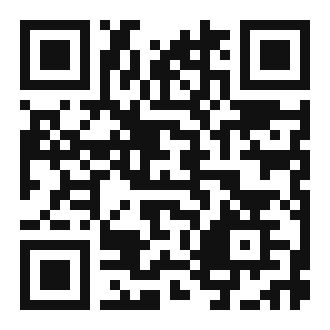
Live quizzes for the whole room (Ranked Mode)
Run live competitions like Kahoot.
AI grades essays, people decide the final score
For essay questions, AI drafts the grading criteria (rubric) and gives a preliminary score. Instructors review, adjust scores by hand and publish results when ready.
Live quizzes for the whole room (Ranked Mode)
Learners just scan a QR code and enter their name to play (no account needed). Scoring is based on speed and accuracy, with a real-time leaderboard, a winners' podium and upbeat background music.
Strict rules & automation (Control & Automation)
Make sure employees really learn, and take repetitive work off HR's plate.
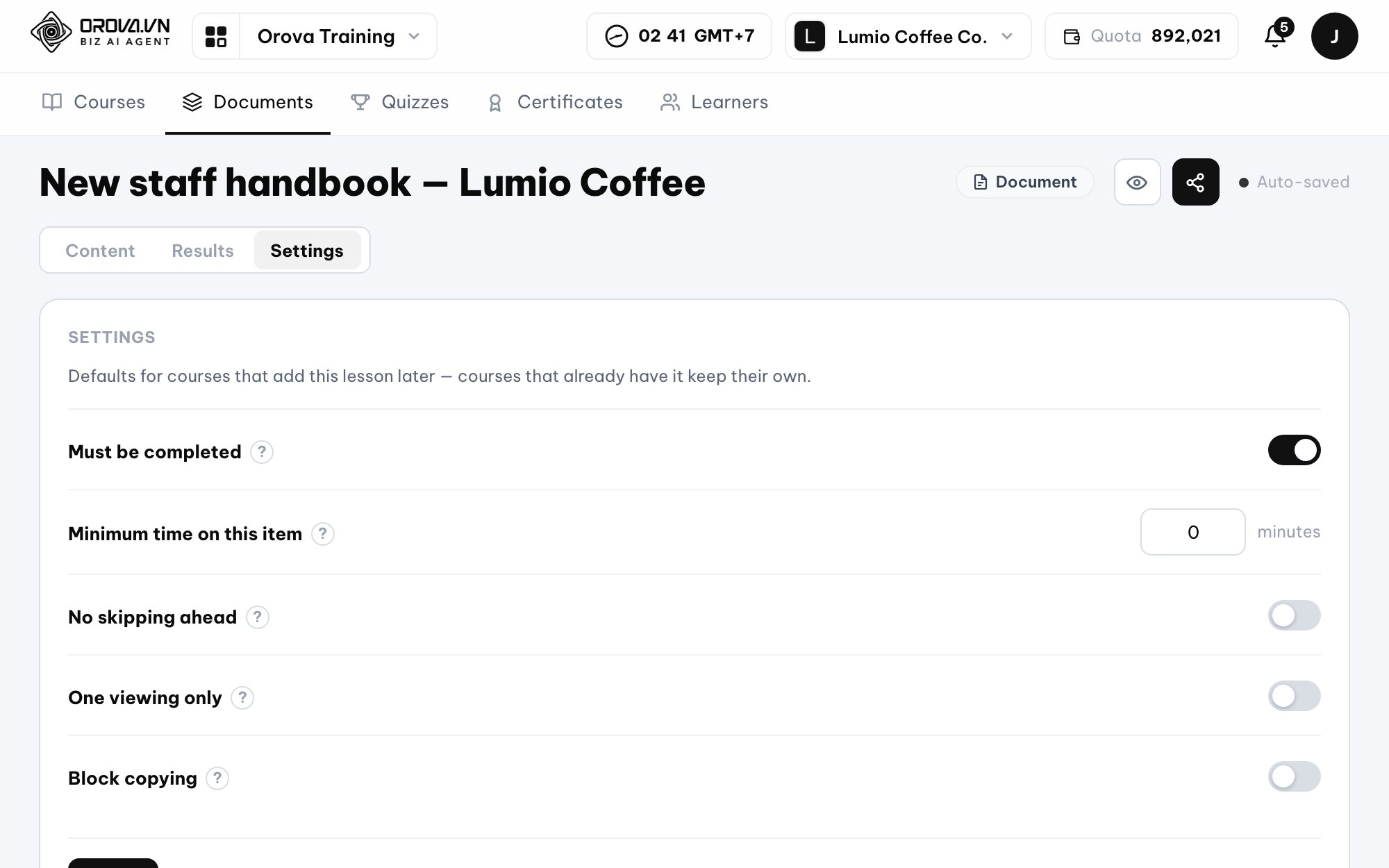
Real learning, not just an open tab
Strict learning rules: the minimum-time countdown runs only while the tab is open, no skipping ahead, no copying or downloading, and documents can be set to view-once.
No data lock-in
Export SCORM 1.2 packages for use in other LMSs (Moodle, Canvas...) and download slides as native PowerPoint (.pptx) files.
SCORM 1.2Moodle, Canvas...PPTXPowerPointMP4 1080p
Automated training workflows
Set up smart workflows: automatically assign courses to new hires, notify managers when someone scores low or misses a deadline, and issue certificates retroactively once requirements are met.
- 1Assign courses to new hires
- 2Alert managers on low scores or overdue
- 3Issue certificates retroactively when passed
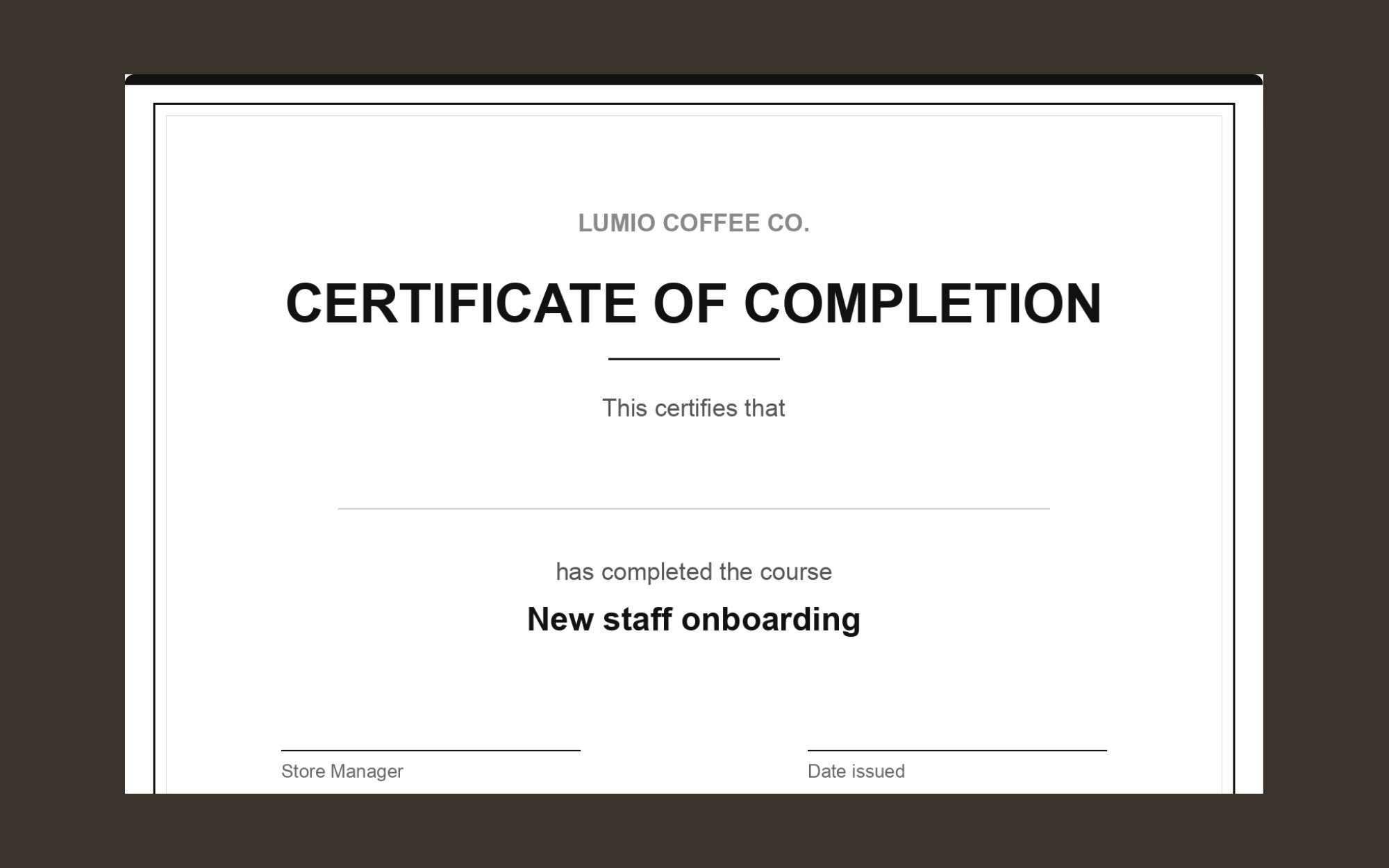
Verifiable certificates with unique IDs
Learners who pass the score threshold (0–100) automatically receive a certificate (3 Full HD sizes, with your company logo). Each certificate has its own serial number, a QR code and a public verification link, and can be exported to PDF. You can also award certificates to people outside your organization.
Get started in 3 steps
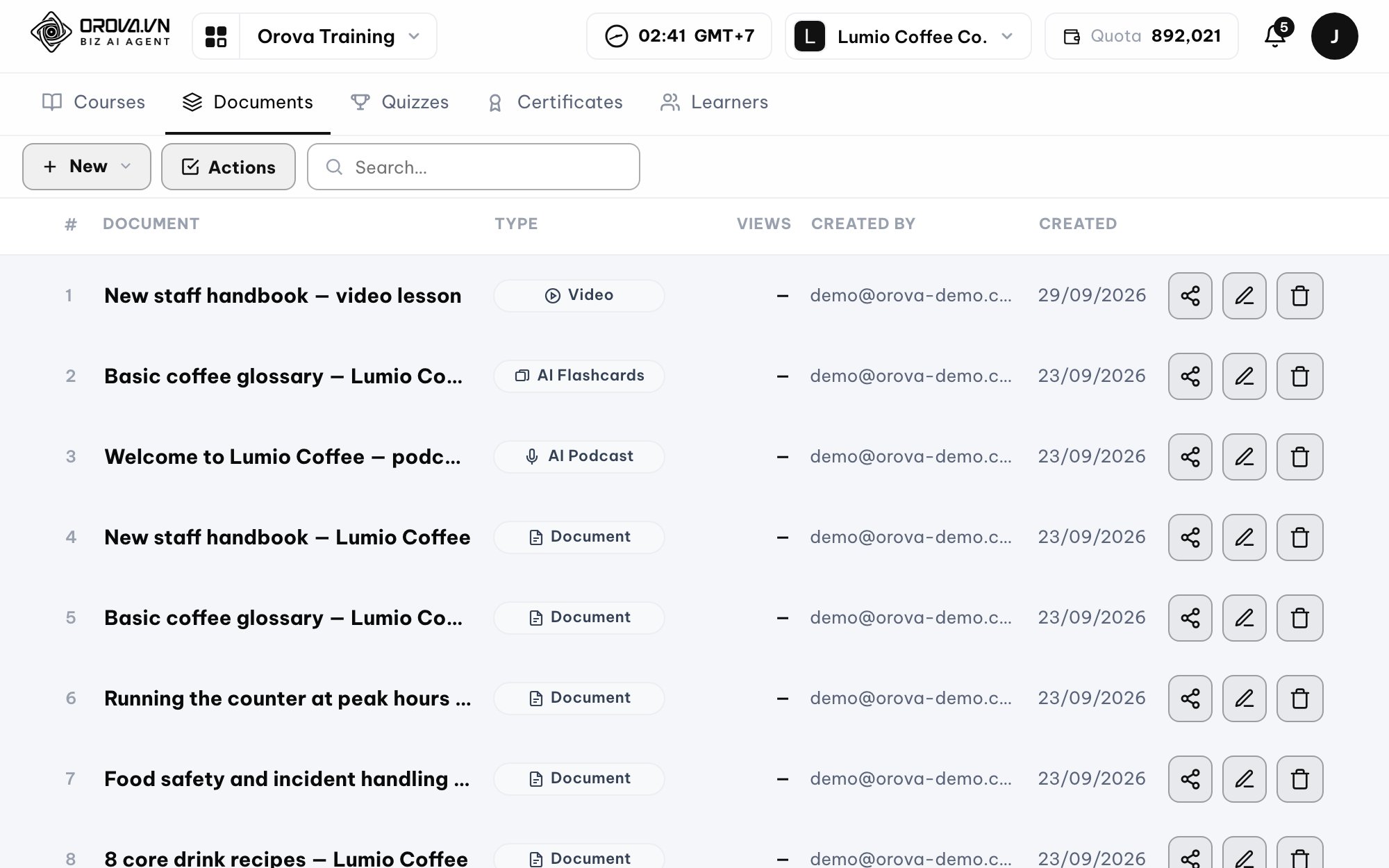
- 1
Upload documents & create content
Add raw documents (Word, PDF, text...) to your library. Use AI to turn them into engaging formats: Article, AI Slides, AI Video, AI Podcast, Flashcards, plus quiz questions.
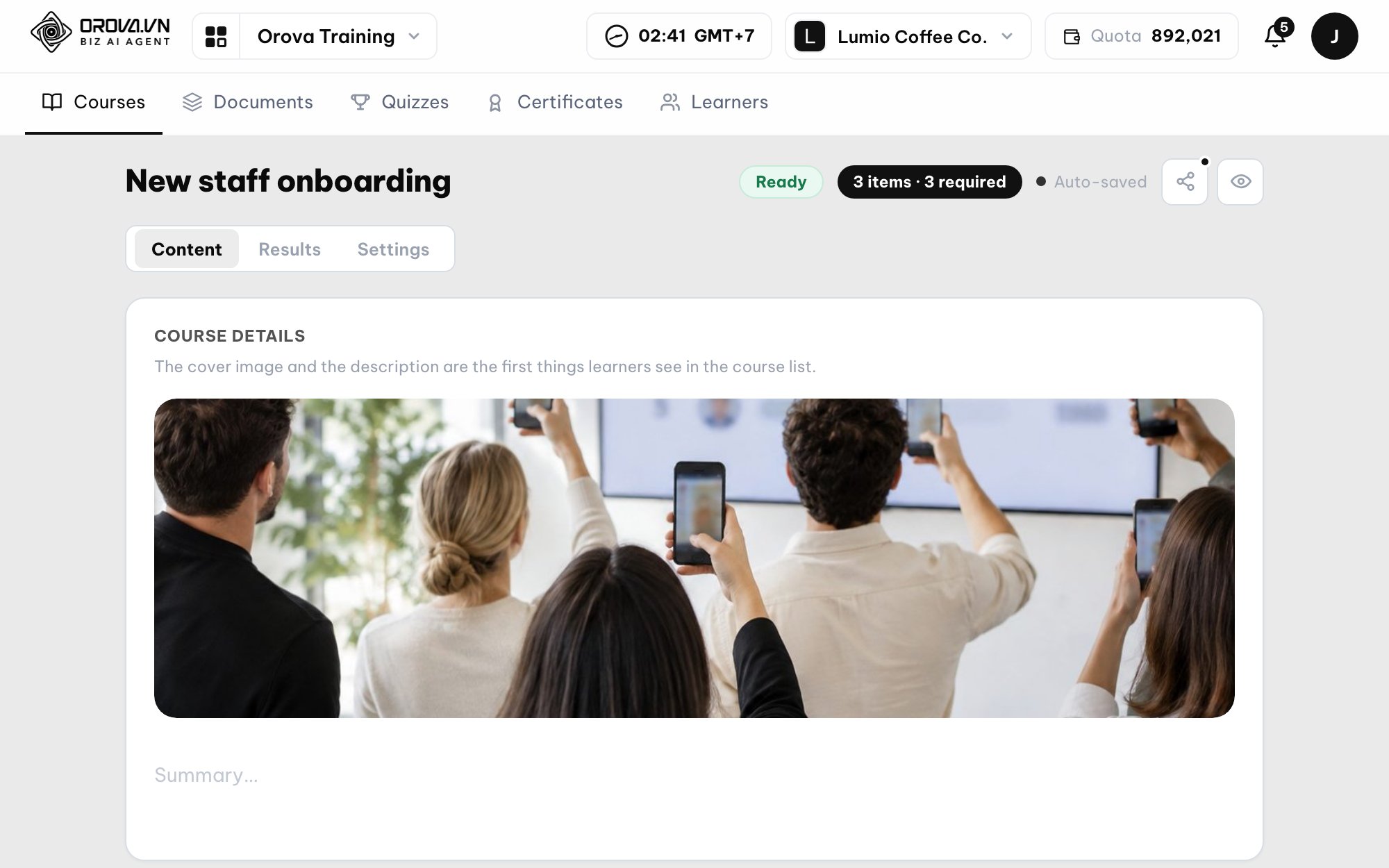
- 2
Build the course & set strict rules
Arrange documents and quizzes in order. Set strict rules: required minimum time (no skipping ahead), copy protection, course open/close dates and the passing score for the certificate.
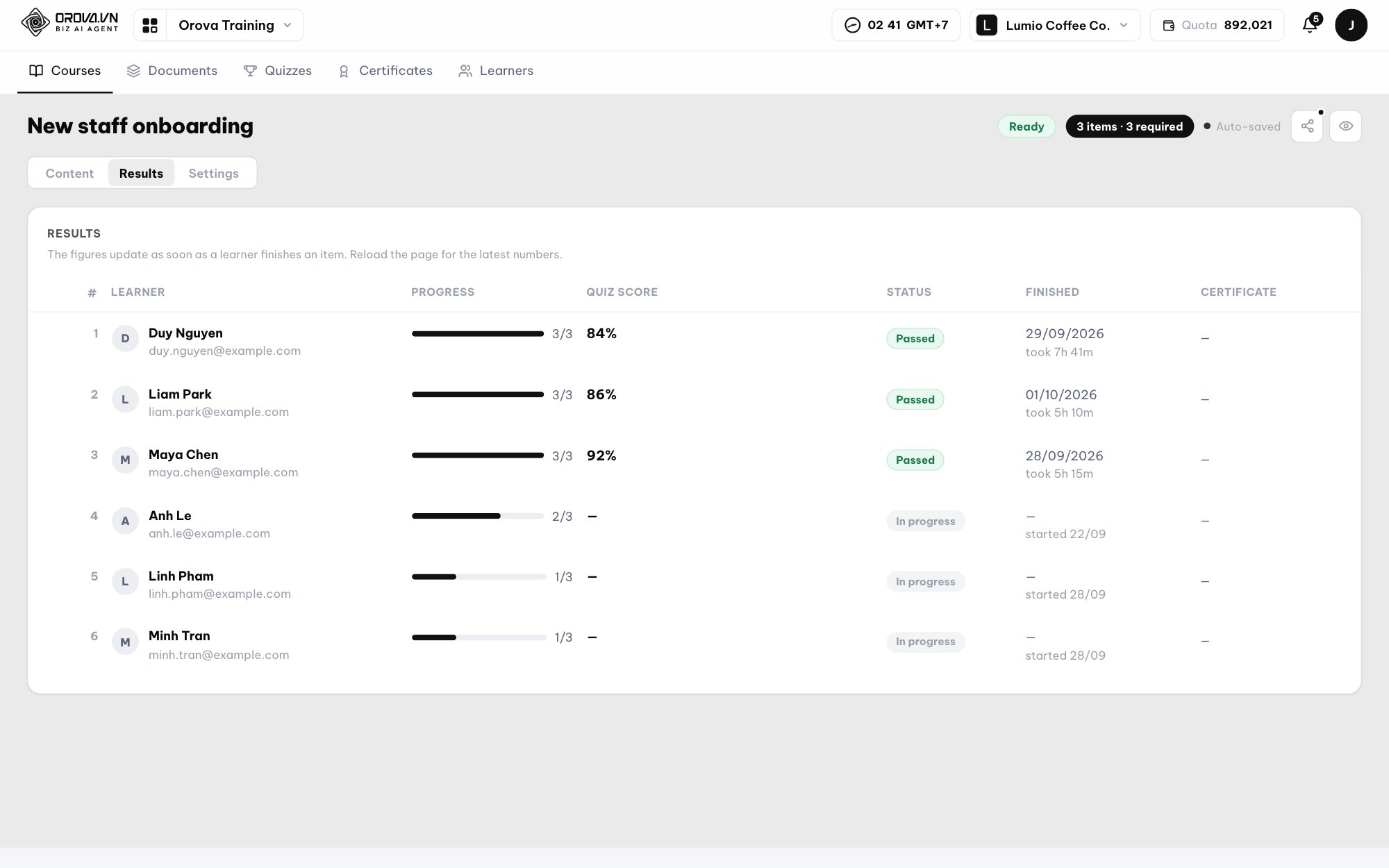
- 3
Assign & track progress
Assign the course to named individuals or groups. Track each employee's results on one summary table: progress %, scores and certificate numbers.
Frequently asked questions
Every powerful feature is already unlocked.
No plan upgrade fees. You only pay for the AI quota you actually use.
Takes about 5 minutes to set up