
The Ultimate Guide to the Conversion API: Future-Proofing Your Marketing Data
In the rapidly evolving landscape of digital marketing, the way we track, measure, and optimize campaigns is undergoing a monumental shift. The deprecation of third-party cookies, stringent privacy regulations like GDPR and CCPA, and aggressive tracking prevention protocols (like Apple’s iOS 14.5 ATT and Safari’s ITP) have severely crippled the traditional browser-based tracking pixel.
For marketers and e-commerce brand owners, this "signal loss" translates directly to decreasing ad performance, inaccurate attribution, and skyrocketing Cost Per Acquisition (CPA).
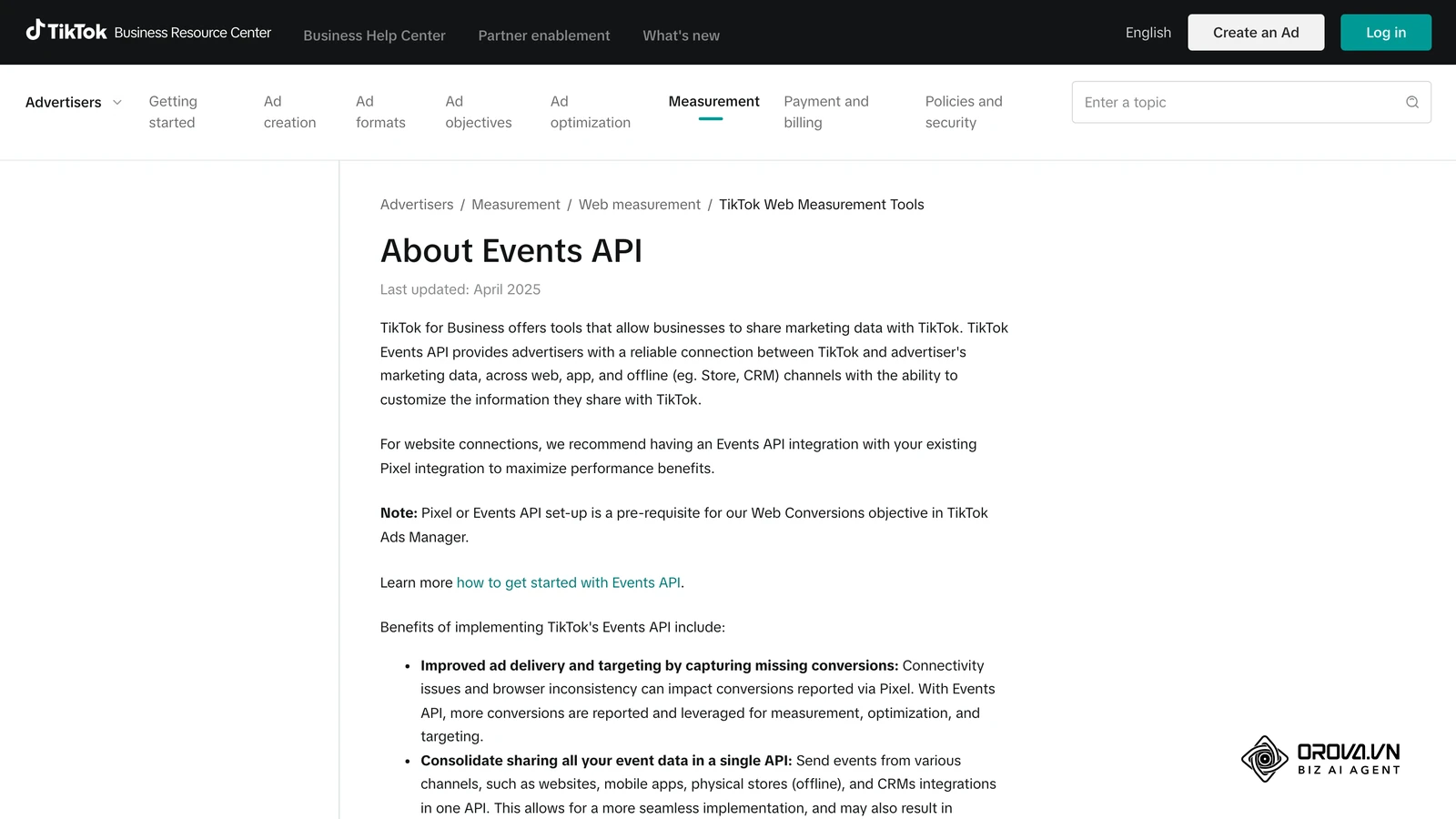
The solution? The Conversion API (CAPI).
In this comprehensive guide, we will explore everything you need to know about the Conversion API, how it works, why it is critical for your ad performance, and how you can implement it to regain control over your marketing data.
What is a Conversion API?
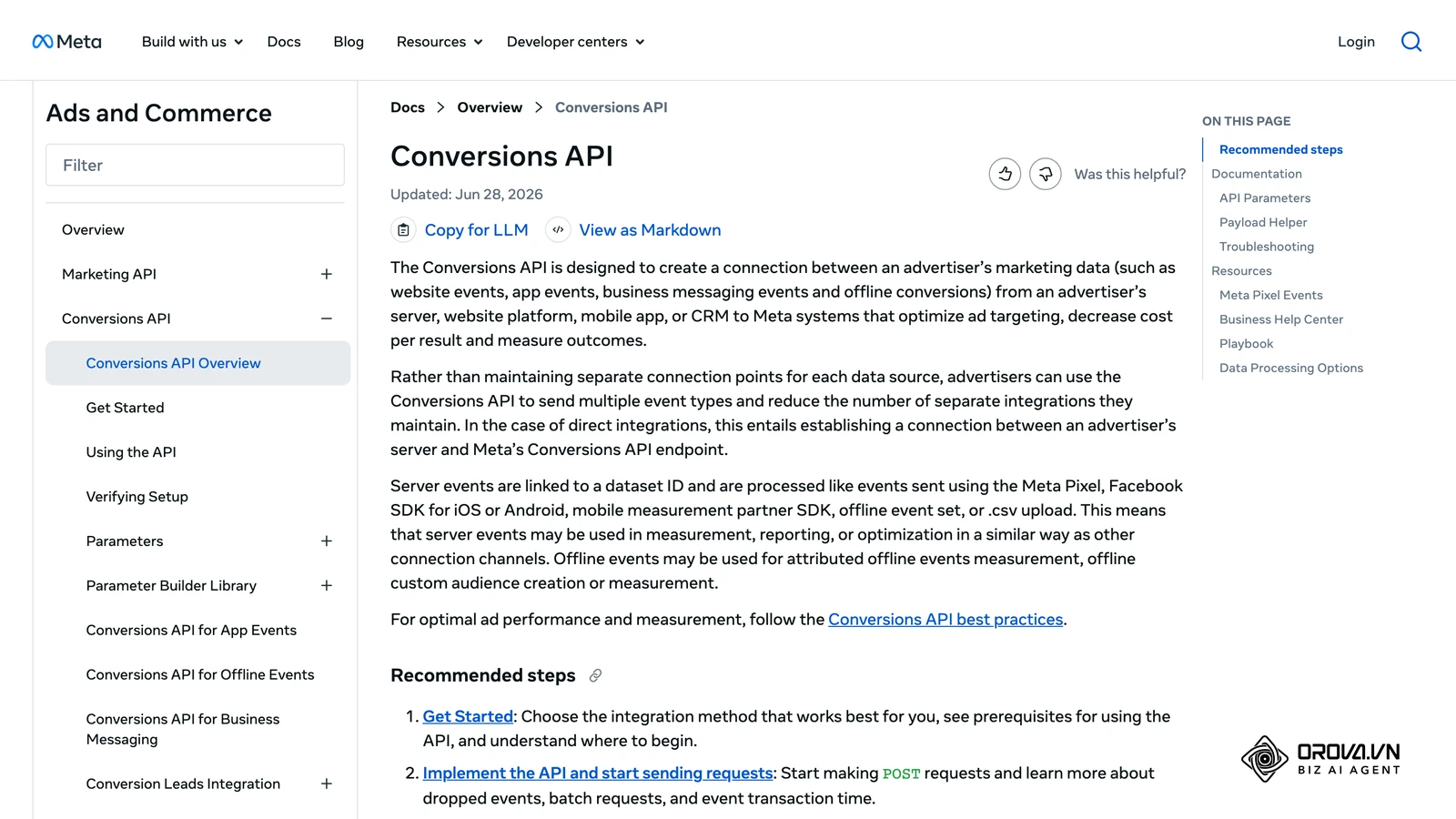
A Conversion API is a highly secure, server-to-server connection that allows you to send web events, offline conversions, and customer actions directly from your own server to an advertising platform's server (such as Meta, Google, or TikTok).
Unlike a traditional tracking pixel, which relies on a user's web browser to send data back to the ad platform, a Conversion API bypasses the browser entirely. By communicating directly between servers, CAPI ensures that vital conversion data is transmitted accurately, regardless of ad blockers, browser privacy settings, or network connection issues.
The Problem with the Traditional Browser Pixel
For years, the digital advertising ecosystem relied on client-side tracking. When a user visited your website, a piece of JavaScript code (the pixel) loaded in their browser. If they made a purchase, the browser fired that information back to Facebook or Google.
Today, client-side tracking is broken due to:
- Ad Blockers: Millions of internet users utilize extensions that block pixel scripts from loading.
- Intelligent Tracking Prevention (ITP): Browsers like Safari, Firefox, and Brave actively block third-party cookies by default.
- Mobile OS Updates: Apple’s App Tracking Transparency (ATT) framework requires users to opt-in to tracking, leading to massive signal loss for mobile traffic.
- Network Errors: Poor internet connections or users closing a page too quickly can prevent a pixel from firing.
The Conversion API solves these issues by removing the browser from the data transmission process.
How Does the Conversion API Work?
To understand the Conversion API, you need to understand the difference between Client-Side Tracking and Server-Side Tracking.
Client-Side Tracking (The Old Way): User clicks an ad → Visits your website → Browser loads the Pixel → Browser sends data to the Ad Platform. (Vulnerable to blocking).
Server-Side Tracking (The CAPI Way): User clicks an ad → Visits your website → Your web server records the action (e.g., purchase) → Your server securely sends the data directly to the Ad Platform's server via API. (Immune to browser blocking).
Browser Pixel vs. Conversion API
| Feature | Browser Pixel (Client-Side) | Conversion API (Server-Side) |
|---|---|---|
| Data Transmission | Via the user’s web browser | Direct from your server to ad platform |
| Vulnerability to Ad Blockers | High (Easily blocked) | None (Bypasses the browser) |
| Cookie Dependency | Relies on third-party cookies | Uses first-party data |
| Data Types Supported | Standard web events (Pageview, Purchase) | Web events, CRM data, offline conversions, phone calls |
| Setup Complexity | Low (Copy & paste JavaScript) | Medium to High (Requires server setup or integrations) |
| Control Over Data | Low (Pixel captures what it wants) | High (You control exactly what data is sent) |
Why You Need to Implement a Conversion API Immediately
If you are running paid media campaigns and haven't implemented a Conversion API yet, you are likely operating with blind spots. Here are the core benefits of making the switch.
1. Reclaiming Lost Data & Improving Accuracy
Because the Conversion API doesn't rely on the browser, it captures events that the pixel misses. Brands typically see a 10% to 30% increase in captured conversions simply by implementing CAPI alongside their existing pixel setup. This gives you a true picture of your return on ad spend (ROAS).
2. Lower Cost Per Acquisition (CPA)
Ad platforms rely on machine learning algorithms to find your ideal customers. These algorithms need data to function. When signal loss occurs, the algorithms cannot optimize effectively, leading to higher ad costs. By feeding the platforms rich, accurate data via CAPI, you improve the algorithm's matching capabilities, directly lowering your CPA.
3. Tracking Offline and Deep Funnel Events
The browser pixel can only track what happens on a website. The Conversion API allows you to send data from your CRM, point-of-sale (POS) systems, or call centers.
Example: A user fills out a lead form (tracked by pixel). Two weeks later, they close a $10,000 deal over the phone. With CAPI, your CRM can send that final "Closed Won" event back to the ad platform, allowing you to optimize for actual revenue, not just cheap leads.
4. Better Privacy Compliance and Data Security
With a traditional pixel, you place third-party code on your site, giving that platform access to scrape user behavior. With a Conversion API, you retain total control. You dictate exactly which parameters (like hashed email, phone number, or purchase value) are sent to the platform. CAPI naturally aligns with strict data privacy laws by prioritizing first-party data over third-party cookies.
OROVA ADS applies AI Agent to automate and optimize ad performance on Google, Meta and TikTok. Scale your budget safely, monitor 24/7 and expand your business quickly.
Experience the solution at orova.vn/ads
The Meta Conversion API (FB CAPI): A Deep Dive
While many platforms offer server-to-server tracking, the Meta Conversion API (formerly Facebook Server-Side API) is the most widely discussed due to Facebook’s massive reliance on algorithmic targeting and the hard hit it took from iOS 14.5.
Redundant Setup: The Pixel + CAPI Strategy
Meta explicitly recommends using both the Meta Pixel and the Conversion API simultaneously. This is known as a redundant setup.
- The Pixel captures behavioral data (scroll depth, time on site).
- The CAPI ensures critical conversion events (Add to Cart, Purchase) are never missed.
How Meta Handles Deduplication
If you are sending a "Purchase" event from both the browser pixel and the server via CAPI, won't Facebook count it twice?
No. Meta uses a process called Deduplication. To make this work, you must assign a unique event_id to every user action. When the Meta server receives a "Purchase" event from the browser and another from the server with the exact same event_id, it merges them into a single event, prioritizing the server data if the browser data is incomplete.
Event Match Quality (EMQ)
Meta grades your CAPI setup using a metric called Event Match Quality (scored from 1 to 10). EMQ measures how effectively the data you send from your server can be matched to an actual Facebook user account.
To achieve a high EMQ (ideally 6.0 or higher), you must send rich, hashed customer information parameters alongside your events, such as:
- Email address (em)
- Phone number (ph)
- Client IP address (client_ip_address)
- Client User Agent (client_user_agent)
- First & Last Name (fn, ln)
- City/State/Zip (ct, st, zp)
Note: All personally identifiable information (PII) must be SHA-256 hashed before it leaves your server to ensure absolute security and compliance.
Beyond Meta: Other Major Conversion APIs
The server-side revolution is not limited to Facebook. Every major advertising platform has developed its own Conversion API to combat signal loss.
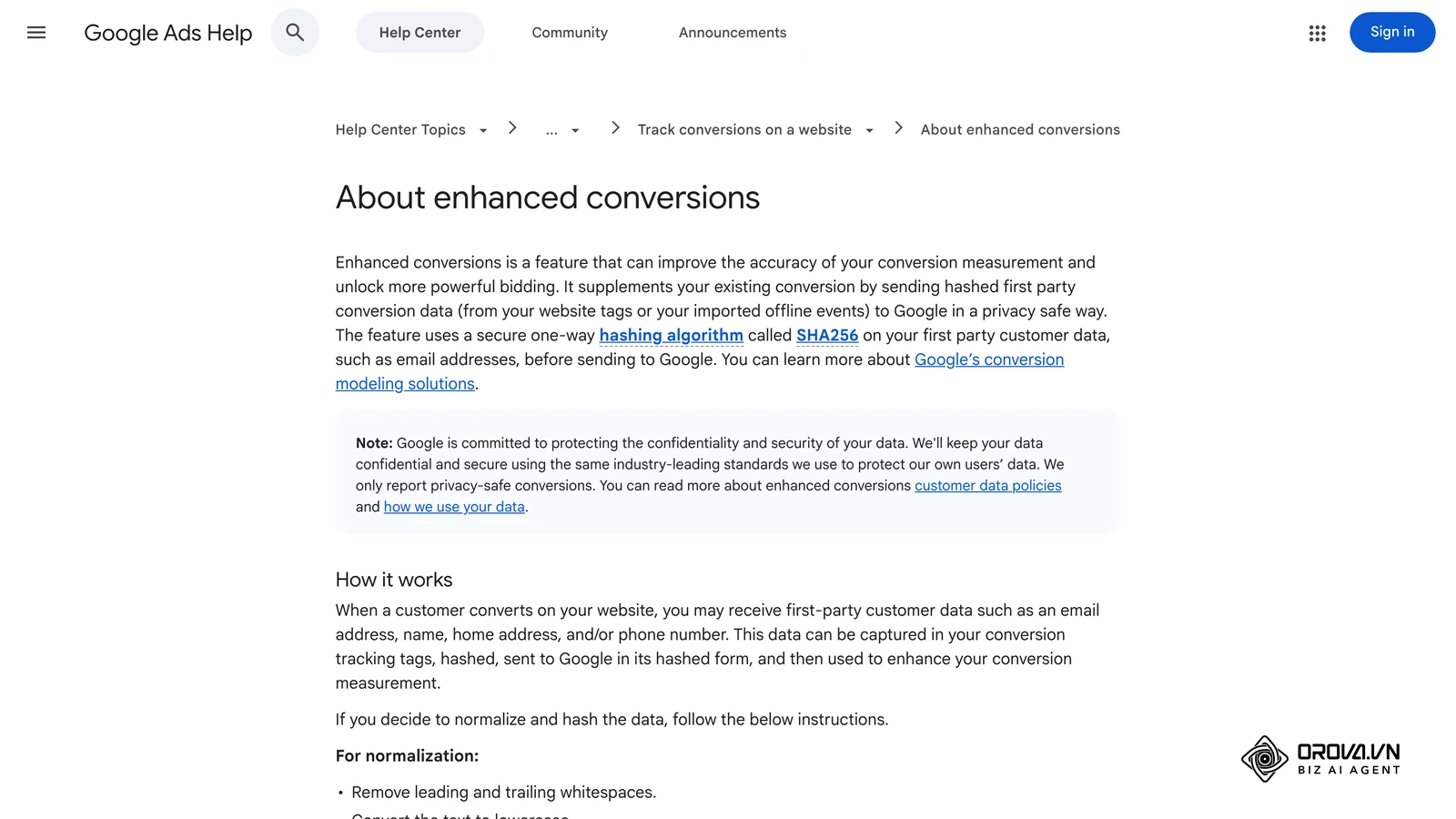
- Google Ads API (Enhanced Conversions): Google’s server-side solution allows you to send hashed first-party conversion data to Google to match against logged-in Google accounts. This drastically improves conversion tracking for Search and YouTube ads.
- TikTok Events API: TikTok’s user base is heavily skewed toward mobile, making them highly vulnerable to Apple's ATT. The TikTok Events API functions identically to Meta’s, allowing server-side transmission of web and app events to fuel their powerful discovery algorithm.
- Snapchat Conversions API: Essential for brands targeting Gen Z, Snap's API helps advertisers measure the true impact of their campaigns despite mobile browser limitations.
- Pinterest API for Conversions: Helps e-commerce brands track downstream purchases from Pins securely.
How to Implement the Conversion API (3 Main Methods)
Implementing a Conversion API might sound highly technical, but there are multiple paths to deployment ranging from simple no-code solutions to custom server builds.
1. Partner Integrations (Easiest, No-Code)
If you use a major e-commerce platform or website builder, you can often implement CAPI with a few clicks. The platforms have built direct server-to-server integrations with Meta, Google, and TikTok.
- Shopify: Native integration via the Facebook & Instagram app. Just link your account and turn data sharing to "Maximum."
- WooCommerce (WordPress): Use the official Facebook for WooCommerce plugin or dedicated pixel plugins like PixelYourSite.
- BigCommerce / Magento: Both offer native or app-based integrations for rapid deployment.
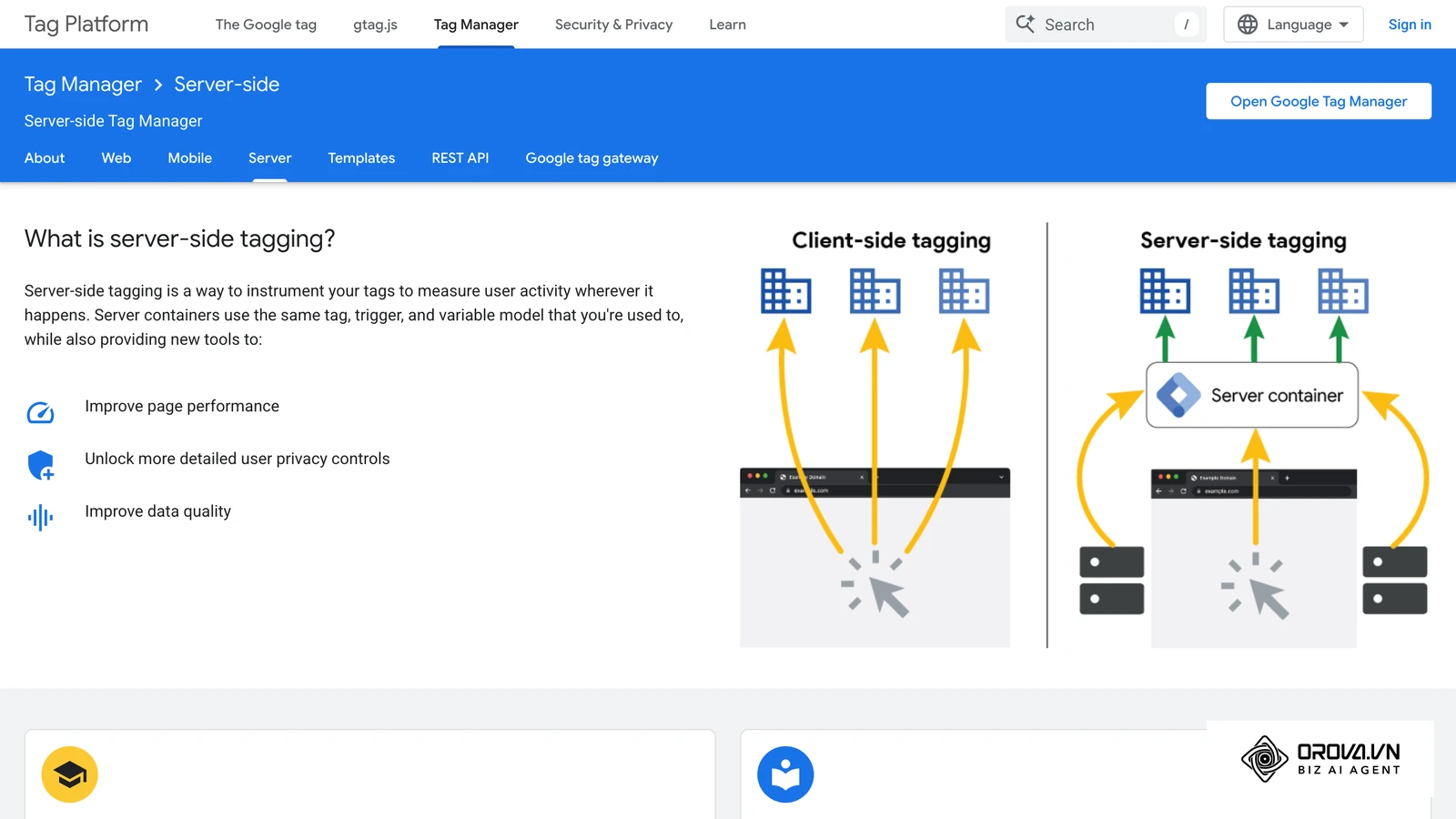
2. Server-Side Google Tag Manager (sGTM) (Intermediate, Highly Scalable)
For businesses that want complete control over their tracking infrastructure without hard-coding an API, Server-Side GTM is the gold standard.
Instead of tags firing in the user's browser, the browser sends one stream of data to a cloud server you control (usually hosted on Google Cloud or Stape). From there, your cloud server processes the data and routes it via CAPI to Facebook, Google, TikTok, and your own analytics tools.
Benefits of sGTM:
- Reduces browser load time (only one script runs instead of 10 different platform pixels).
- Ultimate control over data manipulation and scrubbing before it reaches ad platforms.
- Easier to maintain than custom code.
3. Direct Custom API Integration (Advanced)
For enterprise-level applications, custom-built websites, or complex offline data architectures, developers can build a direct integration using the platform's API documentation.
- Requires backend developers (Node.js, Python, PHP, etc.).
- Provides limitless flexibility to pass custom parameters, CRM stages, and subscription billing events.
- Requires ongoing maintenance to ensure API version compatibility.
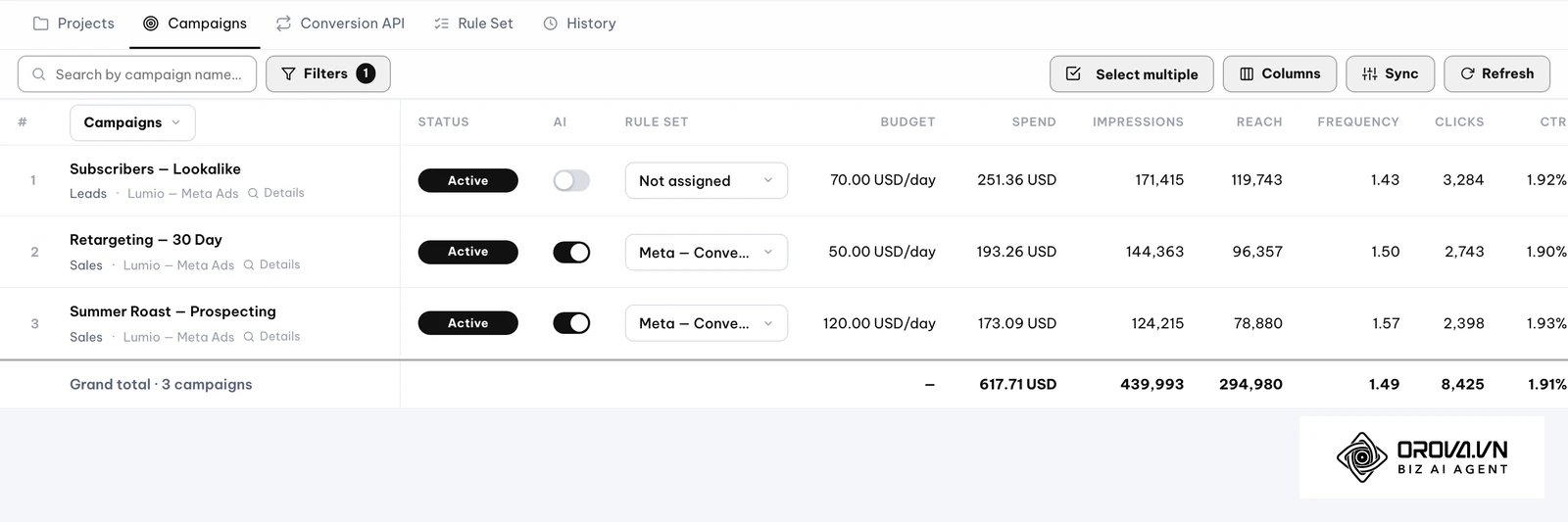
Want to scale your budget but afraid of breaking performance? 📉
Integrate OROVA ADS now - an AI Agent that automatically monitors and optimizes Google, Meta, TikTok ads 24/7. Now, expanding and replicating your Performance Ads team is just one click away.
🚀 Try it now at: orova.vn/ads
Best Practices for Conversion API Success
To get the absolute best return on investment from your CAPI implementation, follow these technical best practices:
- Always Hash Your Data: Never send raw emails or phone numbers. Use SHA-256 hashing to protect user privacy. (Most partner integrations and sGTM templates do this automatically).
- Optimize for Redundancy: Keep your client-side pixel active alongside the API. Ensure your event_id generation is flawless so deduplication works perfectly.
- Send Data in Real-Time: While some APIs allow batch processing up to 7 days after the event, real-time transmission gives algorithms the immediate feedback they need to optimize intra-day pacing.
- Monitor the Diagnostics Tab: Regularly check your Meta Events Manager (or equivalent platform dashboard) for diagnostic errors. Look for warnings about low Match Quality, missing parameters, or deduplication failures.
- Track the Full Funnel: Don't just track "Purchases." Send server-side data for View Content, Add to Cart, Initiate Checkout, and Lead generation. The more data the algorithm has, the better it performs.
The Future is Server-Side
The era of relying on third-party cookies and browser-based pixels is over. As privacy laws become more stringent and browsers become more locked down, first-party data is the new currency of digital marketing.
The Conversion API is no longer an optional "advanced tactic" for enterprise brands. It is foundational plumbing for any business that relies on digital advertising to generate revenue. By implementing CAPI today, you secure your data streams, empower ad algorithms to find your best customers, and future-proof your marketing efforts against whatever changes the tech giants introduce next.
Frequently Asked Questions (FAQ)
Does the Conversion API replace the Meta Pixel?
No. Meta recommends using both together. The pixel captures rich, real-time behavioral data on the page, while the Conversion API acts as a fail-safe to guarantee that the most critical bottom-of-funnel events (like purchases) are recorded.
Do I need a developer to set up CAPI?
Not necessarily. If you use Shopify, WooCommerce, or similar platforms, you can use native partner integrations that require zero coding. However, for Server-Side GTM or custom integrations, a technical marketing specialist or developer is highly recommended.
Will the Conversion API get me in trouble with GDPR or CCPA?
Actually, the Conversion API makes compliance easier. Because you control the data on your server before sending it to the ad platform, you can ensure that you only send data for users who have provided explicit cookie and tracking consent on your website.
How long does it take to see results after implementing CAPI?
Most advertising algorithms take a few days to adjust to new data streams. Typically, within 7 to 14 days of implementing CAPI, advertisers notice more accurate reporting in their ad dashboards and a stabilization (or decrease) in their Cost Per Acquisition.
Run your business with AI Agents
Orova is the always-on Biz AI Agent — it plans, runs, and optimizes the work for you.
Save time, unlock productivity.