
Greenhouse applicant tracking guide: setup, ROI and alternatives

Scaling a team is chaotic. You likely started with a shared spreadsheet and an inbox flooded with PDF resumes. As your company grows, that system breaks down. Interviews overlap, feedback is lost in chat channels, and candidates slip through the cracks. When researching solutions to fix this mess, greenhouse applicant tracking almost always appears as the enterprise gold standard.
But is this heavy-duty platform actually the right choice for your specific workflow? Choosing the wrong recruitment software can cost you months of implementation time and thousands of dollars in wasted subscription fees. This comprehensive guide will walk you through exactly what this platform does, how to set it up from scratch, the real return on investment you can expect, and how it directly compares to other major players in the market.
What Is Greenhouse Applicant Tracking And Who Needs It?
Greenhouse applicant tracking is an enterprise-grade recruitment platform built around the philosophy of "Structured Hiring." It is designed to help talent acquisition teams standardize their interview processes, reduce unconscious bias, and manage complex candidate pipelines at scale. It is best suited for mid-market to enterprise companies experiencing high-growth hiring, but it is often more than small startups with only occasional hiring needs.
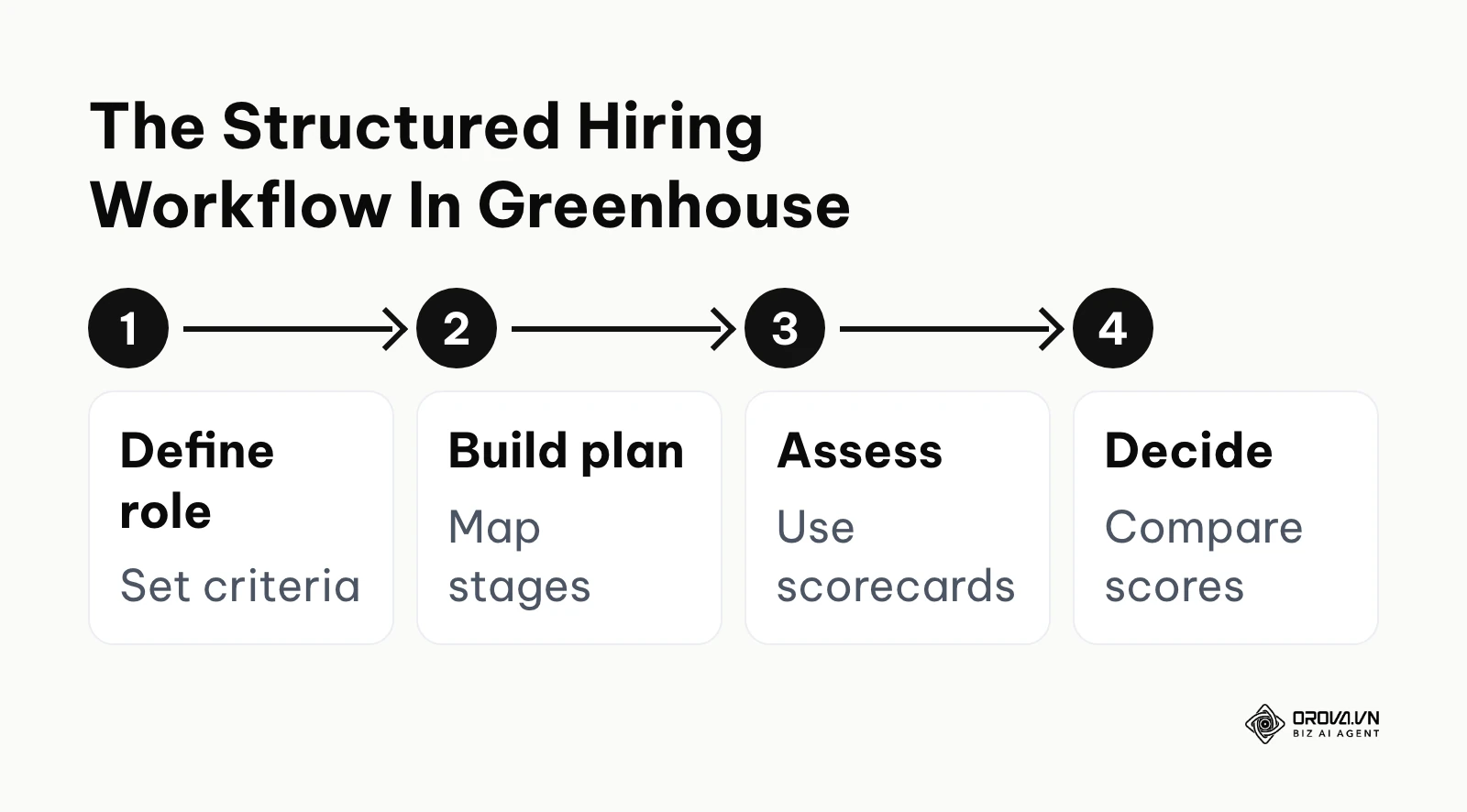
The concept of Structured Hiring is what truly separates this platform from basic resume storage databases. Instead of letting hiring managers wing their interviews and ask random questions based on a candidate's resume, the system forces teams to define exactly what success looks like for a role before a job post even goes live. You create specific attributes, build targeted interview questions, and require every interviewer to fill out a standardized scorecard. This ensures that every candidate is evaluated against the exact same criteria, providing an apples-to-apples comparison.
When evaluating an applicant tracking software, you must consider your company size. If you have fewer than 50 employees and only hire two people a quarter, the administrative overhead of configuring scorecards and permission tiers in a massive platform will feel like a burden. However, if you are a 200-person company planning to hire 50 more engineers this year, the structured approach becomes absolutely mandatory to maintain quality and fairness across dozens of different hiring managers.
Preparation: The Greenhouse ATS Pre-Launch Checklist
Before you sign a contract or begin clicking around in a new system, you must prepare your internal processes. Software cannot fix a broken strategy; it only scales whatever process you already have in place. If your current hiring process is chaotic, moving it into a digital platform will just create digital chaos.
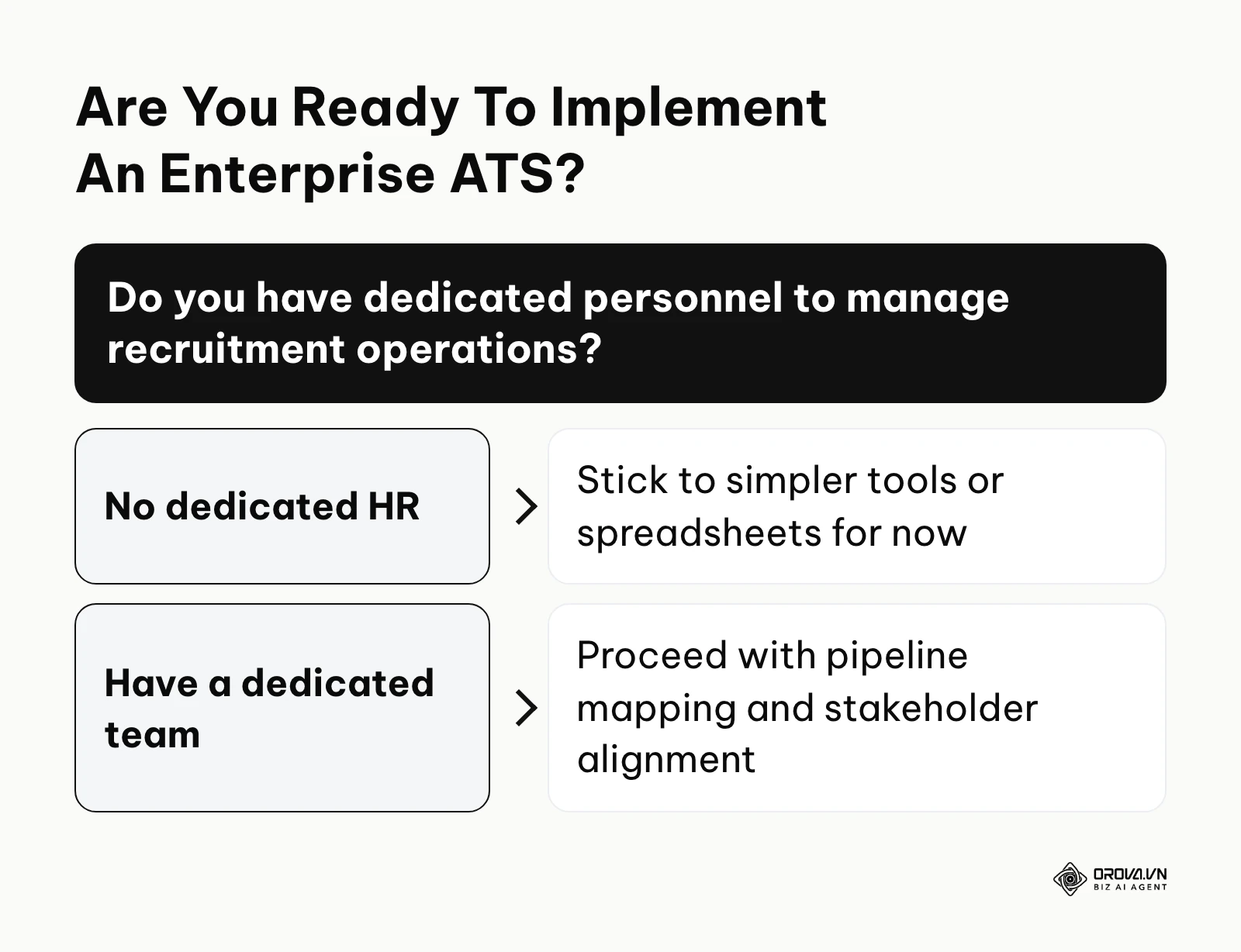
You need to gather your existing materials, align your stakeholders, and clean your data. The implementation phase requires a dedicated project manager within your HR team to ensure deadlines are met and configurations match reality.
| Item Needed | Where to source it | Estimated Time to Prepare |
|---|---|---|
| Master Pipeline Stages | Current HR workflow documentation | 3-5 days of team discussion |
| Standardized Job Descriptions | Hiring managers and department heads | 1-2 weeks for review |
| Interview Rubrics & Questions | Existing feedback forms and hiring criteria | 2-3 weeks to standardize |
| List of 3rd-Party Integrations | IT department (Background checks, assessments) | 2-4 days for API keys |
| Legacy Candidate Data | Exported CSVs from your old system | 1 week for data cleaning |
A critical part of this preparation is deciding whether your primary bottleneck is tracking candidates or managing employee data post-hire. This fundamental question will dictate your immediate software needs. You should run through an ATS vs HRIS evaluation to ensure you are buying the right tool for the right problem at this exact moment in your company's growth. Once you have confirmed that candidate tracking is the priority and you have gathered your materials, you are ready to begin the technical setup.
10 Steps To Setup Greenhouse Applicant Tracking
Setting up a robust recruitment platform is a major project. For non-technical HR professionals, the backend configurations can look intimidating. However, if you follow a logical sequence, you can deploy the system efficiently without disrupting your ongoing hiring efforts.
Step 1: Mapping Your Master Pipeline Stages
The first technical action is configuring your pipeline. When you navigate to the setup dashboard, you will find a section dedicated to the 'Interview Plan'. This is where you build the Kanban-style board that candidates will move through.
Do not create fifty different stages. Keep your master pipeline clean and restricted to core milestones: Application Review, Recruiter Screen, Hiring Manager Review, Technical Assessment, Onsite Interview, and Offer. You can drag and drop these stages to reorder them. A clear sign you have done this correctly is when a new recruiter can look at the board and instantly understand where every candidate stands without asking questions. A common error here is creating highly specific stages for individual departments, which ruins your ability to run company-wide time-to-hire reports later.
Step 2: Configuring The Job Board Integration
Your job board is the public face of your recruitment effort. You have two main options for integrating it with your company website: using a simple iFrame or building a custom API integration.
If you lack developer resources, the iFrame is a piece of code you paste into your website's career page. It works instantly but offers limited styling. If you want a seamless brand experience, your engineering team must use the API to pull job data dynamically. To do this, generate an API key in the 'Dev Center' and hand it to your web team. A mistake many companies make is neglecting mobile optimization during this step. Always test the application flow on a smartphone before pushing it live; if candidates cannot easily upload a PDF resume from their phone, your application conversion rate will plummet.
Step 3: Building Structured Interview Scorecards
This is the most critical step for ensuring quality hires. You must translate your interview rubrics into digital scorecards. Under the 'Job Setup' menu, you will assign specific attributes (like "Communication Skills" or "Python Architecture") to specific interview stages.
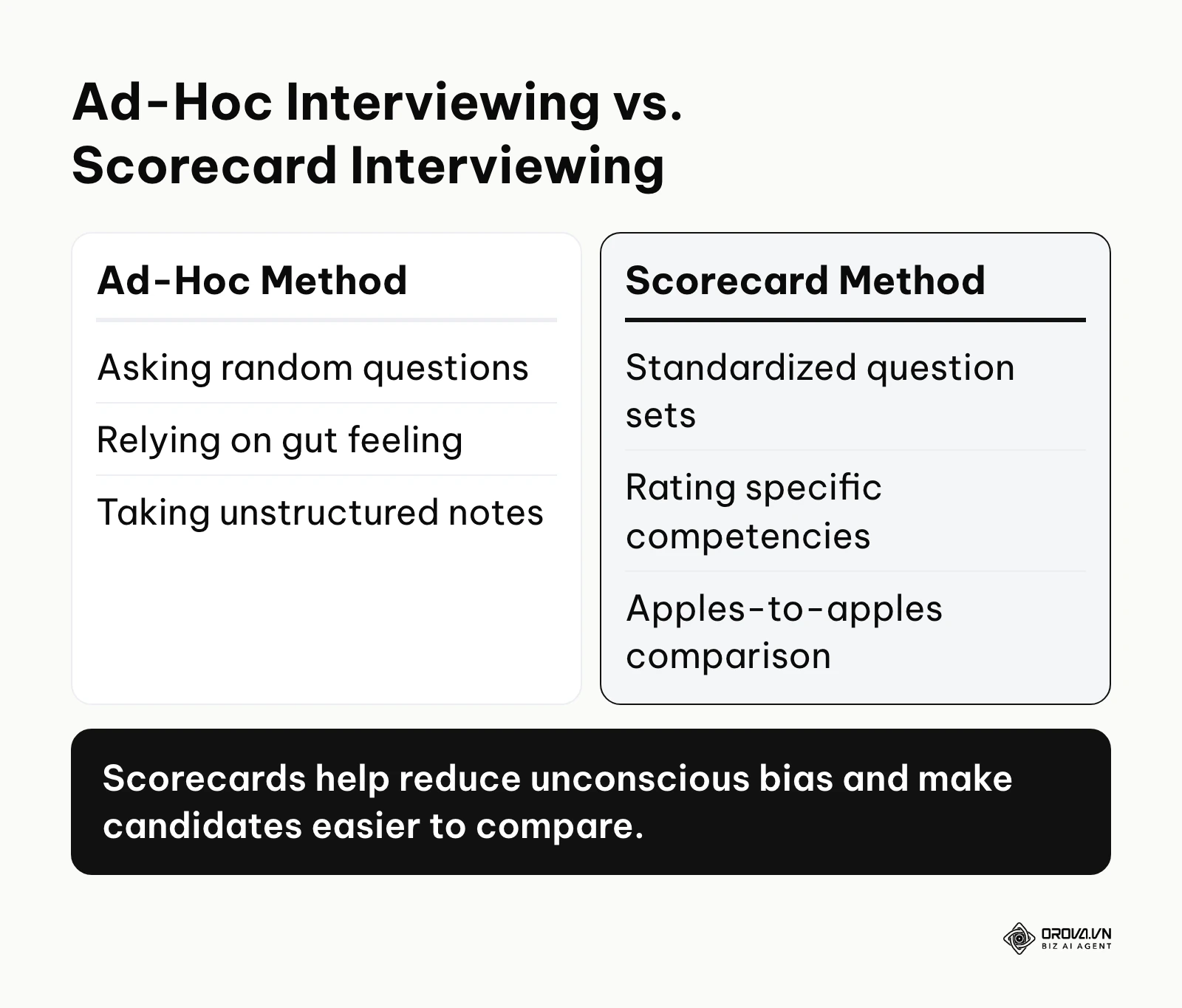
When setting this up, you must provide clear instructions for the interviewers. A good scorecard doesn't just ask "Did they communicate well?"; it provides a framework. Here is a basic structure you can prepare in a CSV before building it in the system:
| Category | Attribute | Interview Question to Ask | Desired Answer/Behavior |
|---|---|---|---|
| Technical | Database Design | How would you scale a SQL database? | Mentions sharding, indexing, and read replicas. |
| Cultural | Adaptability | Tell me about a time a project scope changed entirely. | Shows flexibility, did not panic, communicated well. |
| Core Skill | Project Management | Walk me through your sprint planning process. | Clear timeline management and stakeholder alignment. |
Step 4: Setting Up Role-Based Permissions
Data privacy is paramount in recruitment. You cannot have junior interviewers accidentally viewing the salary requirements of senior executive candidates. Open the user and permission settings in the configuration area to establish your user tiers.
You will generally need three tiers:
- Site Admins: Full access to everything, including billing and integrations (limit this to 2-3 people).
- Job Admins: Can view resumes, move candidates, and send emails for the specific jobs they are assigned to (usually Recruiters and Hiring Managers).
- Interviewers: Can only see the scorecard they need to fill out and the candidate's resume, completely blocked from seeing other feedback until they submit their own.
Failing to restrict the Interviewer tier properly leads to "groupthink," where an interviewer reads someone else's negative feedback before the interview and becomes biased.
Step 5: Integrating 3rd-Party Assessment Tools
Modern hiring relies on an ecosystem of tools. You likely use a background check provider, a coding test platform, or a personality assessment tool.
Go to the 'Integrations' directory. Most major tools have pre-built connectors. You will typically need to log into your third-party tool, generate an API token, and paste it into the ATS integration page. Once connected, you can add an "Assessment" stage to your interview plan. The key here is to set up automated webhooks so that when a candidate finishes a test, their score automatically populates on their profile page. If you skip testing this connection, recruiters will waste hours manually checking external platforms for results.
Step 6: Automating Candidate Email Templates And Tokens
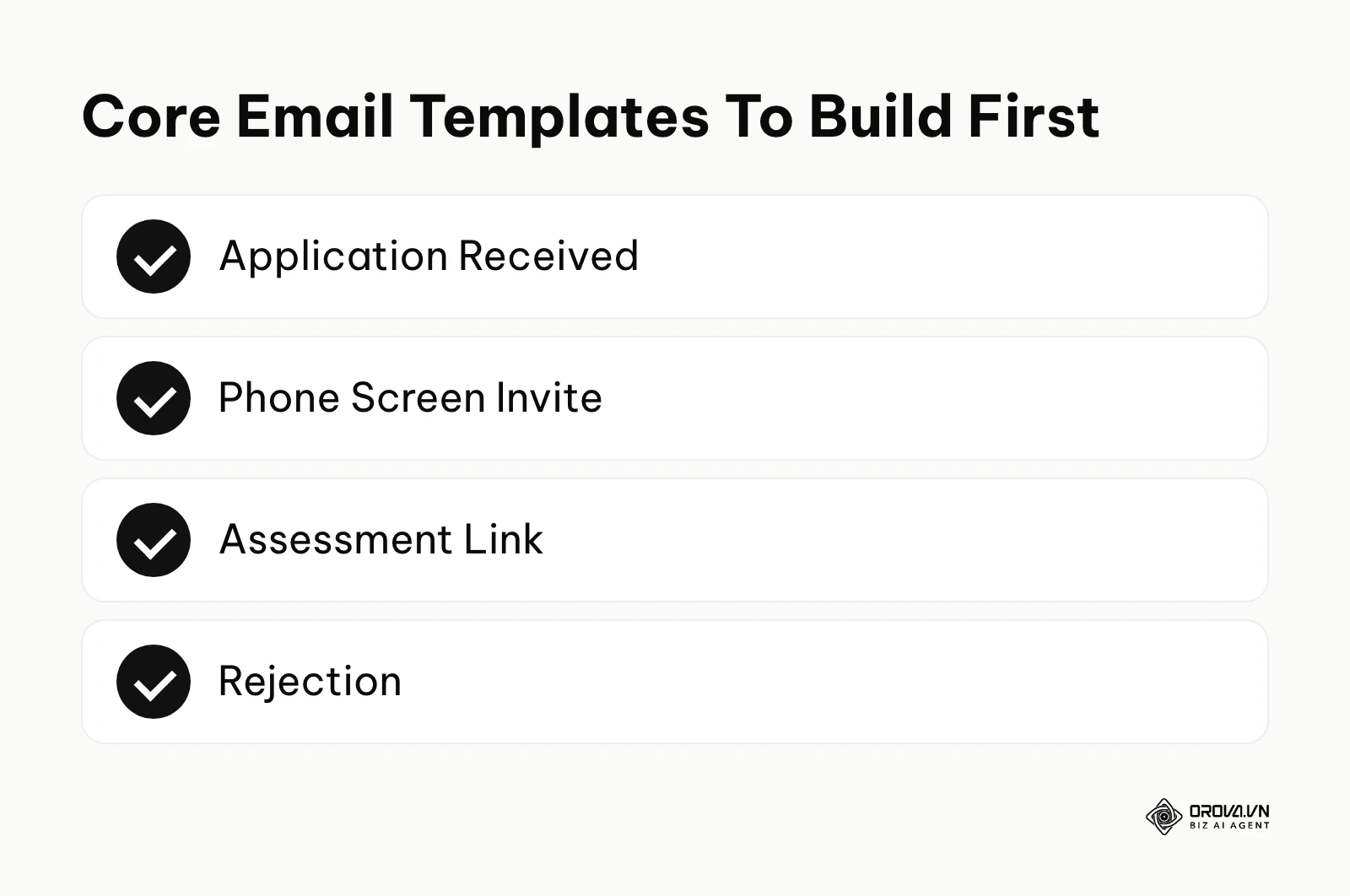
Typing out manual interview invitations is a massive waste of time. You need to build a library of email templates for every common scenario: Application Received, Phone Screen Invite, Assessment Link, and Rejection.
Use merge tokens (like {{CANDIDATE_NAME}} and {{JOB_NAME}}) so the system can personalize the emails in bulk. More importantly, connect your corporate email calendar (Google Workspace or Microsoft 365). This allows the system to send emails that look like they came directly from your inbox, and it enables the automated scheduling feature where candidates can pick an available time slot from your calendar, eliminating the endless back-and-forth email chain.
Step 7: Training Your Hiring Managers And Interviewers
No software works if the team refuses to use it. You must conduct focused training sessions before going live.
Do not train everyone on everything. Job Admins (recruiters and managers) will need a 2-hour session covering pipeline management, reporting, and offer creation. Basic Interviewers only need a 30-minute session showing them how to log in, view the resume, and submit a scorecard. Emphasize that scorecard submission is strictly mandatory. A great platform feature to enforce this is the setting that blocks an interviewer from seeing anyone else's feedback until they submit their own.
Step 8: Migrating Legacy Candidate Data
If you are moving from an old system, you must migrate your historical data. This is crucial for compliance and for maintaining your talent pool for future sourcing.
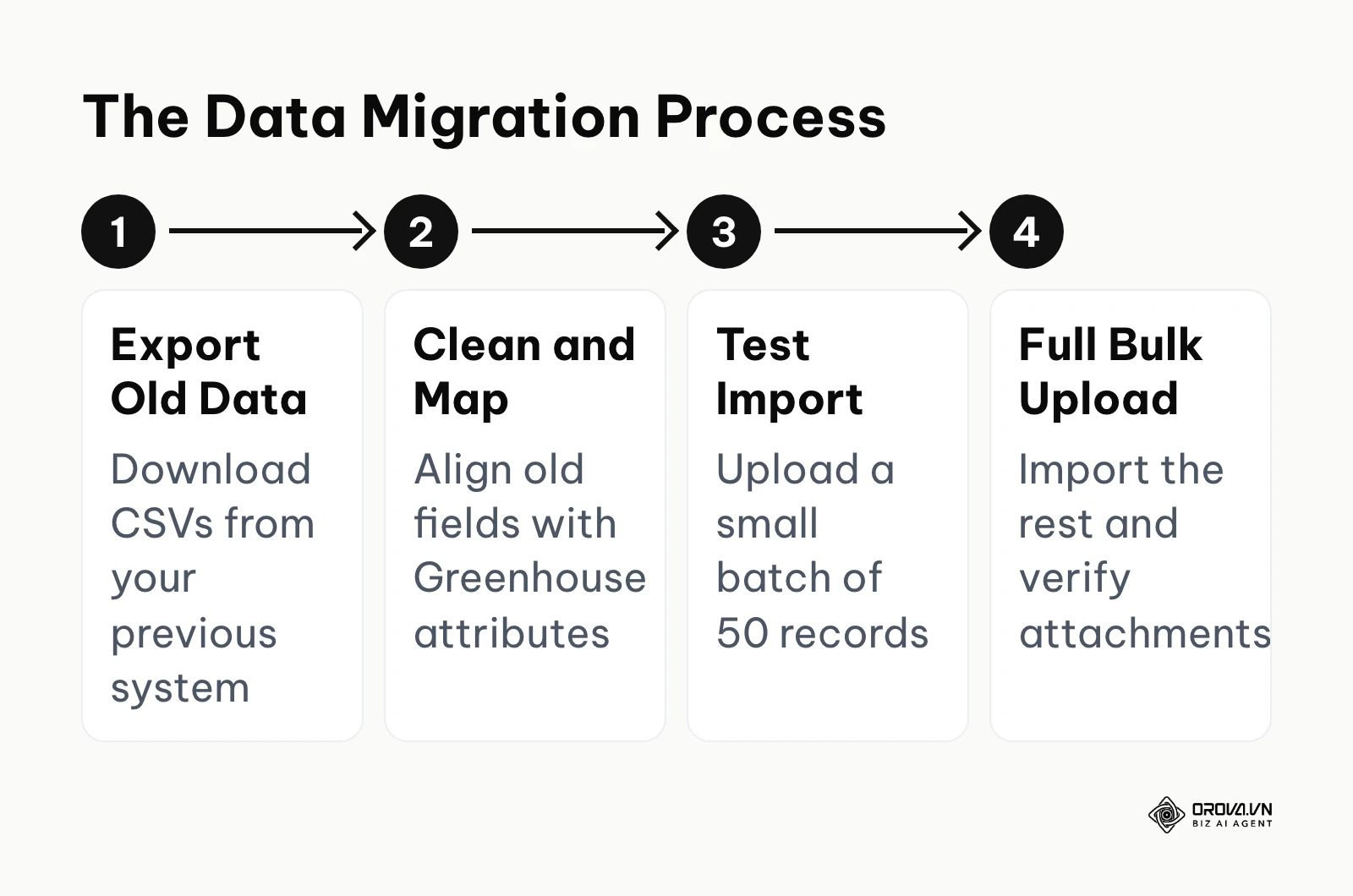
Export your old data into a clean CSV format. You must meticulously map the columns from your old system (e.g., "First_Name") to the exact field names required by the new database. Never do a massive bulk upload on the first try. Upload a test batch of 50 records. Check to see if the attachments (resumes) linked correctly and if the source tracking data remained intact. Once you verify the test batch is perfect, proceed with the full migration. Rushing this step often results in thousands of corrupted candidate profiles that take weeks to clean up manually.
Step 9: Testing The End-to-End Candidate Experience
Before announcing the launch, you must apply for a job yourself. Create a dummy job posting and go through the entire funnel as a candidate.
Apply on mobile and desktop. Wait for the automated "Application Received" email. Have a colleague move your dummy profile to the interview stage and send you a scheduling link. Submit a dummy scorecard. This walkthrough ensures that your email tokens are firing correctly (nobody wants an email starting with "Hello {{CANDIDATE_NAME}}") and that there are no broken links in your application flow.
Step 10: Going Live And Monitoring Early Adoption
Flip the switch and route your career page traffic to the new system. During the first two weeks, the project manager must monitor system usage closely.
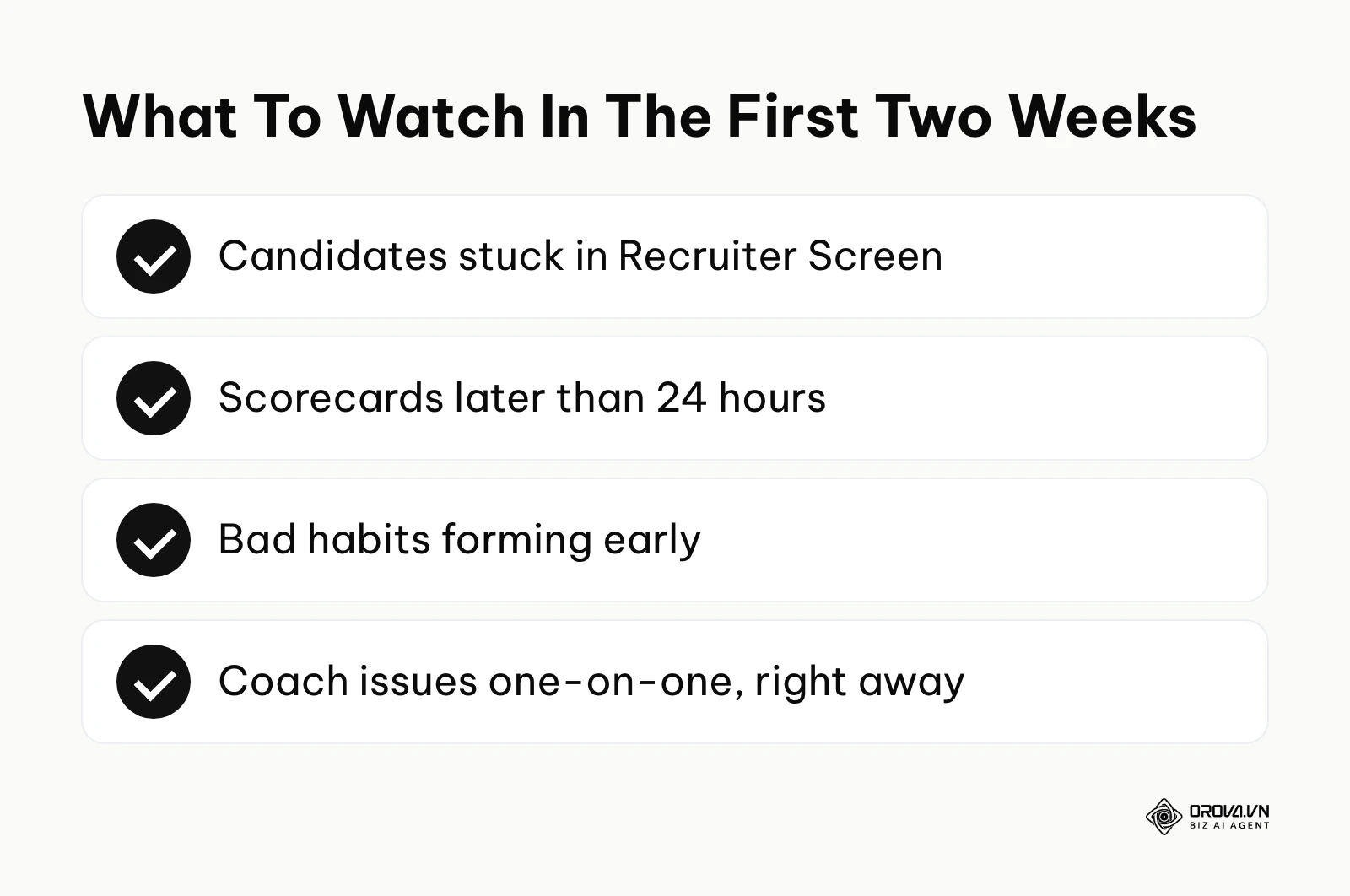
Look for bottlenecks. Are hiring managers leaving candidates in the "Recruiter Screen" stage for too long? Are interviewers failing to submit scorecards within 24 hours of the interview? Address these behavioral issues immediately through one-on-one coaching. If you let bad habits form in the first month, the integrity of your structured hiring data will be permanently compromised.
Illustrative example: Setting up permissions and pipelines for a mid-sized tech company. Context: A 150-person software firm was implementing a new ATS for the first time. The lead recruiter needed to ensure engineering managers could freely review their own candidates but were strictly blocked from viewing sensitive HR data like current salary or competitive offers. Steps taken: The recruiter navigated to the configuration tab and created a custom 'Job Admin' tier specifically for engineering managers, stripping away financial viewing rights. They then mapped out a strict 6-stage pipeline: Application, Recruiter Screen, Technical Test, Onsite, Executive Interview, and Offer. Hurdles: Despite the clear pipeline, managers kept forgetting to submit their scorecards after the Onsite stage, which stalled the entire process and delayed offers. Results: The recruiter made a submitted scorecard a precondition for every debrief and turned on automatic scorecard reminders. Within a few weeks, most scorecards arrived on time, so debrief meetings became faster and were driven by standardized data.
If mapping out complex pipelines feels overwhelming, Orova Recruit offers a lighter approach. It helps you write JDs with clear criteria for each role, scores up to 500 CVs per role from Word, PDF, or scanned files with quoted evidence, and suggests interview questions based on the JD and CV.
Deep Analysis: Is Greenhouse ATS Worth The Investment?
When you are evaluating enterprise software, the immediate question is whether the investment will actually yield a return. To answer this, you have to look closely at what the platform is designed to do well, where it may not fit, and how it directly stacks up against its main rivals.
The reality is that no single platform is perfect for every use case. Some are built for speed, some for massive scale, and some for deep CRM capabilities. Let's break down the comparisons.
Greenhouse vs. Lever Applicant Tracking System
When evaluating a lever applicant tracking system, you are looking at a direct competitor in the mid-market to enterprise space. The core difference lies in their foundational philosophy. Greenhouse is built around structured interviewing and rigorous process compliance. Lever is built around proactive sourcing and candidate relationship management (CRM).
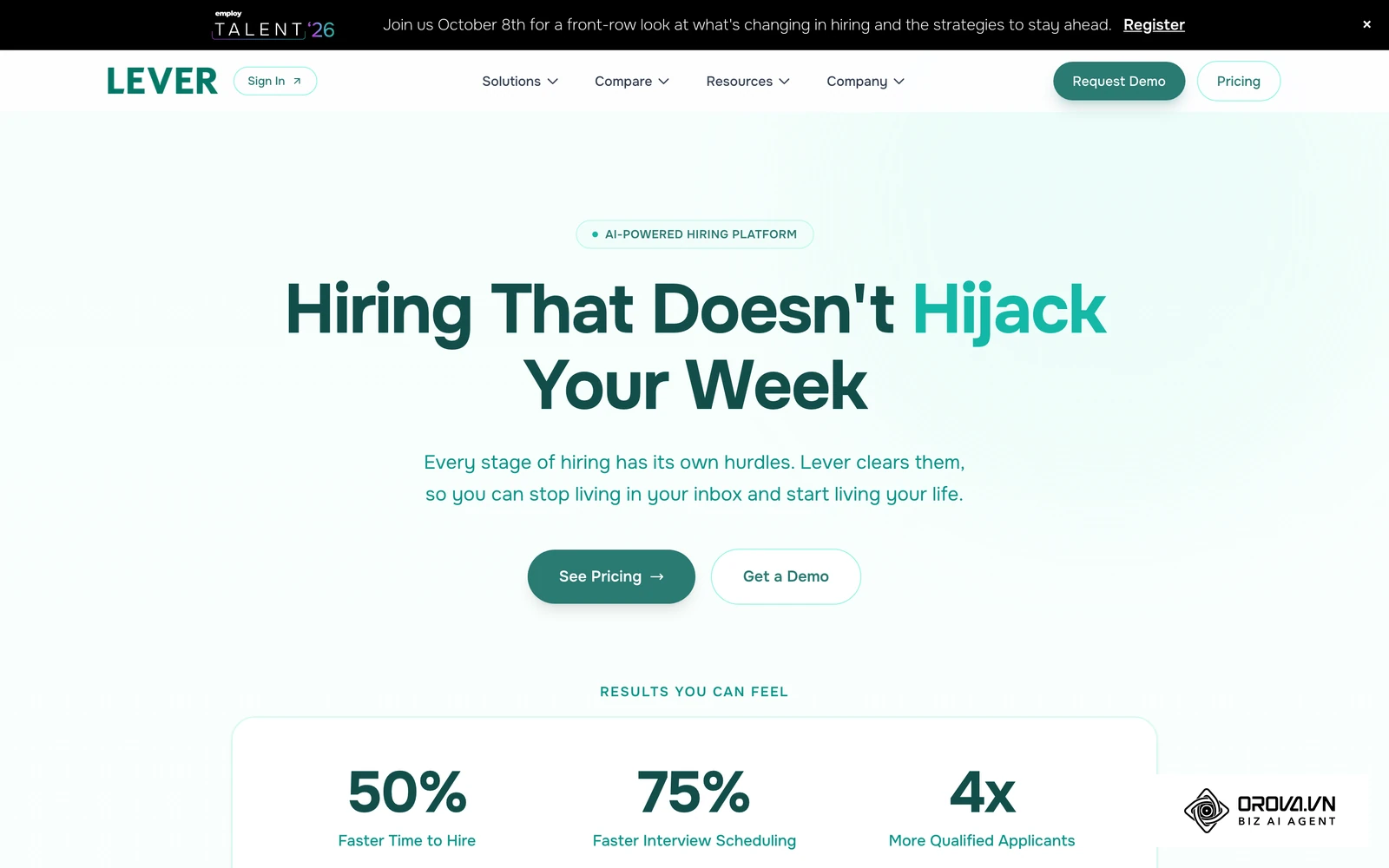
If your recruitment strategy relies heavily on outbound sourcing—meaning your recruiters spend hours on LinkedIn finding passive candidates and nurturing them over months—Lever’s unified CRM approach is often a natural fit. It allows you to build deep talent pools and run sophisticated email drip campaigns. However, if your primary challenge is managing high volumes of inbound applications and forcing a chaotic group of hiring managers to evaluate candidates fairly and consistently, Greenhouse's strict scorecard system provides better internal control.
Greenhouse vs. BambooHR ATS
Comparing an enterprise ATS to a bamboohr ats is a matter of looking at specialization versus consolidation. BambooHR is primarily a Human Resources Information System (HRIS) that happens to have an ATS module built in.
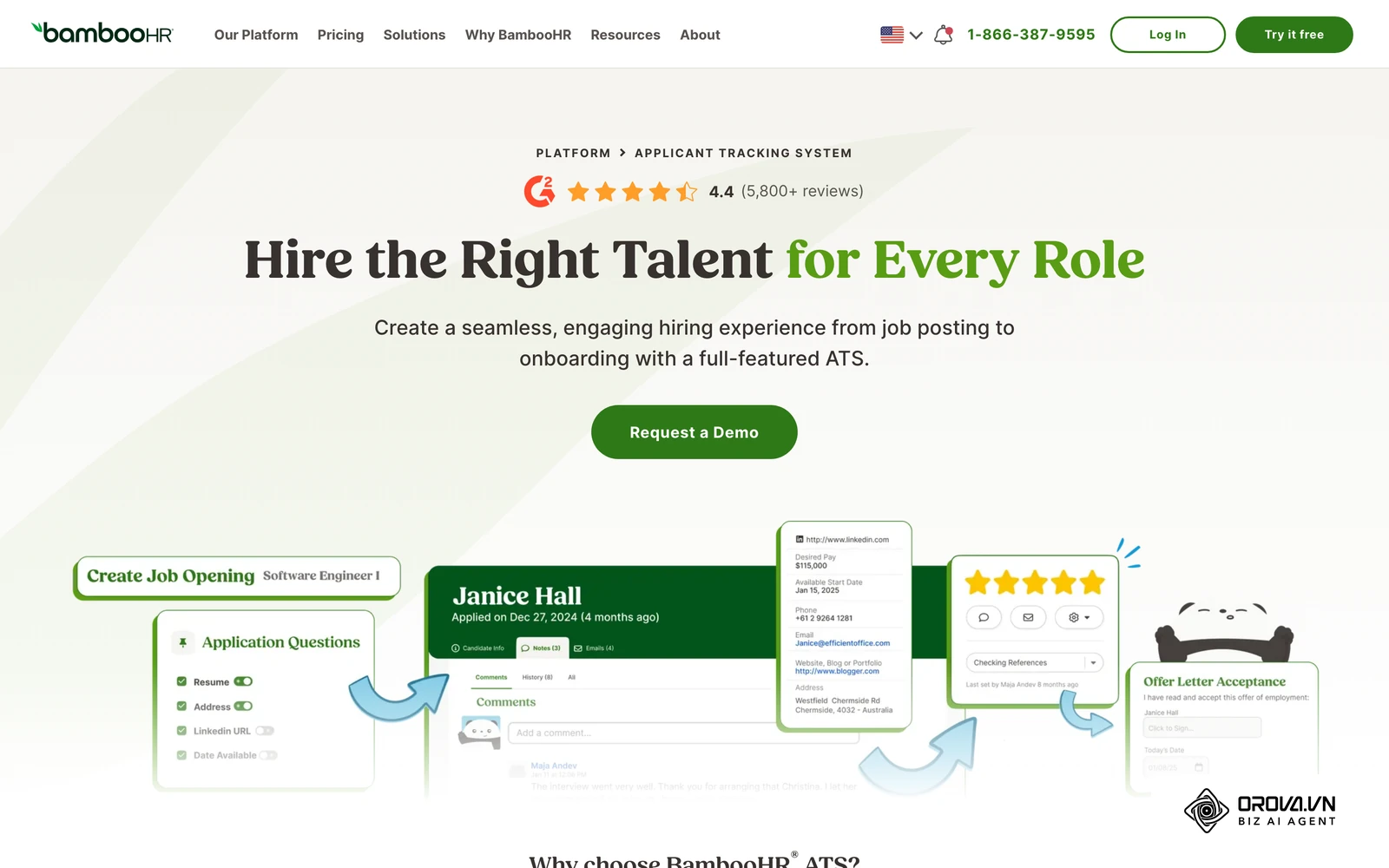
If you are a company of 80 people and you want one single piece of software to handle recruiting, onboarding, payroll integration, and employee performance reviews, BambooHR is a highly efficient choice. The applicant tracking features cover the core needs of a growing team. However, if you need to run a complex, multi-stage technical hiring process with many custom assessment integrations and advanced permission structures, a dedicated recruiting platform may suit you better. The tradeoff is depth of recruiting configuration versus the convenience of an all-in-one HR system.
Greenhouse vs. Workable Applicant Tracking System
A workable applicant tracking system is often the choice for companies that need to move fast and don't have a dedicated recruitment operations manager. Workable shines in its ease of use, rapid deployment, and built-in sourcing tools.
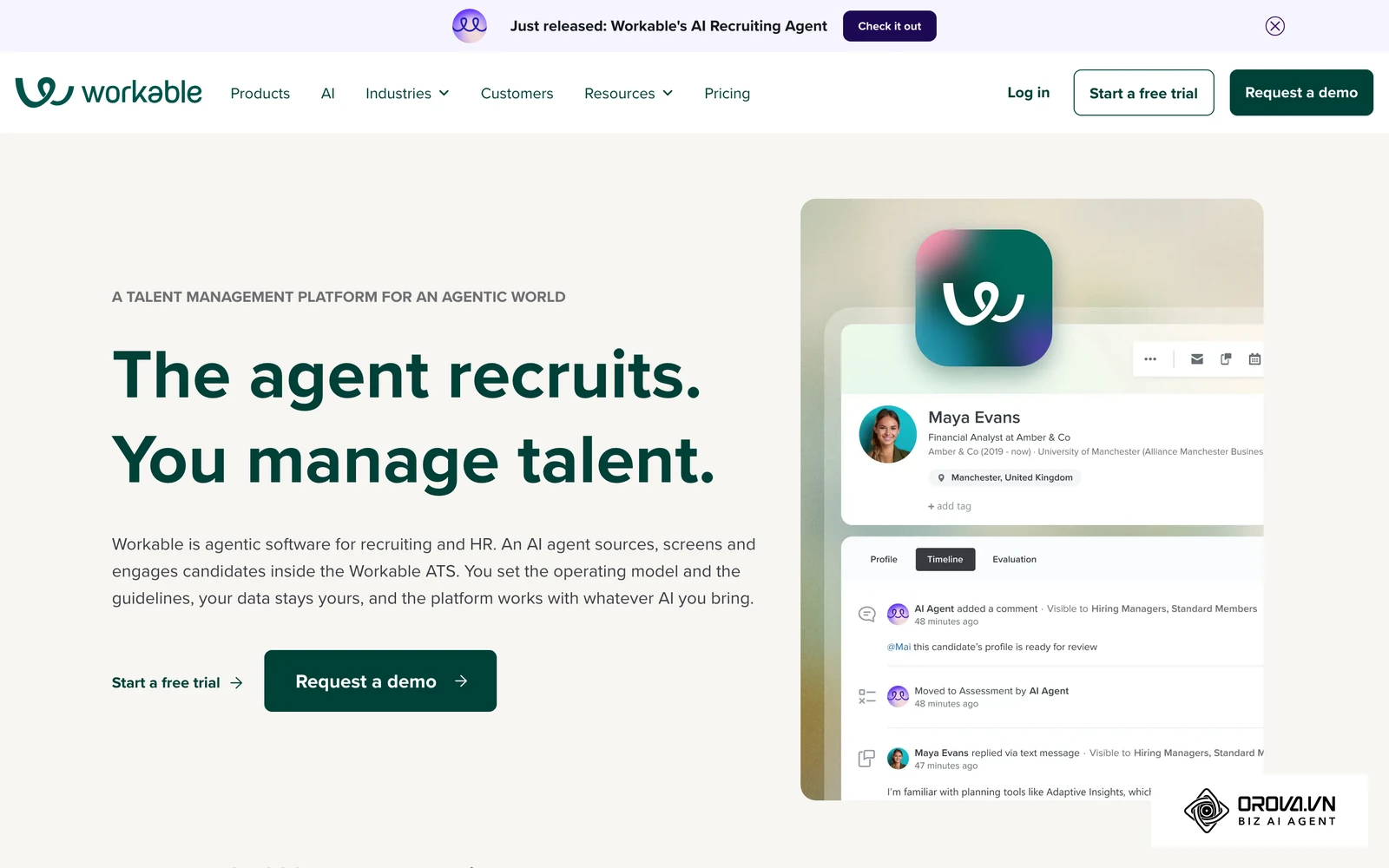
A lighter tool can usually be set up faster than a heavily configured enterprise rollout, and Workable also offers built-in sourcing features to help you find candidates. The question to test in a demo is customization: when a company needs highly complex reporting, bespoke API integrations, and granular data access controls, check whether the configuration depth matches what you need. If you are debating between tracking features and sourcing capabilities, examining this recruitment CRM vs ATS comparison can help clarify your technical requirements.
The Ultimate Feature Comparison Matrix
To make a final decision, you should build a vendor comparison matrix. Leave commercial terms to your own vendor conversations and evaluate the tools on core operational criteria first.
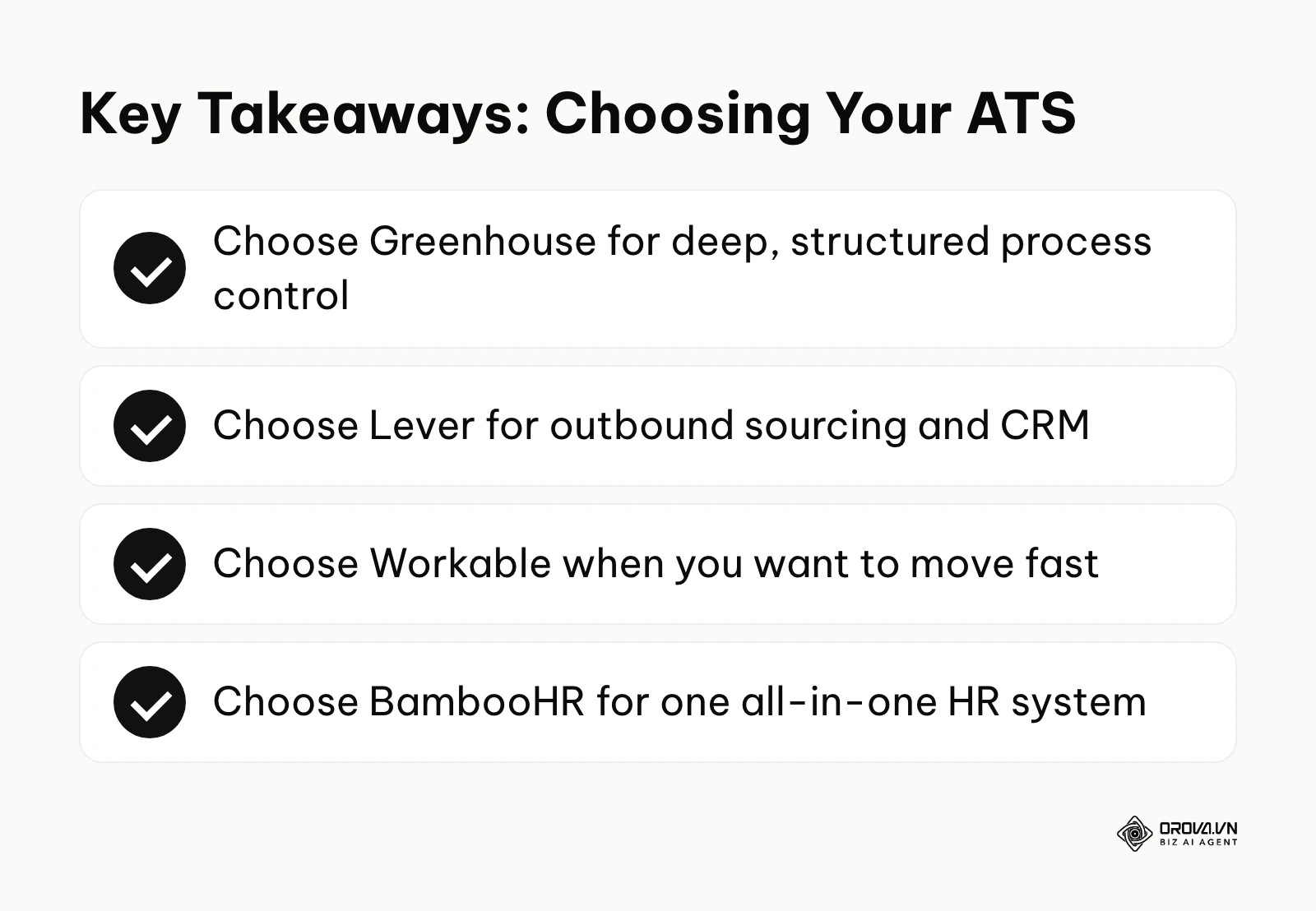
Imagine building a Google Sheet for your executive team. You would need rows for:
- Setup Effort (verify in demos): Workable (lighter), BambooHR (lighter for the ATS module), Lever (moderate), Greenhouse (heavier, because of structured hiring setup).
- Core Strength: Workable (Speed/Sourcing), BambooHR (All-in-one HR), Lever (CRM/Nurturing), Greenhouse (Structured Interviews/Scale).
- Best Fit: Workable (teams that want to move fast), BambooHR (companies that want one HR system), Lever (sourcing-heavy teams), Greenhouse (teams that need deep process control).
Illustrative example: Transitioning from a basic tool to advanced tracking. Context: A 300-person digital marketing agency realized their basic ATS couldn't handle the complex reporting required by their board of directors. They needed to compare enterprise options before migrating. Steps taken: The VP of Talent exported 5,000 legacy candidate records via CSV. They mapped the old, unstructured custom fields to the new system's highly structured standard attributes. They ran a pilot program specifically with the design department first, forcing the use of standardized portfolio review rubrics. Hurdles: The new enterprise reporting dashboard initially overwhelmed the hiring managers, who were used to pulling simple Excel lists. Results: The talent operations team built custom, simplified visual dashboards tailored for each department head. Within three months of full rollout, the agency reduced their overall time-to-hire by 12 days because severe bottlenecks in the mid-stage portfolio review process suddenly became mathematically visible.
Measuring Hiring Success: Metrics And ROI In Greenhouse
You cannot justify an investment in any ATS without proving a clear return on investment. The ROI of an ATS is rarely measured in direct revenue; it is measured in administrative hours saved, reduced agency spend, and the long-term retention of quality hires.
Core Metrics To Monitor
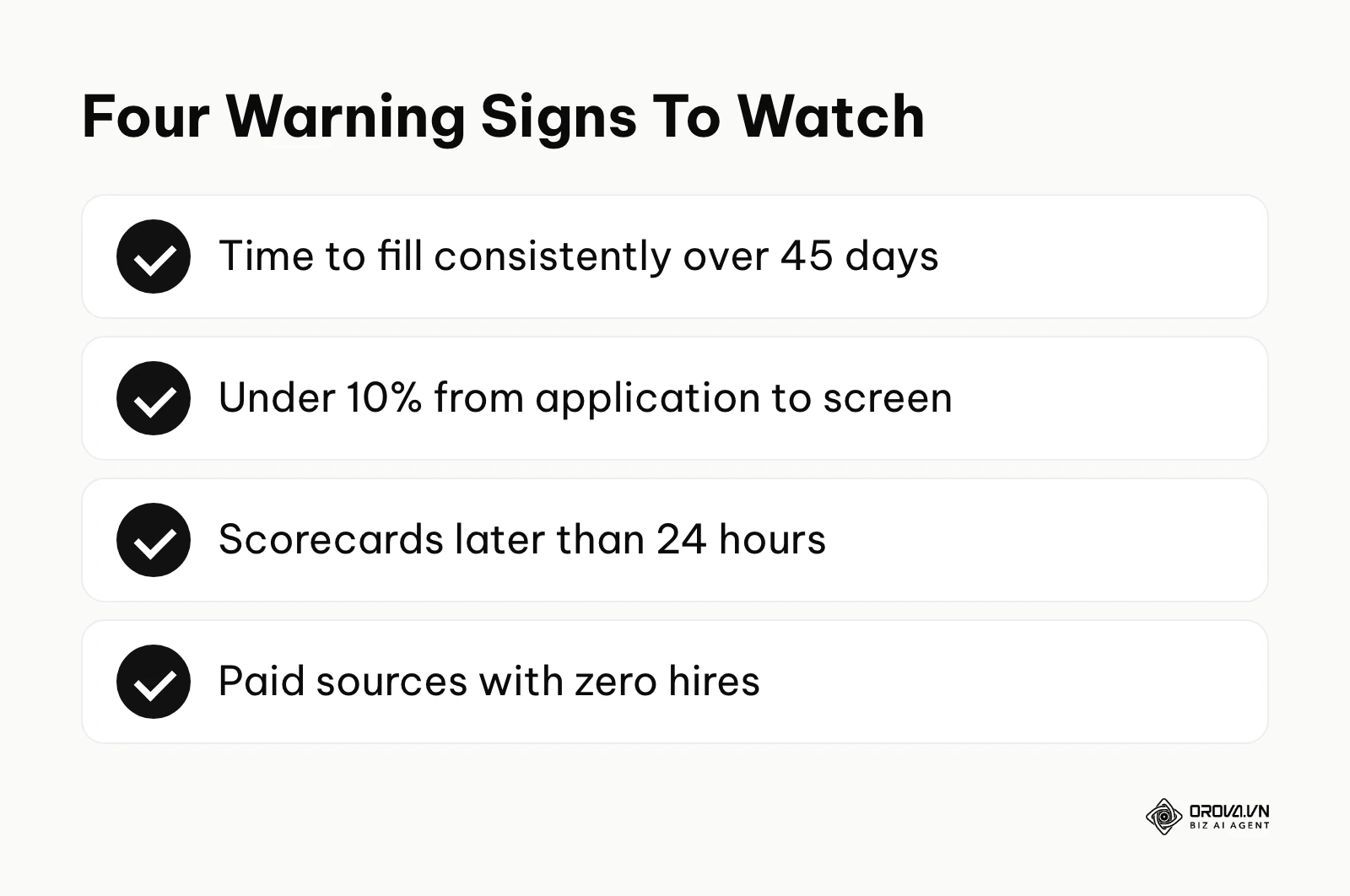
Once your system is running, you must monitor specific metrics to ensure the software is actually improving your process, rather than just documenting a bad one.
| Metric | What It Means | Warning Threshold |
|---|---|---|
| Time to Fill | Days from job opening to offer acceptance. | Consistently > 45 days indicates process bottlenecks. |
| Pass-Through Rate | Percentage of candidates moving from one stage to the next. | < 10% from Application to Screen means poor JD targeting. |
| Scorecard Completion Time | Hours taken for interviewers to submit feedback. | > 24 hours means hiring managers are slowing you down. |
| Source of Hire Quality | Which job boards or agencies yield the hired candidates. | Spending high budget on boards that yield zero hires. |
Structured interviews are widely used to make hiring decisions more consistent and to reduce bad hires. When you measure success, you must look beyond just speed and evaluate the quality and longevity of the people you are bringing into the organization.
ROI Case Study: Saving Hours Across The Hiring Lifecycle
Consider a theoretical company with 100 employees, aiming to hire 30 new staff members over the next year. Without a robust ATS, a recruiter might spend 15 hours a week manually emailing candidates to find interview times, 10 hours a week reading formatting-heavy resumes to extract basic skills, and 5 hours chasing hiring managers for feedback via chat.
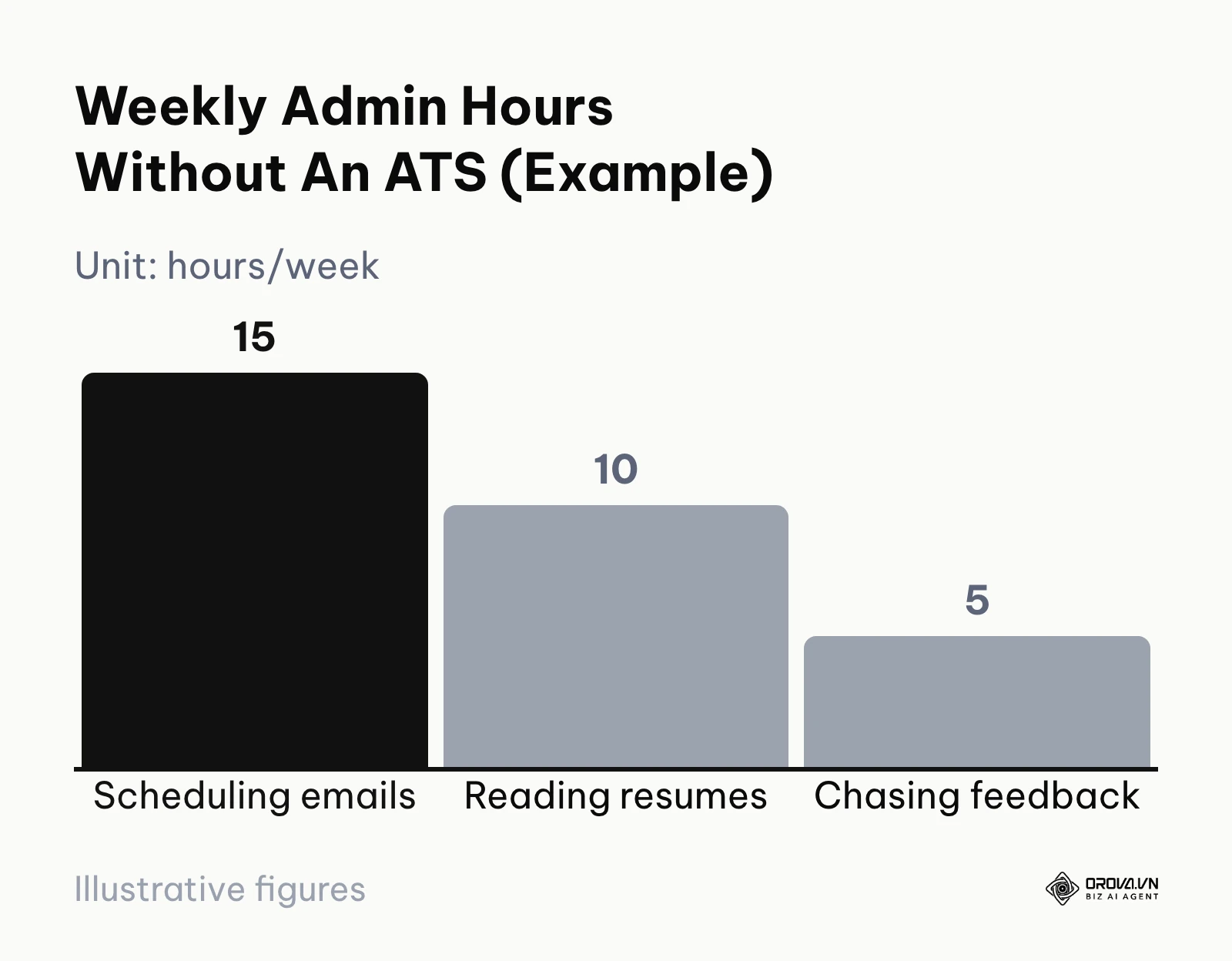
That is 30 hours a week of pure administrative burden. At any recruiter salary, that is a large share of paid time spent on tasks that software can handle. By implementing automated calendar scheduling, centralized scorecard reminders, and standard resume parsing, that same recruiter can reduce their administrative load to less than 10 hours a week. The ROI is realized by shifting those 20 saved hours into proactive sourcing, employer branding, and building relationships with top-tier talent who would otherwise ignore a cold outreach message.
Want a simpler hiring workflow without a long setup? Use Orova Recruit to take voice or text notes during interviews, transcribe them, score and compare candidates, schedule interviews, and send step-by-step candidate emails from your company inbox. It is free until July 7, 2027.
Common Mistakes When Using Greenhouse
Even the most powerful tools will fail if operated incorrectly. Because enterprise platforms offer so much customization, teams often fall into the trap of over-engineering their workflows. Here are the most frequent implementation and operational mistakes, and exactly how to fix them.
Mistake 1: Overcomplicating The Pipeline Stages
Many teams create a unique pipeline for every single job. The engineering pipeline has 9 stages, the sales pipeline has 4, and the marketing pipeline has 7. Consequence: When the VP of HR tries to pull a company-wide report on "Average time candidates spend in the Technical Assessment stage," the report returns data that cannot be compared because the stages are named and mapped differently across departments. Fix: Create one master pipeline template. If a specific job doesn't need a stage (like a technical test for a sales role), simply skip that stage for that candidate. Keep the underlying architecture uniform.
Mistake 2: Ignoring 3rd-Party Assessment Sync Errors
You integrate a coding assessment platform via API, but you never check the error logs. Consequence: Webhooks occasionally fail. A candidate finishes their 3-hour coding test, but the score never pushes back to the ATS. The recruiter thinks the candidate ghosted them, and the candidate gets angry for being ignored. Fix: Set up an alert for API failures and have a weekly checklist to ensure token authentications haven't expired.
Mistake 3: Failing To Enforce Scorecard Submissions
You build great scorecards, but you leave the settings loose, allowing interviewers to move candidates forward without submitting their feedback. Consequence: Debrief meetings turn into chaotic arguments based on memory and gut feeling, completely defeating the purpose of structured hiring. Automated scorecard reminders are one of the simplest ways to keep debriefs on schedule. Fix: Make a submitted scorecard a team rule before any candidate moves forward, turn on automated scorecard reminders, and review overdue scorecards every week.
Mistake 4: Underutilizing Automated Scheduling
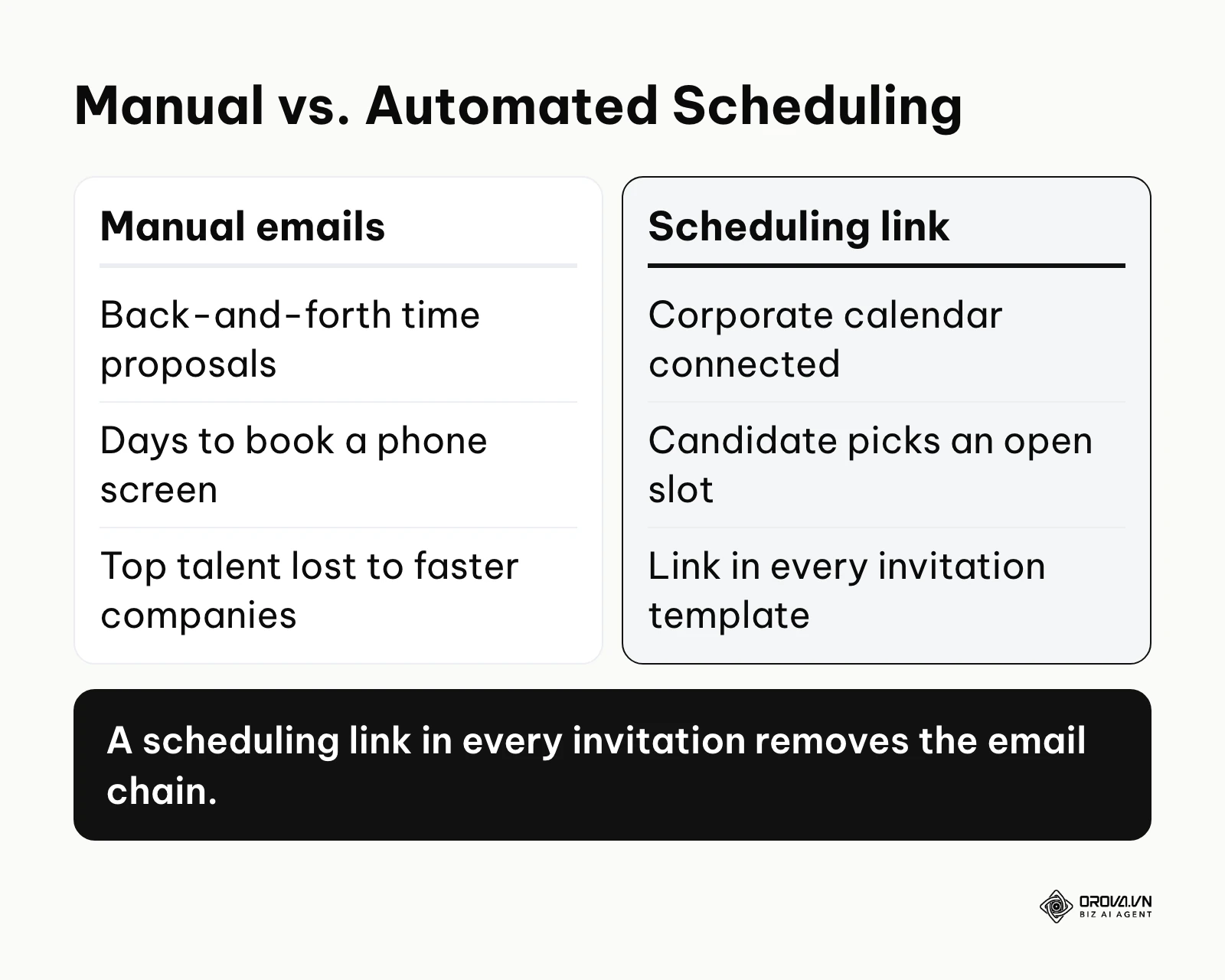
Recruiters continue to manually email candidates saying, "Are you available Tuesday at 2 PM or Wednesday at 10 AM?" Consequence: You lose top talent to faster companies because it takes 3 days just to schedule a 30-minute phone screen. Fix: Connect your corporate calendar, configure your working hours, and use the automated scheduling link feature in every single interview invitation template.
Mistake 5: Messing Up Source Tracking Links
Recruiters share the generic career page link on LinkedIn instead of generating a specific tracking link. Consequence: At the end of the year, your data shows that 80% of your hires came from "Direct Traffic," making it impossible to calculate the ROI of your LinkedIn Recruiter seat or your targeted job board spend. Fix: Train the team to always generate and use unique tracking URLs for every social post and outbound message.
Mistake 6: Over-Granting Site Admin Permissions
Because setting up specific permissions takes time, the IT team just grants "Site Admin" access to every hiring manager. Consequence: A hiring manager accidentally deletes a customized email template, or worse, views the confidential compensation data of a peer they are interviewing. Fix: Audit user permissions quarterly. Strictly limit Site Admin access to the core talent operations team.
Mistake 7: Neglecting The Candidate Rejection Experience
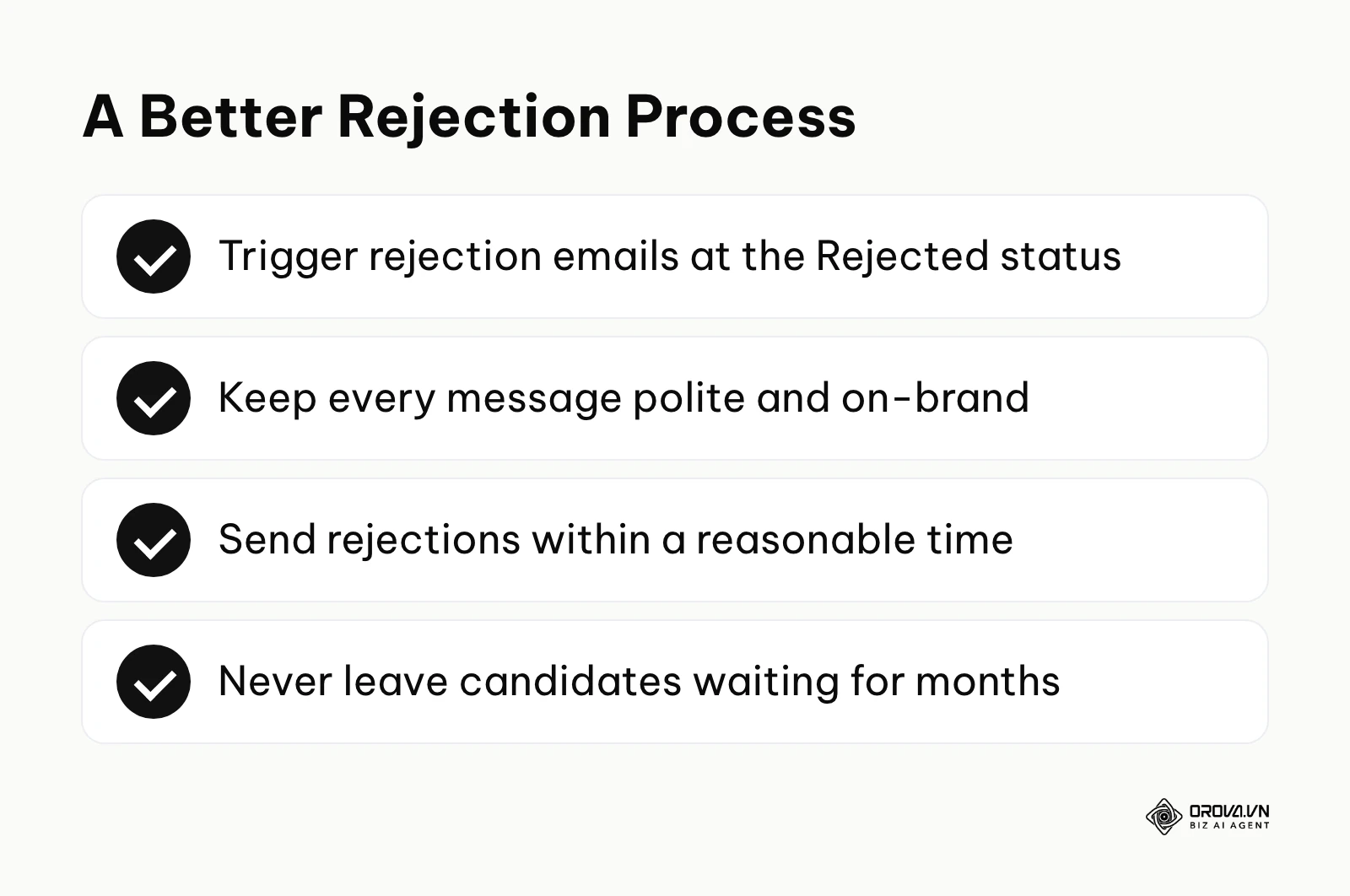
Teams focus all their energy on the hiring flow and completely ignore the rejection workflow, leaving candidates hanging in "Application Review" for months. Consequence: Candidates leave scathing reviews on Glassdoor, damaging your employer brand and driving up your future cost-per-hire. Candidates who receive a timely, respectful rejection are more likely to keep a good impression of your company and consider applying again. Fix: Build automated rejection emails that trigger when a candidate is moved to the "Rejected" status. Ensure these emails are polite, on-brand, and sent within a reasonable timeframe.
Illustrative example: Troubleshooting a broken third-party assessment workflow. Context: A retail company integrated a complex background check and coding assessment tool into their pipeline to evaluate e-commerce team hires efficiently. Steps taken: The talent ops manager configured the webhooks in the developer center and added a mandatory assessment stage to the interview plan. They began sending automated test links to candidates immediately after they passed the initial recruiter screen. Hurdles: Without warning, assessment scores stopped syncing back to the candidate profiles, leaving recruiters guessing who had actually passed and stalling the entire pipeline. Results: After auditing the system's API error logs, they realized the assessment provider's security token had expired. They generated a new token, manually triggered a bulk resync for the lost candidate data, and set a recurring calendar reminder to rotate the API keys annually, restoring a seamless workflow.
Recruitment Software Trends In The Next Few Years: My Predictions
As we look toward the future of talent acquisition, the tools we use are shifting from simple data repositories to active, intelligent participants in the hiring process. Based on current adoption rates and technological advancements up to 2026, here is where I believe the industry is heading.
AI-Driven Unbiased Resume Screening
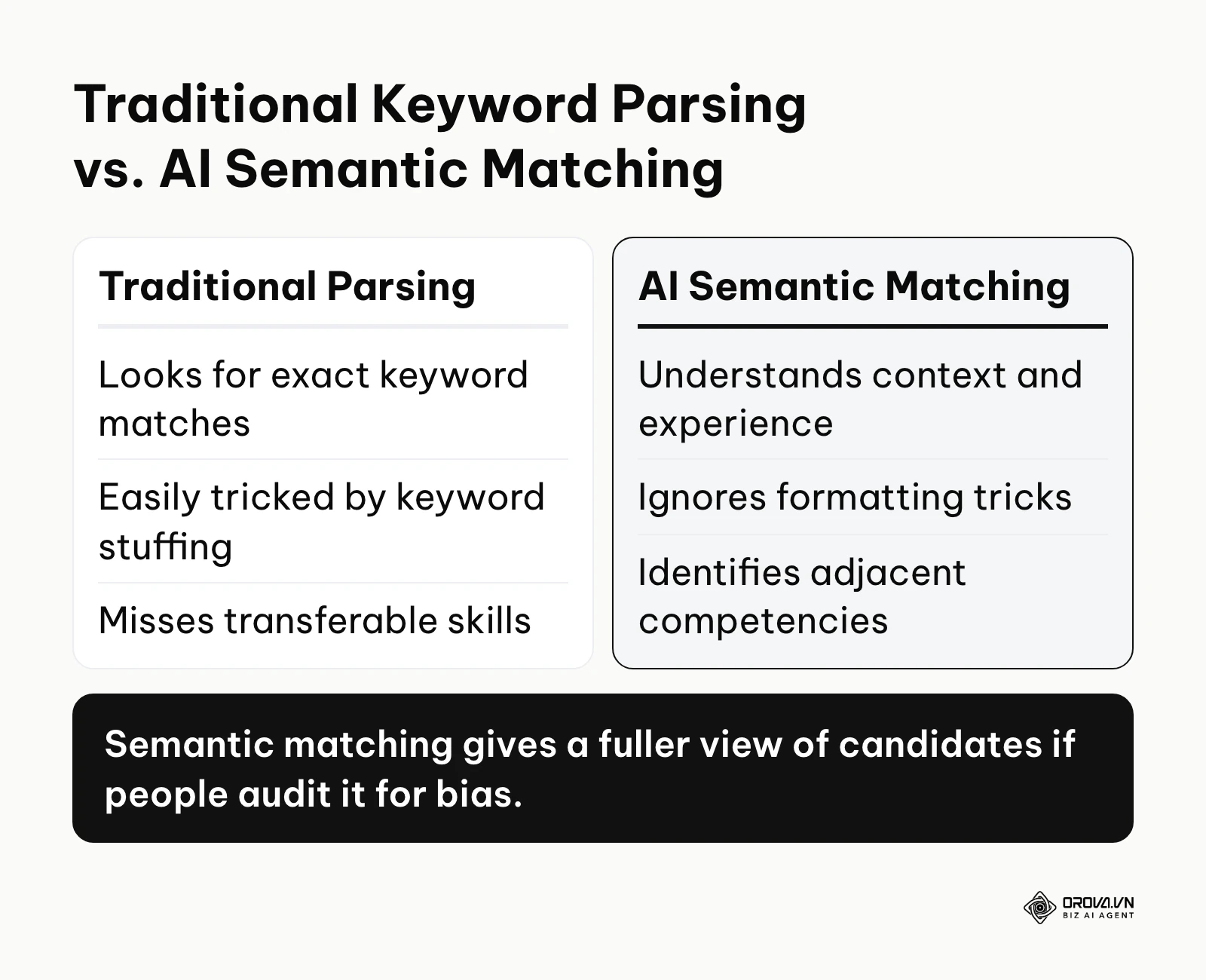
I expect that within the next few years, fully manual resume screening for entry-level and mid-level roles will become much less common. Today we mostly see semantic matching, and I think the next step is tools that compare candidate evidence against clearer role criteria before the first interview. The challenge here will not be the technology, but ensuring these algorithms do not accidentally inherit historical human biases. Talent teams must prepare by learning how to audit AI decision-making processes, rather than just blindly accepting its recommendations.
The Shift From Resumes To Skills-Based Matching
I believe the traditional PDF resume will gradually lose its central role, and applicant tracking systems will lean more toward skills-based matching. Instead of parsing a resume for the word "Marketing," systems will require candidates to complete micro-assessments or link verified digital credentials. This means hiring managers need to stop relying on pedigree (where someone went to school) and start clearly defining the exact technical and soft skills required to execute the job.
Hyper-Personalization In Candidate Nurturing
Right now, candidate communication is mostly transactional (e.g., "Here is your interview time"). My view is that ATS platforms will likely add deeper marketing automation capabilities, treating candidates exactly like high-value sales leads. Systems may send personalized company news, relevant blog posts, and team updates to passive candidates over a period of months, keeping the employer brand warm. Companies should start building robust content libraries now, so they have material ready to feed into these automated nurturing engines.
Frequently Asked Questions About Greenhouse Applicant Tracking
Is Greenhouse ATS a good fit for small startups?
It depends on how often you hire. For a small startup (under 50 employees) that hires only a few people a year, the setup work for scorecards, permissions, and integrations may outweigh the benefits. The structured interviewing framework pays off most when many hiring managers interview many candidates and you need consistent evaluation. For commercial terms, ask the vendor directly.
What is the role of AI in greenhouse applicant tracking?
AI features in ATS platforms change quickly, so check Greenhouse's current product documentation for what is available today. In general, AI in applicant tracking is used for operational efficiency, such as summarizing information, supporting scheduling, and surfacing insights, rather than making final decisions. Hiring decisions should stay with people, because a fair and compliant hiring process remains paramount.
Can Greenhouse integrate seamlessly with our existing HRIS?
Greenhouse offers an integrations marketplace that includes connectors for widely used HRIS platforms; confirm that your specific HRIS is listed before you sign. With a working connector, when a candidate is marked as "Hired" in the ATS, their data can be pushed to your HRIS to begin the onboarding and payroll process, eliminating manual data entry.
How long does the setup and data migration process take?
For a mid-sized company migrating from a legacy system, you should expect the implementation process to take anywhere from 4 to 8 weeks. This includes pipeline mapping, configuring permission tiers, setting up third-party integrations, and safely migrating historical candidate data. Rushing this process usually results in corrupted data and low user adoption.
What are the hidden costs of implementing an enterprise ATS?
The biggest hidden cost is internal time. Someone has to own the configuration, the integrations, and the data migration, and every hiring manager has to learn the structured scorecard system. Ask each vendor which integrations and analytics are included in your plan, and budget the hours your team will spend on training and ongoing administration.
Where Should You Start Now?
Deciding on your next step depends entirely on the current state of your recruitment operations. Do not jump into a software purchase before understanding your baseline.
If you currently have no ATS and rely entirely on spreadsheets and email folders, your first step is not to buy software. Your step is to map your ideal workflow on a whiteboard. Write down exactly how a candidate should move from application to offer, and identify where the communication breaks down the most. Only then will you know what features to look for.
If you currently use a basic ATS but feel you are outgrowing it, audit your bottlenecks. Look at your reporting. Are you struggling because the system is slow, or because your hiring managers are refusing to standardize their interview questions? If the problem is a lack of structured data and inconsistent evaluation, an enterprise upgrade might be necessary.
If you have secured budget approval and are ready to buy, create a rigid vendor scorecard. List your non-negotiable integrations, your mandatory reporting metrics, and your data privacy requirements. Force every vendor you demo to prove exactly how their system handles your specific use case, rather than watching a generic sales presentation.
Ultimately, whether you choose a large enterprise system or a lighter tool, mastering your greenhouse applicant tracking strategy is about creating a fair, efficient, and data-driven experience for everyone involved.
About the author

Builder of Orova
Nguyễn Đỗ Trọng Ân has 8 years of experience in marketing, including 6 years managing market development across Asia. He builds Orova, a Biz AI Agent that never sleeps: it plans, runs and optimizes work for businesses.
Run your business with AI Agents
Orova is the always-on Biz AI Agent — it plans, runs, and optimizes the work for you.
Save time, unlock productivity.