
TinyURL vs Bitly: a neutral comparison of features, free use and fit

You have a long URL that looks terrible in an email, breaks character limits on social media, and is impossible to read aloud. You need a solution, and your search narrows down to two well-known names: you are looking at a decision between tinyurl vs bitly. The short answer: Bitly is positioned as a link management platform for teams that need analytics, branded domains and integrations, while TinyURL is positioned around fast, low-friction shortening, with optional accounts and paid features. Pick based on whether you mainly need data and governance, or speed and simplicity.
Choosing the wrong tool can lead to broken links in important campaigns, missing click data, or paying for features you do not use. Many online comparisons are published by vendors of competing tools. This article takes a neutral approach: it explains how each service is positioned, which questions to check on each official pricing page before you commit, how to measure redirect speed yourself, and how to plan an exit if you ever need to switch. Plan names, limits and prices change often, so this guide deliberately does not quote them; always confirm the current details on each vendor's own website.
The core differences between TinyURL and Bitly
At their foundation, these two tools serve different philosophies. Bitly is built as a link management suite, with analytics, QR codes and team features, aimed largely at marketing teams that need insight into how their links perform. TinyURL is built around a frictionless shortener that anyone can use in seconds, with accounts and paid plans available for people who need more control.
Introducing the contenders
Before comparing details, it helps to understand how each platform describes itself today. Their feature sets reflect different audiences, and knowing that audience makes the rest of the comparison easier to read.
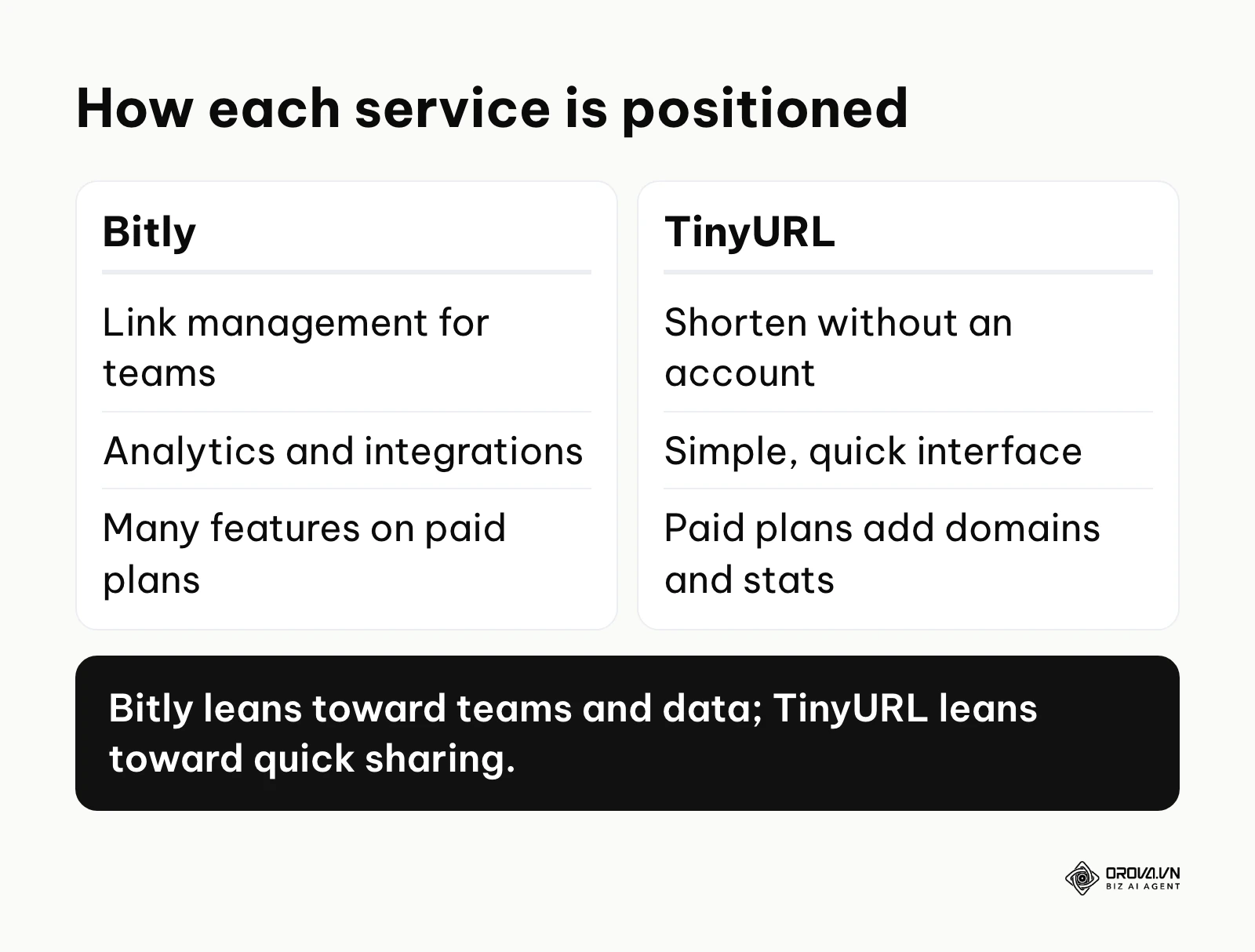
Bitly: link management for teams
Bitly began as a simple shortening tool and, over time, positioned itself as a link management platform. Its product pages present short links alongside QR codes, landing pages and analytics, and it is widely used by brands that want one place to manage the links they publish. For these users, the value is not only a shorter URL but a central record of every link a team has shared, who created it and how it performed.
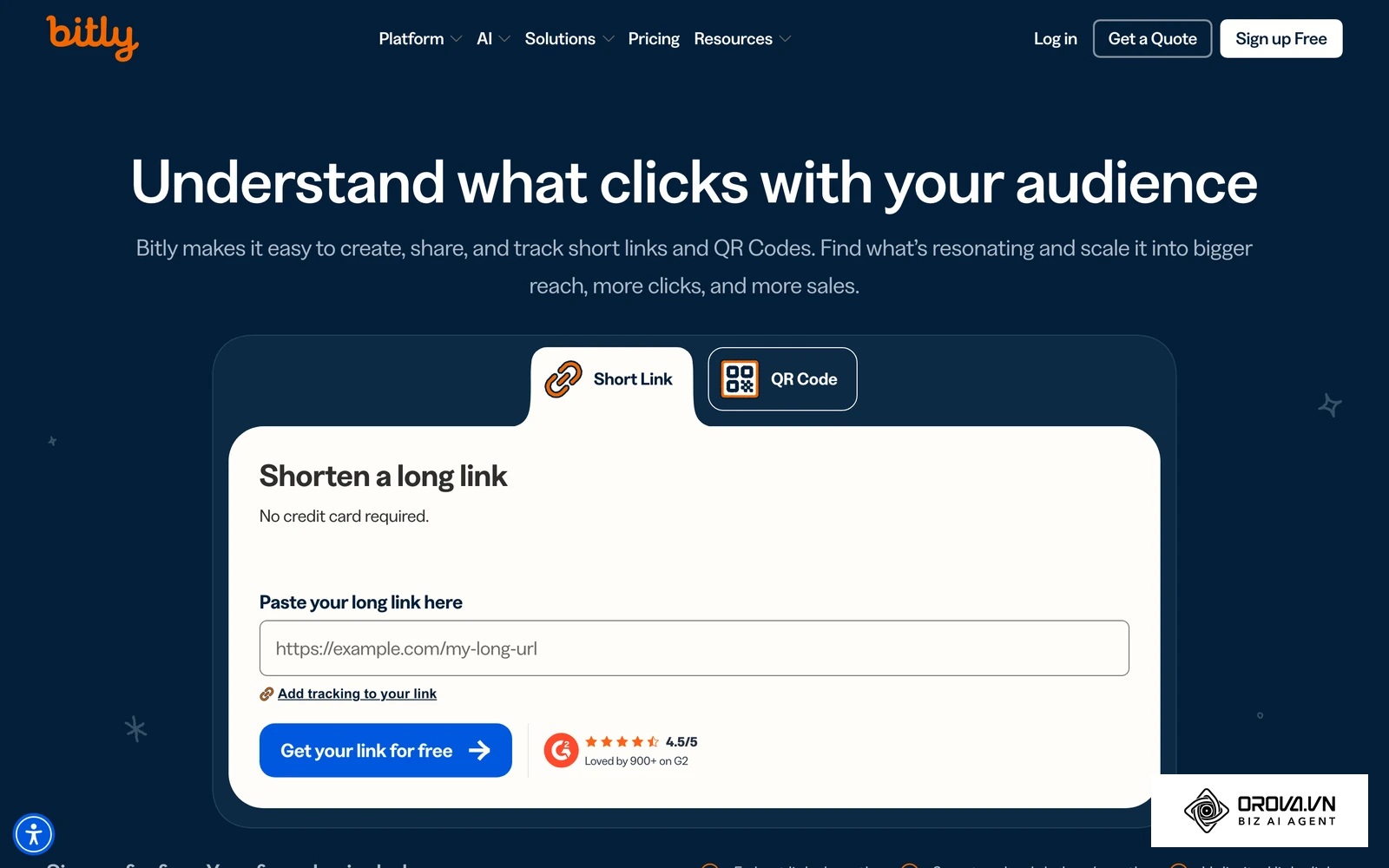
You can tag links, group them by campaign and connect link data to other systems through its API; check which of these capabilities are included in the plan you are considering. That team focus also shapes the free offer: Bitly's free plan is intended as a starting point, and many features that marketers care about sit in paid plans. Confirm the current free allowances on Bitly's pricing page before you build a workflow on top of them, because older articles may describe allowances that no longer apply.
TinyURL: fast, account-free shortening
TinyURL is one of the oldest URL shorteners still in active operation. Its primary appeal has always been its incredible simplicity. You navigate to the homepage, paste a long link, and instantly receive a shortened version without ever needing to create an account, verify an email address, or provide billing details.
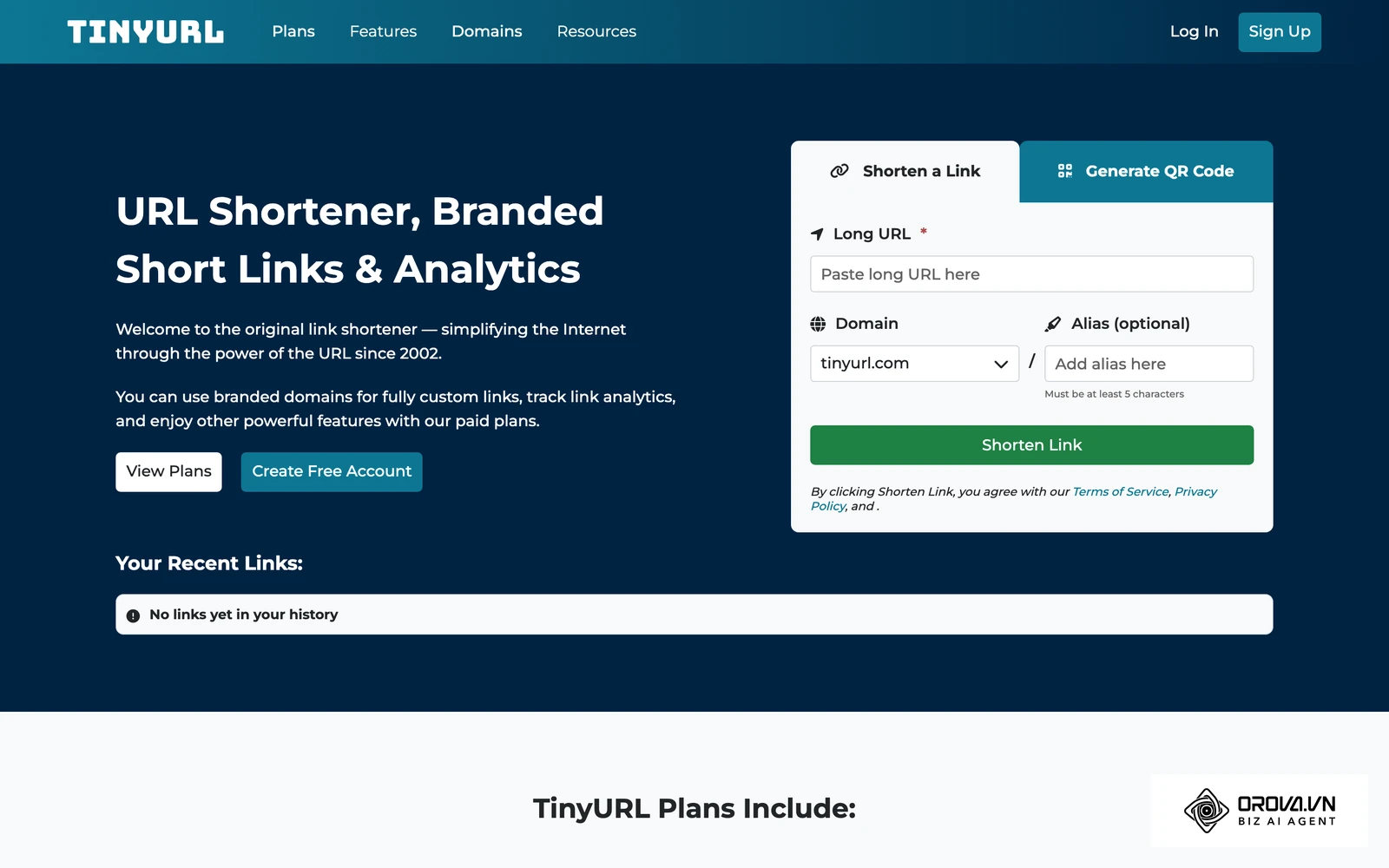
This low-friction approach makes TinyURL a common choice for one-off sharing, forum posts and quick internal messages where click data is not needed. Over time, TinyURL has added accounts and paid plans with features such as custom domains and link statistics, while keeping the quick shortener on its homepage. It offers fewer team-oriented integrations than Bitly, but it is very accessible for basic use, and many people use it without ever creating an account.
Detailed comparison: Bitly vs TinyURL
To decide which platform deserves your time and budget, compare them across several practical dimensions. The table below summarises how each service is generally positioned. Treat it as a checklist of questions rather than a final verdict, and verify each line on the official pages for the plan you intend to use.
| Feature category | Bitly | TinyURL |
|---|---|---|
| Account required to shorten | Yes | No (homepage shortener works without an account) |
| Default domain | bit.ly | tinyurl.com |
| Main positioning | Link management for teams | Quick shortening, optional account |
| Branded custom domain | Offered on paid plans (check details) | Offered on paid plans (check details) |
| Editing a link's destination | Check plan details | Check plan details |
| API access | Available; limits depend on plan | Available; limits depend on plan |
| Team and admin features | Promoted on higher tiers | Check current team plans |
The sections below look at each category in more detail, with the questions worth asking before you commit.
Free tier limits and constraints
Free tiers are where the two services differ most, and they are also where details change most often. Instead of quoting numbers that may be outdated by the time you read this, here is what to check and why it matters for your workflow.
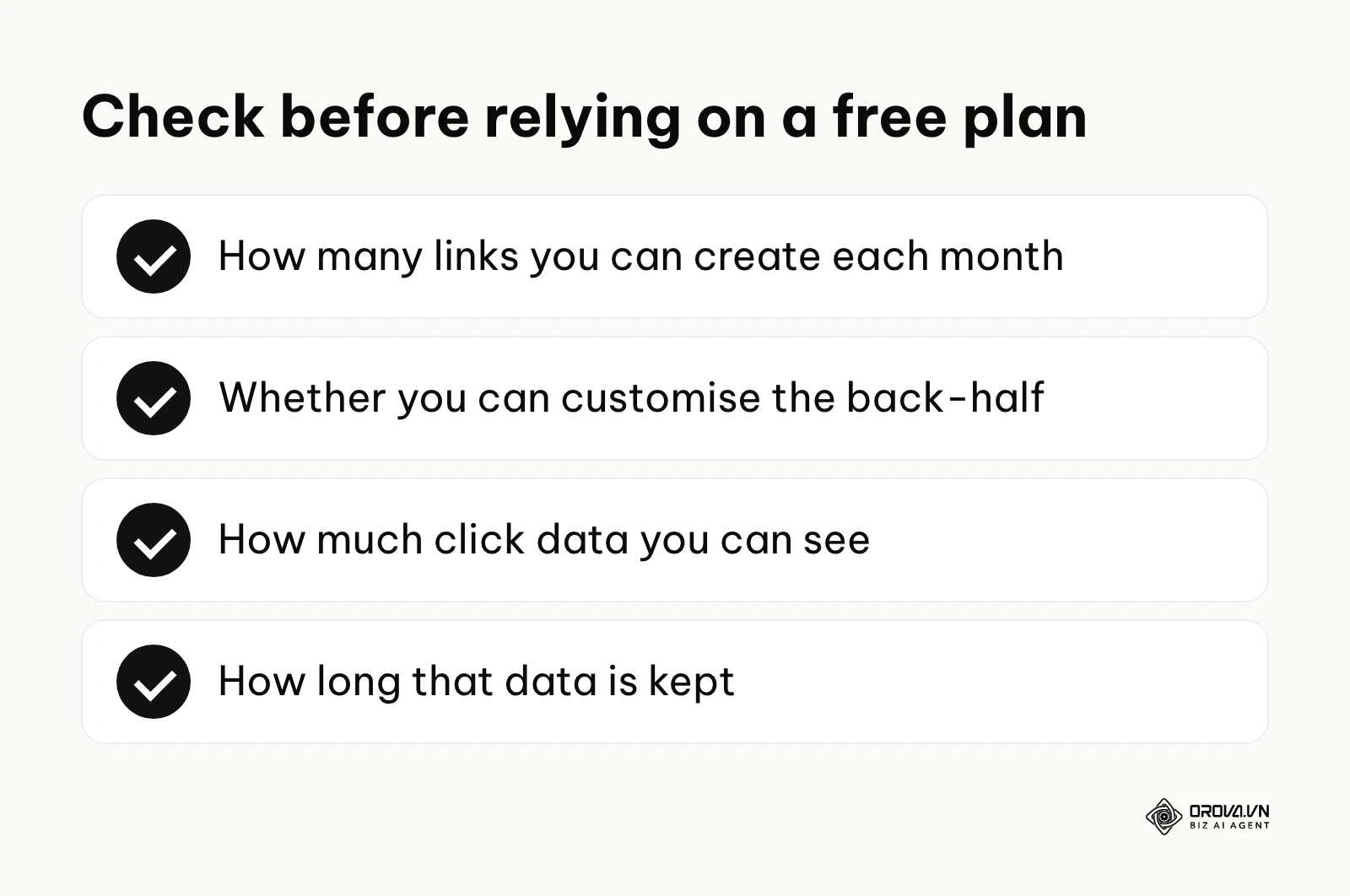
Bitly's free plan is designed as an entry point into a paid product. Before relying on it, open Bitly's pricing page and note four things: how many links you can create each month, whether you can customise the back-half of a link, how much click data you can see, and how long that data is kept. If your work regularly needs more than the free allowance, budget for a paid plan from the start rather than discovering the limit in the middle of a campaign, when switching tools is most disruptive.
TinyURL takes a different approach. You can shorten a link from the homepage without logging in. These anonymous links are not tied to any account, which means you cannot later see their statistics or change their destination, so check the long URL carefully before you shorten it. If you register a free account, you get a dashboard to keep track of your links; check which statistics and features the free account includes, because more detailed analytics and branded domains are part of TinyURL's paid plans.
Illustrative example:
- Context: A volunteer coordinator at a local non-profit needs to share 20 resource links in a community forum post and does not need click data.
- Steps taken: 1. The coordinator checks the free allowance on an existing shortener account. 2. They find the allowance will not cover all 20 links this month. 3. They use an account-free shortener for this one-off task instead.
- Obstacle and fix: Anonymous links cannot be edited or tracked later, so the coordinator double-checks every destination and keeps a simple spreadsheet listing each short link next to its long URL.
- Result: The post goes out on time. For one-off sharing without analytics, an account-free shortener is the simpler fit; for a tracked campaign, the coordinator would choose an account-based plan instead.
Analytics and click tracking depth
When you move to a paid plan, both platforms give you more data, but the depth and presentation of that data differ. Link tracking is not just about counting raw clicks; it is about filtering noise, understanding where visitors come from and connecting clicks to results.
Bitly puts analytics at the centre of its product. Depending on the plan, its dashboards report clicks over time, referrers, locations and device types, and these reports are designed for marketers who compare channels and campaigns. Whatever tool you use, remember that raw click counts can include automated traffic such as link-preview bots, security scanners and crawlers. Treat sudden spikes with caution and compare them with the sessions recorded in your web analytics. Our click tracking guide explains how to set up a measurement process that holds up.
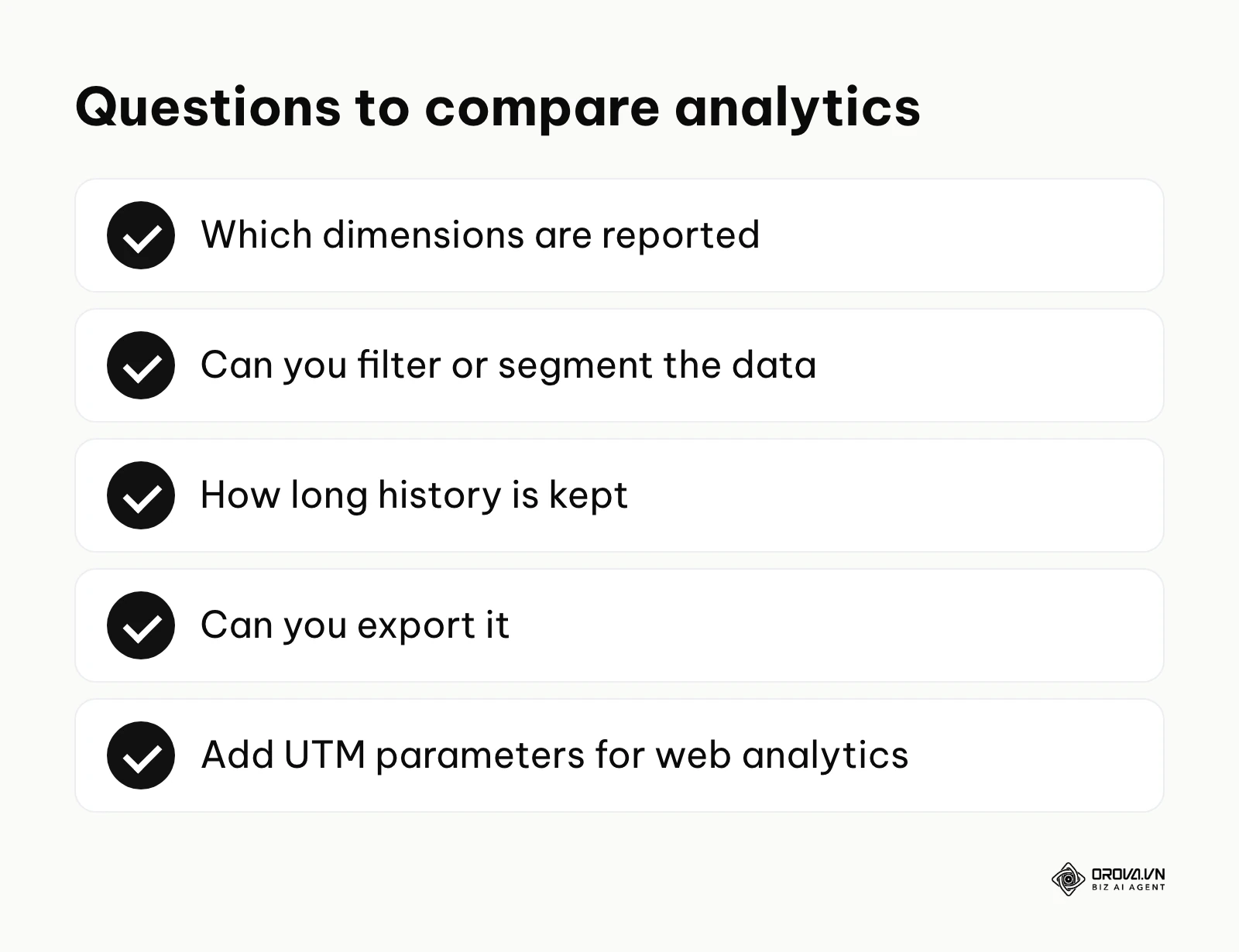
TinyURL also offers link statistics on its paid plans. Compare the two dashboards on the plan you are considering: which dimensions are reported, whether you can filter or segment the data, how long history is kept and whether you can export it. If your goal is simply to confirm that people are clicking, basic statistics are usually enough. If you need to compare many channels side by side, look for segmentation and export options, and add UTM parameters to your destination URLs so your web analytics attributes visits correctly. You can learn how to create UTM codes step by step.
Custom domain setup complexity
Using a generic bit.ly or tinyurl.com link is fine for casual sharing, but many brands prefer a custom domain (for example link.yourbrand.com) because it looks consistent and tells people where the link comes from. Setting this up requires changing DNS records, which can feel daunting if you have never done it.
Bitly supports branded domains on paid plans. Its help center walks you through adding the domain and creating the DNS records it asks for, and then verifies the setup. Check the current documentation for which record types are required, since this differs between a root domain and a subdomain, and confirm how HTTPS is provided for the branded domain so your links load securely.
TinyURL also supports custom domains on its paid plans. The underlying task is the same: add DNS records at your domain provider so that the short domain points to the service. For both tools, setup is easiest when you use a dedicated subdomain (for example go.yourbrand.com) rather than your main website domain, and when you have access to your DNS provider before you start. If propagation takes longer than expected, a public DNS lookup tool shows whether the new records are visible yet. Our custom short link guide covers branded links in more detail, including naming conventions for the back-half.
Redirect speed: how to measure it yourself
The main job of a link shortener is to receive a request and redirect the visitor to the final destination with an HTTP 301 or 302 status code. The time this takes is called redirect latency. Both services run their redirects on large-scale infrastructure, and for most audiences the redirect adds only a short delay, but published speed claims are hard to verify, so it is worth measuring for your own audience.
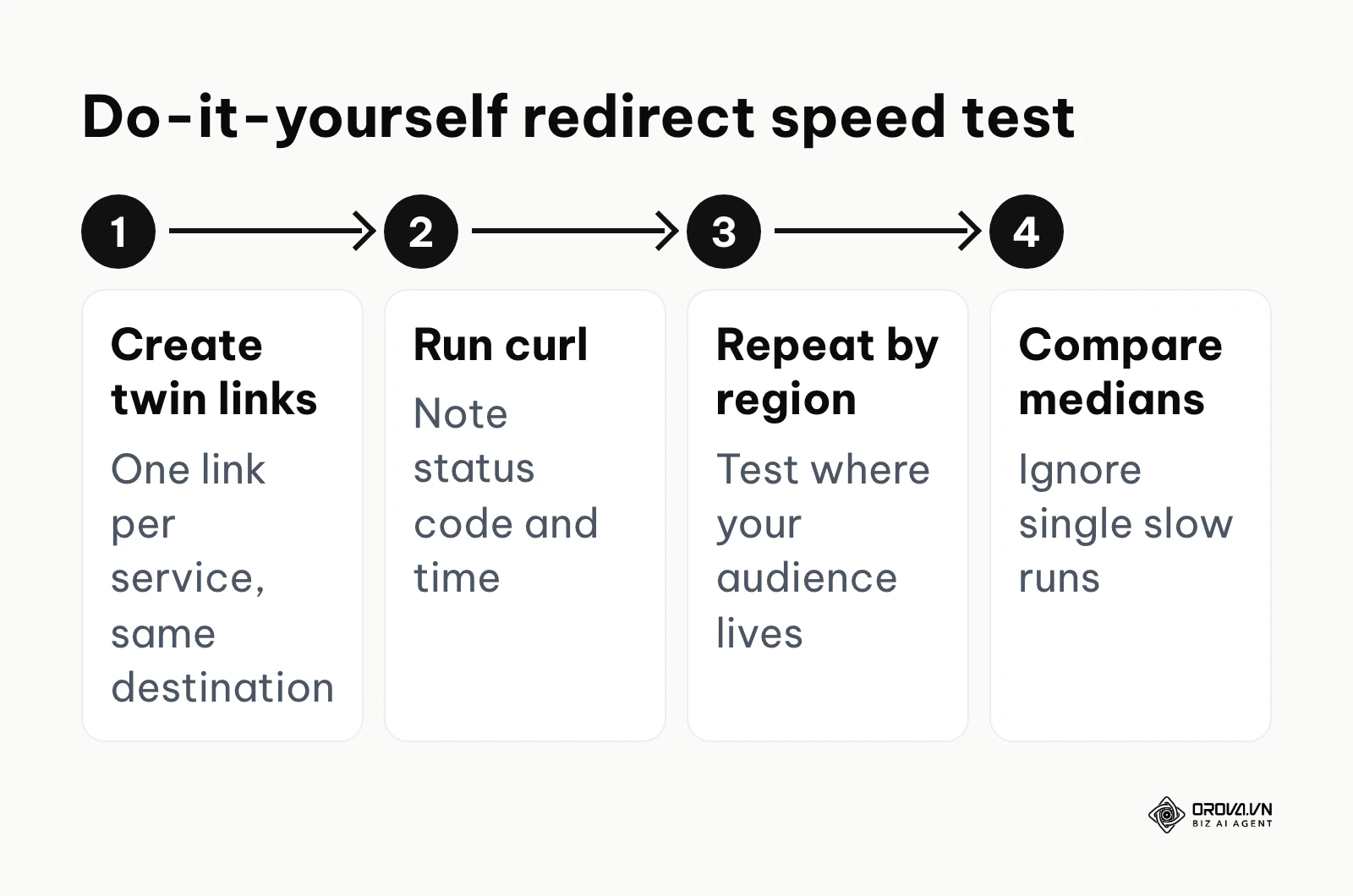
The test takes a few minutes. Create one test link on each service pointing to the same destination. Then, from a terminal, run curl -s -o /dev/null -w "%{http_code} %{time_total}" https://your-short-link several times. Because curl does not follow redirects by default, the status code shows the redirect type and the time shows how long the shortener took to answer. Repeat the test from a cloud server or VPN location in each region where your audience lives, and at different times of the day.
Look at the median rather than a single run, because one slow result can be caused by your own network. A difference of a few tens of milliseconds is hard for a person to notice, so speed rarely decides the choice on its own; reliability, branded domains and access to your data usually matter more. The status code is also useful: a 301 tells search engines and browsers the redirect is permanent, while a 302 marks it as temporary.
Data portability (Exporting and importing links)
When you add a third-party tool to an important workflow, plan for the exit from day one. Vendor lock-in happens when it becomes difficult to take your data with you and move to another provider. With link shorteners, the risk is higher than usual, because every printed flyer and old email still points to links on the provider's domain.
Bitly offers ways to export link data, and its API lets developers read link and click information programmatically; which export options are available depends on the plan. Before committing, check whether an export includes the long URL, the short URL, the creation date and click totals, and whether historical click data can be exported or only the list of links. Exported data can feed an internal archive or a reporting spreadsheet that combines clicks with results from other channels.
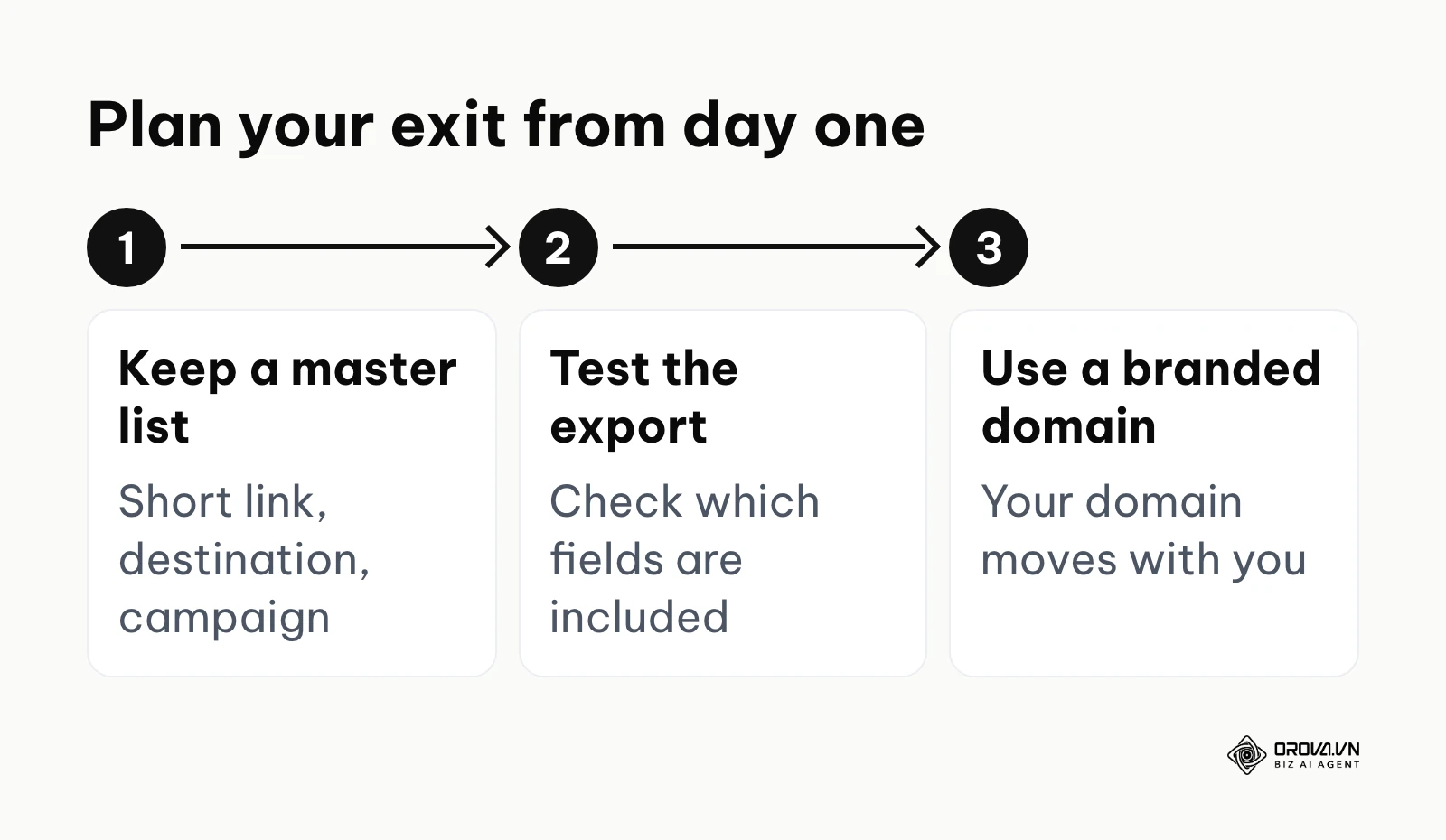
For TinyURL, check the same points in its current dashboard and documentation: whether you can export your link list, whether the API lets you list existing links, and whether click history can be taken with you. Whichever service you choose, keep your own master spreadsheet of every short link, its destination and the campaign it belongs to. That habit costs a few seconds per link and makes any future migration far less painful, because you never depend on a single dashboard to know what you have published.
Illustrative example:
- Context: An agency wants to archive several thousand historical short links for a client before their contract ends.
- Steps taken: 1. The account manager checks which export options the current plan includes. 2. They export the link list as a CSV file. 3. They cross-check the export against the agency's own master spreadsheet of links.
- Obstacle and fix: Some campaign labels are missing from the export, so the team fills the gaps from the spreadsheet, matching rows by short URL.
- Result: The client receives a complete archive. The lesson: an export plus your own records is far safer than relying on either one alone.
Spam filter risks and email deliverability
A frequently overlooked question is how link shorteners are treated by email security gateways and spam filters. Using the wrong domain can lower the chance that your marketing emails reach the inbox.
Shared short domains are used by a very large number of people, and inevitably some of them misuse the service. Email security tools may therefore treat links on generic shortener domains with extra caution, and some organisations configure their filters to flag or rewrite such links. This applies to public shorteners in general, not to one service in particular, and both TinyURL and Bitly have terms of use that prohibit abusive links.
The most reliable fix on either platform is a branded domain. When you use your own domain (for example link.yourcompany.com), filters evaluate the reputation of your domain rather than a domain shared with everyone else. If email deliverability is important to you, factor the cost of a plan that supports branded domains into your decision, and send a test to a small list of inboxes on different providers before any major send.
If you need short links and QR codes in one place, Orova Link & QR lets you create short links with click counting, dynamic QR codes you can redirect after printing, and reports of scans and clicks by day, device, country and source.
Choosing by situation: Which one fits your workflow?
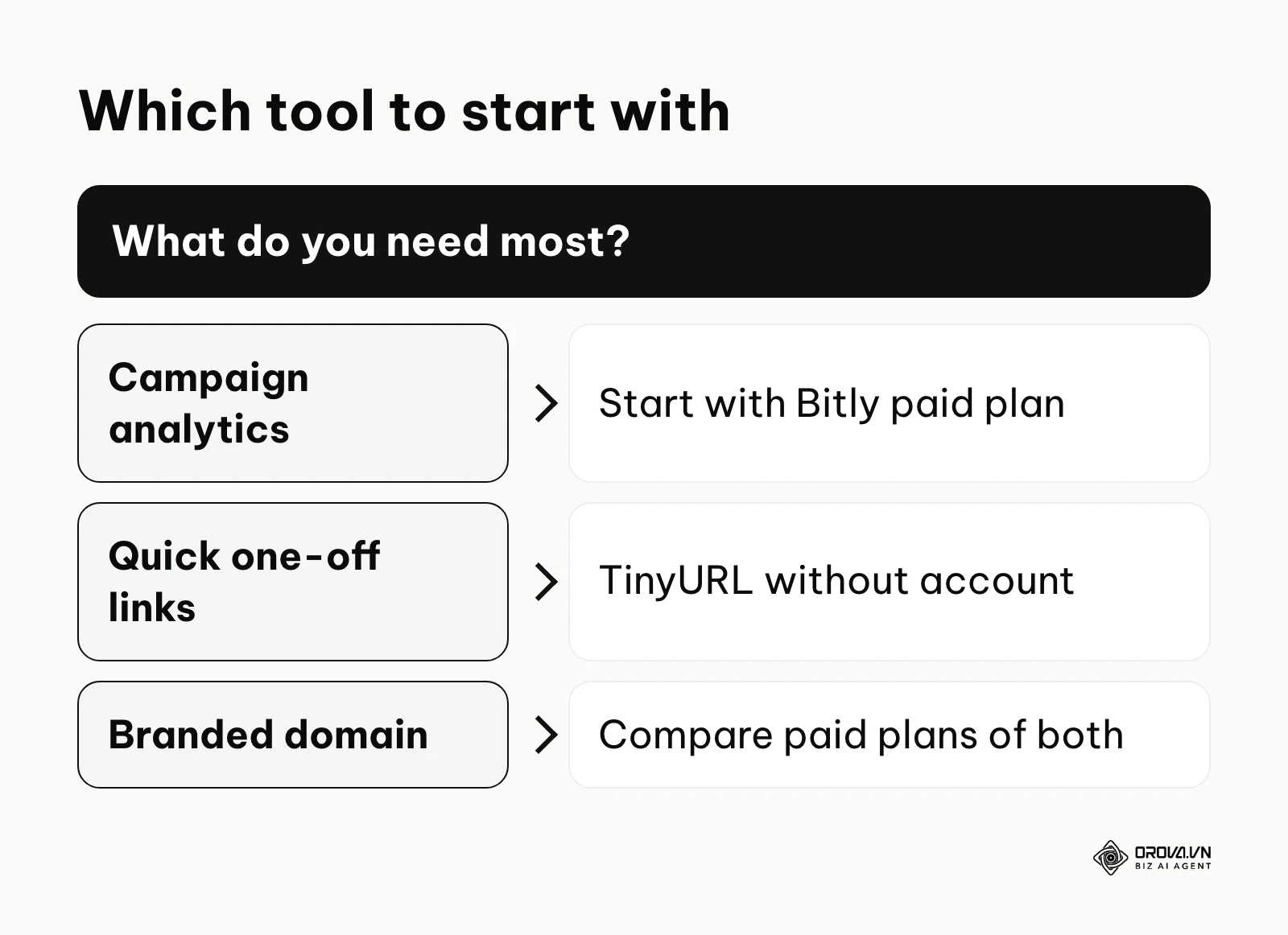
Feature comparisons are helpful, but the clearest way to choose is to look at specific situations. The table below suggests a starting point for common cases; confirm the plan details before you commit.
| Situation / use case | Suggested starting point | Why |
|---|---|---|
| Sharing a long link in an internal chat | TinyURL (no account) | Fast, nothing to set up, no tracking needed |
| Multi-channel marketing campaigns | Bitly (paid plan) | Analytics, campaign organisation, integrations |
| Creator or affiliate links on a branded domain | Either, on a paid plan | Both support custom domains; compare dashboards |
| Temporary link for a local event poster | Either | Check whether you need to edit the destination later |
| Large text message campaigns | An account-based plan with API access | Volume and click data matter; confirm API limits |
The scenarios below explore these situations in more detail.
Scenario 1: Quick social media sharing
If your goal is to shorten a cumbersome URL for a forum post or a quick social reply, TinyURL without an account is the simpler fit. You do not need to log in or navigate a dashboard. You paste, copy and share. The lack of analytics does not matter here, because you do not need to measure who clicked a link you shared once in a group chat. A free account on either service is also an option if you want a history of your links, as long as the free allowance covers how often you share.
Scenario 2: Large-scale text message campaign
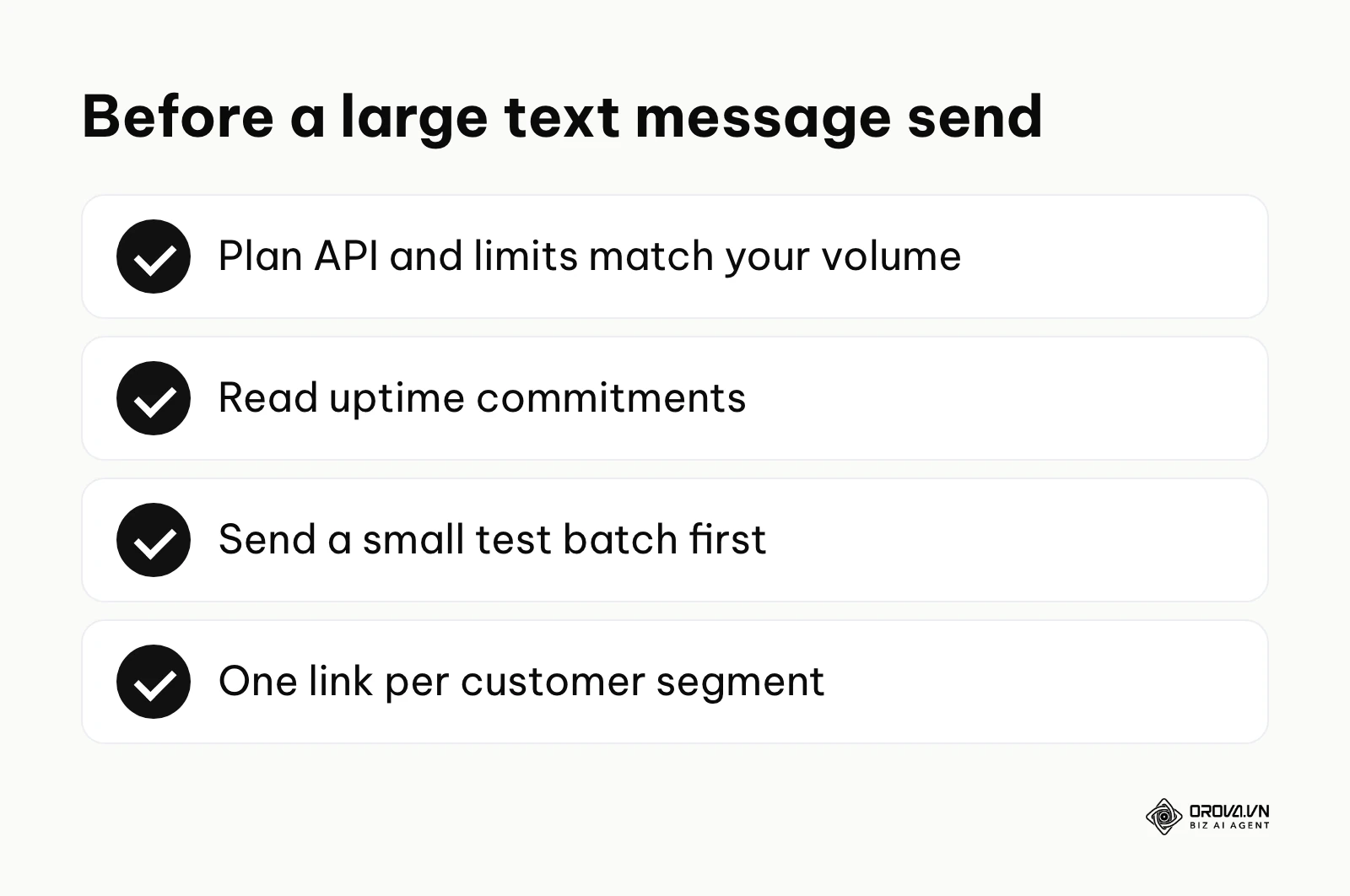
Text messages impose strict character limits, so shortening is close to essential. When you send a message to a large customer list at once, reliability matters most: if links fail during the send, the cost of the whole campaign is wasted. Choose an account-based plan whose API and limits match your volume; many teams look at Bitly's paid plans for this, but compare TinyURL's paid options too. Read each provider's uptime commitments, send a small test batch first, and use a separate link per customer segment if you want to compare responses, since standard shortener analytics count clicks per link rather than identifying individual recipients.
Scenario 3: Internal corporate documentation
Large organisations often have deeply nested intranet or wiki pages with long, unreadable URLs. Employees share these links in presentations, emails and chat. Here, a paid plan with a custom internal domain (for example go.company.com) can help the IT team see which documents are used most and keep control of where links point. Check whether the plan provides team workspaces, admin roles and single sign-on: Bitly promotes these features for larger organisations, and for TinyURL you should confirm what its current team plans include.
Illustrative example:
- Context: A marketing director at a mid-sized online store wants to compare two landing pages for a summer sale.
- Steps taken: 1. The director creates two short links pointing to the two page variants, each with its own UTM tags. 2. Each link goes into a different half of a promotional email send. 3. The team watches clicks for 48 hours.
- Obstacle and fix: Early numbers look inflated because staff are clicking the links to check them. The team asks staff to use the direct URLs instead and compares the shortener clicks with UTM-tagged sessions in web analytics.
- Result: With cleaner data, the director picks the winning page. The lesson: shortener clicks are a starting signal, and web analytics confirms what happened after the click.
Scenario 4: Building a personal brand
If you are an independent creator, consultant or freelancer building a personal brand, a consistent look matters. You may want a custom domain (for example links.yourname.com) for portfolio and partner links. Both platforms offer custom domains on paid plans. Bitly's tagging and organisation tools are designed for people who manage many links; TinyURL's interface is simpler. The best test is practical: create a handful of real links in each tool, organise them as you would day to day, and keep the one that feels easier for you.
For campaign links and printed materials, Orova Link & QR offers 59 QR code types, a UTM link builder, and custom colors, logos and frames with PNG or SVG download. It is free until July 7, 2027.
Combining or switching: Moving from Bitly to TinyURL (and vice versa)
There are few situations where running Bitly and TinyURL side by side makes sense for the same team. Two separate link systems lead to fragmented data, duplicated costs and confusion about which tool to use for what. In most cases it is better to choose a primary platform and commit to it, while allowing quick account-free links for throwaway tasks.
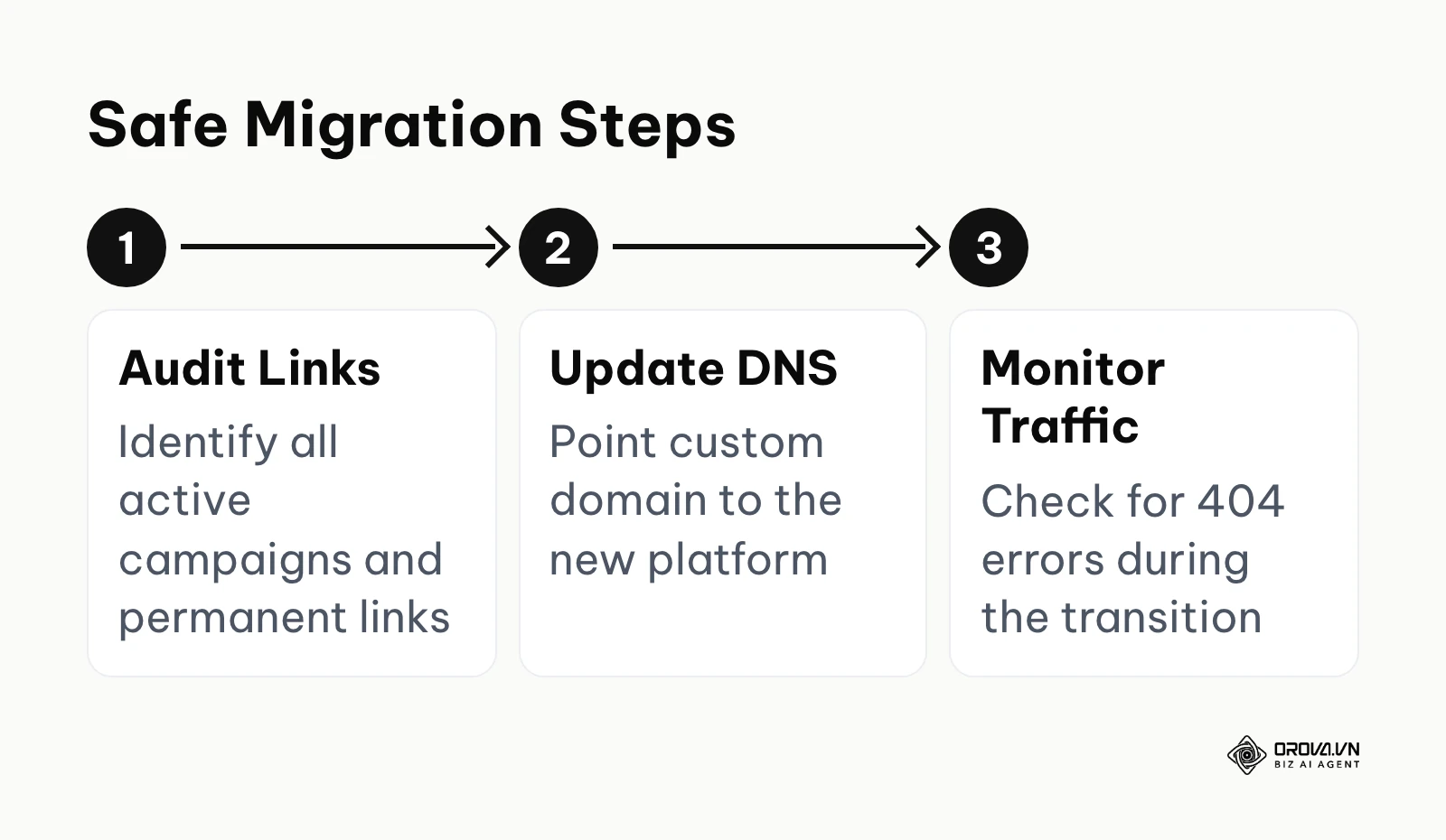
If you need to migrate, plan carefully. Moving from one platform to another is not a single click, particularly if you use a custom domain. The process involves exporting your existing data (check the export options discussed above), creating the same short back-halves on the new platform, and then changing your DNS records so your domain points to the new provider.
The greatest risk during this transition is downtime. DNS propagation is not instantaneous; it can take anywhere from a few minutes to 48 hours for internet service providers globally to recognize the new routing instructions. During this window, users clicking your links might experience intermittent 404 errors or connection timeouts. To mitigate this risk, migrations should always be executed during periods of historically low traffic, typically late at night on a weekend. You must also maintain your subscription to the old platform for at least a week after the DNS change to ensure any lagging caches have fully cleared before shutting off the original infrastructure.
Future trends in link management: author's perspective
The basic mechanics of HTTP redirects have been stable for decades, but the ecosystem around link management keeps shifting. Based on what I see today, here are three developments I expect to shape this space in the coming years.
AI-driven link routing and predictive analytics
We are moving away from static routing. Today, a short link usually points to one fixed destination. I believe link platforms will increasingly route visitors based on context, such as device, language or location, sending each person to the most relevant version of a page. Some of this already exists in simple forms, like device-based redirects. Wider use of it will depend on how privacy rules evolve, because routing based on personal behaviour needs clear consent and careful handling of data.
The decline of generic short domains
Trust is becoming the most valuable currency on the web. As phishing via email and text messages grows more sophisticated, people are learning to be cautious with links they cannot read. I expect browsers, email clients and messaging apps to show more context about where a short link leads before people click it. That would make branded domains, which show the sender's name in the link itself, more of a standard practice for businesses than an optional extra.
Stricter anti-spam regulations on short links
Anonymous link creation will face more scrutiny. Account-free shortening is convenient, and that convenience is exactly what makes it attractive to people with bad intentions. I think shortener services will keep investing in abuse detection and may ask for more verification before certain features are unlocked. I hope this happens in a way that keeps quick, legitimate sharing easy for ordinary users.
Frequently asked questions about link shorteners
When configuring link infrastructure, technical and operational questions frequently arise. Here are detailed answers to the most critical concerns.
What happens to my links if the company goes bankrupt?
This is a critical risk factor. If the company operating your link shortener ceases operations and shuts down their servers, every single short link you have ever generated using their domain will immediately break and return an error. You have zero control over their servers. The only technical mitigation against this catastrophic failure is to use a custom domain. If you own the domain, and the provider goes out of business, you can quickly spin up your own basic redirect server (using Nginx or a serverless function) and manually recreate the routing rules, saving your historical links.
Will using Bitly or TinyURL hurt my SEO rankings?
No, as long as the redirect works correctly. Shorteners typically use 301 (permanent) redirects, which search engines treat as pointing to the destination page; you can confirm the status code for your own links with the curl test described above. Short links matter far less for SEO than the destination page itself. The main risk is availability: if the shortening service is down when a crawler or visitor arrives, they reach an error instead of your page.
How does AI impact URL shortening?
Shortening services already use automated systems to detect and disable abusive links. AI is also starting to help on the creation side: some tools can suggest UTM parameters, propose readable back-halves based on the destination page, or summarise the performance of a campaign in plain language. Treat these suggestions as drafts and keep your naming conventions consistent.
Can I edit the destination URL after creating a short link?
It depends on the service and the plan. Changing the destination of an existing short link is usually tied to an account, often on a paid plan, and links created anonymously cannot be edited at all. Check the plan details before printing a link on anything permanent. Editable destinations are especially useful for long-running materials, for example a link on printed packaging or in a profile bio that should point to a new page each season.
Where to start?
Deciding how to implement link shortening depends entirely on your current operational maturity and immediate requirements.
If you are an individual who just needs to share a massive URL on a forum right now, your first step is to open TinyURL in a new tab and paste the link. You do not need to overcomplicate the process with accounts or analytics for a single, disposable task.
If you are a solo marketer launching your first major campaign, your first step is to document your UTM parameters in a spreadsheet. Before you create any short links on any platform, you must establish a strict naming convention for your campaigns, sources, and mediums to ensure the data you eventually collect is clean and usable.
If you manage a team and are hitting the limits of a free plan, your first step is to register a short, branded domain with a domain registrar and connect it to a paid link management plan. Setting up your own branded links early prevents painful migrations and lock-in later as your traffic grows.
About the author

Builder of Orova
Nguyễn Đỗ Trọng Ân has 8 years of experience in marketing, including 6 years managing market development across Asia. He builds Orova, a Biz AI Agent that never sleeps: it plans, runs and optimizes work for businesses.
Run your business with AI Agents
Orova is the always-on Biz AI Agent — it plans, runs, and optimizes the work for you.
Save time, unlock productivity.