
What is a content audit? A zero-dollar guide to cleaning up your site

You have likely published hundreds or even thousands of blog posts over the years, yet your organic traffic is flatlining. Most marketers react to this plateau by writing even more articles, hoping something new will stick. This old approach of relentless publishing without reviewing past performance only bloats your website. It confuses search engines, dilutes your topical authority, and ultimately frustrates users who cannot find the exact answer they need. What your website actually requires is a rigorous content audit: a systematic review of every page to decide what to keep, update, consolidate, or delete.
By systematically evaluating every single page on your domain, you can see exactly where your effort should go. In many cases, cutting dead weight and refreshing what already ranks can move the needle faster than publishing brand-new pieces. This comprehensive guide will walk you through a complete, step-by-step process to clean up your site. We will cover how to use free tools to gather your data, apply artificial intelligence to automate the tedious categorization process, and implement a framework that improves your conversion rates, not just your search rankings.
What Is a Content Audit?
A content audit is a systematic evaluation of all existing material on your website to determine its performance, relevance, and overall quality. It is used to identify pages requiring updates, consolidation, or deletion, fundamentally differing from purely technical audits that focus exclusively on server responses and code structure.
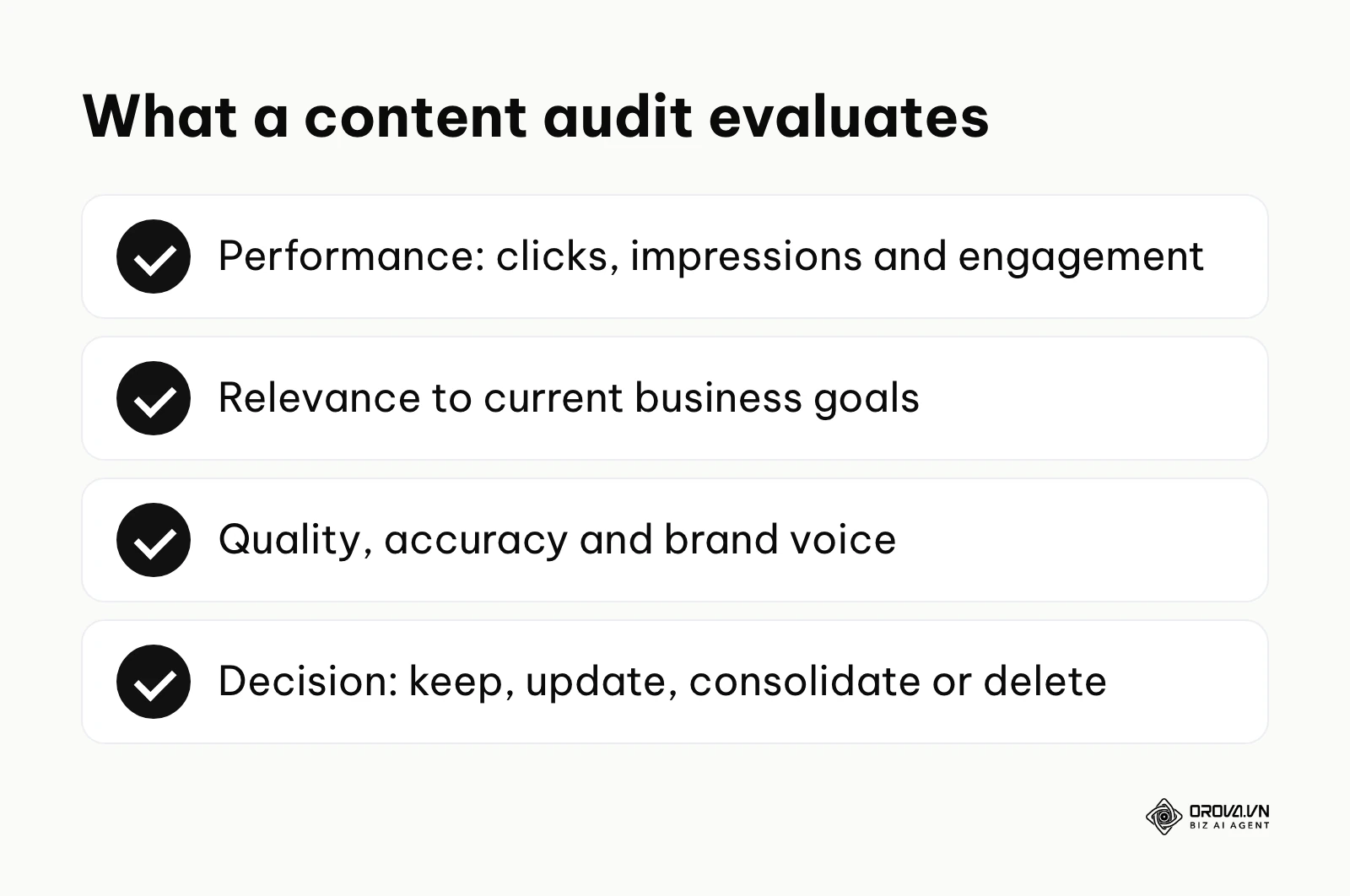
The summary below lists what this process evaluates and the four decisions it leads to.
The practice has its roots in traditional library science and print publishing. Long before the internet existed, archivists and editors routinely evaluated physical collections and back catalogs to discard obsolete materials and update reference texts. Today, digital marketers apply the same principles to websites.
When discussing this topic, professionals often confuse several related but distinct concepts. The table below outlines how this process differs from other common website evaluations.
| Concept | How it differs | Example |
|---|---|---|
| Content Audit | Analyzes qualitative and quantitative performance to make strategic decisions. | Evaluating 500 blog posts to delete 100 underperforming ones. |
| Content Inventory | Only lists and categorizes what exists without evaluating performance. | Creating a spreadsheet of all URLs and their publication dates. |
| Technical Audit | Focuses on crawlability, site speed, and code rather than the actual text. | Fixing broken links, improving server response times, and addressing indexing errors. |
To understand this practically, think of an everyday example: organizing your wardrobe. You do not just count how many shirts you own (that is an inventory). Instead, you pull every item out, try it on, and evaluate it. You decide what still fits perfectly (keep), what needs minor tailoring (update), and what is completely out of style or damaged and should be donated (delete). By removing the clutter, you make it significantly easier to find and showcase your best clothes. A proper audit does exactly this for your website, ensuring that search engines and users only interact with your highest-quality work. While you might run a separate analysis for technical SEO to ensure the closet doors open smoothly, the audit focuses entirely on the quality of the clothes inside.
The Strategic Purpose of a Content Audit
The primary reason a content audit exists is to combat digital decay. Over time, every website accumulates outdated information, duplicate pages, and low-quality posts that no longer align with current business goals. This accumulation leads to keyword cannibalization, a scenario where multiple pages on your site compete against each other for the exact same search query. When this happens, search engines struggle to determine which page is the authoritative source, often resulting in neither page ranking well.
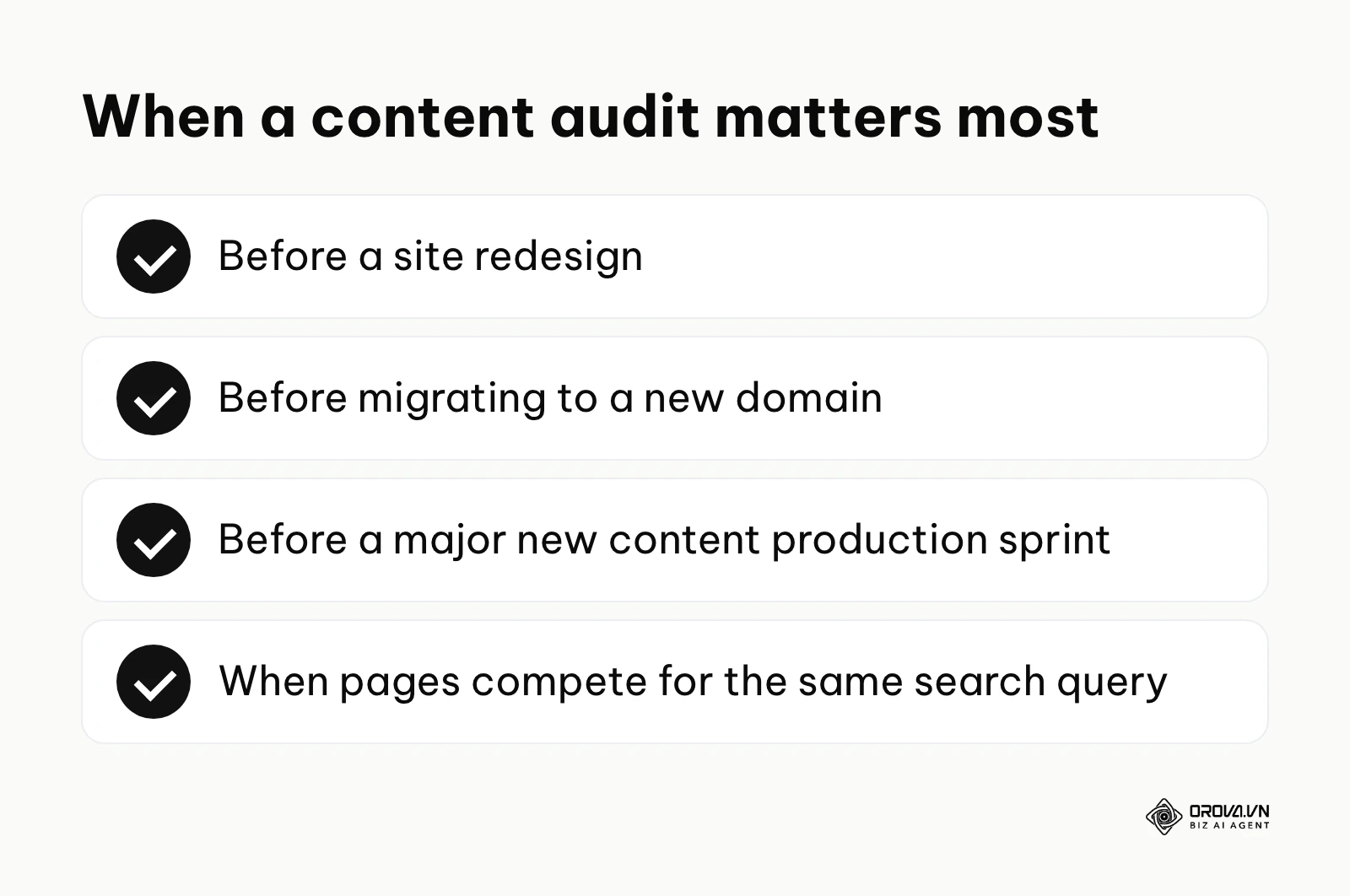
The summary below lists the moments when an audit matters most.
This strategic process serves content managers, SEO specialists, and marketing directors who are responsible for the overall health and growth of a brand's digital presence. In the broader picture of digital marketing, an audit typically sits right at the beginning of a major transition. It is the crucial step that must occur before launching a site redesign, migrating to a new domain, or kicking off a massive new content production sprint. If you skip this evaluation, you risk migrating hundreds of low-quality pages to a new design, effectively carrying your old problems into your new system. Search engines put a premium on expertise and accuracy, which is why a large share of outdated pages can weaken how your site is perceived as a whole.
Example scenario: A mid-sized B2B software company with a five-year-old blog.
- Context: The company had amassed over 800 articles, but organic traffic had completely plateaued at 10,000 visitors a month for over a year. The marketing lead was tasked with breaking this ceiling without tripling the content budget.
- Actions: The lead exported all URLs, cross-referenced traffic from the last 12 months, and identified nearly 300 posts that had received zero visits and zero backlinks in a year.
- Hurdles: The executive team was initially terrified to delete anything, fearing a catastrophic drop in overall domain authority. The marketing lead compromised by running a test batch, deleting 50 of the worst-performing posts first.
- Results: Removing the dead weight led to faster crawling of their core product pages, and the remaining articles saw a visible 15% lift in search impressions within just four weeks, proving the concept to the executives.
When You Do Not Need a Content Audit Yet
You do not need a content audit if your website is less than a year old or has fewer than 50 indexed pages. At this early stage, your primary focus should be on establishing a consistent publishing rhythm and building initial topical authority. Performing a deep, historical evaluation is generally a waste of time when there is not enough historical data to analyze meaningfully. Instead of agonizing over a tiny database, you should invest your resources into setting up a robust content calendar, researching foundational topics, and simply getting more high-quality words published.
Business and Operational Benefits of a Content Audit
Executing a comprehensive site cleanup provides distinct advantages that ripple across an entire organization. These advantages can generally be split into two layers: the high-level business value that impacts the bottom line, and the operational benefits that make daily life easier for the implementers.
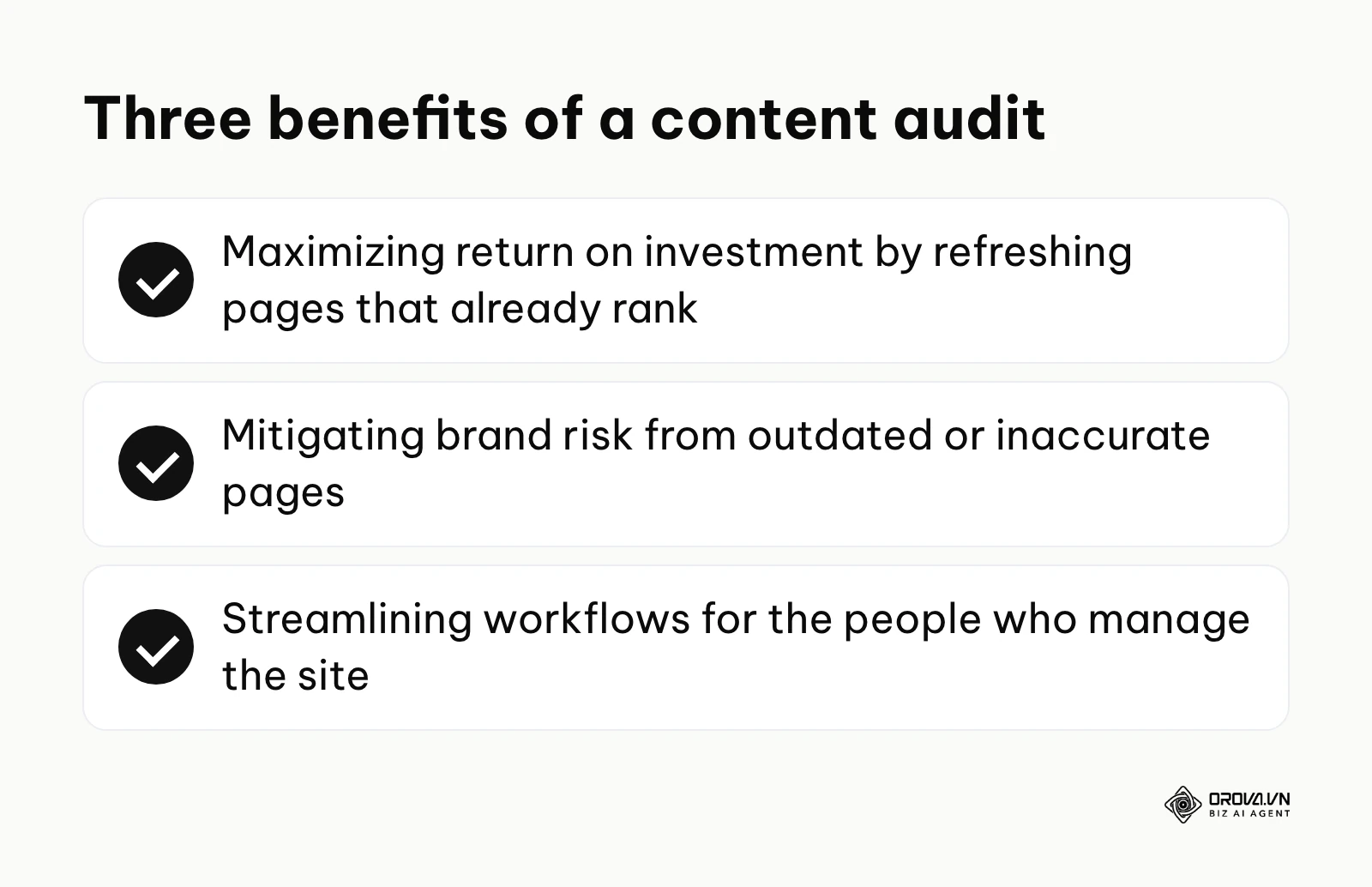
The summary below lists the three main benefits covered in this section.
Maximizing Return on Investment (ROI)
For the business as a whole, the most immediate value comes from cost efficiency. Creating brand-new, high-quality articles from scratch is expensive, requiring research, drafting, editing, and publishing time. Conversely, updating a piece that is already indexed and sitting on page two of search results requires a fraction of the investment but can yield massive traffic spikes. Refreshing existing content is widely regarded by marketers as one of the most efficient ways to win back traffic. By identifying which old posts are on the cusp of ranking well, businesses can allocate their marketing budget toward high-ROI updates rather than risky net-new production.
Mitigating Brand Risk and Liability
Another critical business value is risk reduction. An outdated website is a liability. If a potential customer lands on a five-year-old blog post that quotes incorrect pricing, references discontinued features, or provides advice that no longer complies with current industry regulations, trust is instantly broken. By systematically auditing and removing or updating this legacy information, the business protects its brand reputation and ensures a consistent, accurate message across all touchpoints.
Streamlining Workflows for Implementers
For the content managers and SEO specialists executing the daily work, the primary benefit is operational clarity. A bloated Content Management System (CMS) is a nightmare to navigate. When there are thousands of draft posts, duplicate tags, and overlapping categories, internal linking becomes confusing and time-consuming. Trimming the site down to its most effective core means implementers spend less time searching for the right page to link to and more time actually optimizing. A leaner site is faster to manage, easier to map, and significantly less stressful to maintain.
Example scenario: An affiliate review website in the outdoor gear niche.
- Context: A highly profitable affiliate site reviewing outdoor gear was slowly losing its rankings to newer, more agile competitors. The site had thousands of reviews dating back almost a decade.
- Actions: The managing editor ran an audit specifically targeting pages that mentioned discontinued products. They systematically updated 40 critical reviews with the newer product models and applied 301 redirects to 120 obsolete pages.
- Hurdles: Finding the exact replacement models for five-year-old camping tents was highly tedious and occasionally required contacting manufacturers directly to confirm the correct product lineage.
- Results: The newly updated review pages regained their top 3 positions for target commercial keywords within two months, and the affiliate click-through rates visibly improved on the refreshed pages.
| Benefit | Measured By | Time to See Results |
|---|---|---|
| Traffic Recovery | Impressions and Clicks in Google Search Console | 4 to 8 weeks |
| Improved Crawl Budget | Number of pages crawled per day in server logs | 2 to 4 weeks |
| Increased Conversions | Goal completions or lead form submissions in GA4 | 6 to 12 weeks |
Discover Orova.vn – a Biz AI Agent platform with OROVA SEO, a complete solution for every website. The system supports search engine optimization from A to Z with features including keyword research, writing new SEO-ready articles, optimizing existing content, rank tracking, plus competitor analysis and in-depth technical analysis. Sign up today to experience OROVA SEO completely free (offer valid through July 7, 2027).
The Complete Content Audit Process: From Zero-Dollar Tools to AI Automation
Executing an audit manually can feel like an insurmountable task, especially if your website has thousands of URLs. Many practitioners mistakenly believe they need to spend hundreds of dollars a month on enterprise SEO software to get started. While those tools are helpful, they are not strictly necessary. You can perform a highly sophisticated, data-driven analysis using entirely free tools combined with the analytical power of artificial intelligence.
Documenting your audit process makes it repeatable, easier to hand over, and easier to measure the next time around. This section outlines a documented, repeatable process divided into four major phases.
Step 1: Gathering Data with Zero-Dollar Tools
The foundation of any good audit is accurate data. You need to know what pages exist, how much traffic they get, and how users interact with them. You can gather all of this without spending a dime by utilizing Google Search Console (GSC), Google Analytics 4 (GA4), and the free tier of Screaming Frog SEO Spider.
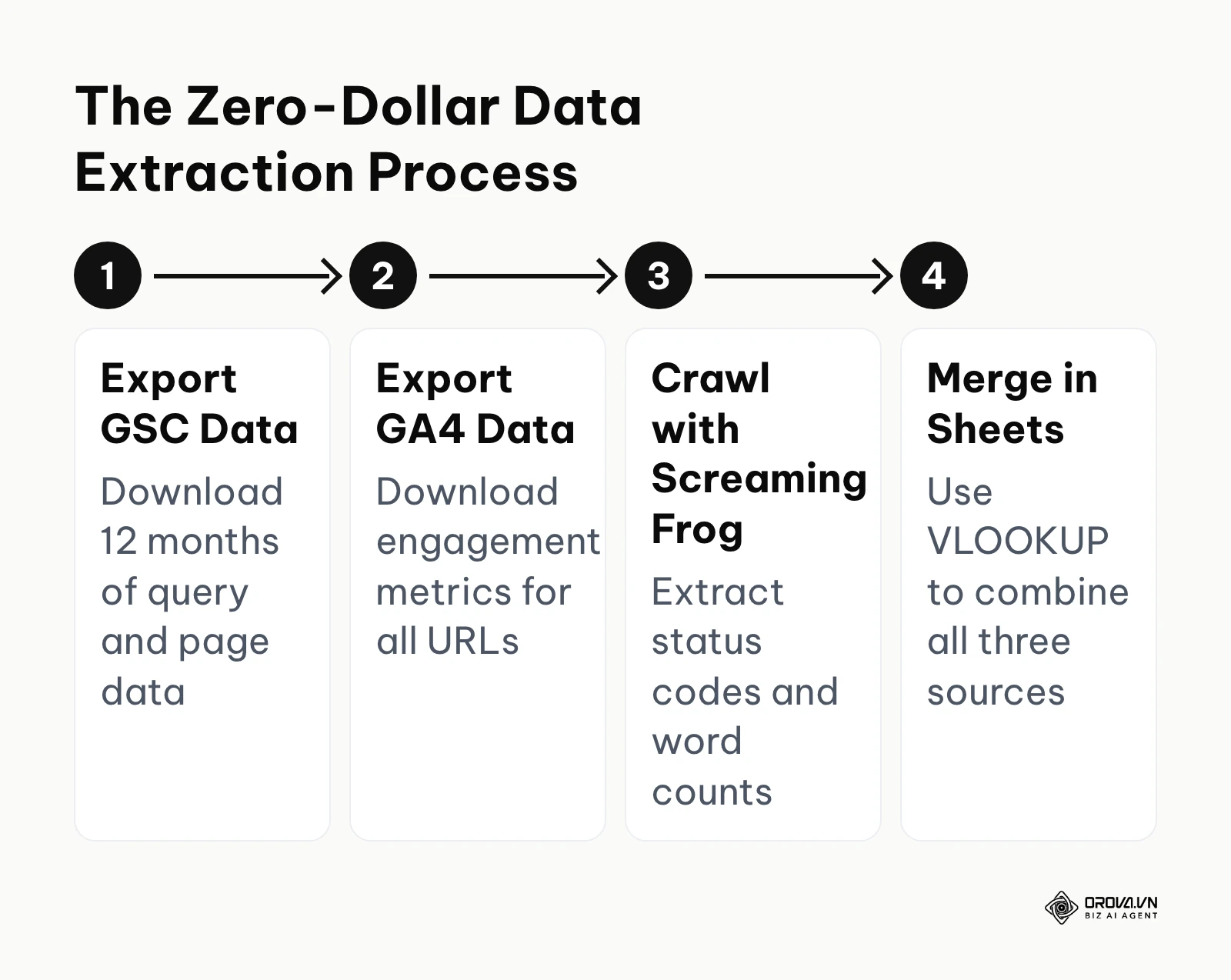
The diagram below summarizes the workflow for extracting and merging this free data.
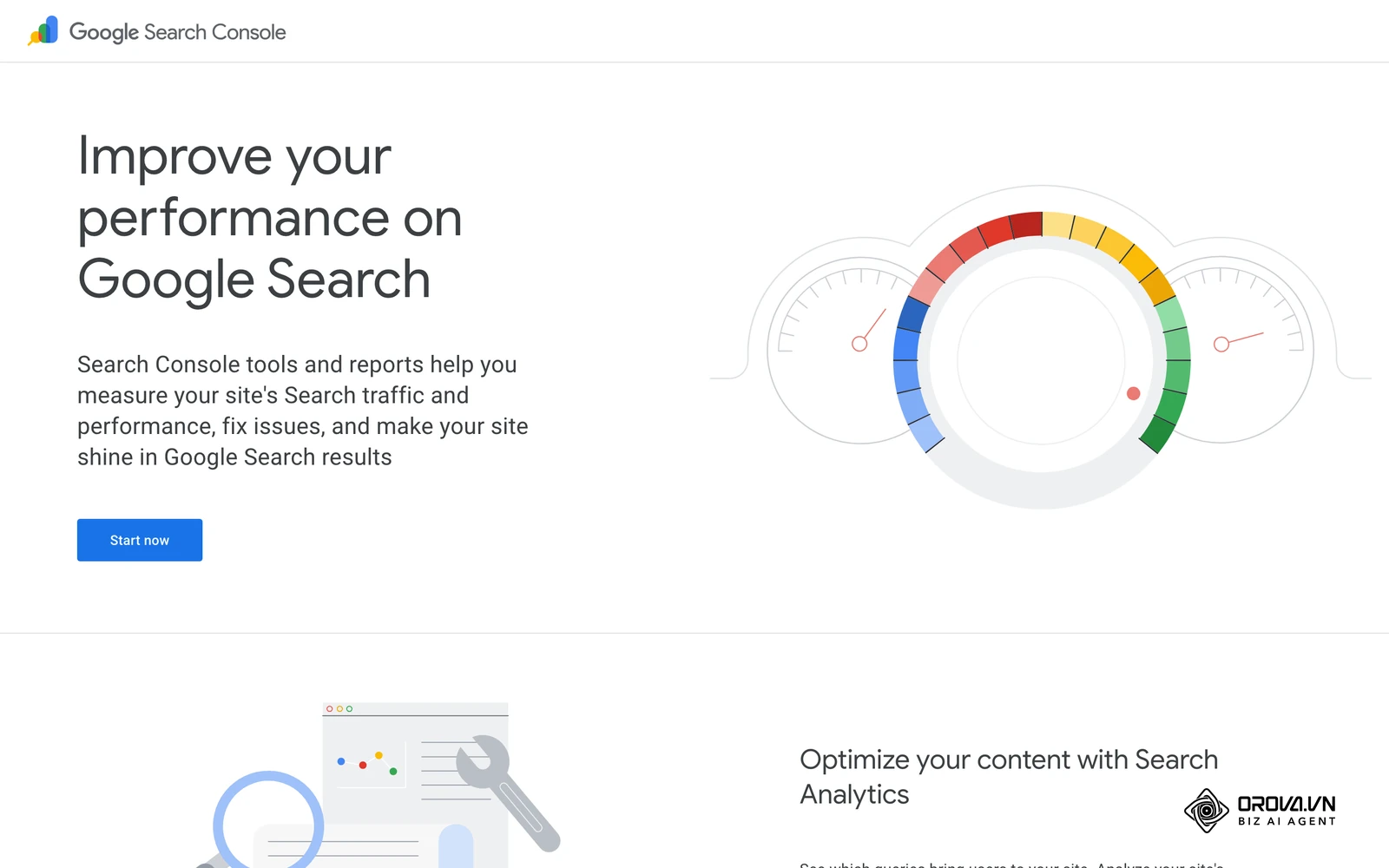
First, open Google Search Console. Navigate to the Performance report and set the date range to the last 12 months. This extended timeframe is crucial because it accounts for seasonal fluctuations; a page that gets zero traffic in July might be your biggest driver in December. Export this data to a CSV file. This file gives you the exact impressions, clicks, and average positions for your URLs, directly from Google's database.
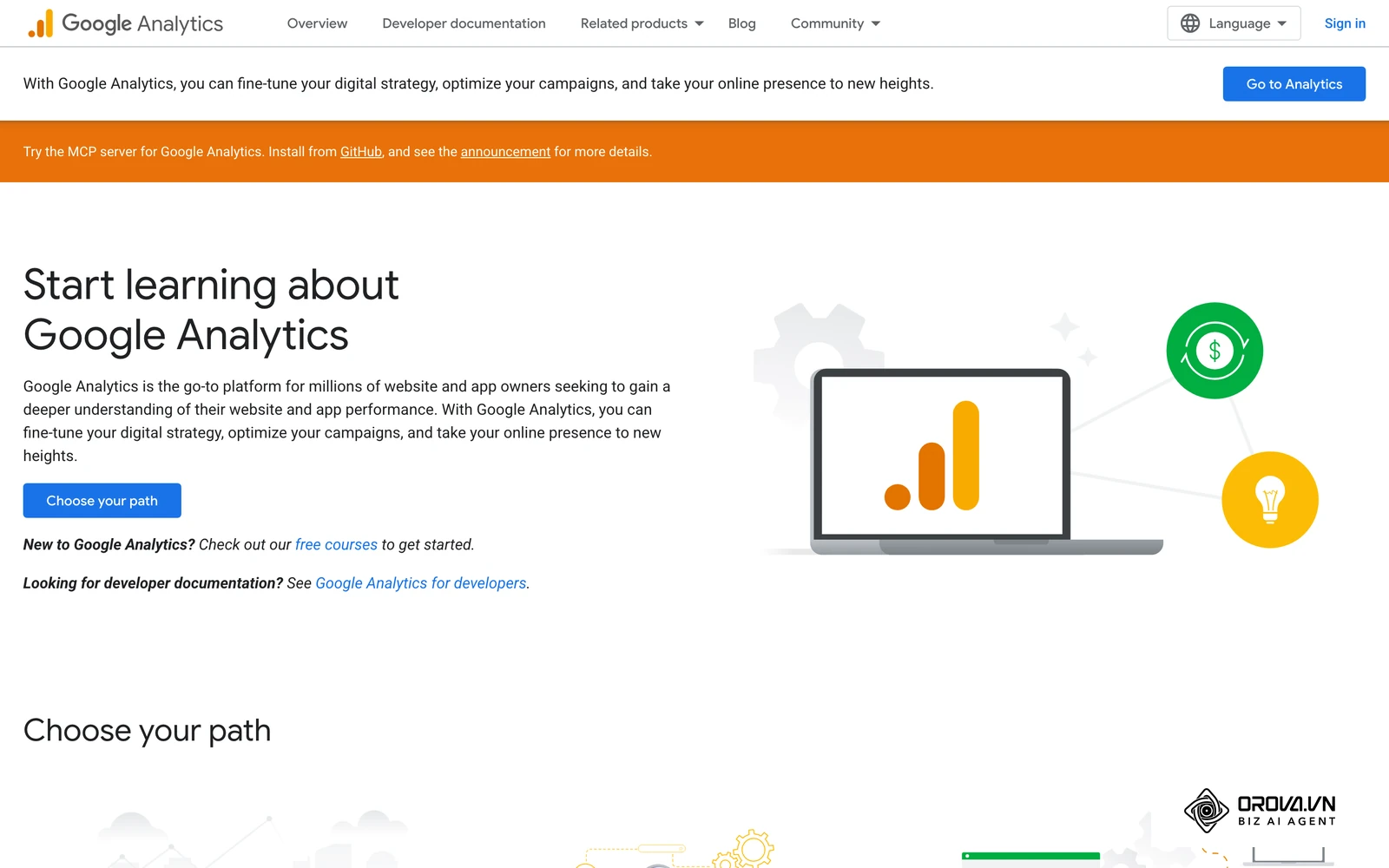
Next, you need behavioral data. Open GA4 and navigate to Reports, then Engagement, and finally Pages and screens. Ensure your date range matches the 12 months you set in GSC. Here, you want to look at metrics like 'Average engagement time' and 'Views'. Export this data as well. Note that GA4 centers its reporting on engaged sessions and engagement rate rather than the old Universal Analytics view of bounce rate, which gives a clearer picture of whether users actually consume your text.
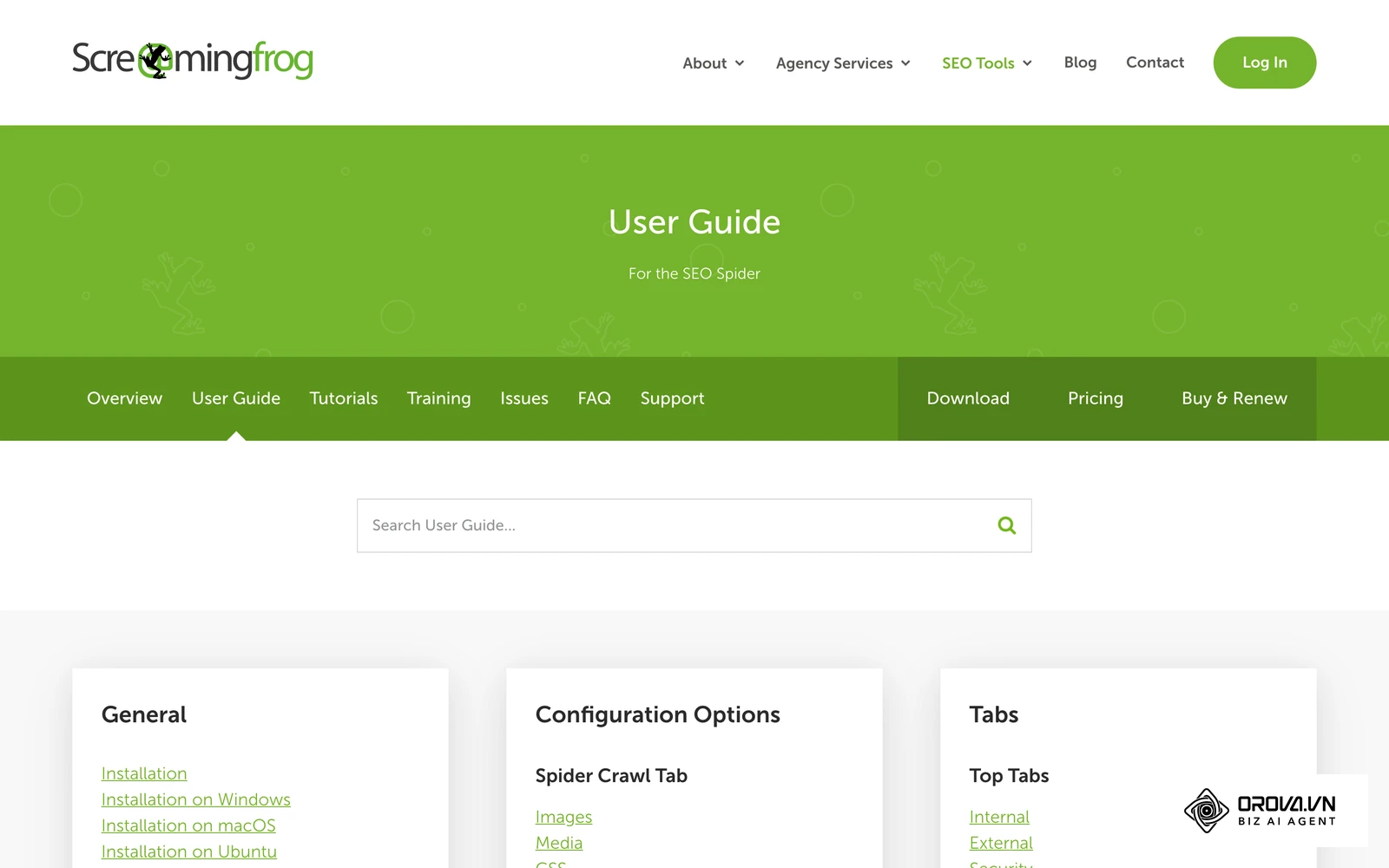
Finally, you need to crawl your site to catch URLs that might not have any traffic data at all. Download the free version of Screaming Frog, which allows you to crawl up to 500 URLs. Enter your homepage and let the spider run. Export the internal HTML report. This will give you the status codes (like 200 OK or 404 Not Found), word counts, and meta tags for every page it finds.
Once you have these three CSV files, open a master Google Sheet. Paste the Screaming Frog crawl into the first tab as your base list of URLs. Then, use the VLOOKUP function to pull the clicks from your GSC export and the engagement time from your GA4 export into adjacent columns. You now have a complete, zero-dollar database of your entire website's performance.
Step 2: Automating Categorization with AI
Once you have your master spreadsheet, the next challenge is categorization. Looking at 500 URLs and trying to determine the funnel stage and user intent for each one manually can take weeks of mind-numbing labor. This is where you can leverage AI tools like ChatGPT or Claude to automate much of the heavy lifting.
To do this effectively, you must provide the AI with a highly structured prompt. If you just paste a list of URLs, the AI might hallucinate or provide inconsistent formatting. Instead, copy batches of 50 to 100 rows from your spreadsheet (specifically the URL and the Title Tag) and use the following exact prompt:
"I am conducting a website content audit. I will provide a list of my blog post URLs and their corresponding titles. I need you to act as an expert SEO strategist and categorize each post. For every row, provide two things: First, categorize the post into a funnel stage (Top of Funnel - Educational, Middle of Funnel - Evaluation, or Bottom of Funnel - Transactional). Second, identify the primary search intent (Informational, Navigational, Commercial, or Transactional). Output the results strictly as a Markdown table with three columns: URL, Funnel Stage, and Search Intent. Do not provide any additional conversational text. Here is the data: [Paste Data]"
The AI will return a formatted table that you can copy and paste directly back into your master spreadsheet. While AI is highly capable, it is vital to spot-check roughly 10% of the output to ensure the model correctly understands the nuances of your specific industry terminology.
Step 3: Evaluating for Conversion and Brand Voice
A common pitfall is treating this process purely as an SEO exercise. Many marketers only look at traffic numbers. However, a blog post that ranks number one and brings in 10,000 visitors a month is fundamentally broken if its conversion rate is 0%. You must evaluate your pages for non-SEO factors, specifically user experience, brand alignment, and conversion rate optimization.
To do this, add two new columns to your spreadsheet: 'CRO Score' and 'Brand Voice Check'. When reviewing your top-performing traffic pages, use the following CRO Content Checklist to evaluate their true business value:
- Visibility of the Primary Call to Action: Is the main CTA placed organically within the first two scrolls of the page, or is it buried at the very bottom where few readers will ever see it?
- Alignment with Current Brand Voice: Does the article use the correct pronouns (e.g., 'we' versus 'I')? Does it sound authoritative and professional, or does it read like a casual diary entry from a former employee?
- Accuracy of Visual Assets: Are the product screenshots, interface mockups, or team photos up to date with the latest version of your company?
- Logical Funnel Transition: Does the educational information logically bridge into a pitch for your product or service, or does the CTA feel completely disconnected from the topic being discussed?
If a page has high traffic but fails these checks, its primary audit action will be a CRO rewrite, rather than an SEO optimization.
Step 4: Making the Final Decision
The final and most crucial step is looking at all the data you have gathered—the traffic metrics, the AI categorization, and the CRO checks—and assigning a definitive action to every single URL. In your spreadsheet, create an 'Action' column. You will generally assign one of four directives.
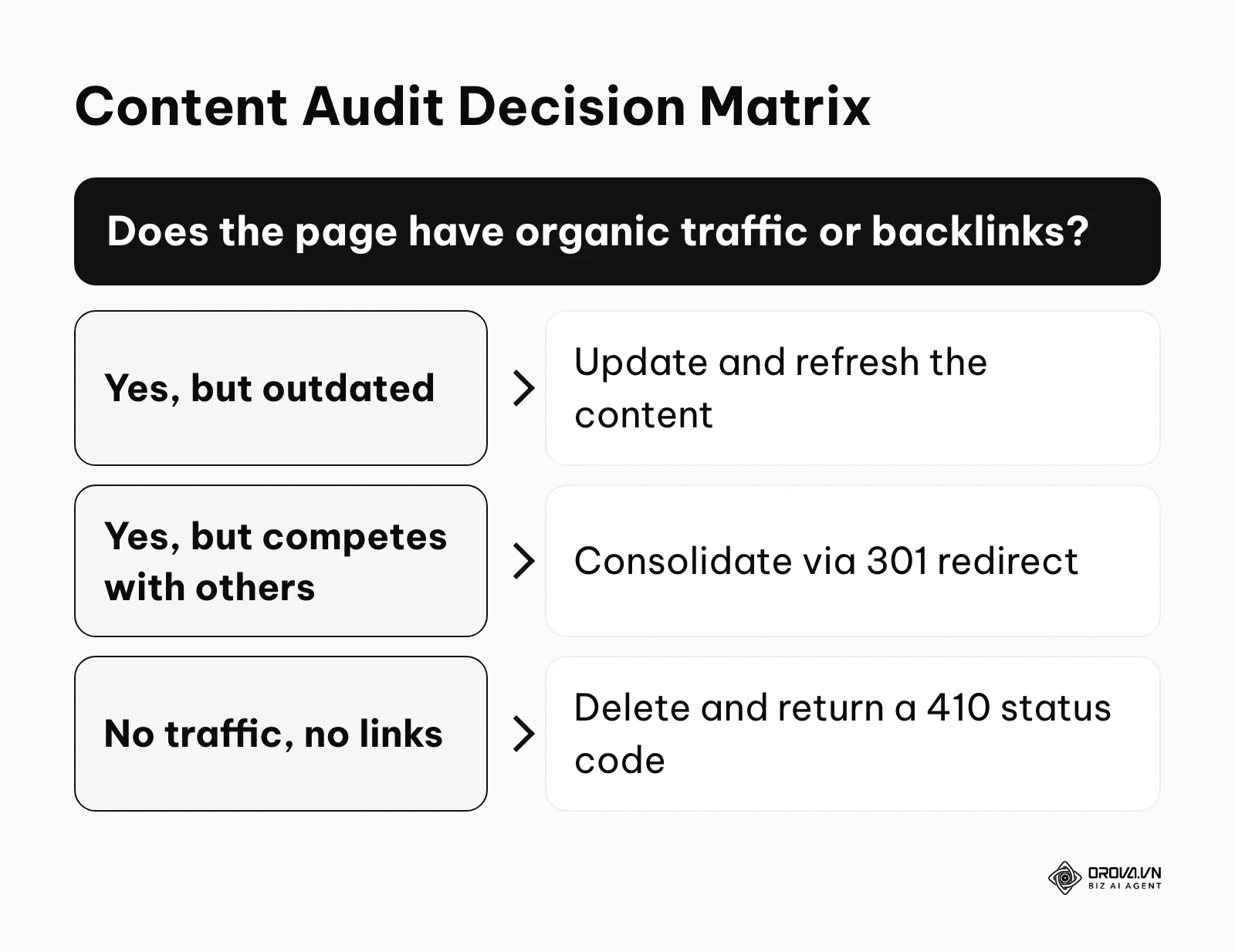
The decision tree below summarizes the logic you should follow to assign these actions accurately.
Keep: These are your evergreen, high-performing assets. They have steady organic traffic, strong engagement times, and they convert users. Your only action here is to leave them alone and perhaps schedule a light review in six months.
Update: This action is for pages that show potential but are currently underperforming. Look for pages that have high impressions in GSC but very low clicks (indicating a weak title tag), or pages that used to rank well but have decayed over the last year. These pages need fresh data, updated publication dates, and a thorough application of modern on-page SEO practices.
Consolidate (301 Redirect): You will use this when you find multiple pages covering the exact same topic, splitting your authority. For example, if you have three thin articles about "email marketing tips," you should pick the strongest URL, rewrite it to encompass all the tips, and implement 301 server redirects from the other two URLs to the main one. This merges the link equity and solves keyword cannibalization.
Delete (410 Gone): This is often the hardest step for marketers to take. You should delete pages that have zero traffic, zero backlinks, and zero relevance to your current business model. When deleting, it is usually best practice to serve a 410 Gone status code rather than a standard 404. A 410 explicitly tells search engines that the page has been permanently removed, which can help them drop it from their index a little sooner than a 404.
Example scenario: A specialized financial advisory blog.
- Context: Over several years, the firm had published dozens of short, 300-word glossary posts defining basic financial terms. These thin pages were cannibalizing each other and diluting the site's overall quality score.
- Actions: The content manager decided to consolidate 15 individual definition pages into one massive, comprehensive "Ultimate Financial Glossary" page, utilizing 301 redirects for the old URLs.
- Hurdles: Mapping out the redirects took much longer than anticipated because their legacy CMS automatically generated conflicting URL slugs for the old categorization tags, requiring manual database adjustments.
- Results: The new consolidated guide quickly earned featured snippets for multiple terms, and the overall index bloat was significantly reduced, making the entire site easier for search engine bots to crawl effectively.
| Type of Audit | Primary Focus | Ideal Scenario For Use |
|---|---|---|
| Quantitative SEO Audit | Traffic drops, keyword rankings, and index bloat. | When organic traffic has plateaued and you need to find technical or structural bottlenecks. |
| Qualitative Content Audit | Brand voice, accuracy of information, and writing standards. | Following a company rebranding or a major shift in product positioning. |
| Conversion (CRO) Audit | Call-to-action placement, user flow, and lead generation. | When traffic is high but lead form submissions or sales remain unacceptably low. |
How to Start and Adapt Your Content Audit Strategy
Initiating an audit can be daunting, and the approach you take should vary heavily depending on your role and the resources at your disposal.
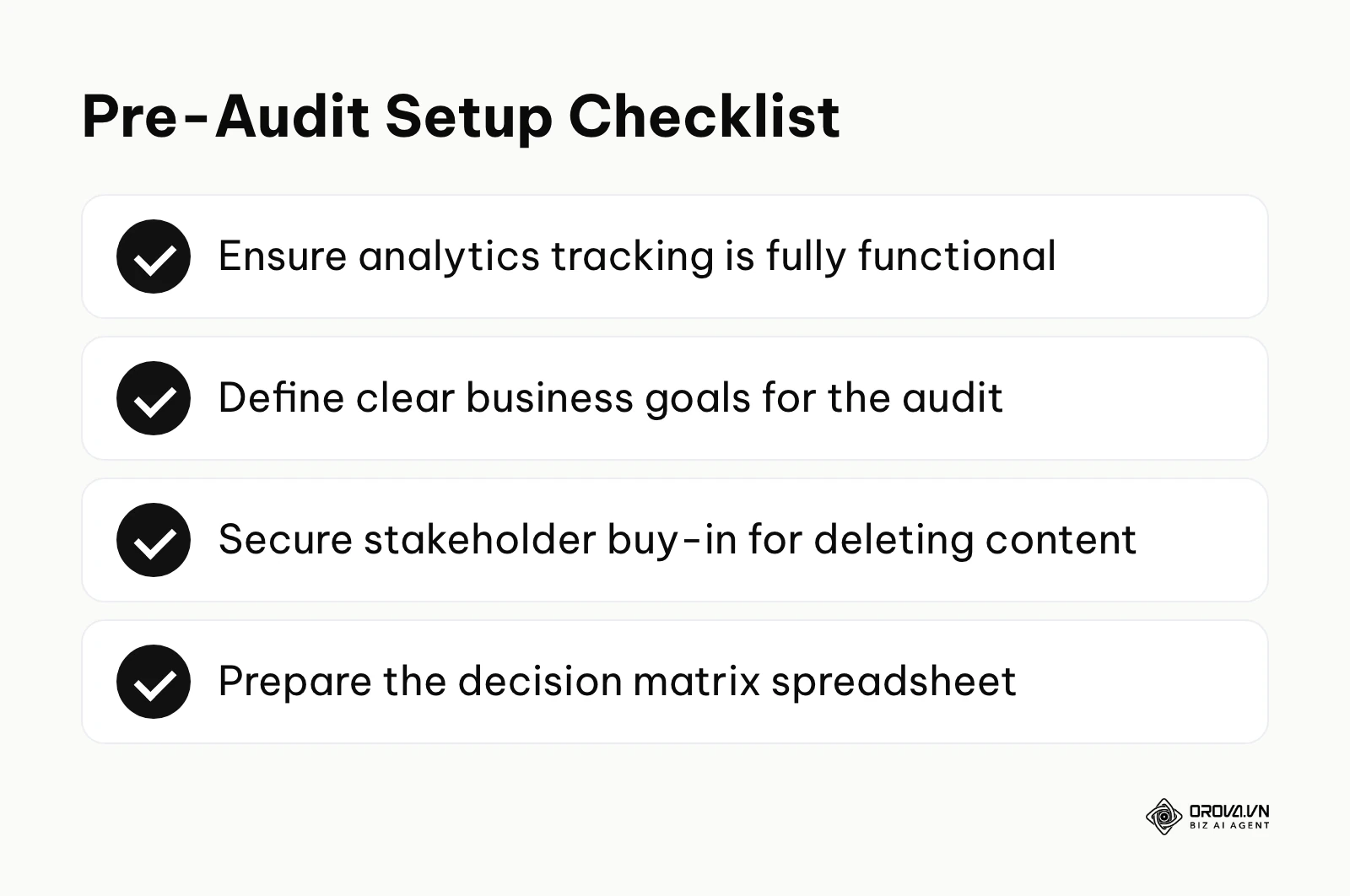
The checklist below summarizes the critical preparation steps you must take before beginning, regardless of your role.
For Small Business Owners
If you are running a small business, you likely do not have weeks to spend buried in spreadsheets. Your strategy should be highly tactical and focused on immediate wins.
- Export your analytics and sort by the most viewed pages. Focus your audit exclusively on the top 20 URLs first.
- Manually review these 20 pages to ensure all contact forms are functional and all phone numbers are correct.
- Update the copyright years in the footer and refresh any statistics that are older than two years.
- Identify any service pages for offerings you no longer provide and delete them.
For In-House SEO Managers
As an in-house manager, you have the mandate to look at the broader architectural picture. Your strategy must be data-heavy and geared toward long-term domain health.
- Run a comprehensive crawl of the entire domain to identify orphaned pages (pages with no internal links pointing to them).
- Map out keyword cannibalization across different blog categories using GSC data.
- Build a business case for the executive team by projecting the traffic recovery expected from consolidating duplicate pages.
- Establish a quarterly review cycle where the bottom 5% of performing pages are automatically flagged for review.
For Agency Consultants
When working as an external consultant, your biggest challenge is often client psychology. Clients are frequently emotionally attached to content they paid to create, even if it performs poorly.
- Request full administrative access to GSC and GA4 on day one to pull raw, indisputable data.
- Present a "content pruning" strategy carefully, emphasizing that deleting dead pages improves the health of the remaining important pages.
- Provide the client with a clear, color-coded decision matrix spreadsheet, requiring them to sign off explicitly on the "Delete" and "Consolidate" actions to avoid future disputes.
| Common Mistake | Consequence | How to Avoid |
|---|---|---|
| Relying only on traffic metrics | Deleting a low-traffic page that actually generates high-value enterprise leads. | Always cross-reference SEO metrics with GA4 conversion events. |
| Deleting pages with backlinks | Losing valuable domain authority, causing site-wide rankings to drop. | Run URLs through a backlink checker before deciding to return a 410 status. |
| Forgetting to redirect | Creating massive amounts of 404 errors that frustrate users and bots. | Build a meticulous 301 redirect map spreadsheet before hitting delete on the CMS. |
With OROVA.VN and the OROVA SEO module, you put an end to the exhausting days of manual work for good. Instead of struggling for hours to write articles and compile reports, the entire process is now optimized and completed in just 5 minutes.
Where content audits are heading in the next few years: the author's take
The way teams manage content is shifting, and manual, once-a-year evaluations are starting to give way to more continuous review. Below are three views of my own, not forecasts backed by data.
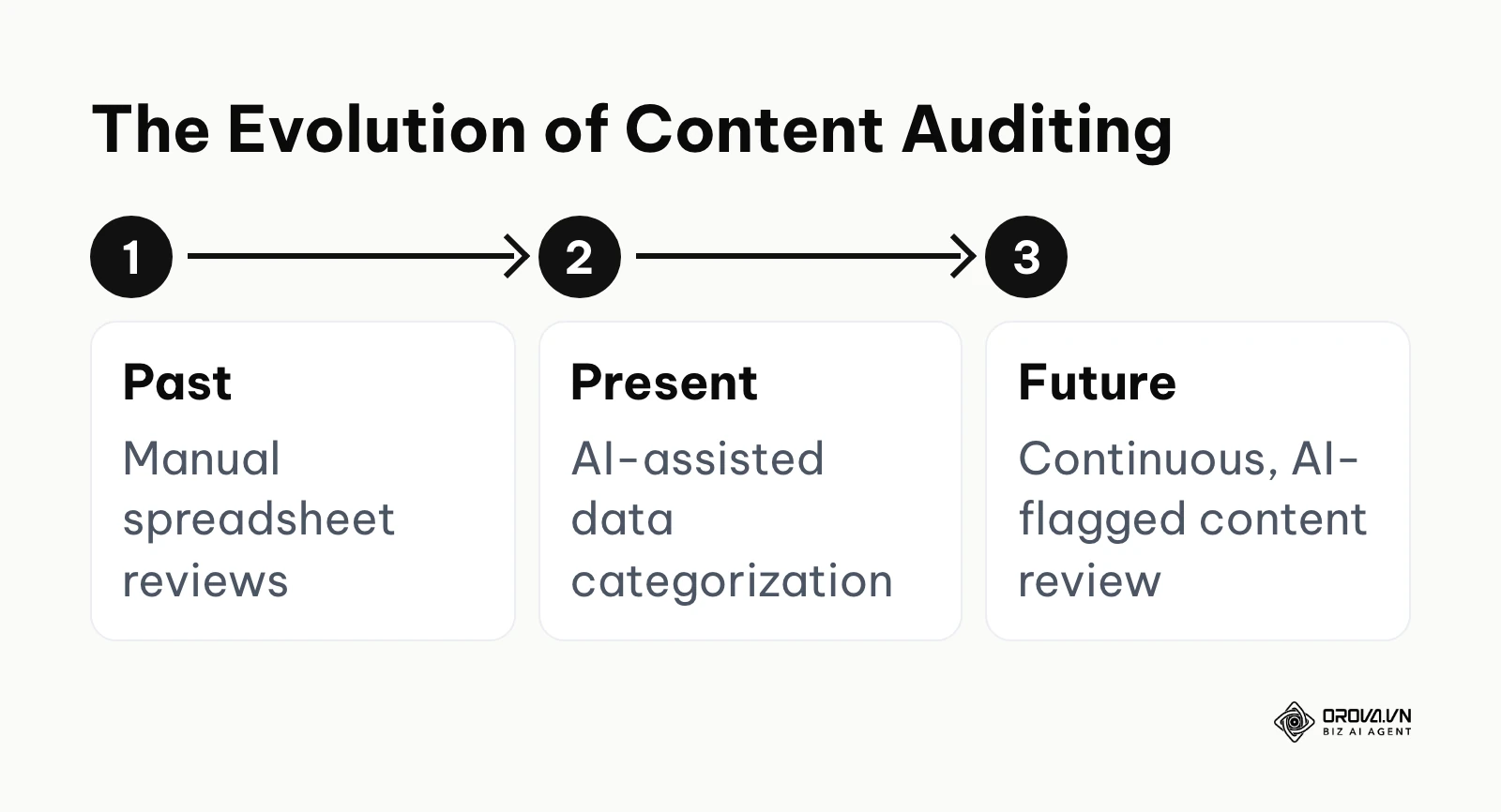
The timeline below summarizes how I view the evolution of this practice.
The Shift from Manual Tagging to Continuous AI Review
I think static, once-a-year spreadsheet audits will gradually lose ground over the next two to three years. The signal today is that AI models can already read and classify large batches of pages quickly. My read is that more CMS platforms will add built-in quality scoring. Instead of running a yearly audit, the system could proactively flag decaying content, alerting you the moment a page's relevance score drops below a certain threshold. To prepare, keep your content data clean and exportable so that AI tools can work with it easily.
User Experience Signals Overriding Traditional Word Counts
My read is that search engines are increasingly rewarding pages that answer the question quickly and draw on real experience, rather than long-form fluff. I expect that emphasis to keep growing. The audits of tomorrow will care significantly less about keyword density or arbitrary word counts, and more about time-to-value. You need to start auditing your pages today not just for their text, but for the utility of their interactive elements. Ask yourself if a user can get their answer from a calculator or a dynamic table on your page faster than reading a thousand words.
Automated Consolidation and Intelligent Redirection
I think the next big change is in consolidation. Today, mapping 301 redirects and rewriting overlapping articles is highly tedious. Over the next few years, I expect AI agents to not only suggest which articles to merge, but also rewrite the consolidated piece, generate the new metadata, and deploy the server-side redirects autonomously. However, there is a real risk of AI losing the nuanced brand voice during auto-merging. Content teams should start building rigorous, heavily documented brand guidelines today, so that future AI agents have a strict, unbending framework to follow when they begin editing your site autonomously.
Frequently Asked Questions About Content Audits
How often should I perform a content audit for a news site versus an e-commerce site?
For a fast-paced news site, individual articles are rarely updated since they represent historical facts; instead, a micro-audit of tagging structures and author archives should happen quarterly to prevent structural bloat. Conversely, an e-commerce platform must audit heavily before peak seasons to ensure out-of-stock product pages are correctly redirected or updated, leveraging strong ecommerce SEO practices to avoid losing buyers to broken links.
How do I know for sure when to completely delete (410) instead of consolidating (301)?
Use the 410 Gone status code when the content is completely irrelevant to your current business model, has received zero organic traffic in the last 12 months, and possesses absolutely no valuable external backlinks. If the page has even a handful of quality backlinks or covers a topic tangentially related to another existing page, always use a 301 redirect to pass on the link equity rather than wasting it.
What is the fastest way to recover if I accidentally delete or redirect posts that were driving traffic?
The immediate fix is to revert the server status code back to 200 OK and restore the content from a CMS backup or the Internet Archive. Once the URL is live again, use Google Search Console's URL Inspection tool to request re-indexing of the restored page to minimize the disruption in search results.
Is a content audit still needed with AI automatically writing and optimizing posts?
Yes, arguably more than ever. AI tools can generate text at an unprecedented scale, which dramatically increases the risk of index bloat, duplicate content, and keyword cannibalization if left unchecked. A human-guided audit is essential to curate the AI's output, enforce brand standards, and ensure the overall domain remains focused and highly authoritative.
How long does a typical audit take?
For a small business site with under 100 pages, the data gathering and decision-making can take a dedicated afternoon. For an enterprise site with tens of thousands of URLs, a comprehensive audit involving data extraction, cross-departmental analysis, and executive stakeholder approval can take anywhere between three to six months to execute safely.
Where Should You Start?
Knowing you need to clean up your site is easy; actually taking the first step is where most teams freeze. You should not start by trying to do everything at once. Your immediate action depends entirely on your current state of organization.
If you have absolutely nothing in place, your very first step is to simply create a list of what you own. Open your website, copy the URLs of the top 50 pages that matter most to your business, and paste them into a blank spreadsheet. Do not worry about pulling traffic data or running crawlers yet; just establish a baseline inventory in one single sitting to break the inertia.
If you have data but it is scattered across platforms, your immediate action is to centralize your view. Spend your next working session connecting your Google Analytics and Google Search Console to a single dashboard, or spend the hour exporting them into one unified VLOOKUP spreadsheet. You cannot make strategic decisions if you are constantly switching tabs between different tools and trying to match URLs in your head.
If you have already done an audit but failed to measure the impact, your priority today is to annotate your analytics. Go into your tracking software and mark the exact date you deleted or updated those bulk pages. Then, set a calendar reminder for 30 days from now to explicitly compare the before-and-after search impressions of the surviving content cluster. Without this measurement loop, you will never know if your efforts actually moved the needle.
About the author

Builder of Orova
Nguyễn Đỗ Trọng Ân has 8 years of experience in marketing, including 6 years managing market development across Asia. He builds Orova, a Biz AI Agent that never sleeps: it plans, runs and optimizes work for businesses.
Run your business with AI Agents
Orova is the always-on Biz AI Agent — it plans, runs, and optimizes the work for you.
Save time, unlock productivity.