
Social listening tools in 2026: 19 platforms compared by use case

You log into X, check a few hashtags on Instagram, and search your brand name on Google. This manual approach to tracking brand sentiment might work when you have ten customers, but it completely breaks down as you scale. Manually refreshing feeds means you are always reacting late to customer complaints, missing niche industry trends, and losing potential leads to competitors who act faster. You cannot build a reliable strategy on fragmented screenshots and gut feelings. That is exactly where a professional social listening tool comes in.
Instead of scrolling endlessly, these platforms aggregate millions of conversations, apply AI to parse the noise, and deliver clear, actionable data. But with dozens of software options ranging from free plugins to enterprise suites sold on custom annual contracts, picking the wrong one will drain your budget and bury you in irrelevant data. This guide breaks down the market, comparing 19 distinct platforms to help you find the exact fit for your workflow and budget.
What is a social listening tool and why it matters
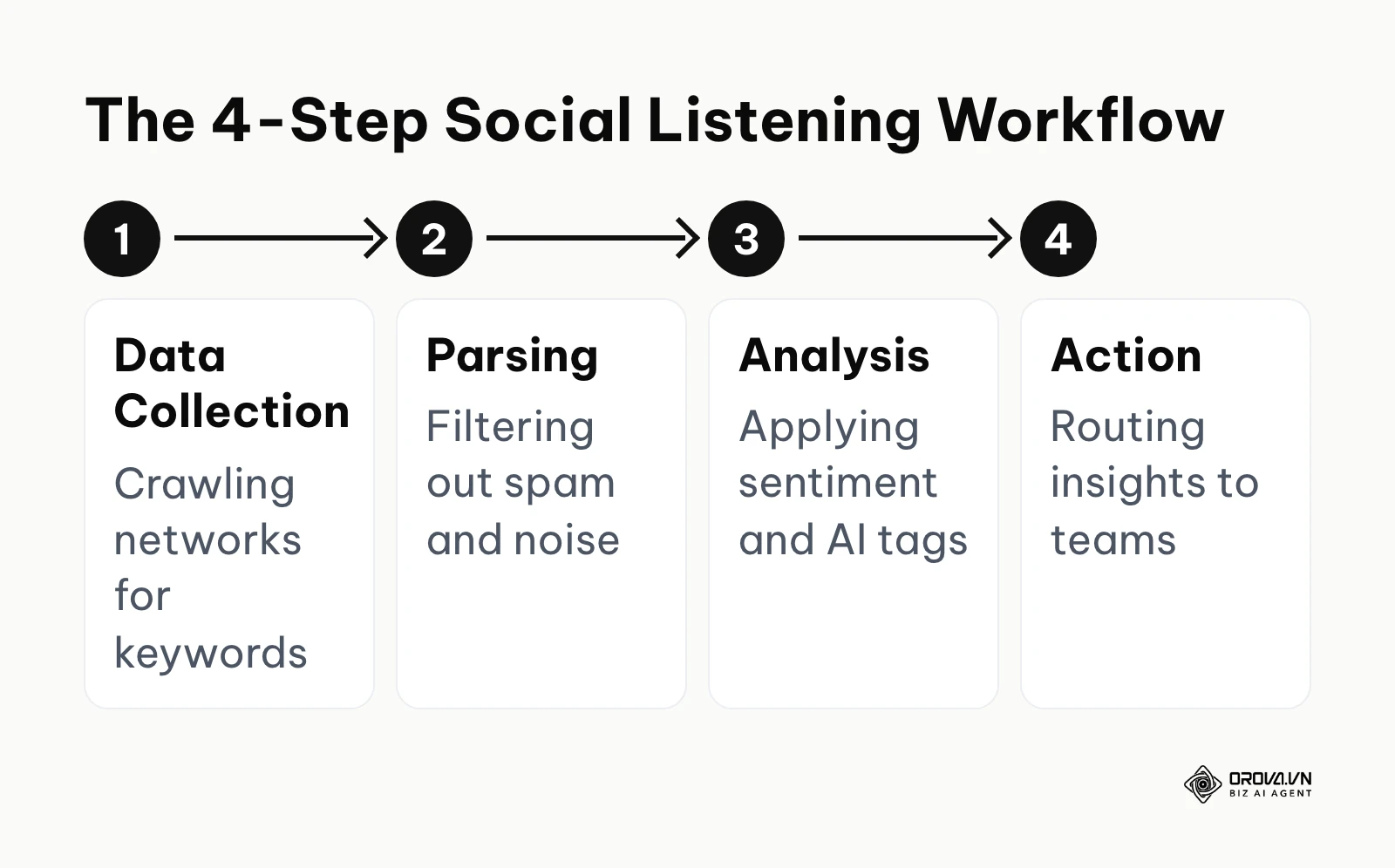
A social listening tool is a software platform that crawls social media networks, blogs, and forums to track specific keywords, brand names, or industry topics, subsequently analyzing this data to determine public sentiment and trends. You should use it to identify customer pain points, which heavily supports your conversion rate optimization efforts. You should not use it as a replacement for direct customer surveys, as social data often skews toward extreme positive or negative emotions.
The complete social listening tool comparison matrix
To help you navigate the crowded market, we have categorized 19 widely used platforms. This table focuses on their primary utility, the core value they deliver, and the business scale they fit best.
| Tool Name | Category Group | Main Task | User Value | Best Fit Scale |
|---|---|---|---|---|
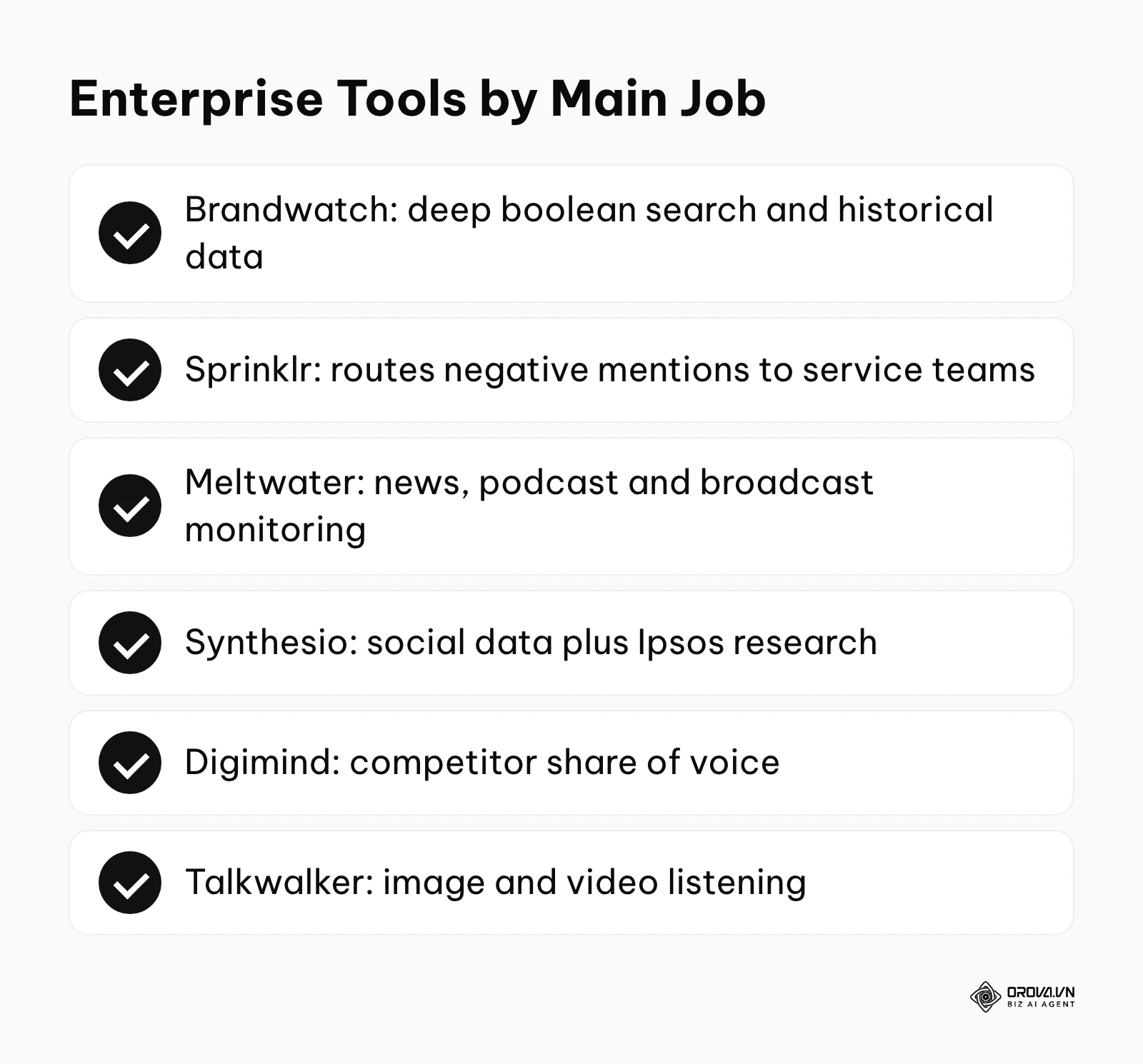
| Brandwatch | Enterprise Analytics | Deep sentiment & historical mining | Uncovers complex consumer trends | Fortune 500 |
| Sprinklr | Enterprise Analytics | Unified customer experience management | Connects listening to global CRM | Enterprise |
| Meltwater | Enterprise Analytics | PR & global media monitoring | Tracks journalists and news coverage | Enterprise |
| Synthesio | Enterprise Analytics | Global market research | Connects social data with Ipsos research | Enterprise |
| Digimind | Enterprise Analytics | Competitive intelligence | Maps competitor share of voice | Enterprise |
| Talkwalker (Hootsuite) | Enterprise Analytics | AI-driven visual listening | Analyzes text, image, and video data | Enterprise |
| Sprout Social | SMB & Agency | Fast reporting & sentiment tracking | Quick setup with boardroom-ready PDFs | Agencies, SMBs |
| Brand24 | SMB & Agency | Fast web and social monitoring | Email or Slack alerts for brand mentions | SMBs, Startups |
| Awario | SMB & Agency | Non-stop web crawling & lead gen | Identifies purchase intent conversations | SMBs, B2B |
| Keyhole | SMB & Agency | Hashtag & influencer tracking | Measures specific campaign impact | Agencies |
| YouScan | Visual Intelligence | Image & logo recognition | Finds products in uncaptioned photos | Mid-Market |
| BuzzSumo | Visual Intelligence | Content ideation & trend spotting | Identifies viral topics and influencers | Content Teams |
| Audiense | Visual Intelligence | Audience segmentation | Maps out consumer personality traits | Mid-Market |
| Hootsuite | Unified Publishing | Stream-based monitoring | Unifies basic listening and posting | SMBs |
| Agorapulse | Unified Publishing | Inbox zero engagement | Shared inbox for team collaboration | Agencies |
| Buffer | Unified Publishing | Simple posting schedules | Simple workflows for individual creators | Solopreneurs |
| Sendible | Unified Publishing | White-label reporting | Allows agencies to brand client dashboards | Agencies |
| Google Alerts | Free & Entry-Level | Basic web alerts | Tracks brand names in news articles | Individuals |
| AnswerThePublic | Free & Entry-Level | Search intent visualization | Maps out what people are asking online | SEOs, Creators |
Top social listening tools categorized by use case
If you are wondering how to use social listening tools effectively, the first step is selecting software built specifically for your workflow. A tool designed for global PR teams will frustrate a small agency looking for quick Instagram metrics. The sections below group the 19 platforms into five use cases, and each entry covers what the tool does, its core value, who it is for, how to start, and the main trade-off to weigh.
Best for enterprise analytics and global monitoring
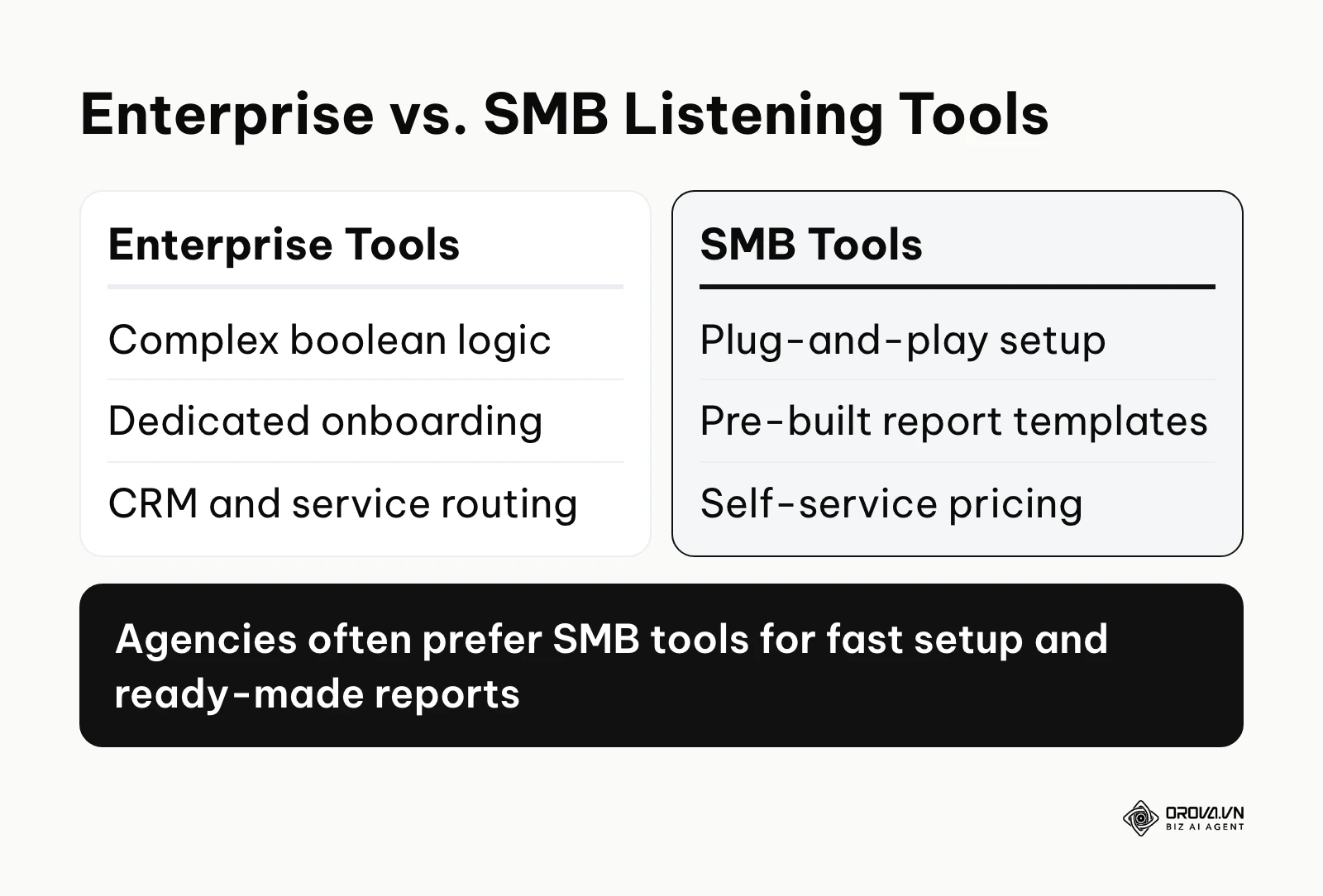
These tools are built for complex data requirements. At this tier, a common deciding factor is whether listening data can flow into the CRM and customer service systems the company already runs.
Brandwatch Consumer Research
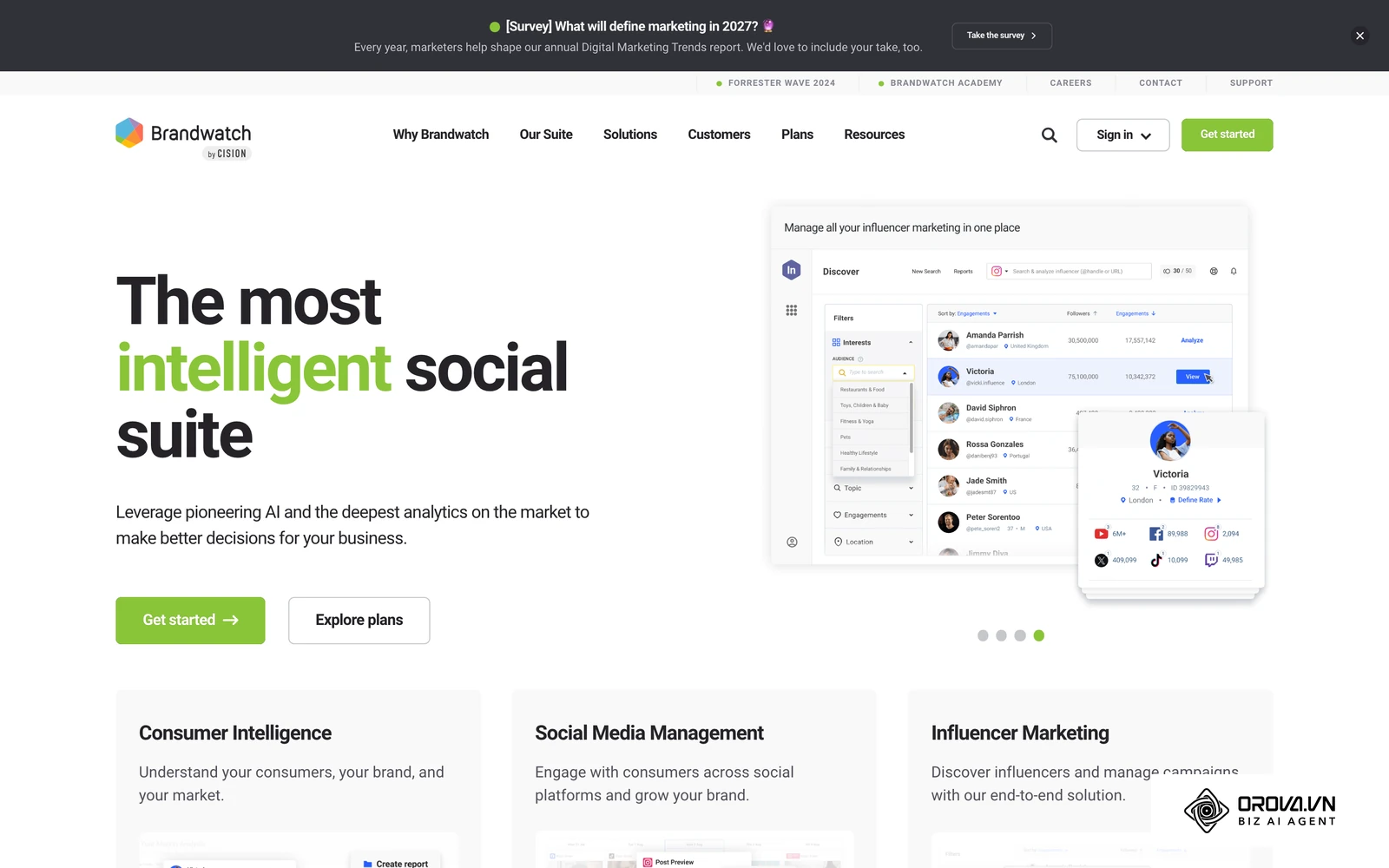
- What it does: Brandwatch offers a deep boolean search engine paired with large historical data archives.
- Core value: It allows data scientists to build complex queries to filter out noise and track highly specific consumer segments over several years.
- Who it is for: Fortune 500 companies and enterprise-level research teams with dedicated analysts.
- How to start: 1. Work with their onboarding team to define data taxonomy. 2. Write custom boolean strings for your brand. 3. Set up automated dashboards for the C-suite.
- Pros & Cons: Query flexibility is the main draw, and its AI features help summarize large result sets. The trade-off is that writing good boolean queries takes practice, so teams without an analyst may not use its full depth.
Sprinklr Insights
- What it does: Sprinklr is a large unified customer experience management (CXM) platform where social listening is just one module among many.
- Core value: It routes negative sentiment mentions directly to customer service agents for immediate resolution.
- Who it is for: Global enterprises that need to unify marketing, PR, and customer support.
- How to start: 1. Integrate Sprinklr with your internal CRM. 2. Configure listening rules to flag negative sentiment. 3. Assign automated routing to regional support teams.
- Pros & Cons: Its strength is breadth across marketing, care, and research. Because it covers so much, rollouts usually involve several departments and need a clear owner inside the company.
Meltwater
- What it does: Meltwater excels at bridging the gap between social media listening and traditional PR/news monitoring.
- Core value: It tracks not just tweets and posts, but global news outlets, podcasts, and broadcast media, offering a media contact database.
- Who it is for: Enterprise PR teams and corporate communications departments.
- How to start: 1. Set up keyword trackers for your brand and executives. 2. Filter sources to focus on high-authority news sites. 3. Export media coverage reports.
- Pros & Cons: A strong choice for tracking traditional media and PR stories alongside social. Teams that only care about social engagement metrics may find social-first tools a closer fit.
Synthesio
- What it does: Backed by Ipsos, Synthesio focuses on turning social data into actionable market research.
- Core value: It blends social listening with traditional consumer survey methodologies.
- Who it is for: Market research agencies and enterprise product development teams.
- How to start: 1. Define demographic parameters. 2. Launch a tracker for a specific product category (e.g., "electric vehicles"). 3. Analyze the consumer intent framework.
- Pros & Cons: Well suited to long-term market trend analysis. It is less focused on day-to-day community replies.
Digimind
- What it does: Digimind specializes in competitive intelligence and mapping share of voice across the industry.
- Core value: It provides a highly visual, easy-to-digest interface for comparing your brand against several competitors side by side.
- Who it is for: Enterprise marketing directors and competitive intelligence units.
- How to start: 1. Input your competitors' social handles. 2. Set up the automated share of voice dashboard. 3. Configure daily competitor alert emails.
- Pros & Cons: The visual dashboards make share of voice easy to present. Check how far back its historical data goes for your use case before you sign.
Talkwalker
- What it does: Talkwalker, now part of Hootsuite, uses AI to analyze text, image, and video content.
- Core value: It excels at visual listening, detecting your logo in videos even when your brand is not mentioned in the text.
- Who it is for: Global consumer brands heavily invested in visual platforms like TikTok and Instagram.
- How to start: 1. Upload your brand logos to the AI engine. 2. Set up a tracking project for visual mentions. 3. Review the AI-generated sentiment scores.
- Pros & Cons: Visual listening is its signature strength. Getting accurate image results takes setup work, so plan for a configuration phase.
Illustrative example:
- Context: A mid-sized airline's PR director was dealing with a sudden flight cancellation crisis.
- Steps taken: First, they set up a boolean search query for the flight number and brand name in their enterprise tool. Second, they filtered out news outlets to focus purely on user-generated content. Finally, they used the sentiment analysis view to identify the most frustrated passenger hubs globally.
- Stumble & Fix: Initially, the system flagged sarcastic positive remarks as "happy" (e.g., "Great job leaving us stranded!"). The director had to manually adjust the sentiment training model and add sarcasm modifiers to the boolean query.
- Result: The team managed to route accurate, localized complaints to the customer service CRM, allowing agents to reply to stranded passengers the same day and visibly clearing the backlog of angry posts.
Once your listening tool shows what people care about, Orova Social helps you publish the response: compose once for 8 channels, let AI write captions in your brand voice in multiple languages, and schedule posts on one content calendar.
Best for SMBs and fast agency reporting
Agencies and small-to-medium businesses usually cannot wait through a long onboarding process. They need tools that work out of the box and generate clean reports instantly.
Sprout Social
- What it does: Sprout Social provides an incredibly clean interface for monitoring brand keywords alongside robust publishing features.
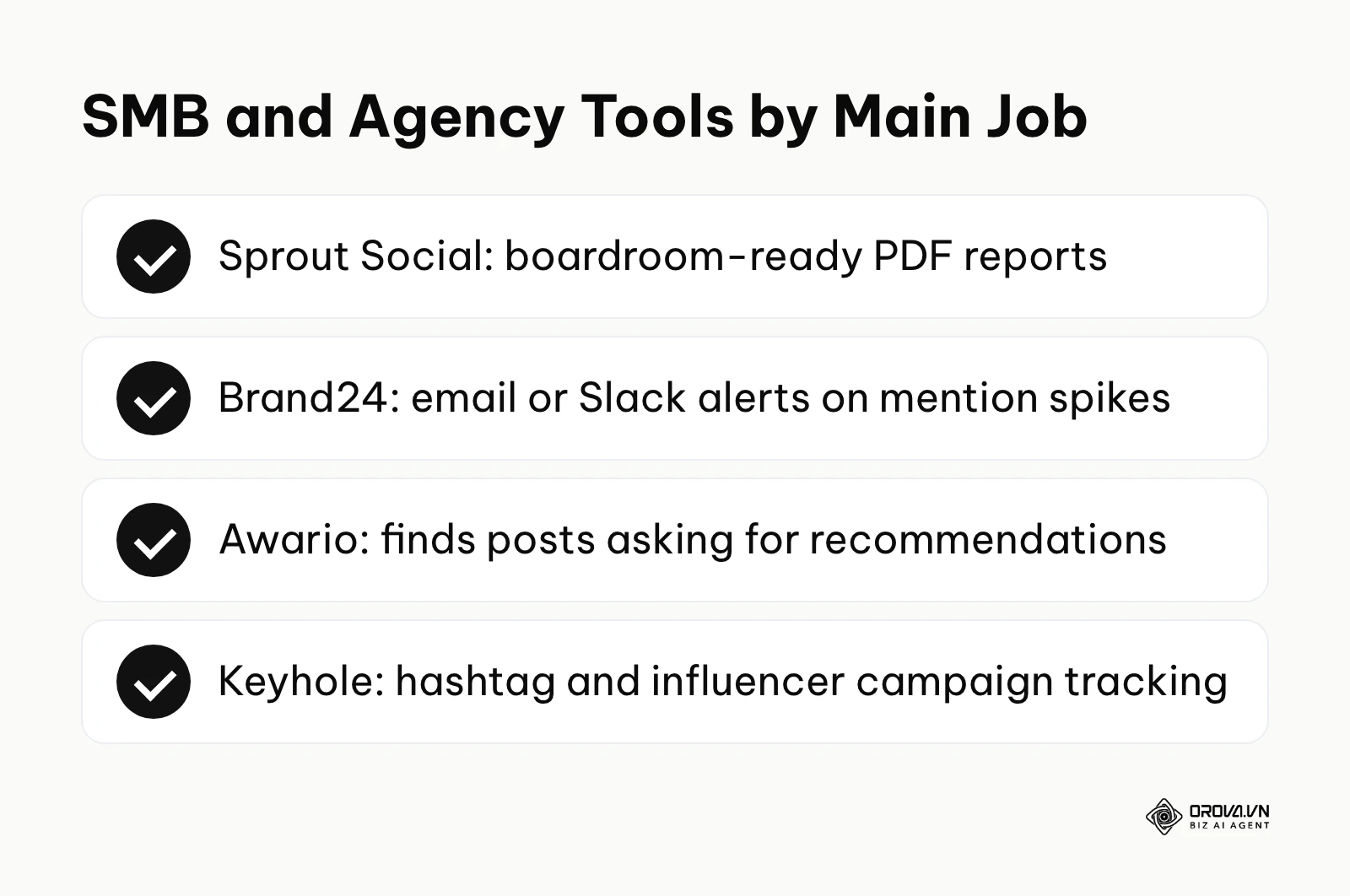
- Core value: It turns complex social data into boardroom-ready PDF reports with little manual formatting.
- Who it is for: Mid-sized agencies and in-house social media managers who prioritize aesthetics and ease of use.
- How to start: 1. Connect your brand accounts. 2. Navigate to the Listening tab and enter a topic. 3. Generate a presentation-ready template.
- Pros & Cons: The reporting design is polished and the learning curve is gentle. Licensing is per user, so check how costs scale as your team grows.
Brand24
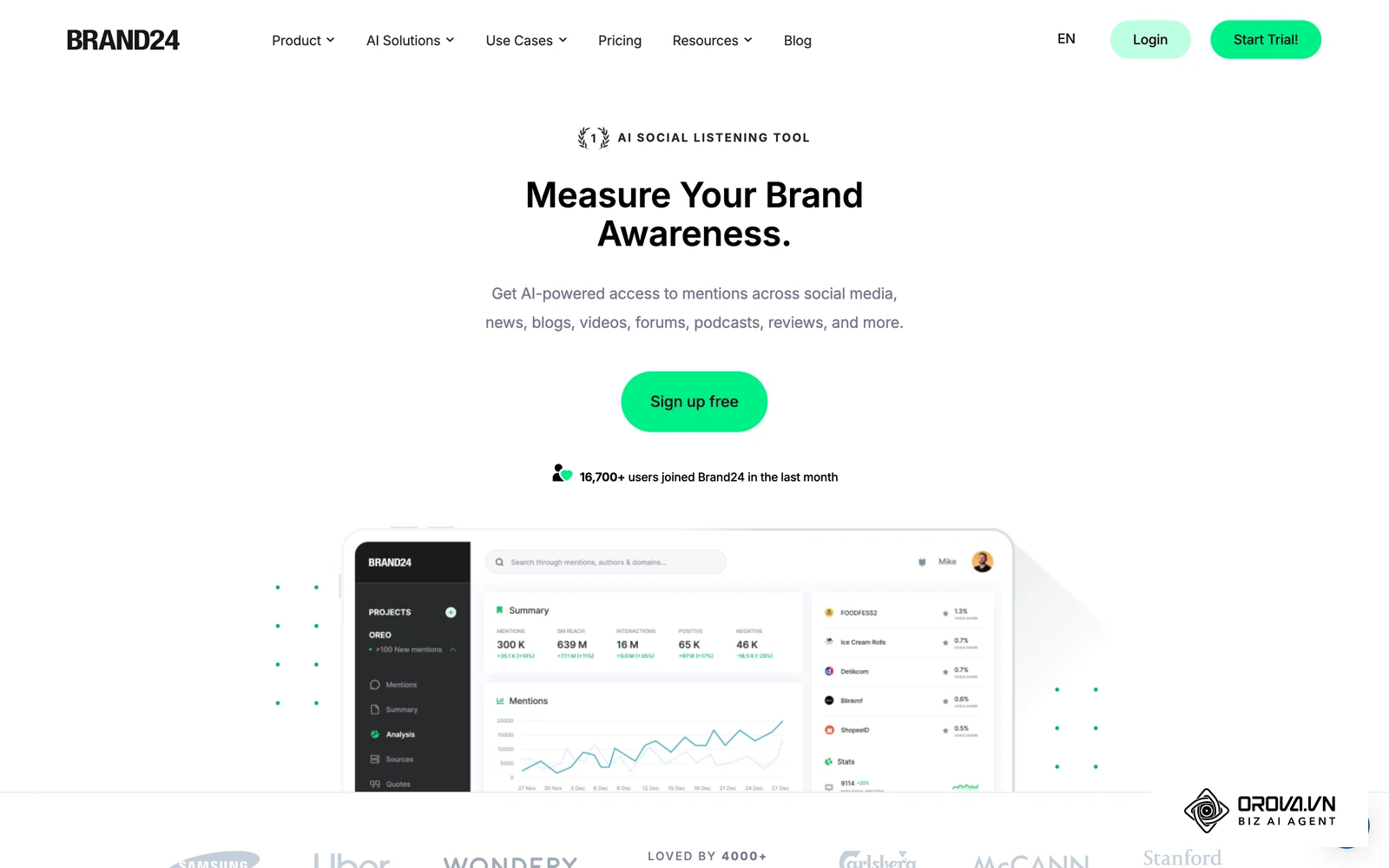
- What it does: Brand24 is a web and social monitoring tool built around fast notifications.
- Core value: It alerts your team by email or Slack when mention volume or sentiment shifts suddenly.
- Who it is for: Startups and SMBs that need fast crisis signals without an enterprise rollout.
- How to start: 1. Enter your brand name in the project wizard. 2. Connect the Slack integration. 3. Adjust the sentiment filter threshold.
- Pros & Cons: Setup is quick and alerts are the core strength. Teams that need years of historical data may still need an enterprise platform.
Awario
- What it does: Awario is an independent web crawler that continuously monitors the internet for brand mentions and industry keywords.
- Core value: It includes a lead-finding feature that surfaces posts where people ask for recommendations in your product category.
- Who it is for: B2B startups and sales teams looking to generate leads directly from social media.
- How to start: 1. Enter your product category keywords. 2. Open the Leads module. 3. Engage directly with users asking for product alternatives.
- Pros & Cons: The lead-finding feature is very actionable. It is most useful when your category has public conversations where buyers ask for recommendations.
Keyhole
- What it does: Keyhole specializes in real-time hashtag tracking and influencer analytics.
- Core value: It measures the reach and engagement of specific hashtag campaigns and influencer partnerships.
- Who it is for: Event organizers and influencer marketing agencies.
- How to start: 1. Input your campaign hashtag. 2. Let the tool track metrics in real-time during the event. 3. Export the final influencer impact report.
- Pros & Cons: It is well suited to live event and campaign tracking. It is less aimed at broad, long-term industry sentiment research.
Illustrative example:
- Context: A boutique marketing agency was launching a vegan skincare line for a client and needed to identify relevant partners.
- Steps taken: First, the account manager created a tracker in their SMB tool for "vegan skincare routine" and "cruelty-free makeup". Second, they filtered the resulting conversations by engagement rate rather than raw follower counts. Finally, they exported the list of top engagers into a CSV file.
- Stumble & Fix: The initial search pulled in too many recipes and food blogs. They refined the query by excluding keywords like "recipe", "food", and "diet".
- Result: They ended up with a shortlist of relevant micro-influencers whose audiences matched the client's target customers, and that list became the outreach plan for the launch.
Best for visual intelligence and audience insight
Text analysis alone misses a lot, because many brand moments now happen in images and short videos where nobody types the brand name.
YouScan
- What it does: YouScan is a dedicated visual listening platform powered by highly specialized AI.
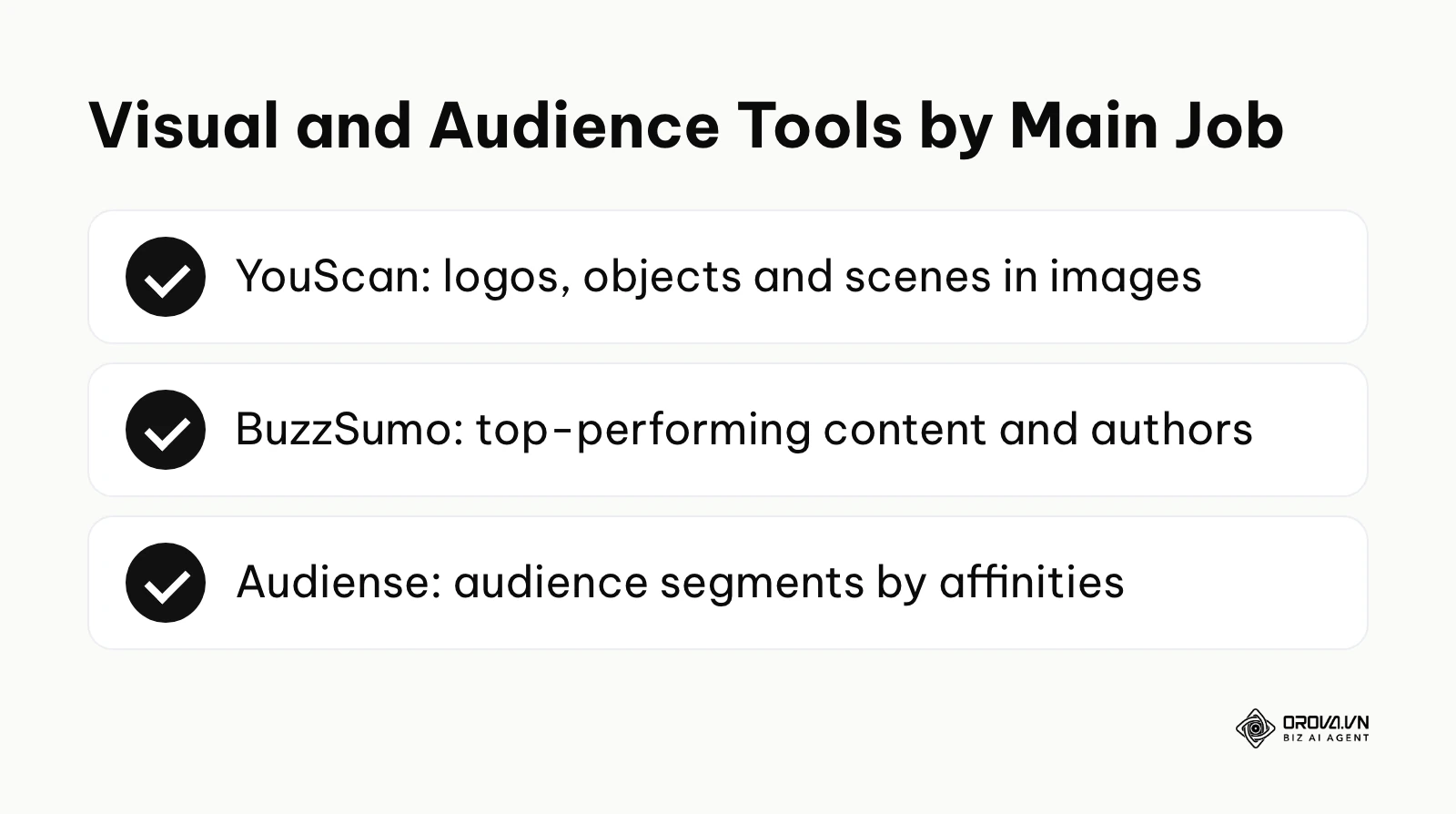
- Core value: It detects logos, objects, scenes, and activities within uncaptioned social media images.
- Who it is for: FMCG brands, food and beverage companies, and event sponsors.
- How to start: 1. Set up a visual tracker for your logo. 2. Analyze the "scenes" feature to see where your product is consumed (e.g., beaches vs. offices). 3. Identify user-generated content for reposting.
- Pros & Cons: Image recognition is the reason to buy it. The trade-off is that it is heavily focused on visuals, meaning you might need a secondary tool for deep text analytics.
BuzzSumo
- What it does: BuzzSumo analyzes what content performs best for any topic or competitor across social networks.
- Core value: It identifies viral trends and the key authors driving those trends before they peak.
- Who it is for: Content marketing teams and SEO professionals.
- How to start: 1. Type in a broad industry keyword. 2. Filter the results by network (e.g., Facebook engagement). 3. Identify the journalists writing the top articles.
- Pros & Cons: It is strong for content ideation and spotting what performs. It is not designed as a customer service listening inbox.
Audiense
- What it does: Audiense moves beyond keywords to analyze the actual people behind the conversations.
- Core value: It segments your social audience into distinct communities based on their affinities, demographics, and personality traits.
- Who it is for: Brand strategists and media buyers looking to highly target their ad spend.
- How to start: 1. Connect your brand's Twitter/X account. 2. Run an audience insights report. 3. Export the segmented audience lists to your ad manager.
- Pros & Cons: Provides incredibly deep psychographic data. Its roots are in X (Twitter) audience data, so check which networks and data sources your plan covers today.
Best for unified publishing and social media management
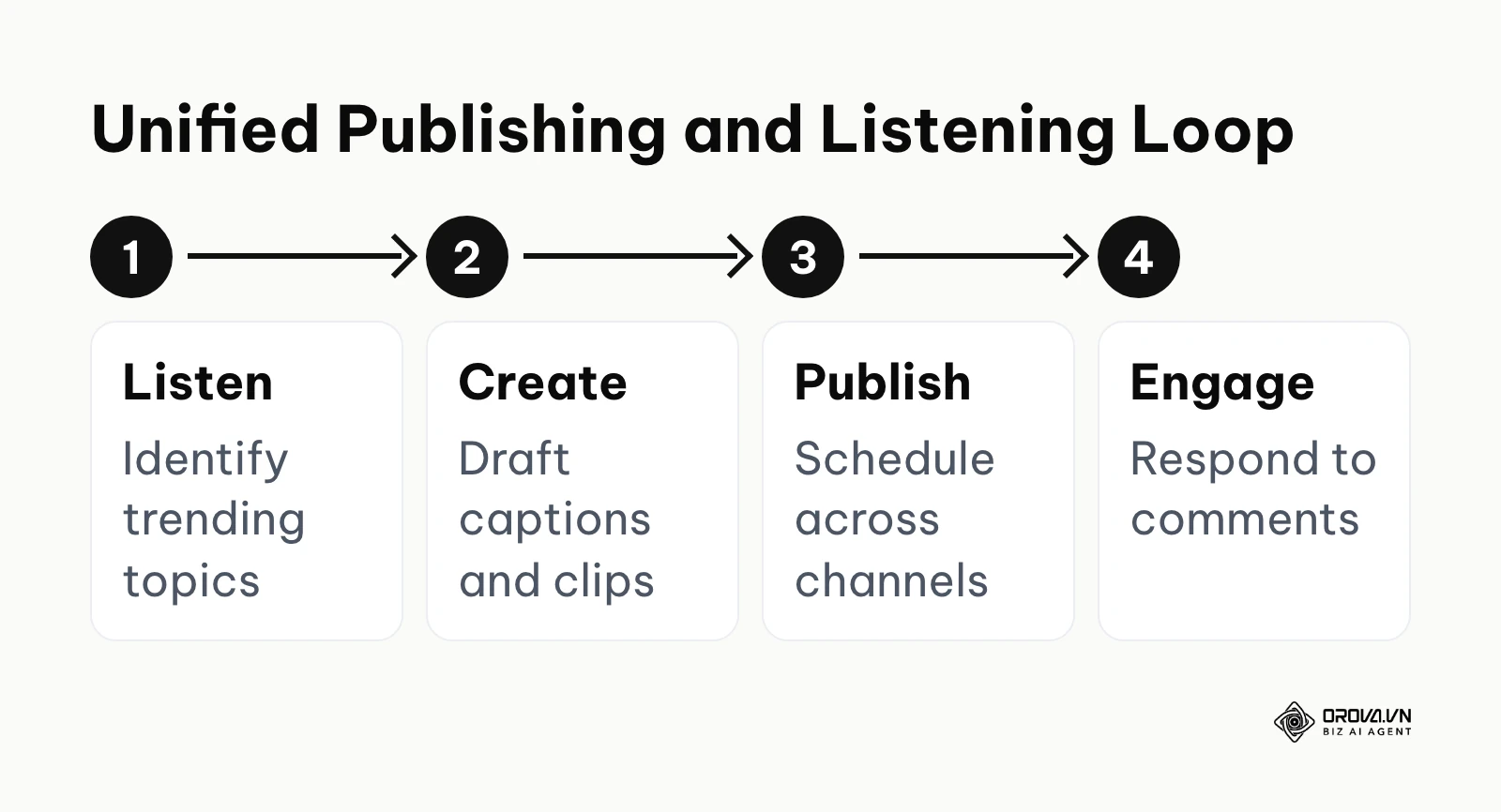
If you only have a small team, buying a standalone listening tool is often overkill. In practice, many small teams pick a platform that combines publishing with basic listening. These tools help you build a content calendar based directly on the insights you gather. Publishing-first tools such as Orova Social sit on the creation side of this loop, so pair them with a dedicated listener if you need monitoring.
Hootsuite
- What it does: Hootsuite is one of the longest-running social media management platforms, offering a classic dashboard of streaming columns.
- Core value: It unifies basic listening streams and publishing calendars in one easily readable dashboard.
- Who it is for: Traditional marketing teams who prefer a column-based layout.
- How to start: 1. Add your social networks. 2. Set up streams for mentions, keywords, and direct messages. 3. Monitor and reply directly from the stream.
- Pros & Cons: The app directory adds integration flexibility. Teams that only need simple scheduling may find it more than they need.
Agorapulse
- What it does: Agorapulse combines social media publishing with a unified "inbox zero" approach to engagement and listening.
- Core value: It ensures your team never misses a comment or brand mention by treating social interactions like support tickets.
- Who it is for: Agencies and teams highly focused on community management and responsiveness.
- How to start: 1. Connect your profiles. 2. Navigate to the unified inbox. 3. Assign incoming mentions to specific team members for review.
- Pros & Cons: The inbox workflow is the highlight. Listening coverage depends on what each network's API allows, so confirm the sources you need.
Buffer
- What it does: Buffer is a beautifully simple tool designed primarily for scheduling posts.
- Core value: It removes the friction of social media management with a clean, intuitive interface.
- Who it is for: Solopreneurs and individual creators.
- How to start: 1. Connect your accounts. 2. Set up a weekly posting schedule template. 3. Fill the queue with content.
- Pros & Cons: Very easy to learn. It is a publishing tool first, so pair it with a listening tool if you need monitoring or competitor analysis.
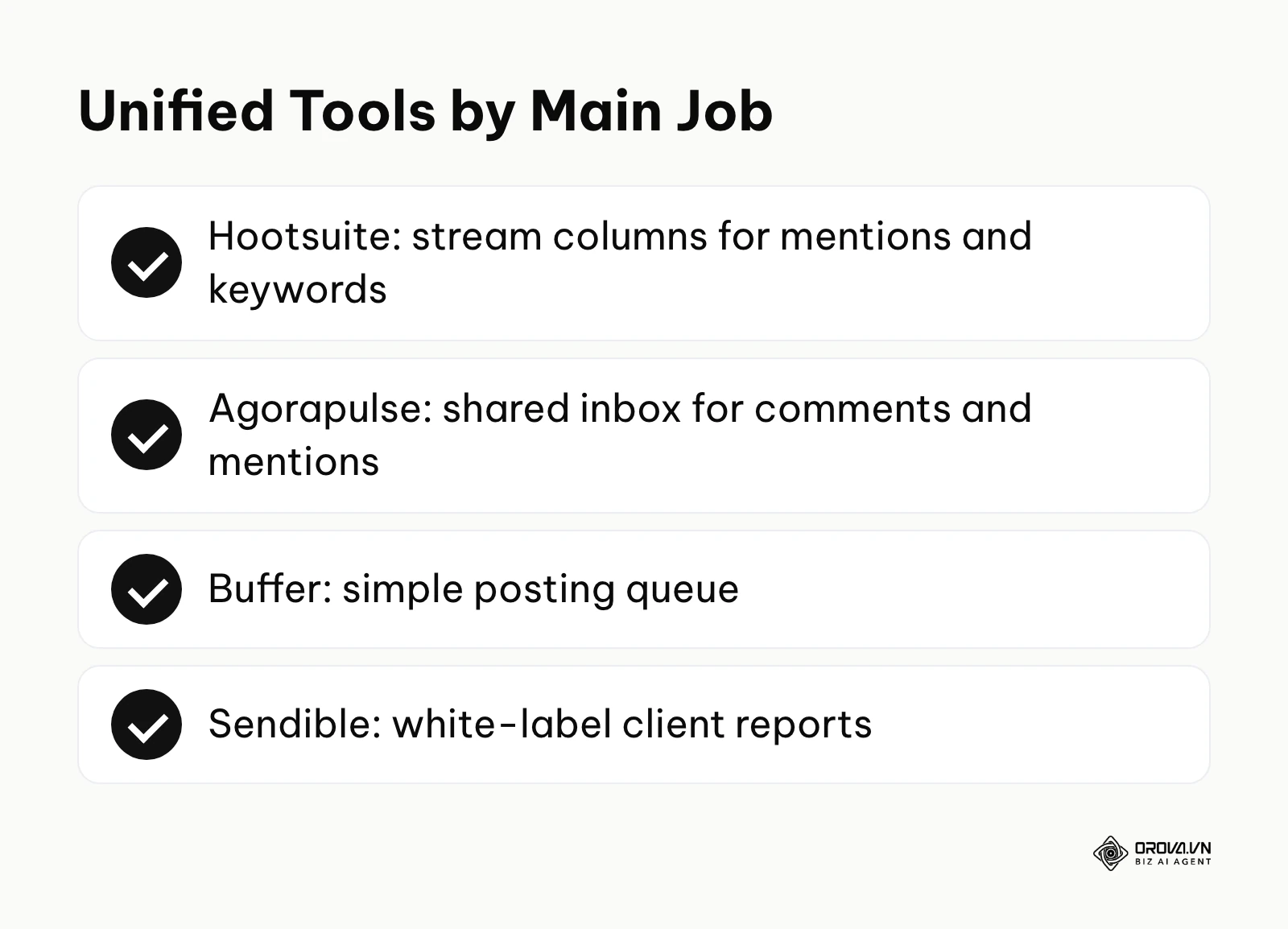
Sendible
- What it does: Sendible is a management and listening platform built specifically from the ground up for agencies.
- Core value: It allows agencies to completely white-label the dashboard and reports with their own branding.
- Who it is for: Digital marketing agencies managing dozens of different clients.
- How to start: 1. Set up a dashboard for a client. 2. Add your agency logo to the interface. 3. Configure automated weekly listening reports.
- Pros & Cons: White-label reporting is the standout. Agencies with only one or two clients may not need that layer.
Illustrative example:
- Context: An in-house marketing team for a B2B SaaS company was struggling with inconsistent posting schedules across platforms.
- Steps taken: First, the content lead connected all their brand profiles to a single unified publishing dashboard. Second, they used the platform's AI assistant to adapt a base caption to their brand tone of voice for each network (professional for LinkedIn, conversational for Facebook). Finally, they scheduled the entire week's content in one batch on Monday morning.
- Stumble & Fix: Sometimes the team forgot to attach the right tracking parameters to the links. They fixed this by setting up a mandatory URL builder step in the workflow before any post could be approved.
- Result: The team achieved a consistent daily presence across all channels without requiring anyone to log in and post manually over the weekends.
Want to turn long videos into social clips? Orova Social cuts them into 9:16 vertical clips with subtitles and voiceover, applies your brand profile to every post, and exports your schedule to Excel. It is free until July 7, 2027.
Best free social listening tools and budget entries
If you have zero budget, you can still gather basic insights using free tools. Just be aware of their severe limitations.
Google Alerts
- What it does: A free tool that emails you whenever a specific keyword appears in a newly indexed web page or news article.
- Core value: It provides a basic, zero-cost way to track your brand name across the traditional web.
- Who it is for: Individuals and micro-businesses.
- How to start: 1. Go to Google Alerts. 2. Type your brand name in quotes. 3. Set the frequency to "As it happens".
- Pros & Cons: It is free and easy to use. It is built for web pages and news rather than social networks, so treat it as a starting point, not a full social listening setup.
AnswerThePublic
- What it does: It scrapes search engine autocomplete data to visualize exactly what questions people are asking around a keyword.
- Core value: It maps out user intent, helping you win spots in the people also ask sections of search results.
- Who it is for: Content creators and SEO specialists.
- How to start: 1. Enter a broad topic. 2. Review the visual wheel of questions. 3. Export the data to plan your blog topics.
- Pros & Cons: Great for content ideation. The free version is limited, and it shows search questions rather than social conversations.
Choosing the right platform: Minimum stack and hidden costs
Selecting the right tool requires understanding exactly what you need at your current scale. Buying an enterprise tool for a three-person team is a massive waste of resources.
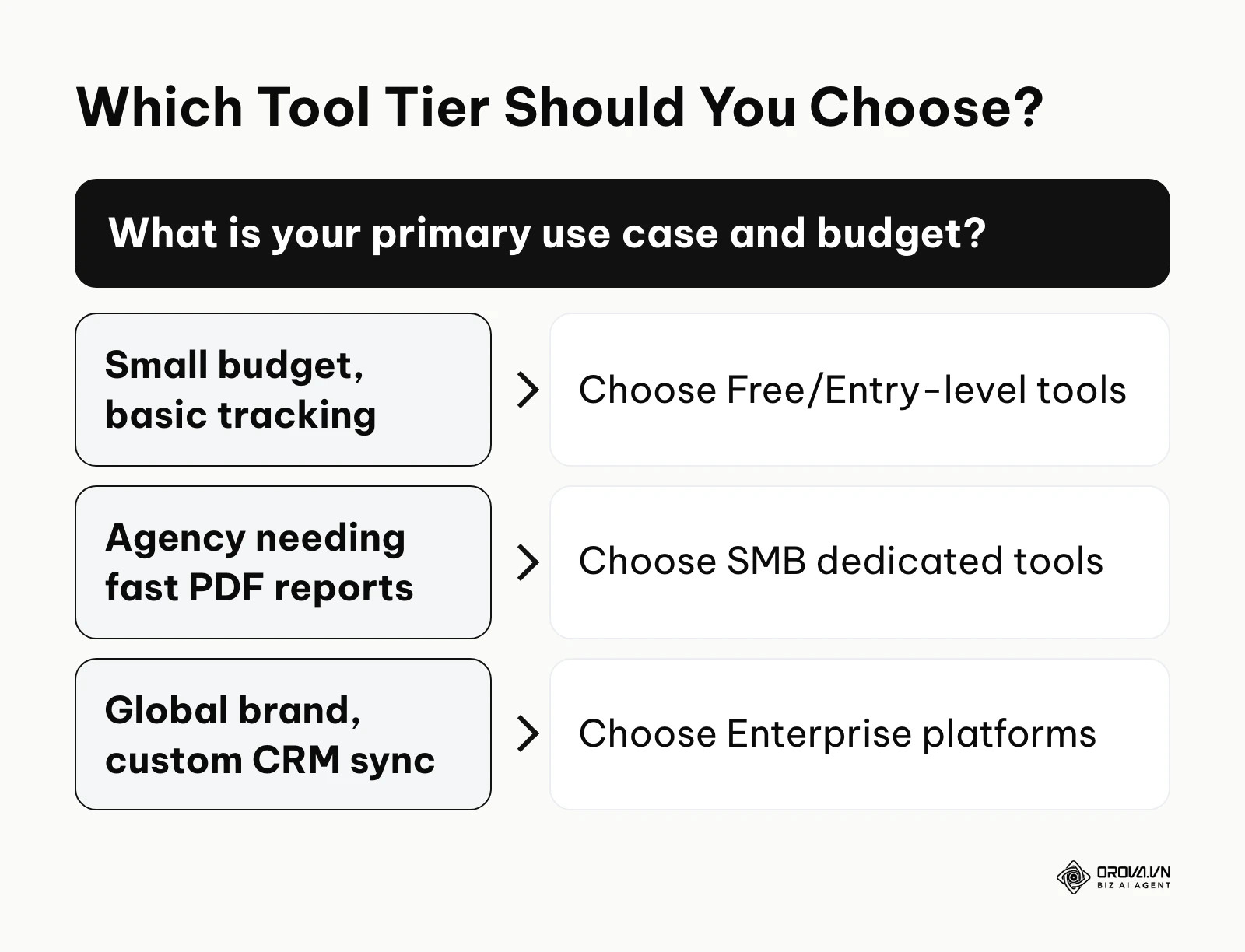
| Business Scale | Minimum Recommended Stack | Why It Works |
|---|---|---|
| Individuals / Solopreneurs | Google Alerts + Buffer | Zero cost, covers basic web mentions and simple scheduling. |
| Small Businesses (SMBs) | Brand24 or Awario | Fast alerts and lead signals without paying for unused historical data. |
| Agencies (3-10 clients) | Sprout Social or Sendible | Fast, beautiful PDF reporting and client white-labeling capabilities. |
| Global Enterprise | Brandwatch + Sprinklr | Deep boolean logic combined with complex CRM routing for customer service. |
The biggest trap to avoid: Hidden API costs. Many cheap tools advertise "unlimited keywords," but they severely restrict the number of "mentions" you can pull per month. If your brand suddenly goes viral, a plan with a fixed monthly mention cap can simply stop tracking data halfway through the month, right when you need it most.
RFI Checklist for Sales: Before signing an annual contract, send the vendor these questions:
- What is your exact monthly limit for data mentions, and what is the overage fee?
- Do you have full firehose access to X (formerly Twitter) and Reddit, or do you rely on scraped data?
- How far back does your historical data search go? (Some only go back 30 days; others go back years).
- Is sentiment analysis trained on local languages, or is it merely translated into English first?
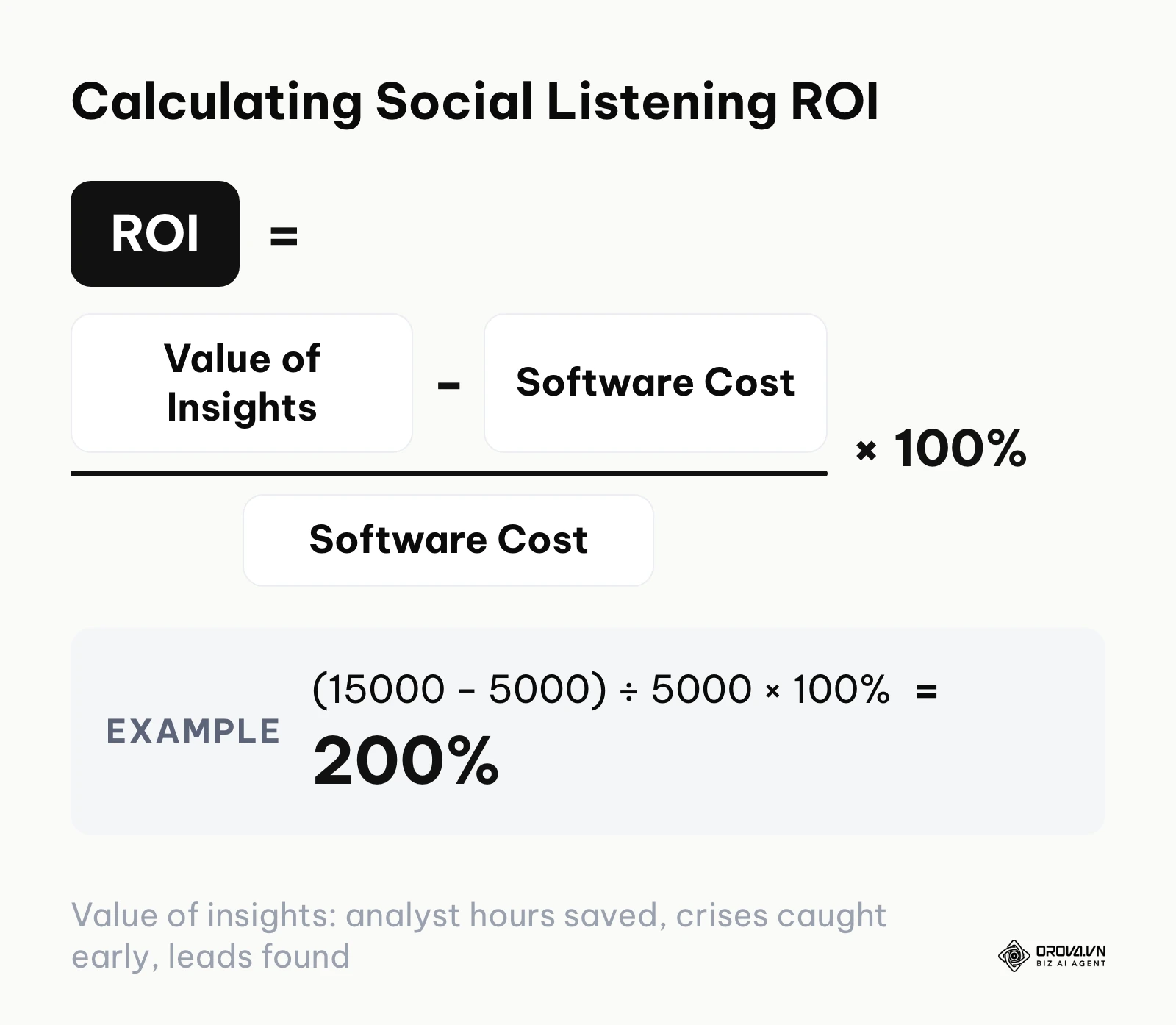
How to make the ROI case to leadership: Use a simple formula: ROI = (value of insights − software cost) ÷ software cost × 100%. For example, if the analyst hours a tool saves, the crises it helps you catch early, and the qualified leads it surfaces are worth 15,000 a year in your currency, and the software costs 5,000 a year, the ROI is (15,000 − 5,000) ÷ 5,000 × 100% = 200%. The software cost is easy to find; the value of insights is the hard part. Agree with finance on how you will value each item before you buy, then track those same items for the first two quarters so the renewal conversation is based on evidence rather than impressions.
Where social listening tools are heading in the next few years: the author's take
As we look toward the evolution of the industry, the way we collect and analyze data is fundamentally changing. Based on what I see in the market as of 2026, here is what I anticipate.
Visual and audio data will dominate text
We are already seeing platforms struggle to parse context from short-form videos. I believe that within the next two years, traditional text-based boolean search will become secondary. Listening tools will default to scanning the audio transcripts and background visuals of TikToks and Reels to gauge sentiment, simply because younger demographics rarely type out long-form complaints anymore. You should prepare by ensuring your future vendors have robust video-parsing capabilities.
AI will shift from tagging to predicting
Currently, AI in social listening is mostly used to tag sentiment (positive, neutral, negative). I suspect that AI will soon move entirely into predictive modeling. Instead of telling you that people are angry today, the AI will analyze macro-trends to warn you that a specific PR issue is likely to spread next week. Marketers should start getting comfortable trusting AI-driven risk scores rather than just manually reading tweets.
Deeper links with organic search strategy
Social listening will merge heavily with traditional search marketing. I expect tools to turn social media complaints into draft content briefs for your SEO team. This means the insights you gather socially will shape your on-page SEO work, ensuring your landing pages answer the exact questions people are asking on social media.
Frequently asked questions about social listening tools
What is the difference between social listening and social monitoring?
Social monitoring is reactive; it involves tracking specific @mentions and responding to them individually, much like customer support. Social listening is proactive; it involves zooming out to analyze the macro-trends, sentiment, and broader industry conversations to inform your overall business strategy.
Can social listening tools track private Facebook groups or WhatsApp?
No. Legitimate social listening platforms are strictly bound by network APIs and privacy laws. They can only scrape publicly available data. If a user's profile is set to private, or if the conversation happens in a closed group or direct message, the tool cannot access it.
How is AI changing social listening tools?
AI is completely replacing manual data tagging. Instead of human analysts reading thousands of posts to determine if they are sarcastic or genuine, advanced natural language processing (NLP) models now automatically categorize sentiment, detect logos in images, and summarize millions of data points into a single executive paragraph.
How much should I expect to pay?
Pricing varies widely based on data volume, number of users, and features. Free tools cover basic web tracking, SMB tools usually publish self-service plans, and enterprise platforms are typically sold on custom annual contracts. Ask every vendor for a written quote that includes mention limits and overage fees, so you compare like with like.
Where to start?
Reading about 19 different platforms can lead to analysis paralysis. Do not attempt to overhaul your entire social strategy in one day. Instead, identify your current situation and take one immediate step this afternoon.
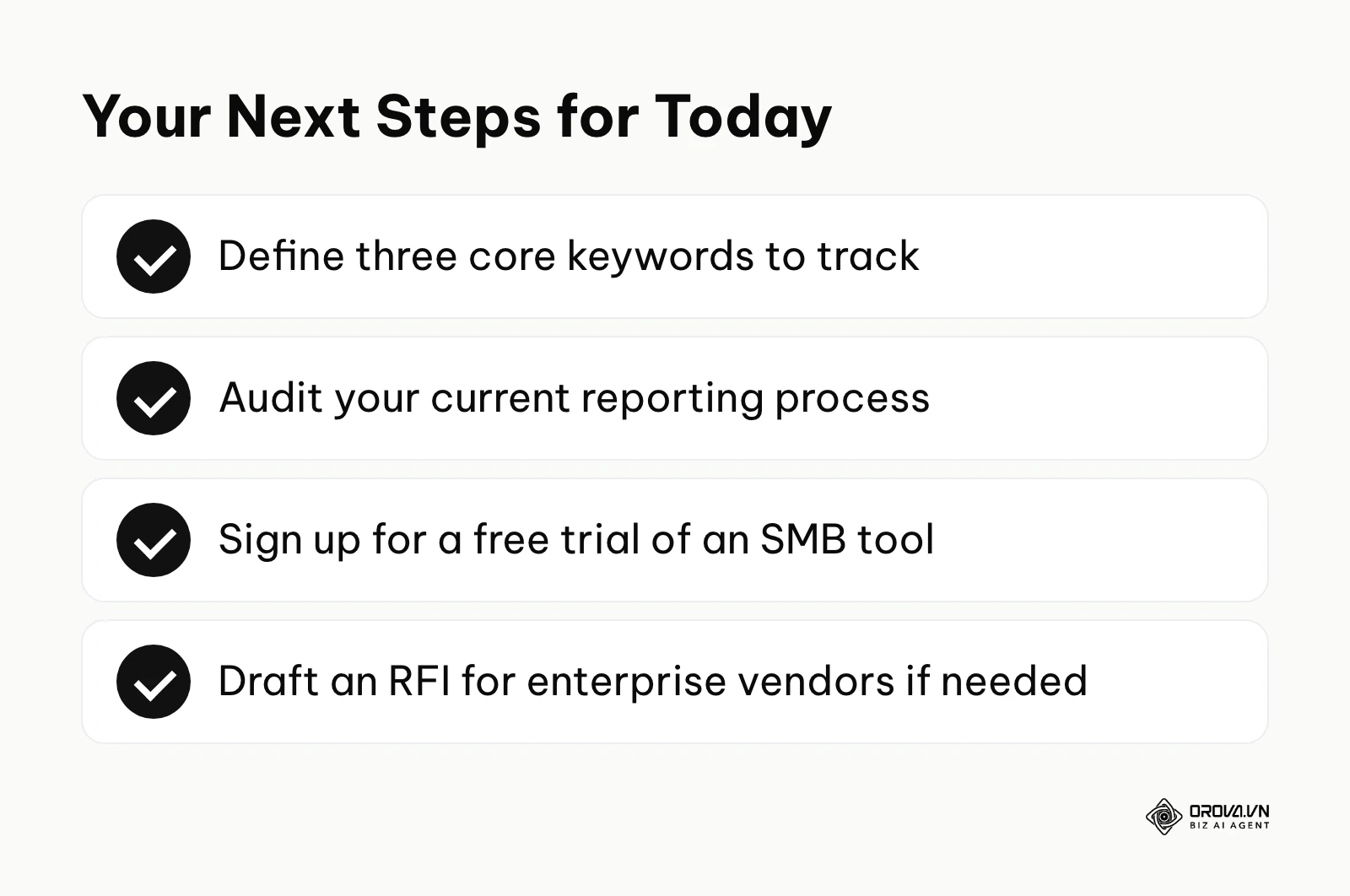
If you are a solo founder with zero budget: Do not worry about enterprise dashboards. Your first step is to simply set up three free Google Alerts—one for your brand name, one for your main competitor, and one for your core product category.
If you are an agency struggling with manual reporting: Stop copying and pasting screenshots into PowerPoint. Your first step is to sign up for a free trial of an SMB tool like Sprout Social or Brand24, connect one client's accounts, and generate a single automated PDF report to see how much time it saves.
If you are an enterprise team missing cross-channel alignment: Your first step is to audit your current stack. Draft a one-page document listing every platform your team currently uses for publishing, listening, and customer support, then identify where the data silos are before drafting an RFI for a unified social listening tool.
About the author

Builder of Orova
Nguyễn Đỗ Trọng Ân has 8 years of experience in marketing, including 6 years managing market development across Asia. He builds Orova, a Biz AI Agent that never sleeps: it plans, runs and optimizes work for businesses.
Run your business with AI Agents
Orova is the always-on Biz AI Agent — it plans, runs, and optimizes the work for you.
Save time, unlock productivity.