
Employee training software: 14 tools compared by training need

Imagine your company has just hired twenty new employees across three different time zones. You need them up to speed on compliance regulations, deep product knowledge, and internal company culture by next week. The familiar approach—emailing heavy PDF manuals, scheduling chaotic live Zoom sessions, and attempting to track everyone's progress on a messy spreadsheet—often leads to lost documents, disengaged learners, and a severely frustrated Human Resources team. It is simply not scalable for modern businesses. Finding the right employee training software is the critical step to resolving this administrative chaos. This comprehensive guide is designed to help you navigate the crowded market of learning management systems and learning experience platforms. We will dive deep into rigorous vendor comparisons, expose the hidden implementation costs that most providers ignore, provide a tangible ROI calculator, and give you a strict vendor evaluation scorecard so you can make an informed, data-driven decision for your organization.
What is employee training software?
Employee training software is a digital platform designed to help organizations create, deliver, manage, and meticulously track educational courses and training programs for their workforce. You should invest in this type of platform to standardize the onboarding experience, ensure strict regulatory compliance, and upskill your employees efficiently, which ultimately drives higher retention and better job performance. However, you should not adopt a complex, enterprise-grade learning management system if you only manage a five-person team and possess just a single onboarding document.
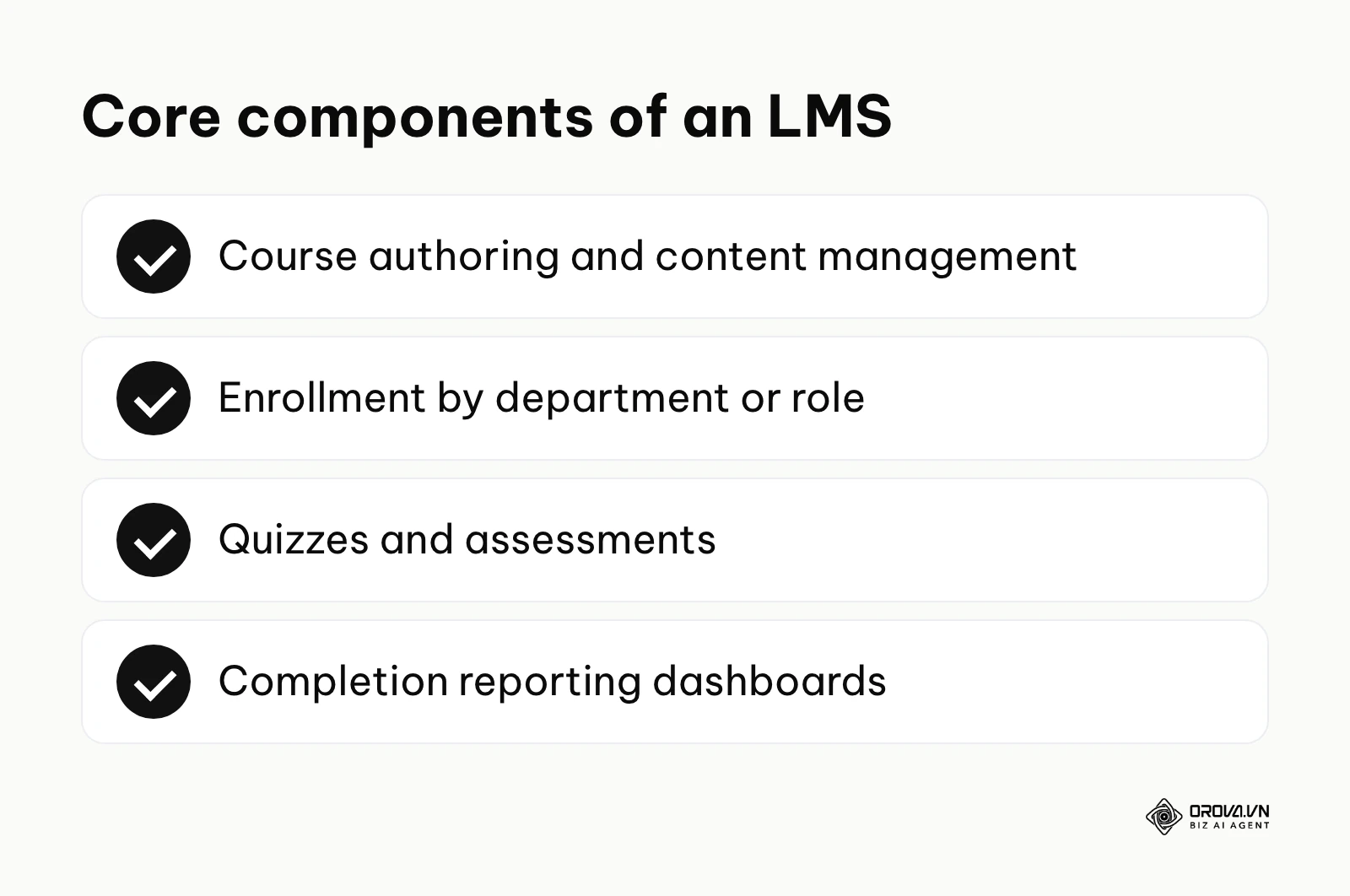
If you need a comprehensive guide to digital training strategies, it is essential to first understand the core pillars of these systems. Modern platforms generally include built-in content authoring tools to build lessons, enrollment engines to assign courses to specific departments, assessment modules for quizzes, and reporting dashboards to monitor completion rates. By centralizing all these functions, employee training software transforms learning from an ad-hoc, reactive task into a measurable, strategic business advantage.
Employee training software comparison matrix
When navigating the market, utilizing an employee training software comparison matrix allows you to filter out platforms that do not align with your technical requirements or company size. Below is a comprehensive categorization of the top tools available today, separated by their primary category and target audience.
| Tool Name | Category | Primary Use Case | Key User Value | Ideal Company Size |
|---|---|---|---|---|
| TalentLMS | Standalone LMS | General compliance | Quick and easy setup | Small to medium |
| Docebo | Standalone LMS | Enterprise learning | Deep AI personalization | Large enterprise |
| iSpring LMS | Standalone LMS | PowerPoint conversion | Easy legacy content migration | Medium |
| Absorb LMS | Standalone LMS | Corporate training | Smart, automated administration | Medium to large |
| LearnUpon | Standalone LMS | B2B & internal training | Multi-portal management | Medium |
| Thinkific Plus | Standalone LMS | Customer training | Monetization and external focus | Small to medium |
| Workday Learning | HRIS Built-in | Unified HR ecosystem | Seamless employee data sync | Large enterprise |
| BambooHR | HRIS Built-in | Basic onboarding | Centralized employee records | Small to medium |
| Rippling | HRIS Built-in | Global workforce | Automated IT and HR rules | Medium |
| 360Learning | LXP | Collaborative learning | Peer-to-peer course authoring | Medium to large |
| Canvas | Academic / Open | Higher education | Highly structured curriculum | Universities / Corporate |
| Moodle | Academic / Open | Custom environments | Deep, open-source customization | Technical teams |
| Degreed | LXP | Skill mapping | Aggregating external content | Large enterprise |
| Orova Training | AI-driven | AI-assisted authoring | Courses, quizzes and certificates in one place | Small to medium |
Top employee training software by category
To understand which platform serves your specific needs, we must break down these tools by their architectural categories. Each category solves the training problem from a fundamentally different perspective.
Standalone LMS platforms
Standalone Learning Management Systems focus entirely on the delivery, tracking, and management of training. They are highly specialized, offering robust reporting and extensive integrations.
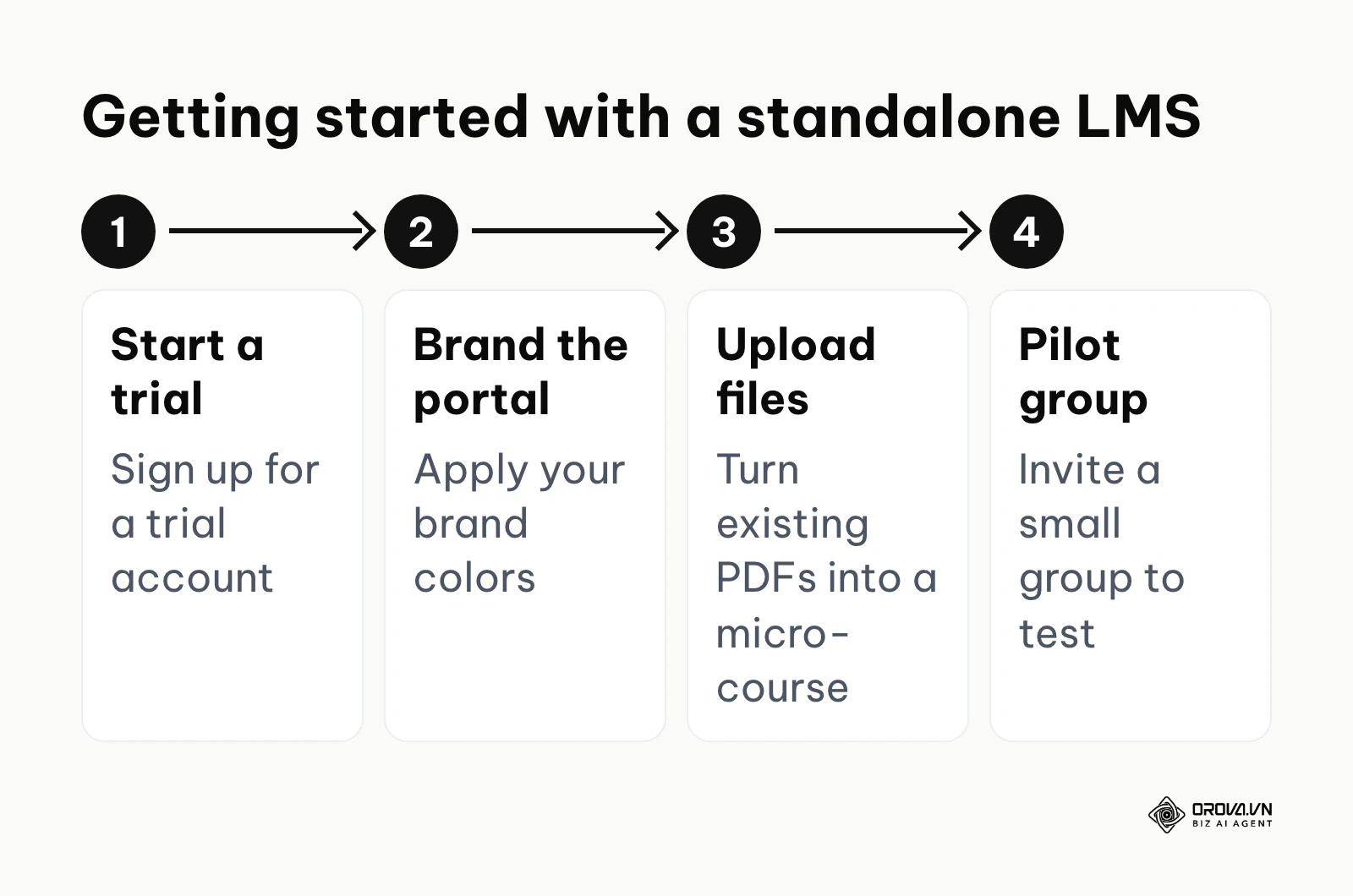
TalentLMS is a cloud-based learning management system explicitly designed to make training accessible and straightforward. It focuses on usability, allowing administrators to create courses from existing materials like videos, presentations, and standard documents quickly. The primary value lies in its simplicity and sheer speed of deployment; you do not need a dedicated IT team to set it up. It is ideal for small to medium-sized businesses that need a reliable, no-nonsense platform to deliver compliance and basic onboarding training without a steep learning curve. To start using it, you simply sign up for a trial account, customize the portal with your brand colors, upload a few existing PDF files to create your first micro-course, and invite a small pilot group to test the user experience.
Docebo is an enterprise-grade learning platform heavily focused on artificial intelligence and deep personalization. It acts not just as a repository for courses, but as an active recommendation engine that surfaces relevant content to users based on their specific roles, skills, and past learning behavior. The core value is scalability; for large organizations managing thousands of employees, curating individual learning paths manually is virtually impossible. Docebo automates this, ensuring that a sales representative in Europe sees different, highly relevant content compared to a software engineer in North America. This platform is built for large enterprises and rapidly scaling mid-market companies. To start, you must map out your organizational structure carefully, integrate the platform with your existing HR database to automate user provisioning, and launch a pilot with a specific department.
iSpring LMS distinguishes itself with its seamless integration with PowerPoint. What it does best is taking your legacy presentation files and turning them into interactive SCORM-compliant courses in minutes. The value here is rapid content migration; if your company has a decade worth of training PowerPoints, iSpring LMS prevents you from having to rebuild them from scratch. It fits medium-sized traditional businesses transitioning to digital learning. Getting started involves converting a high-performing PowerPoint deck into a course and publishing it to the cloud LMS.
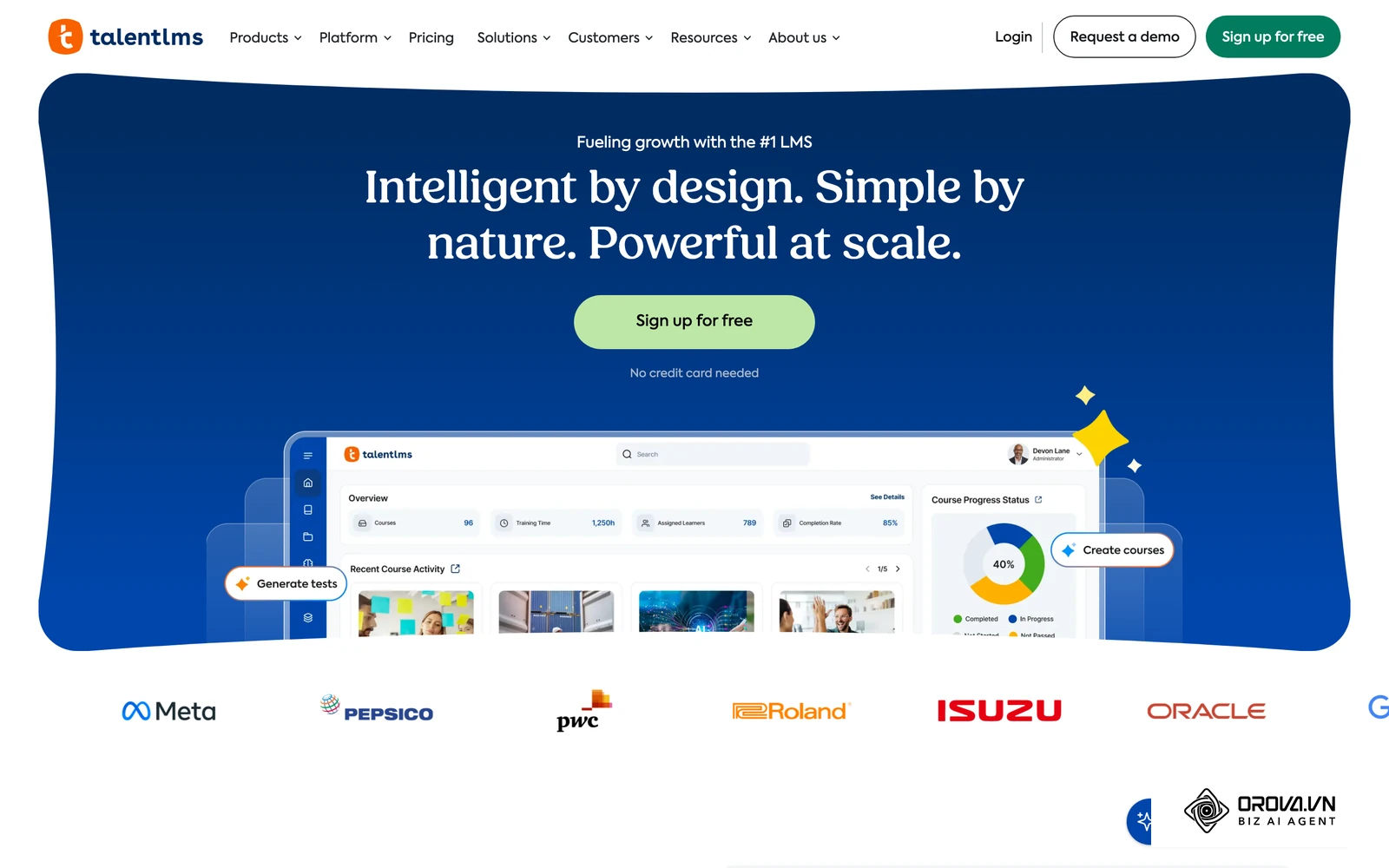
Absorb LMS focuses heavily on smart administration and corporate training aesthetics. It provides an incredibly polished learner interface and backend automation tools that trigger enrollments based on complex organizational rules. The value is administrative efficiency, freeing up HR teams from manual data entry. It is best suited for medium to large corporations.
LearnUpon is uniquely built to handle multiple distinct learning environments from a single overarching portal. If you need to train your internal employees, your external channel partners, and your paying customers, LearnUpon allows you to spin up separate branded portals for each audience while managing them centrally. It provides tremendous value for B2B companies looking to scale external training.
Thinkific Plus leans heavily toward customer education and monetized courses, though many use it internally. It offers an intuitive drag-and-drop course builder. The value is in user experience and external marketing features. It fits small to medium companies whose training strategy blurs the line between employee onboarding and customer success.
Example scenario: Setting up compliance training for a mid-sized team.
- Context: A regional healthcare clinic with 80 employees needed to ensure annual HIPAA compliance without disrupting critical patient care schedules.
- Steps taken: First, the HR manager selected a standalone LMS and uploaded their standard compliance PDF and video materials. Second, they created a short assessment quiz. Third, they set an automated enrollment rule for all staff based on their exact hire date.
- Challenges and fixes: Initially, medical staff ignored the standard email invitations, causing completion rates to stall at 30%. The manager fixed this by adding mobile reminders and sending a weekly automated compliance report directly to department heads.
- Results seen: Within four weeks, all staff members completed the required certification, and the clinic passed their external government audit with fully documented, timestamped compliance logs.
HRIS built-in training modules
Human Resources Information Systems (HRIS) often include learning modules built directly into their broader suite. Before diving in, understanding the ATS vs HRIS dynamic can help you decide if you need a specialized tool or a unified platform.
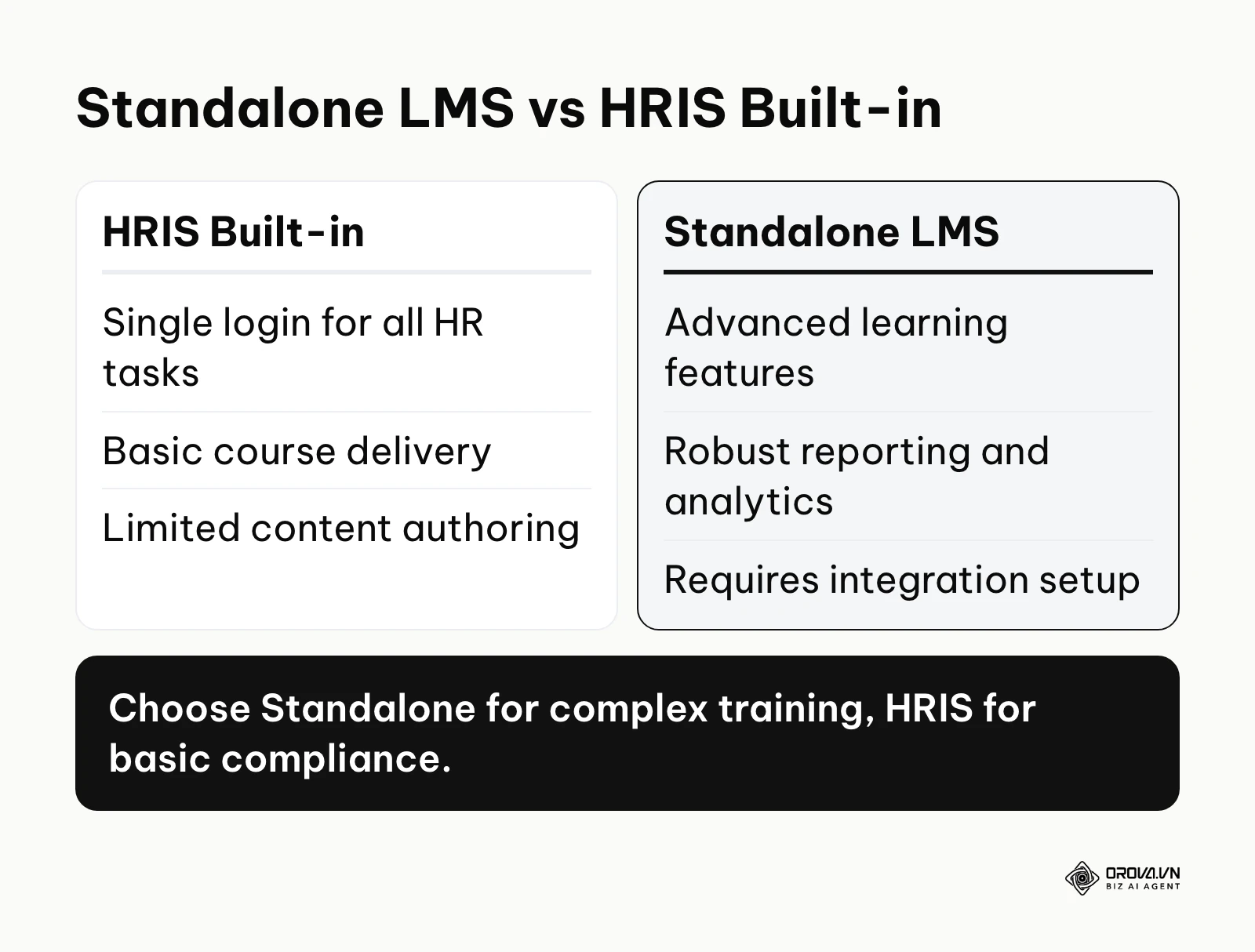
Workday Learning is an extension of the massive Workday HR ecosystem. It connects learning directly to career development, performance reviews, and organizational planning. The value is absolute data unification; when an employee gets promoted in Workday, their learning path automatically updates to reflect their new managerial status. This is exclusively designed for large enterprise organizations already deeply invested in the Workday ecosystem.
BambooHR offers basic onboarding and training checklists as part of its core HR software. It is not a full-fledged LMS, but it allows administrators to track who has completed essential onboarding tasks and policy acknowledgments. The value is simplicity for small businesses; you keep your employee records and basic training compliance in one single dashboard.
Rippling approaches training through the lens of extreme workflow automation. When a new employee is hired, Rippling can provision their laptop, set up their email, enroll them in payroll, and simultaneously assign them their specific compliance training courses based on their geographic location. It is perfect for medium-sized businesses with complex, global workforces.
Example scenario: Moving from disjointed tools to a unified system.
- Context: A 200-person tech startup was using a chaotic mix of cloud drives and basic quiz tools for onboarding, while maintaining a completely separate platform for payroll and benefits.
- Steps taken: The HR director initiated a full migration of their new hire training materials directly into the learning module of their existing HRIS platform. Next, they mapped out a unified onboarding flow that triggered automatically upon a candidate electronically signing their offer letter. Finally, they assigned department-specific learning tracks.
- Challenges and fixes: The built-in authoring tool in the HRIS was far too basic for the complex, interactive coding assessments required for engineering hires. The team adjusted by using the HRIS for general policy sign-offs and integrating a specialized, standalone technical assessment tool strictly for the engineering department.
- Results seen: Non-technical new hires experienced a seamless first week by accessing one single portal for everything, while the HR team eliminated the manual data entry previously required to update multiple separate databases.
Collaborative and Learning Experience Platforms (LXP)
Learning Experience Platforms shift the focus away from top-down, assigned compliance training toward bottom-up, employee-driven discovery and social learning. Peer-shared know-how also works well alongside structured new hire training, because newcomers learn quickly from colleagues who do the same job.
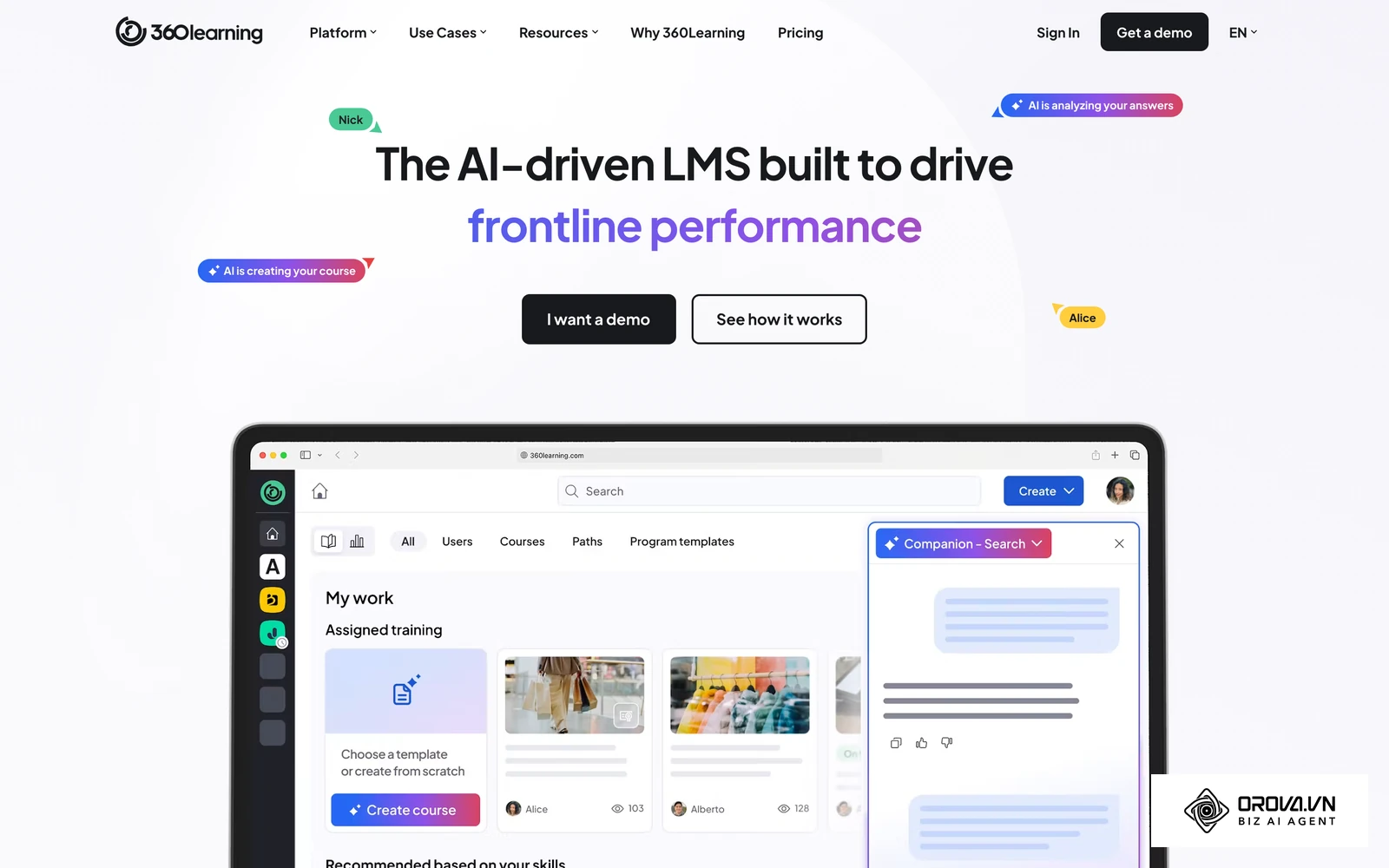
360Learning champions the concept of collaborative learning. Instead of a single instructional designer creating all the courses, 360Learning empowers subject matter experts within the company to quickly build and share their own micro-courses. The value is speed and relevance; a top-performing sales rep can record a five-minute video on overcoming a new objection and share it with the team instantly. It fits medium to large organizations looking to decentralize knowledge creation.
Degreed is an advanced LXP that focuses heavily on skill mapping and aggregating content from external providers (like Coursera or Udemy) alongside internal materials. It provides a unified feed of learning opportunities tailored to the skills an employee wants to develop. It is best suited for massive enterprise organizations focused on continuous upskilling and internal mobility.
Academic and open-source platforms
While originally built for schools and universities, academic platforms are heavily utilized by corporations with specific technical requirements or tight budgets.
Canvas is widely known in the higher education sector but is also utilized by corporations that require a highly structured, semester-like curriculum for long-term employee development programs. The value is in its robust grading rubrics, peer review capabilities, and deep integrations with academic tools.
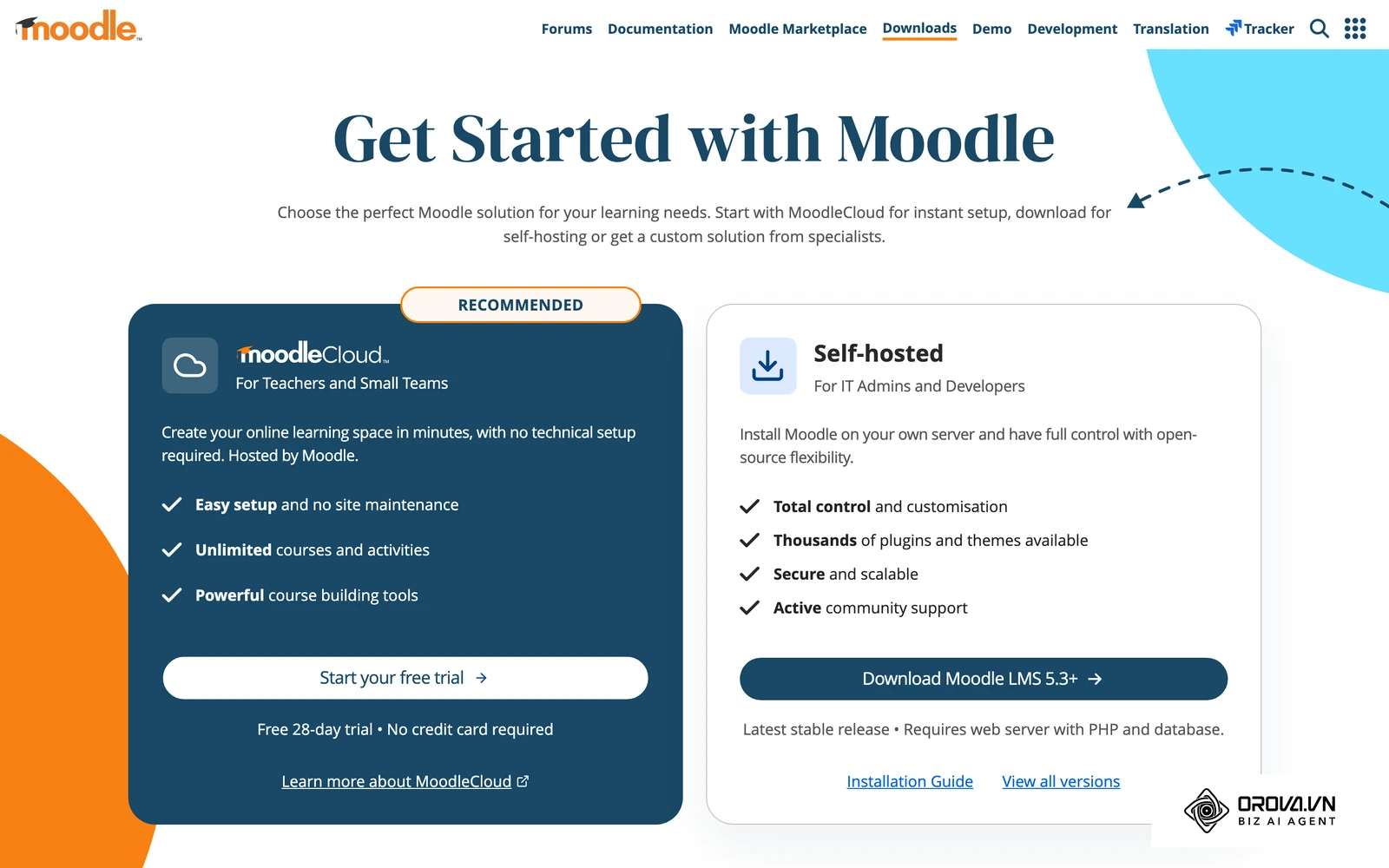
Moodle is the undisputed giant of open-source learning management. Because the source code is freely available, organizations can heavily modify it to fit any conceivable use case. The value is ultimate flexibility and zero licensing costs. However, it requires a dedicated internal IT team to host, secure, maintain, and design the platform. It fits technical organizations that require deep customization and possess the engineering resources to support it.
AI-driven training and certification
The newest category involves platforms built fundamentally around generative AI, aiming to drastically reduce the manual labor of content creation.
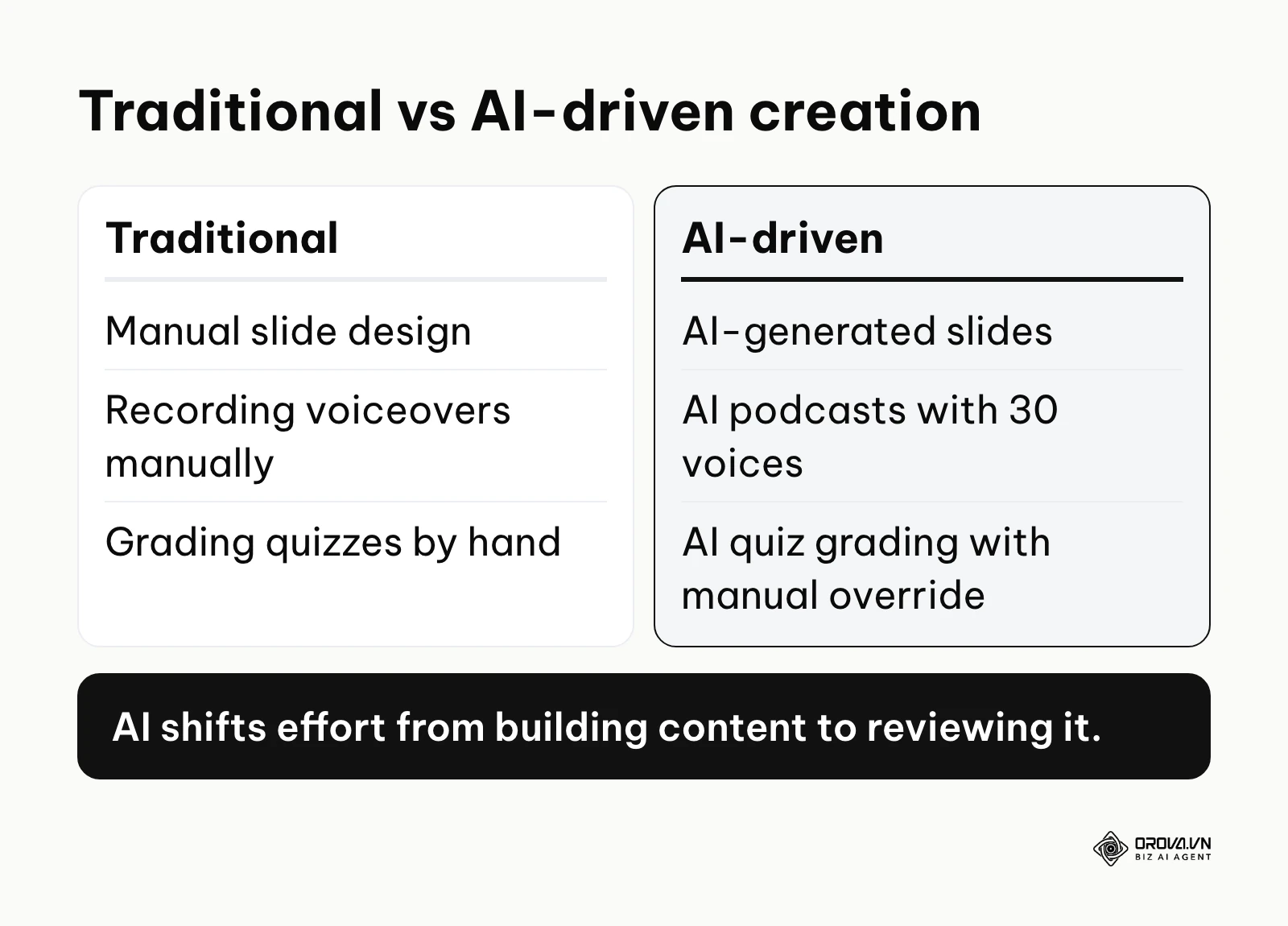
Orova Training takes much of the heavy lifting out of course creation. Instead of manually designing presentations, the AI can build courses, generate presentation slides, and create podcasts featuring 30 different voices. It also produces video lessons complete with voiceovers and subtitles, alongside digital flashcards for quick review. When it comes to assessment, the platform offers online quizzes with automated AI grading (which administrators can manually override if necessary) and a live game-style leaderboard to boost engagement. Upon passing, learners are automatically awarded a certificate, which comes with a public lookup code and a downloadable PDF format. You can assign courses by entire workspaces, specific individuals, or groups, and track progress meticulously. To ensure compliance, it allows you to force learning sequences, block skipping, and prevent material downloading. If you use other systems, you can export your content as SCORM 1.2 files to Moodle or Canvas. The entire user interface is available in 9 languages, making it highly versatile for global teams.
If you are tired of building courses and grading quizzes by hand, Orova Training takes much of that work off your plate. It uses AI to draft lessons, slides, podcasts and narrated video lessons with subtitles, grades quizzes (with manual override), and issues certificates with a public lookup code. Your L&D team can spend more time on strategy and less on administration.
Before you buy: total cost, demo questions and ROI
Once you have a shortlist by training need, selecting the right platform is rarely about finding the software with the most features; it is about finding the exact alignment between your technical requirements, your internal resources, and your actual budget. Many organizations make the fatal mistake of evaluating software purely on a surface level, leading to disastrous deployments and blown budgets.
The Total Cost of Ownership (TCO) for small businesses
You must look beyond the advertised per-user price. For a business with under 100 employees, the Total Cost of Ownership (TCO) breaks down into four main categories. First, software licensing fees, which are usually billed per active user and often annually. Second, implementation and setup fees, which range from nothing on self-serve platforms to a separate onboarding package on guided enterprise deployments. Third, content creation costs, whether you buy off-the-shelf compliance libraries or pay instructional designers to build custom lessons. Finally, administrative labor, because someone on the HR team has to manage users, enrollments and reports every week. Added together, the real TCO is usually well above the license fee alone. For a full step-by-step selection process, see our guide on how to choose an LMS; this section focuses only on the cost checks that matter when you compare the tools above.
Hidden costs you must clarify before signing
Software vendors are notoriously opaque about secondary costs. Before signing a multi-year agreement, you must aggressively interrogate the vendor on the following hidden fees:
- Implementation fees: Is the initial setup guided by a dedicated success manager, and if so, is there a mandatory onboarding fee?
- Premium support tiers: Basic support might only include a 48-hour email response window. If your system goes down during a critical compliance audit, you may be forced to pay extra for a premium phone support package.
- Storage overages: Video files are massive. If you plan to host hundreds of hour-long webinar recordings, check if the platform charges exorbitant fees once you exceed your base storage limit.
- Integration access: Many platforms advertise Salesforce or HRIS integrations, but hide API access behind their most expensive enterprise pricing tier.
- Content migration: If you are moving from an old platform, who handles the data transfer? Some vendors charge hefty hourly consulting rates to map your old SCORM files to their new database.
The Vendor Evaluation Scorecard: 10 hard questions to ask
During your software demos, sales representatives will attempt to steer the conversation toward flashy features. Take control of the meeting by asking these 10 hard questions to uncover the actual capabilities of the platform:
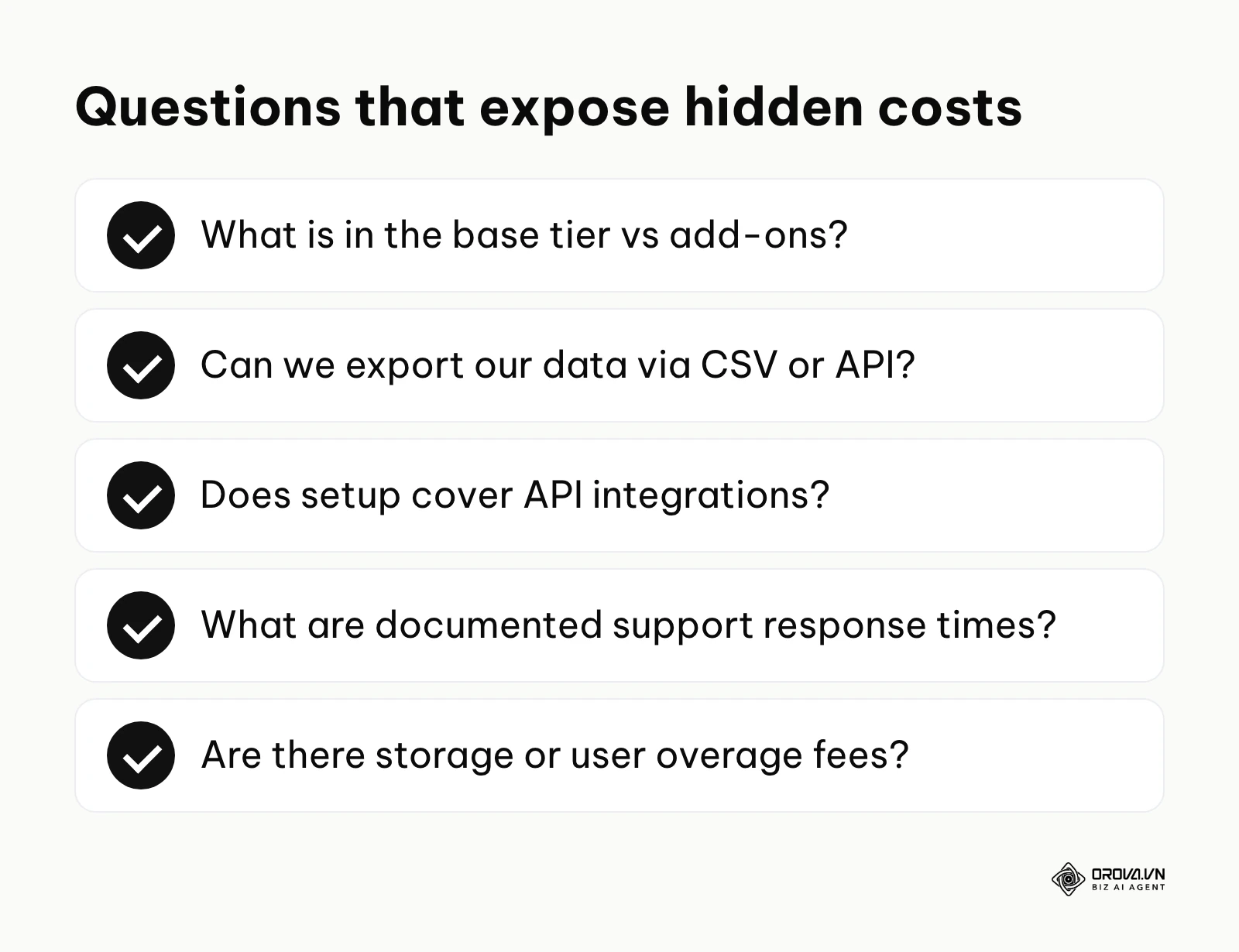
- What exact features are included in the base tier, and which require premium add-ons?
- How does the platform handle SCORM, xAPI, or AICC content compatibility natively?
- What is your guaranteed uptime Service Level Agreement (SLA), and how do you handle scheduled maintenance?
- Can we export our historical training data easily via CSV or API if we decide to switch platforms later?
- Does the implementation fee cover custom API integrations, or is that billed hourly?
- How does your mobile application handle offline learning and subsequent synchronization?
- What level of technical support is included, and what are the average, documented response times?
- Are there any hidden fees for exceeding storage limits or temporary active user thresholds during peak hiring seasons?
- How often do you release product updates, and do they typically require system downtime?
- Can we set up automated, rule-based enrollments based on dynamic HR data from our existing systems?
Employee Training Software ROI Calculator template
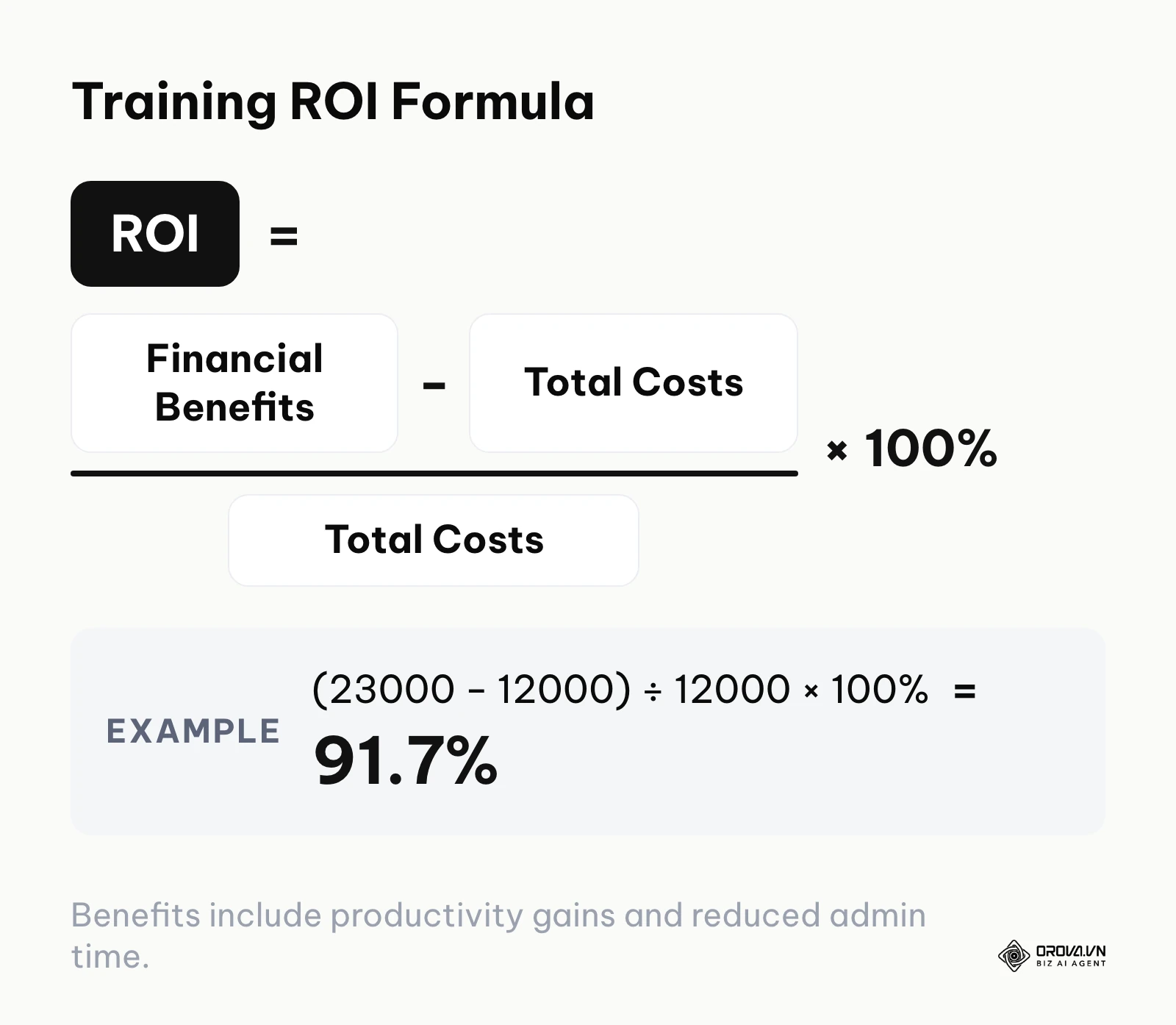
To secure budget approval from your executive team, you must speak in financial terms. Use the table below as a template (money values are illustrative and in your own currency). You can copy it directly into a spreadsheet to calculate your estimated Return on Investment.
| Metric | Formula / Data Source | Example Value |
|---|---|---|
| A. Current Training Hours per Employee | Estimated time spent in manual sessions | 20 hours/year |
| B. Number of Employees | Total staff undergoing training | 100 employees |
| C. Average Hourly Wage | Including benefits | 30/hour |
| D. Current Annual Training Cost | A × B × C | 60,000 |
| E. Estimated Time Saved with Software | Expected reduction in training time | 30% |
| F. Annual Savings in Productivity | D × E | 18,000 |
| G. Reduced Admin Time Savings | Admin hours saved × Admin hourly rate | 5,000 |
| H. Total Annual Financial Benefit | F + G | 23,000 |
| I. Total Software & Setup Cost (TCO) | License + Implementation + Content | 12,000 |
| J. Net Annual Return | H - I | 11,000 |
| K. ROI Percentage | (J ÷ I) × 100 | 91.7% |
Example scenario: Calculating the real cost of implementation.
- Context: A retail chain with 150 employees budgeted for a new platform based entirely on the advertised monthly per-user license fee.
- Steps taken: The operations manager signed the annual contract, began uploading legacy training content, and requested a custom API integration to link the platform with their bespoke point-of-sale system for tracking sales performance against training completion.
- Challenges and fixes: The company received an unexpected invoice for the custom integration work and a mandatory premium support package required for API access. The manager had to immediately halt the rollout, negotiate a downgraded support tier, and pivot to a manual monthly CSV upload workaround instead of a real-time integration.
- Results seen: The platform eventually launched successfully, but the initial rollout was delayed by two full months, and the finance team implemented a strict policy requiring a full breakdown of implementation fees before any future software purchase.
Scale recommendations and common traps
Choosing a platform misaligned with your scale is a common trap. If you are a startup, do not buy enterprise software assuming you will grow into it; you will drown in configuration complexity.
| Scenario | Recommended approach | Reason |
|---|---|---|
| Small team (under 50), no dedicated HR | Lightweight Standalone LMS | You need rapid deployment with zero technical overhead. |
| Mid-size (100-500), complex compliance | HRIS Built-in or Advanced LMS | You need automated tracking tied to official employee records. |
| Large enterprise, global workforce | LXP combined with enterprise LMS | You need localized content and peer-to-peer knowledge sharing at scale. |
Ready to launch your internal academy without a heavy setup? Orova Training lets you build courses, grade and certify with AI, assign courses by workspace, person or group, and enforce learning paths by blocking skipping and downloads. The interface is available in 9 languages. Try it free until July 7, 2027.
Measuring actual efficiency after 6 months
Implementing the software is only the first phase. Proper training evaluation goes beyond simply looking at completion rates. After six months, you must conduct a rigorous audit of the platform's impact on business operations to justify the ongoing subscription cost.
Quantitative metrics to track
To determine if the software is actually working, monitor these specific quantitative metrics. First, measure the time-to-productivity for new hires; for example, track if the average time a new sales rep takes to close their first deal drops from 60 days to 40 days. Second, look at compliance breach reduction; fewer regulatory fines or safety incidents directly correlate to effective training. Third, monitor internal support ticket volume; effective product and process training usually results in fewer employees submitting repetitive "how-to" tickets to the internal IT or HR helpdesk. Based on the SCORM 2004 4th Edition Specification by ADL, packaging content correctly ensures compatibility across different platforms, which means your tracking data will remain consistent even if you upgrade systems.
Qualitative feedback and performance reviews
Numbers only tell half the story. You must gather qualitative feedback through targeted surveys administered immediately after course completion and again three months later to measure knowledge retention. Furthermore, correlate training completion data with quarterly performance reviews. Dedicated learning paths are also widely associated with better employee retention, so track retention alongside course data. If employees who complete the leadership training consistently score higher on management effectiveness rubrics than those who skipped it, you have definitive proof of the software's qualitative value. Because learning budgets are always under scrutiny, this level of cost tracking and qualitative validation is what keeps your subscription renewal easy to defend.
Future trends of employee training software: author's predictions
The learning technology landscape is shifting rapidly. As of 2026, the traditional model of passive video watching is losing ground. Based on my observations of the market, here are my three primary predictions for where employee training software is heading in the next few years.
1. AI will shift the effort from building content to reviewing it. Today, much of an L&D team's time goes into building content rather than improving how it is delivered. I believe generative AI will gradually change that balance. Platforms will increasingly draft courses, interactive simulations, and dynamic quizzes directly from raw company documentation. I expect that many instructional designers will spend less time as course builders and more time as curators and reviewers. You should begin auditing your internal documentation now, as clean data will be the fuel for these future AI course generators.
2. Microlearning will become the default format for many deskless and frontline workers. Attention fatigue is a real issue in the modern workforce. I think the "hour-long compliance webinar" will keep fading for retail, manufacturing, and healthcare workers. Software will evolve to deliver highly contextual, two-minute learning interventions directly to mobile devices exactly at the moment of need. To prepare, you should start breaking down your existing long-form training manuals into bite-sized, single-topic modules today.
3. Learning inside daily workflow tools will reduce the need for a separate learning portal. Employees hate logging into a separate destination portal just to learn. I lean toward a future where more training software operates in the background of tools like Slack, Microsoft Teams, or Salesforce. When a sales rep loses a deal in the CRM, the training software could ping them with a short, relevant negotiation video right in their chat window. You must prepare for this by prioritizing software vendors that offer deep, robust API architectures rather than just pretty, isolated user interfaces.
Frequently asked questions about employee training software
What is the exact difference between an LMS and an LXP?
An LMS (Learning Management System) is typically top-down; administrators assign mandatory compliance and onboarding courses to employees and track completion tightly. An LXP (Learning Experience Platform) is bottom-up; it acts more like a streaming service, encouraging employees to discover content, share knowledge, and curate their own upskilling paths organically.
How long does it typically take to implement a new platform?
For a small business using a lightweight, self-serve platform, implementation can be a matter of weeks. However, for a mid-market or enterprise company requiring custom API integrations, single sign-on (SSO) configuration, and large data migrations, the process usually takes several months.
Can AI completely replace human instructional designers?
No, AI cannot completely replace human expertise. While AI drastically accelerates the creation of standard materials like slide decks and quizzes, it lacks the contextual nuance to understand deep company culture or navigate highly sensitive interpersonal training topics. AI acts as an incredibly powerful assistant, not a total replacement.
Is it better to build custom content or buy off-the-shelf courses?
It depends entirely on the topic. For universal subjects like cybersecurity basics, workplace harassment, or standard spreadsheet skills, buying off-the-shelf libraries is far more cost-effective. You should reserve your budget and custom building efforts exclusively for proprietary topics, such as your specific product architecture or internal company sales methodologies.
How do we ensure data security when using cloud-based platforms?
You must demand rigorous security documentation during the procurement phase. Ensure the vendor is SOC 2 Type II compliant, adheres to GDPR if you have European employees, and supports Enterprise Mobility Management (EMM) if employees access training on personal mobile devices.
Where to start?
Choosing the right system requires momentum. Do not get paralyzed analyzing dozens of vendors; take action based on your immediate reality.
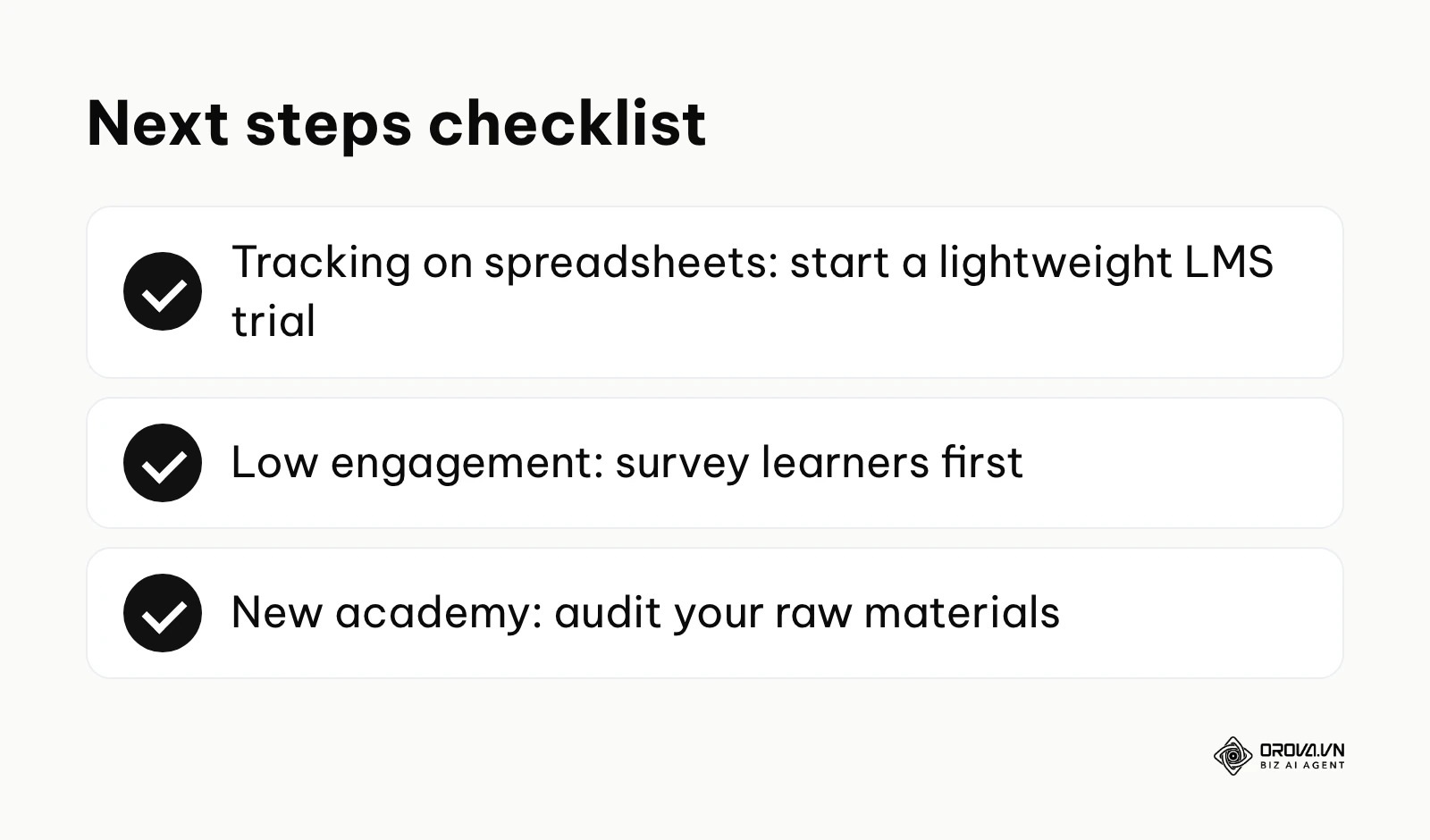
If you are currently tracking training on messy spreadsheets, your first step is to secure a free trial of a lightweight, standalone LMS today. Do not worry about integrations or AI features yet; simply focus on centralizing your data and automating email reminders to buy back your administrative time.
If your current platform suffers from terrible engagement and low completion rates, your first step is to launch a quick survey asking employees exactly why they avoid the platform. Usually, the issue is not the software itself, but long, boring content. Use this data to explore microlearning platforms or LXP solutions.
If you are launching a brand new internal academy from scratch with limited resources, your first step is to audit your existing raw materials (PDFs, recorded Zoom calls, old presentations). Look specifically for AI-driven employee training software that can automatically digest these raw files and convert them into structured courses, saving many hours of manual design work.
About the author

Builder of Orova
Nguyễn Đỗ Trọng Ân has 8 years of experience in marketing, including 6 years managing market development across Asia. He builds Orova, a Biz AI Agent that never sleeps: it plans, runs and optimizes work for businesses.
Run your business with AI Agents
Orova is the always-on Biz AI Agent — it plans, runs, and optimizes the work for you.
Save time, unlock productivity.