
The 5 best AI search engine options in 2026, compared by use case

For decades, the internet relied on a simple premise: you type a query, and you receive a list of blue links. You then spend the next twenty minutes opening tabs, skimming irrelevant paragraphs, and synthesizing the information yourself. That era is officially over. Today, finding the best ai search engine is no longer just a novelty for tech enthusiasts; it is a fundamental requirement for anyone who wants to research, work, or browse the internet efficiently.
The landscape has matured rapidly. We are no longer dealing with experimental bots that confidently spout nonsense. Modern systems use advanced Retrieval-Augmented Generation (RAG) to read live web pages, extract facts, and compile cited answers in seconds. However, not all engines are built the same. Some prioritize academic rigor and citation density, while others focus on creative coding or seamless enterprise integration.
The short answer: there is no single best AI search engine for everyone. Perplexity suits source-heavy research, ChatGPT Search suits turning search results into code or drafts, Microsoft Copilot suits people who live in Microsoft 365, Google AI Overviews and AI Mode suit quick everyday questions, and Kagi suits people who want classic links with AI only on request. In this guide, we compare these five options on response speed, citation reliability, free access, mobile experience, and privacy, and show you how to run a quick test yourself before you commit.
Finding the Best AI Search Engine in 2026: Core Differences
The core difference between these tools lies in their foundational architecture and primary intent. An engine like Perplexity is designed for deep, academic-style research with robust inline citations, making it the ideal ai search engine for research. Conversely, ChatGPT Search excels at conversational follow-ups, coding tasks, and creative synthesis. Microsoft Copilot bridges the gap for enterprise users needing a private ai search engine that integrates with internal documents, while Google AI Overviews focuses on delivering instantaneous summaries for everyday consumer queries.
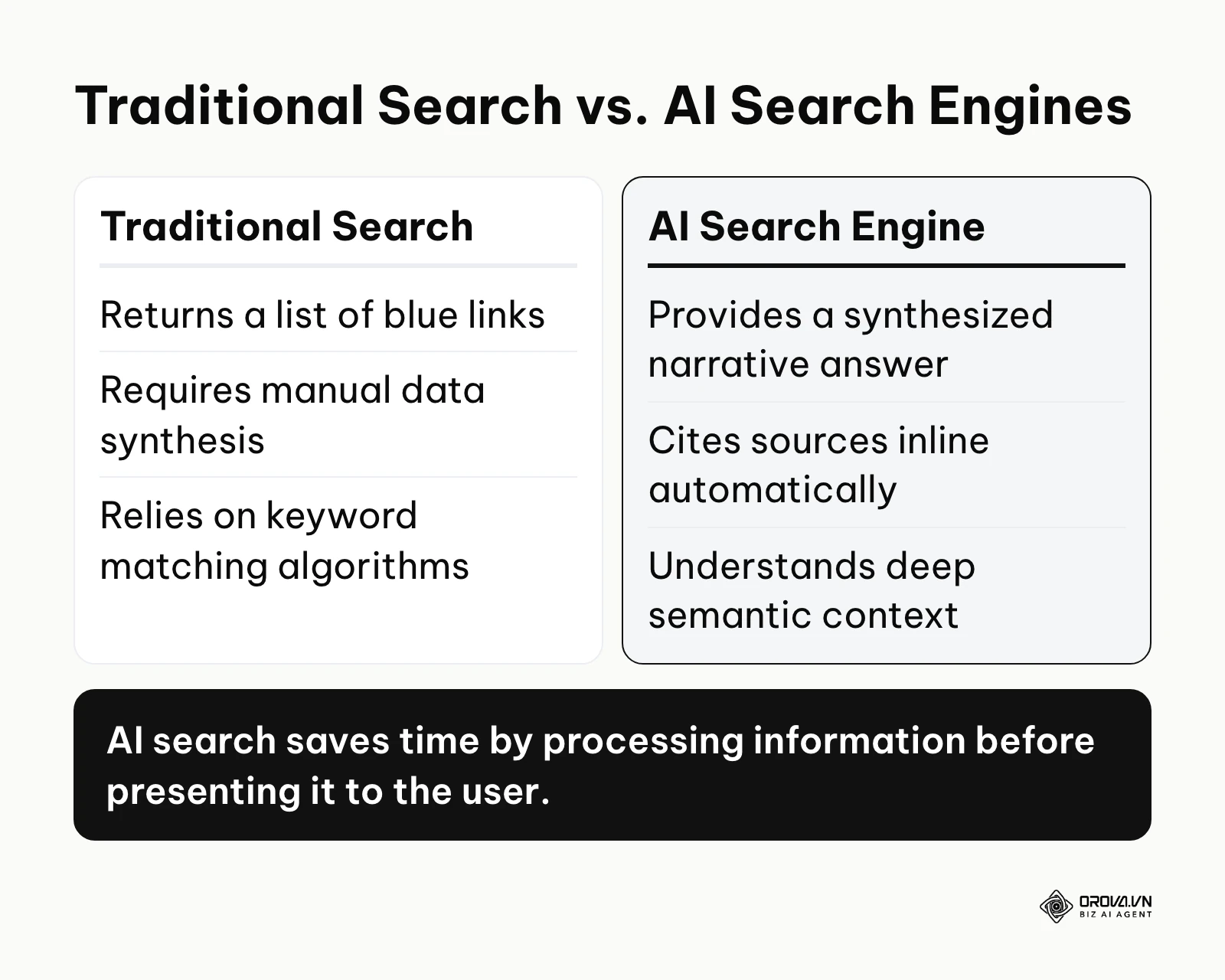
To fully grasp these differences, you must understand how they operate under the hood. Traditional search relies heavily on keyword matching algorithms and backlink profiles. If you search for "how to fix a leaking pipe," a traditional engine finds pages containing those exact words. An AI search engine, however, understands the semantic context of your problem. It reads the top twenty plumbing articles in the background, extracts the safety warnings from one site, the required tools from another, and the step-by-step instructions from a third. It then writes a custom, cohesive guide specifically for you, citing every source it used.
This shift changes everything about how we consume information online. Understanding how these engines pull data is crucial for traditional website ranking in the modern era. Brands that want to be cited inside these answers now study generative engine optimization alongside classic SEO.
However, this convenience comes with trade-offs. The processing power required to read and summarize multiple web pages instantly is immense. This leads to latency issues, aggressive restrictions on free tiers, and lingering concerns about data privacy. Choosing the right tool requires understanding what you are willing to compromise on—speed, privacy, or depth.
Introducing the Top Contenders
The market is currently led by four major players, and this guide also covers one specialist, Kagi, for people who prefer link-first results. Each platform has carved out a specific niche, utilizing different underlying language models and indexing strategies.
Perplexity AI
Perplexity AI positions itself not as a search engine, but as an "answer engine." Its philosophy revolves around providing direct answers backed by citations. When you ask Perplexity a question, it searches the web, reads the content, and shows numbered links to the sources it used.
Its deeper search modes do not just run a single query. They break a complex question into several searches, for example looking for recent news first and then for reports, before compiling the findings into one answer. This makes it a strong fit for students, journalists, and market researchers.
Paid users can choose between several language models, so you are not locked into a single model family. Features like "Spaces" let you group related research threads, which turns the platform into a lightweight shared knowledge base.
ChatGPT Search
When OpenAI integrated live web searching directly into ChatGPT, it fundamentally changed the utility of the world's most popular chatbot. ChatGPT Search is not a separate website; it is an integrated capability within the standard ChatGPT interface. When the model detects that your prompt requires up-to-date information, it automatically reaches out to the web to fetch it.
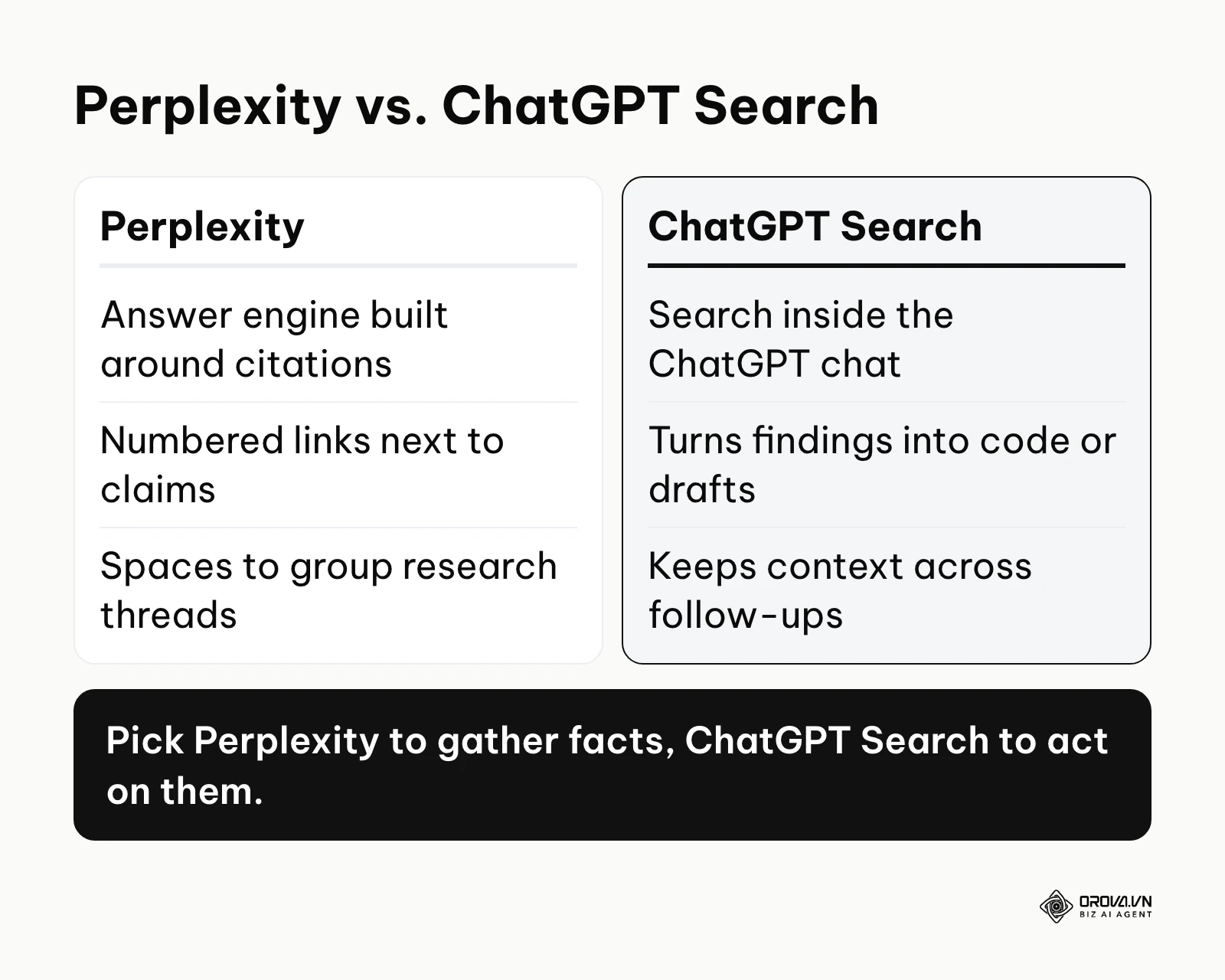
The true strength of ChatGPT Search lies in its conversational memory and reasoning capabilities. While Perplexity is strictly focused on facts, ChatGPT can take the information it just searched for and instantly apply it to a creative or technical task. For example, you can ask it to search for the latest API documentation for a software library, and in the exact same prompt, ask it to rewrite your existing code using those new standards.
This makes the debate of perplexity vs chatgpt search largely dependent on your end goal. If your goal is purely to gather facts with visible sources, Perplexity is the more focused choice. If your goal is to gather facts and immediately transform them into a blog post, a Python script, or a marketing strategy, ChatGPT Search is the more natural fit.
Microsoft Copilot
Microsoft Copilot (formerly Bing Chat) represents the most integrated AI search experience on the market. Because Microsoft owns the Bing search index, Copilot draws its web results from Bing. It is deeply integrated into the Windows operating system, the Edge browser, and the Microsoft 365 suite.
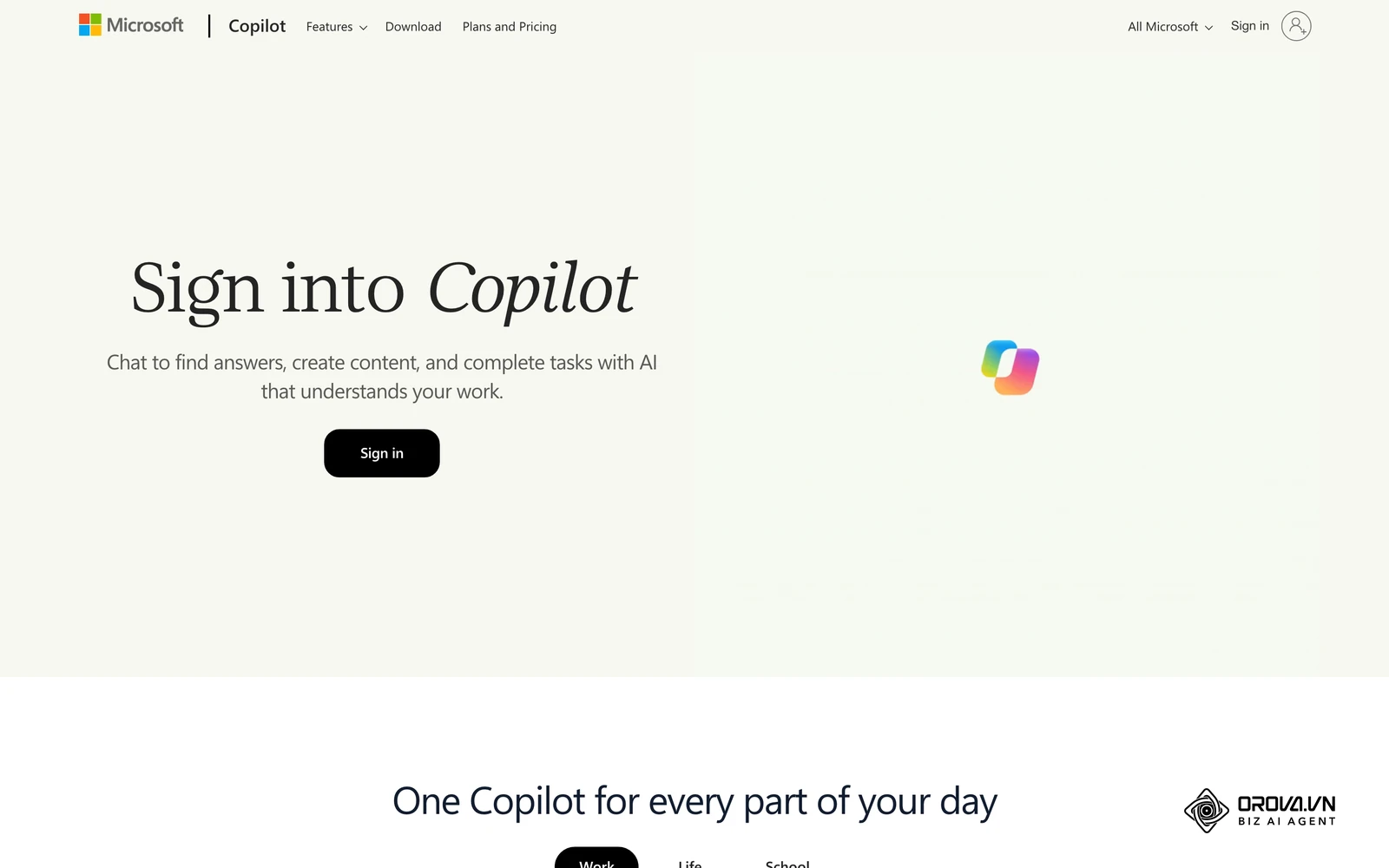
Copilot handles visual and commercial searches well. It can build comparison tables for shopping research and generate images inside the chat interface. It also links out to the sources behind its answers.
For professionals, the business version of Copilot is the most common answer to the private ai search engine question. When you sign in with an eligible work account, Copilot applies enterprise data protection, and Microsoft states that prompts and responses under that protection are not used to train its foundation models.
Google AI Overviews and AI Mode
Google AI Overviews (formerly SGE) takes a different approach. Rather than forcing users into a chat interface, Google injects AI summaries directly at the top of the traditional search engine results page (SERP). When you search for a complex query on Google, a colored box appears, generating a quick, synthesized answer before you even scroll down to the blue links.
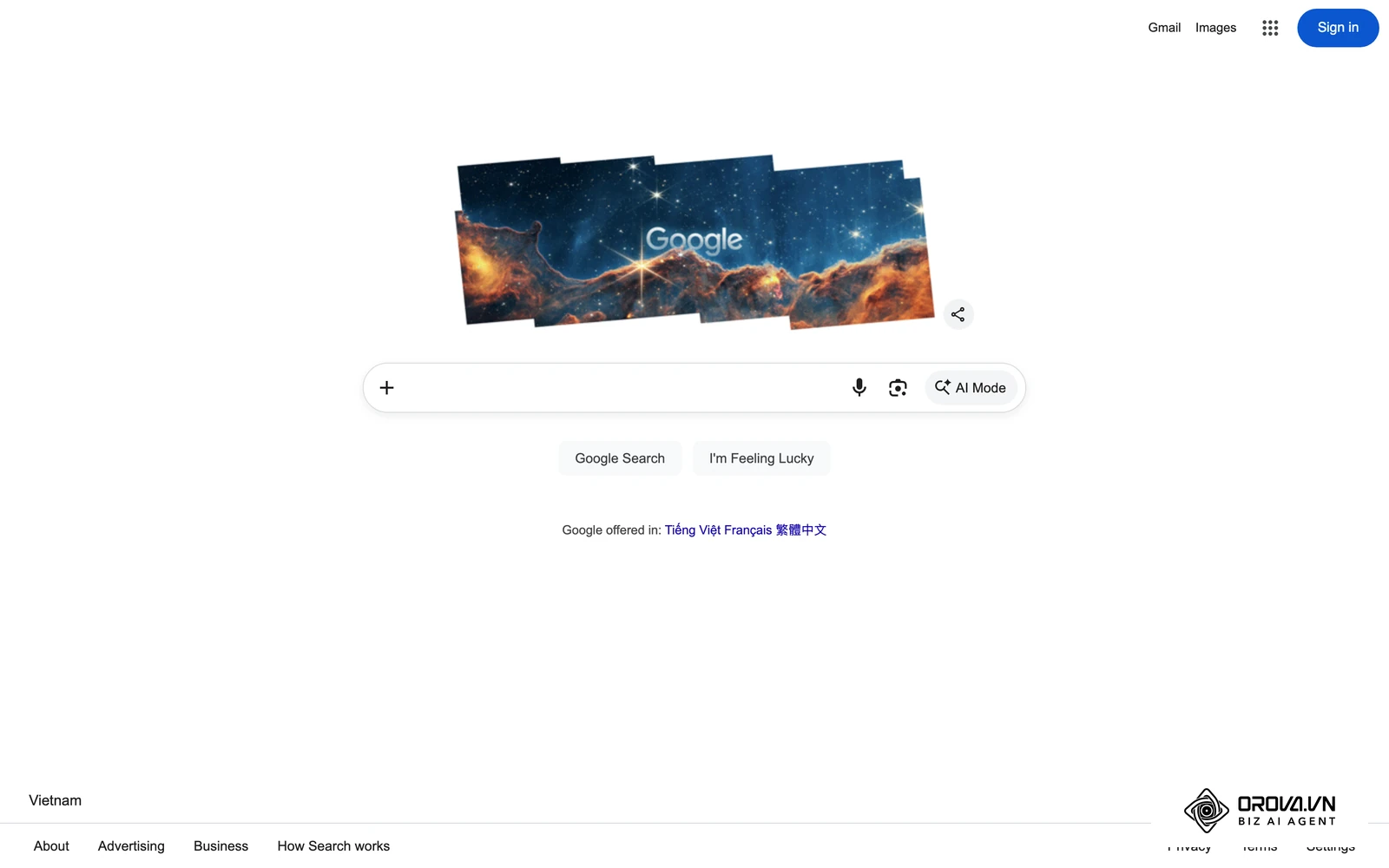
Powered by Gemini models, AI Overviews are designed for speed and scale. They are not meant for deep, multi-step academic research. Instead, they give you the gist of a topic at a glance. For longer conversations, Google also offers AI Mode, a separate view inside Google Search where you can ask a complex question and keep asking follow-ups. If you search "why is the sky blue," the AI Overview provides the scientific explanation immediately, saving you a click.
While highly convenient for everyday users, AI Overviews have caused significant anxiety among publishers. Because the AI answers the user's question directly on Google's page, users have less incentive to click through to the source website. This paradigm shift requires a unified approach to seo aeo geo to maintain organic visibility in this new ecosystem, and it explains why so many teams now weigh geo vs seo when planning content.
Discover Orova.vn – a Biz AI Agent platform with OROVA SEO, a complete solution for every website. The system supports search engine optimization from A to Z with features including keyword research, writing new SEO-ready articles, optimizing existing content, rank tracking, plus competitor analysis and in-depth technical analysis. Sign up today to experience OROVA SEO completely free (offer valid through July 7, 2027).
Deep Dive Comparison: Which is the Best AI Search Engine?
There is no universal winner, so the useful question is which tool fits your daily workflow. The table below compares the four major platforms on criteria that affect everyday use; the sections after it explain each criterion and how to check it yourself.
| Feature / Criteria | Perplexity AI | ChatGPT Search | Microsoft Copilot | Google AI Overviews and AI Mode |
|---|---|---|---|---|
| Primary Focus | Source-heavy research | Conversation and creation | Microsoft ecosystem work | Quick everyday answers |
| Interface | Answer page with numbered sources | Chat inside ChatGPT | Chat in Windows, Edge, and Microsoft 365 | Summary above search results, plus AI Mode |
| How Sources Appear | Numbered links next to claims | Links attached to the answer | Links to source pages | Links beside the summary |
| Free Access | Yes, advanced modes limited | Yes, limits vary | Yes | Yes, inside Google Search |
| Best For | Students, researchers | Developers, writers | Office workers | General consumers |
Latency and Response Speed
When replacing traditional search, speed matters. Users are used to a classic results page appearing almost instantly, and waiting for an AI to read sources and write an answer can cause friction. Speed also depends heavily on the mode you choose, your connection, and how busy the service is, so published speed rankings go out of date quickly.
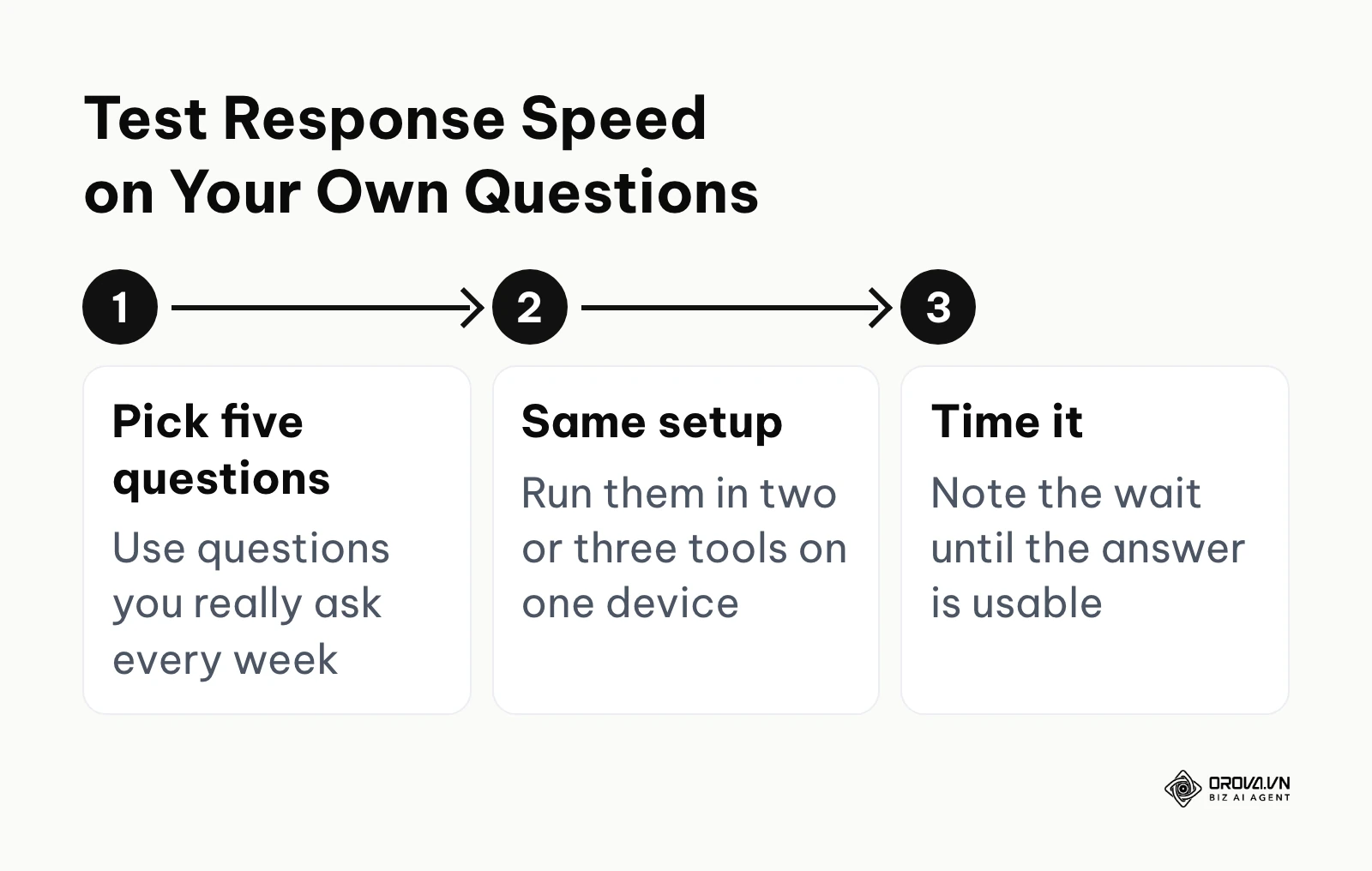
As a rule of thumb, the short summaries shown above Google results feel the fastest because they sit inside a page you were loading anyway. Standard answers in Perplexity, ChatGPT Search, and Copilot usually take a few seconds longer because the tool searches, reads, and then writes. Deeper research modes that run several searches in a row are the slowest, and that is the price of a more thorough answer.
To check speed for your own work, pick five questions you really ask every week, run each one in two or three tools on the same device and connection, and note how long you wait before the answer is usable. Your own result on your own questions is a better guide than any generic ranking.
Citation Accuracy and Hallucination Test
The fatal flaw of early generative AI was hallucination, which means confidently making up facts. In a search context, hallucination means citing a source that does not exist or misrepresenting what a real source says. No AI search engine is immune, so the useful skill is knowing how to catch it.
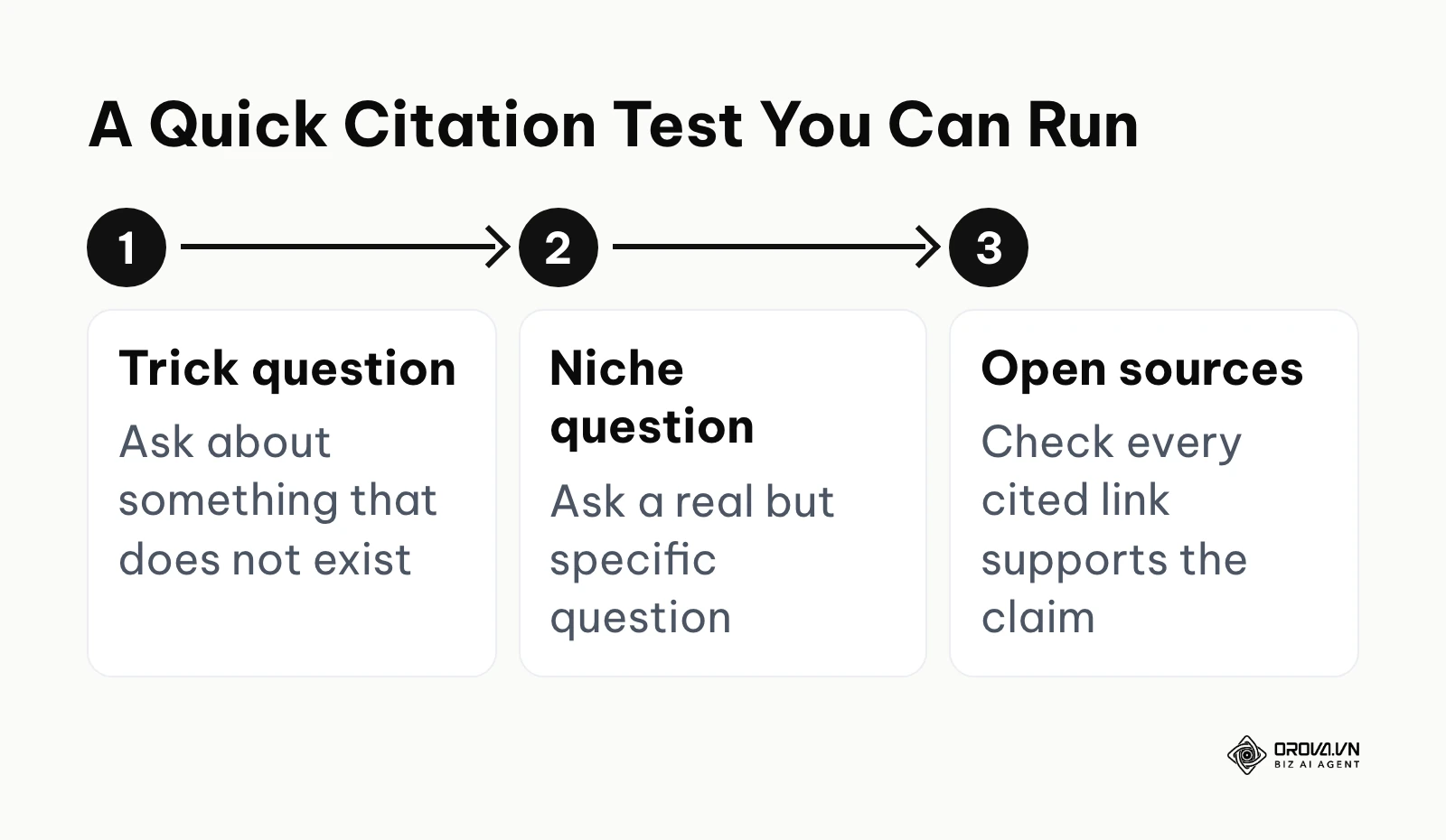
You can run a simple test in a few minutes. Ask each tool one trick question about something that does not exist, such as a fictional court case or a paper that was never published. A reliable engine should say it cannot find the item instead of inventing details. Then ask a real but niche question and open every cited link to check whether the page actually says what the answer claims.
Look for three kinds of problems: links that do not open, links that open but do not support the claim, and opinion pieces summarized as if they were factual reports. Tools that show a numbered source next to each claim, as Perplexity does, make this checking faster, but the habit of opening the sources matters more than the tool you pick.
Free Tier Limits and Model Access
Running an AI search engine costs far more per query than traditional search. Consequently, every platform limits what non-paying users can do, especially with advanced models and deeper research modes. Understanding these limits matters if you intend to use these tools heavily without a subscription.
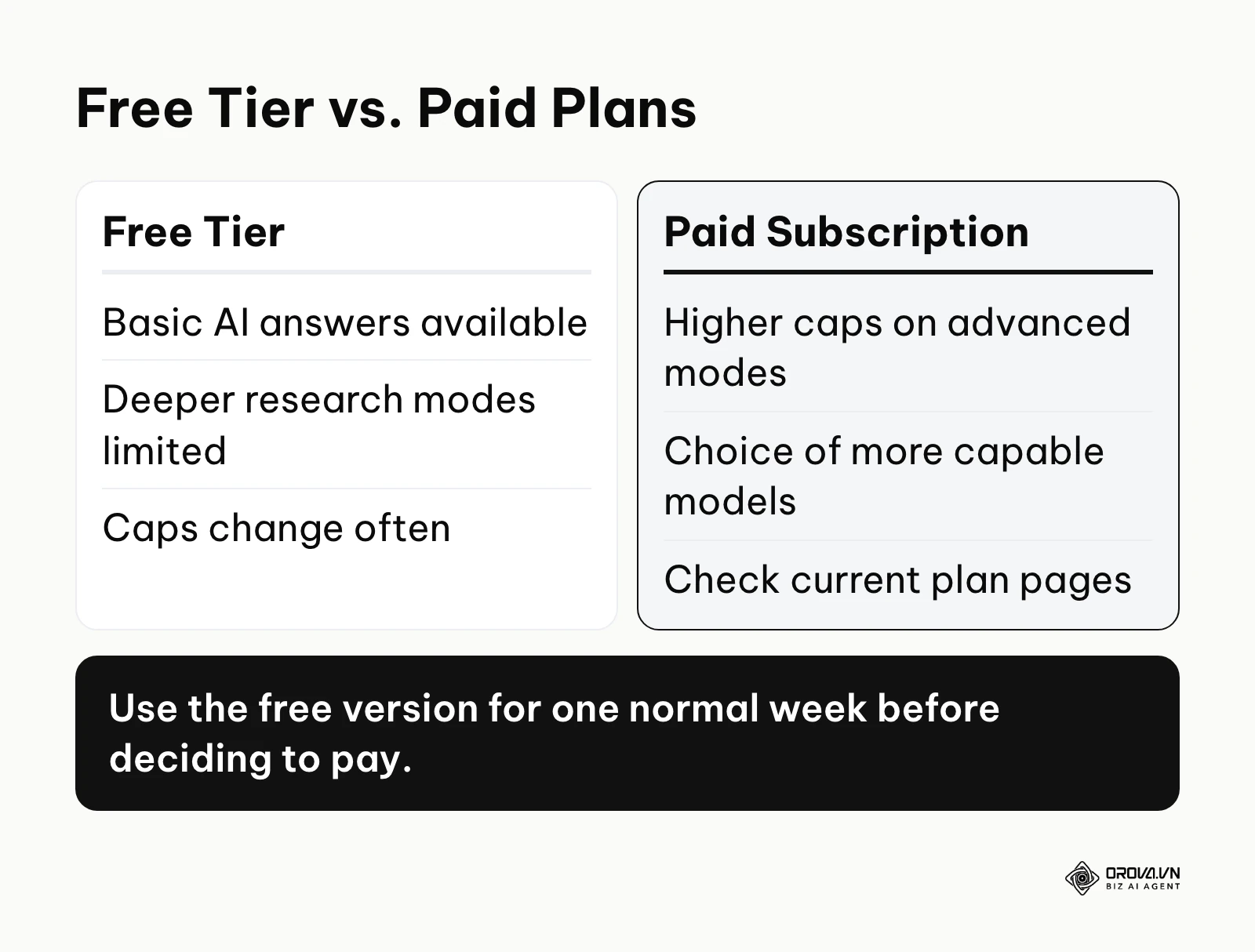
All of the major tools in this guide offer a free way to try AI search. Perplexity offers basic searches for free and limits its deeper search modes. ChatGPT Search is available to free users, with usage limits that vary. Microsoft Copilot can be used for free with a Microsoft account, and Google AI Overviews and AI Mode are built into Google Search at no charge.
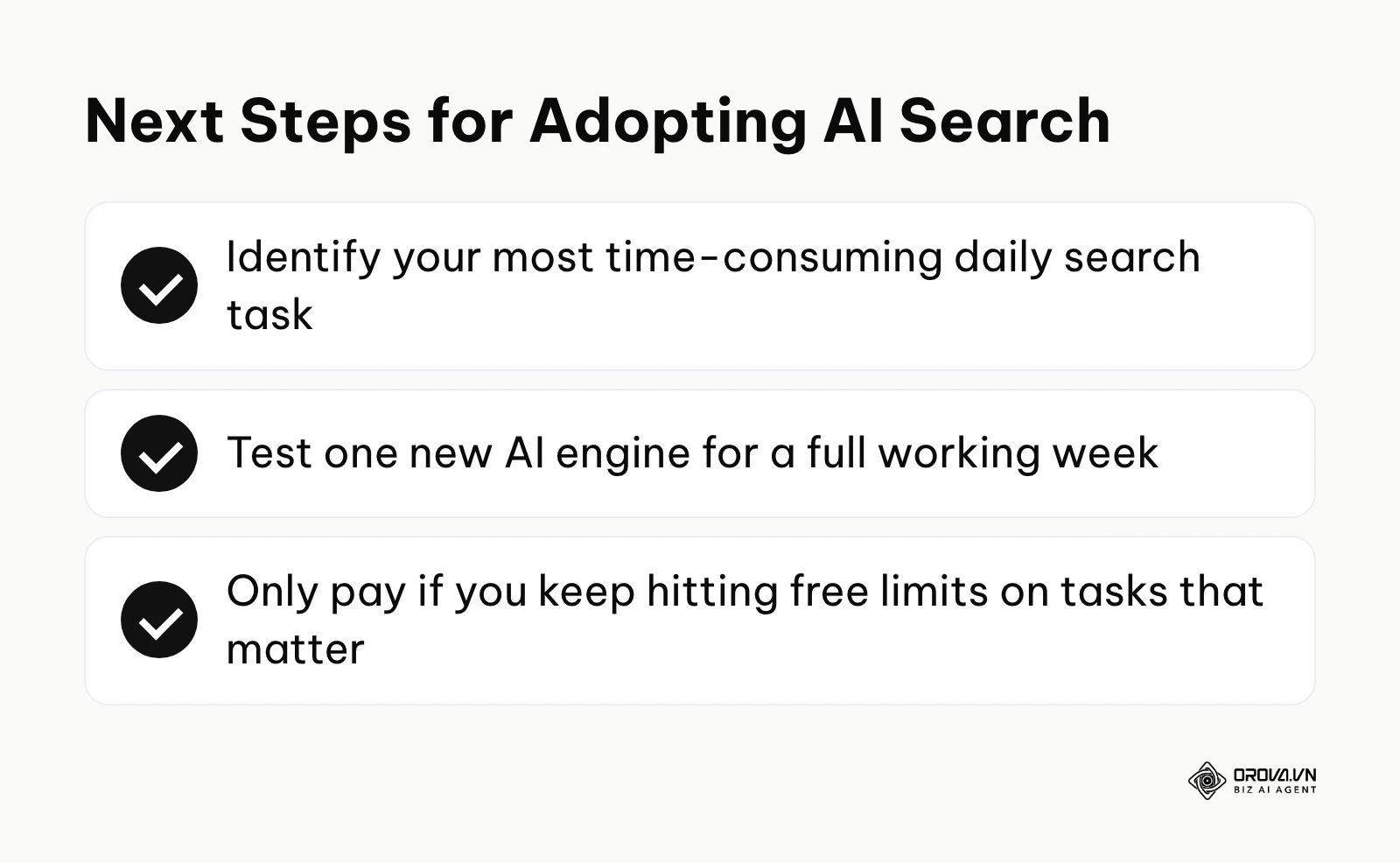
The exact caps, model names, and paid plans change frequently, so check each provider's current plan page before you decide. A practical approach is to use the free version for one normal working week and only consider paying if you keep hitting the limits on tasks that matter.
Mobile App Experience and UI/UX
Search is a mobile-first activity, so the desktop web interface is only half the story. When you compare apps, look at three things: how quickly you can start a search, how well voice input works, and how easy it is to read and open sources one-handed.
The Perplexity mobile app has a clean, focused design. It opens to a search box, supports voice input, and keeps the answer and its sources easy to read. The ability to save threads into Spaces makes mobile research practical.
ChatGPT's mobile app stands out for its voice mode, which lets you hold a spoken conversation with the assistant. For long, source-heavy answers, many users still find a layout built around citations easier to scan.
Microsoft Copilot's app bundles more features, such as image generation alongside chat, which suits people who want one app for many tasks. Google's AI Overviews are baked directly into the standard Google app; there is no separate app to download, making it the most frictionless experience for casual users, though it offers less control over how the answer is built.
Data Privacy Controls
A major concern for professionals is whether their sensitive queries are being vacuumed up to train future AI models. If you paste proprietary code or search for unannounced company products, you need absolute assurance that the data remains secure.
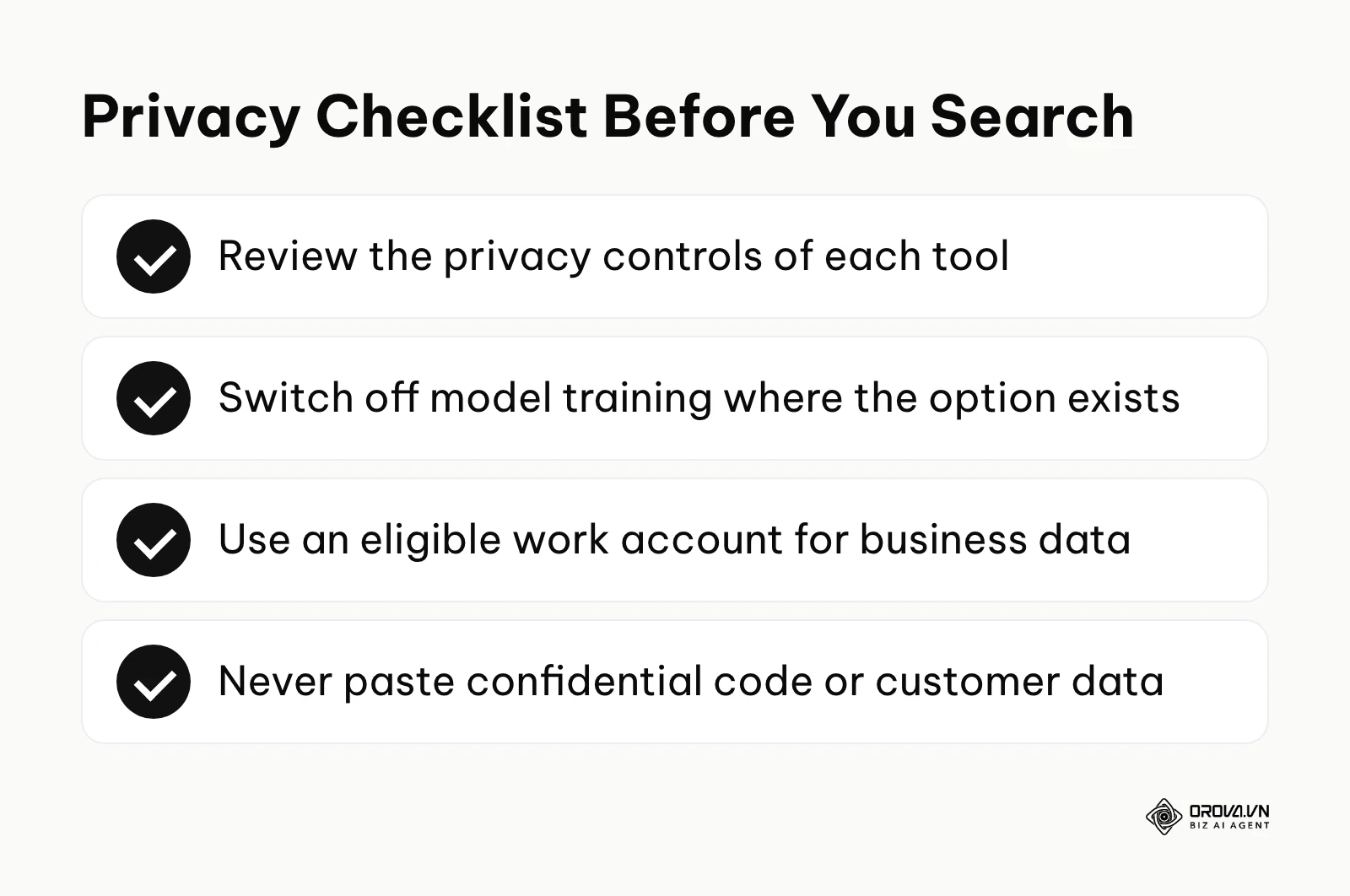
Consumer versions of several AI search tools may use your conversations to improve their models unless you change the settings. ChatGPT and Perplexity both offer settings to limit how your data is used, so review the privacy controls of any tool before you paste sensitive material into it.
If you require a private ai search engine for work, Microsoft Copilot used with an eligible work account and enterprise data protection is the most common choice, because Microsoft states that prompts under that protection are not used to train its foundation models. Whatever tool you use, the safest rule is simple: do not paste confidential code, customer data, or unannounced plans into a consumer AI account.
Coding Capabilities
For developers, AI search engines have largely replaced traditional documentation sites and Stack Overflow. The ability to search for an error code and immediately receive a patched version of your script is invaluable.
ChatGPT Search is a strong fit for this category. It can search for current documentation and then use that information to rewrite or explain your code in the same conversation, and in many cases it can run code with its built-in analysis tool. Because it keeps the conversation context, you can debug a script step by step over many prompts.
Whichever tool you use for code, ask it to cite the official documentation page it relied on and check the version number. AI answers can mix older and newer syntax, so a quick look at the source saves debugging time later.
Traditional Search Fallback
Sometimes, AI gets in the way. If you are searching for a specific website URL, tracking a package, or navigating to a login page, generating a three-paragraph AI summary is actively annoying. You need the ability to fall back to a traditional search experience.
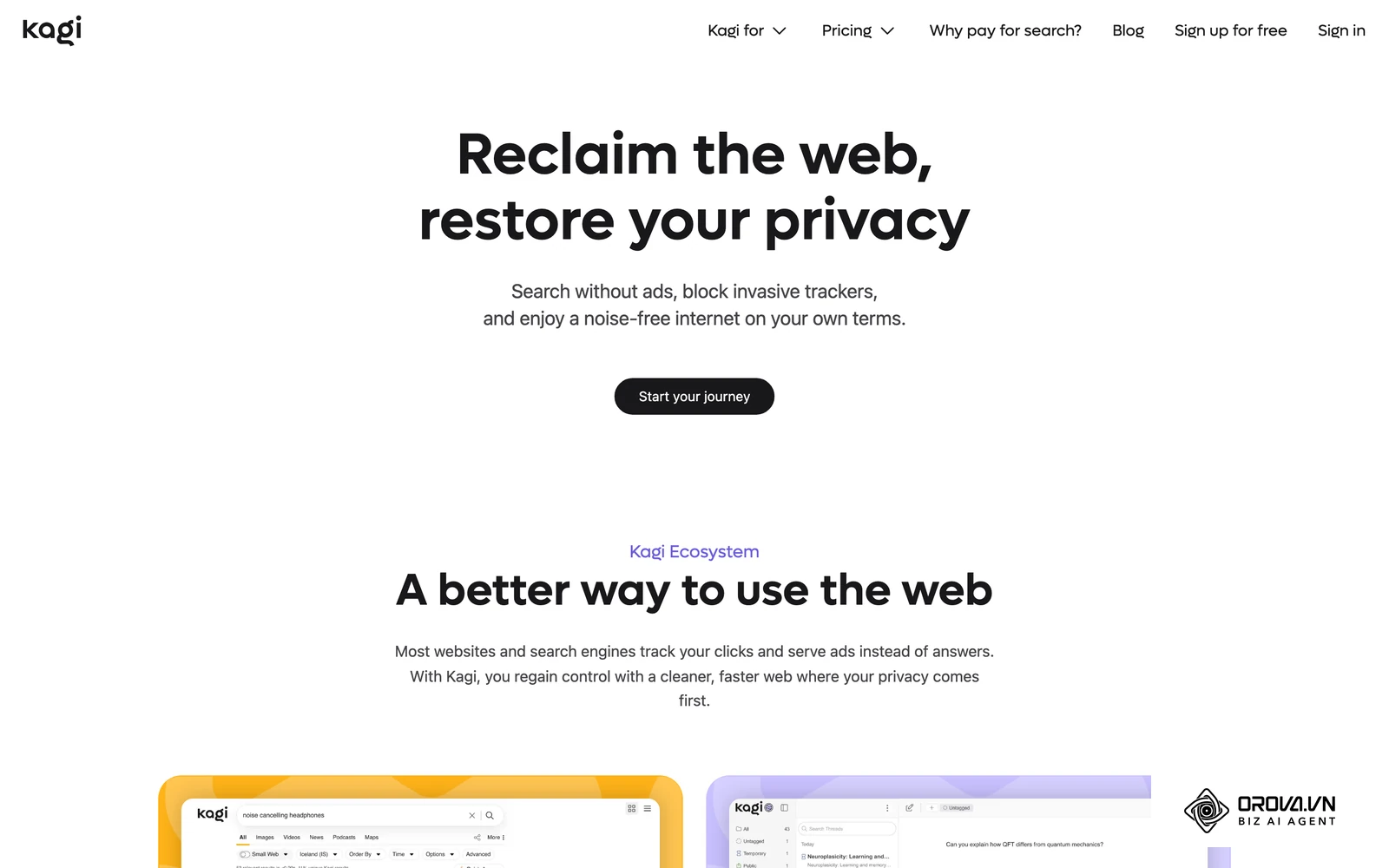
Google allows you to disable AI Overviews using the "Web" tab filter, forcing it to display only traditional blue links. Perplexity is built around generated answers, so it is not the tool for simple navigation searches. If you find AI answers overwhelming, Kagi is a paid, ad-free search engine that returns traditional links and keeps its AI features optional, so you choose when to ask for a summary.
Choosing the Best AI Search Engine by Scenario
Because no single tool is perfect, your choice should be dictated by your specific daily tasks. Below, we break down real-world scenarios and the exact engine that fits best.
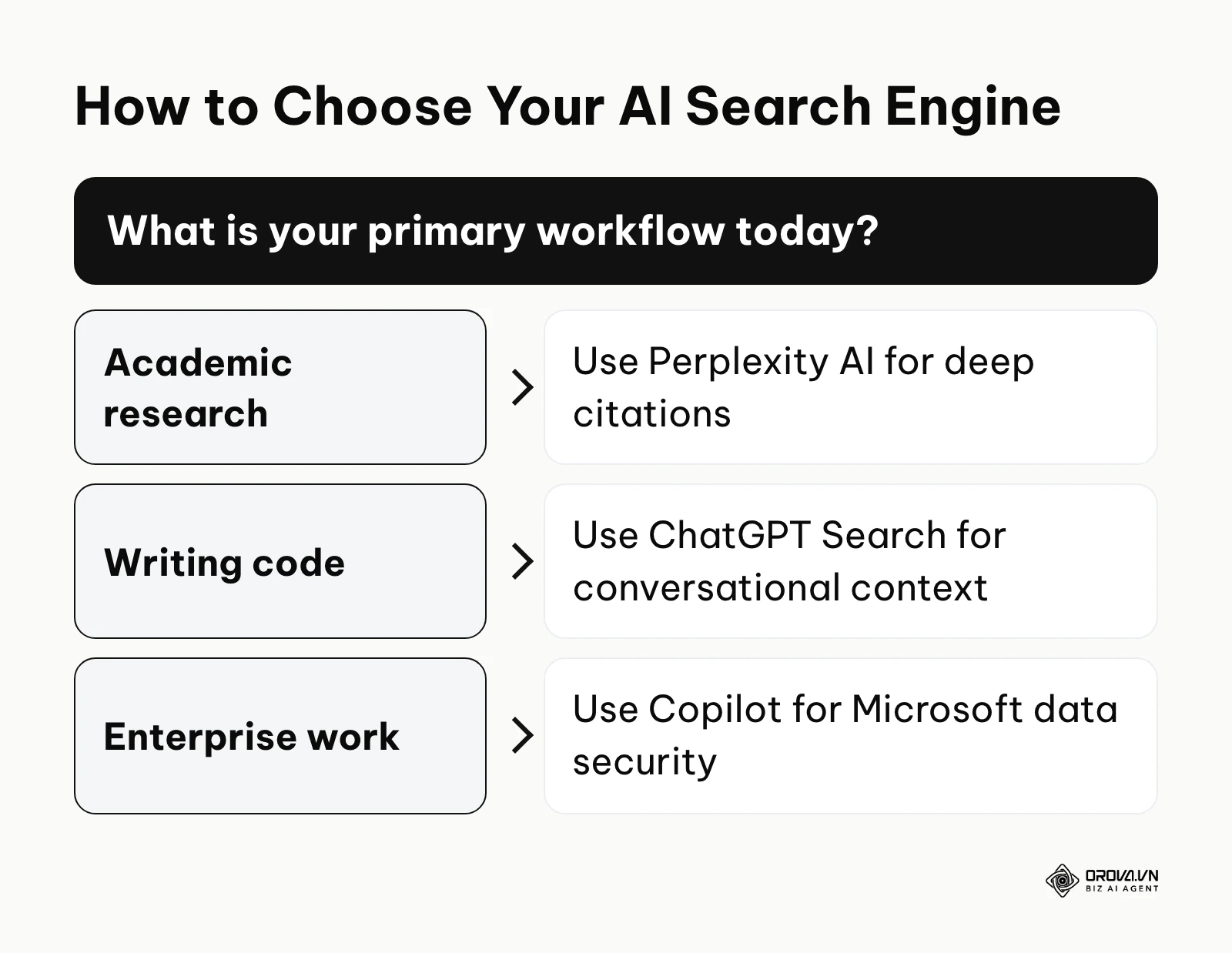
| Real-World Scenario | Recommended Engine | Primary Reason for Selection |
|---|---|---|
| Academic Literature Review | Perplexity AI | Numbered citations and an academic source filter. |
| Complex Code Refactoring | ChatGPT Search | Maintains deep conversational context for iterative debugging and testing. |
| Enterprise Document Synthesis | Microsoft Copilot | Direct integration with Microsoft 365 and enterprise-grade data protection. |
| Quick Shopping Comparisons | Google AI Overviews | Shopping results sit right next to the AI summary. |
| Navigation and link-first searching | Kagi | Ad-free traditional results with AI summaries only on request. |
Illustrative example: Academic Research and Fact-Checking
- Context: A mid-sized market research team was tasked with analyzing consumer trends in the renewable energy sector for a corporate client.
- Steps taken: They configured Perplexity AI with the "Academic" focus mode to prioritize scholarly articles. They inputted a structured prompt asking for specific adoption rates from 2024 to 2025. Then, they utilized the follow-up prompt feature to drill down into anomalous statistics regarding battery supply chains.
- Snag and fix: Initially, the AI aggregated consumer tech blogs alongside peer-reviewed journals, which diluted the data quality and confused the timeline. The team fixed this by explicitly restricting the search parameters to .edu and .gov domains and forcing the AI to only cite reports published within the last twelve months.
- Result: The team produced a comprehensive 50-page briefing document, with every single claim directly linked to a primary source, presenting a flawlessly cited report to their client without manual formatting.
Illustrative example: Coding and Development
- Context: A senior frontend developer at a SaaS company was responsible for migrating a legacy React codebase to Next.js 15.
- Steps taken: They utilized ChatGPT Search to look up the latest Next.js documentation and instantly generate the refactored code. They pasted their legacy class components into the chat interface and asked for a step-by-step migration path using the newest App Router conventions.
- Snag and fix: The AI initially hallucinated a deprecated API from Next.js 13 because of outdated training data mixing with search results. The developer noticed the error, explicitly provided the URL to the Next.js 15 beta documentation, and instructed the AI to solely rely on the patterns found in that specific link.
- Result: The developer successfully migrated the core routing module in a single afternoon, a task originally estimated to take three full days, with fully functional server-side components.
Illustrative example: Enterprise Document Synthesis
- Context: A compliance officer at a financial institution needed to cross-reference new federal banking regulations with internal company policies.
- Steps taken: They launched Microsoft Copilot within their secure enterprise environment. They instructed the tool to search the live web for the latest SEC regulatory updates published in 2026 and compare them directly against a massive internal PDF of company guidelines stored on their local SharePoint.
- Snag and fix: Copilot initially struggled to process the entire 500-page internal PDF, timing out during the comparison phase due to context window limits. The officer resolved this by splitting the request, asking the AI to first summarize the web findings into key bullet points, and then subsequently mapping those specific points to the relevant chapters of the internal document.
- Result: The officer finalized a comprehensive compliance gap analysis report by the end of the week, presenting actionable risk mitigation strategies to the board of directors.
Combining Tools and Switching Search Engines
Power users rarely rely on a single platform. The most efficient workflow in 2026 involves chaining these tools together to leverage their individual strengths.
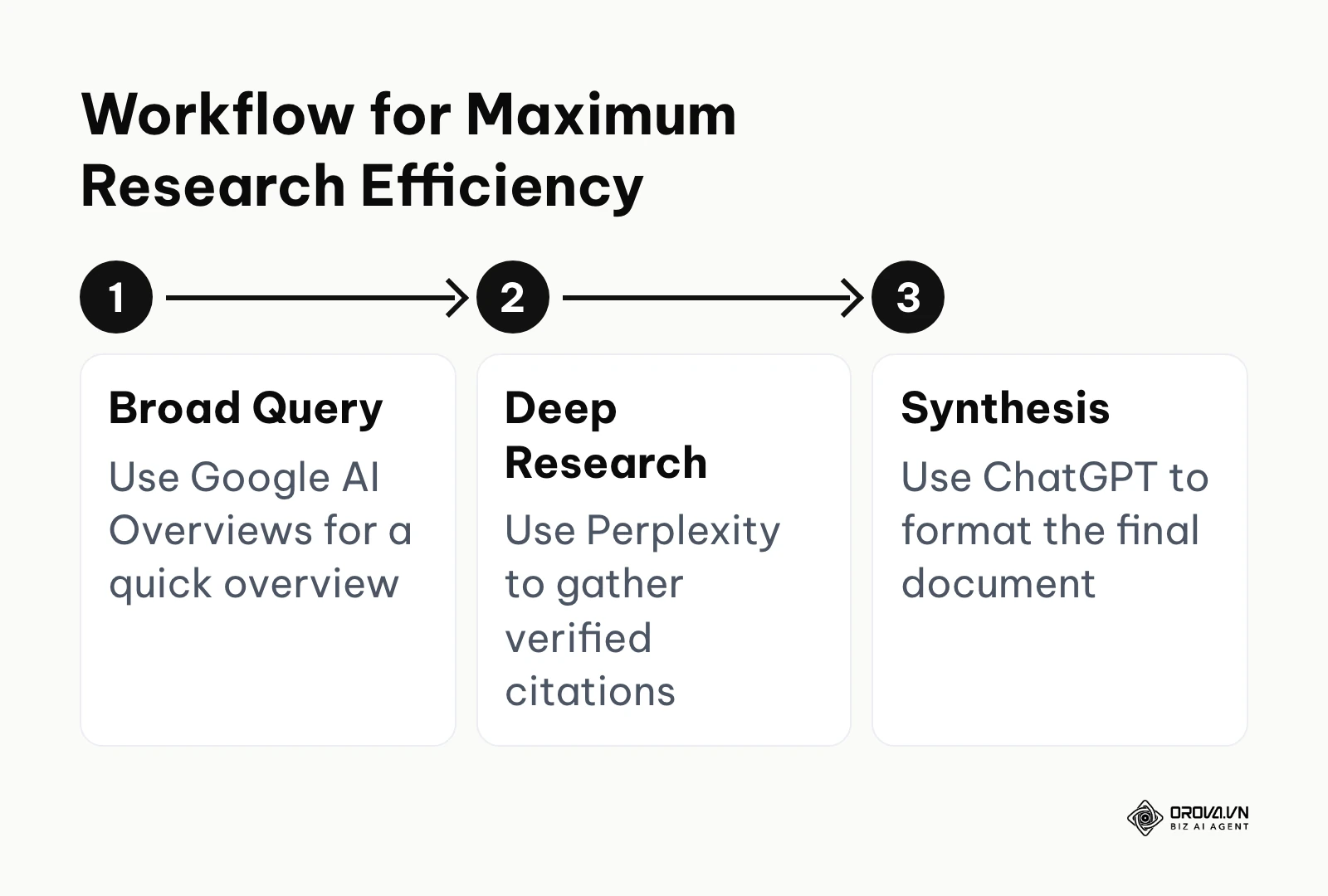
For example, a content creator might start by using Google AI Overviews to quickly check if a topic is currently trending. Once validated, they move to Perplexity AI to conduct deep research, gathering dozens of verified citations and factual data points. Finally, they copy those raw notes into ChatGPT, instructing it to format the data into an engaging narrative outline. This multi-tool approach ensures you get the factual accuracy of Perplexity combined with the creative prowess of ChatGPT.
However, switching between engines carries risks. Context is lost when moving from one platform to another, requiring you to carefully re-prompt the new engine. Furthermore, relying entirely on AI generated answers can create an echo chamber, where you only consume summarized information rather than reading primary sources. Even with AI dominating the interface, mastering fundamental on page seo remains essential to ensure your original content is selected as a source by these engines. Many professionals now combine search engines with specialized ai writing tools to scale their content production and dominate these new formats.
With OROVA.VN and the OROVA SEO module, you put an end to the exhausting days of manual work for good. Instead of struggling for hours to write articles and compile reports, the entire process is now optimized and completed in just 5 minutes.
Trends for AI search engines in the next few years: my predictions
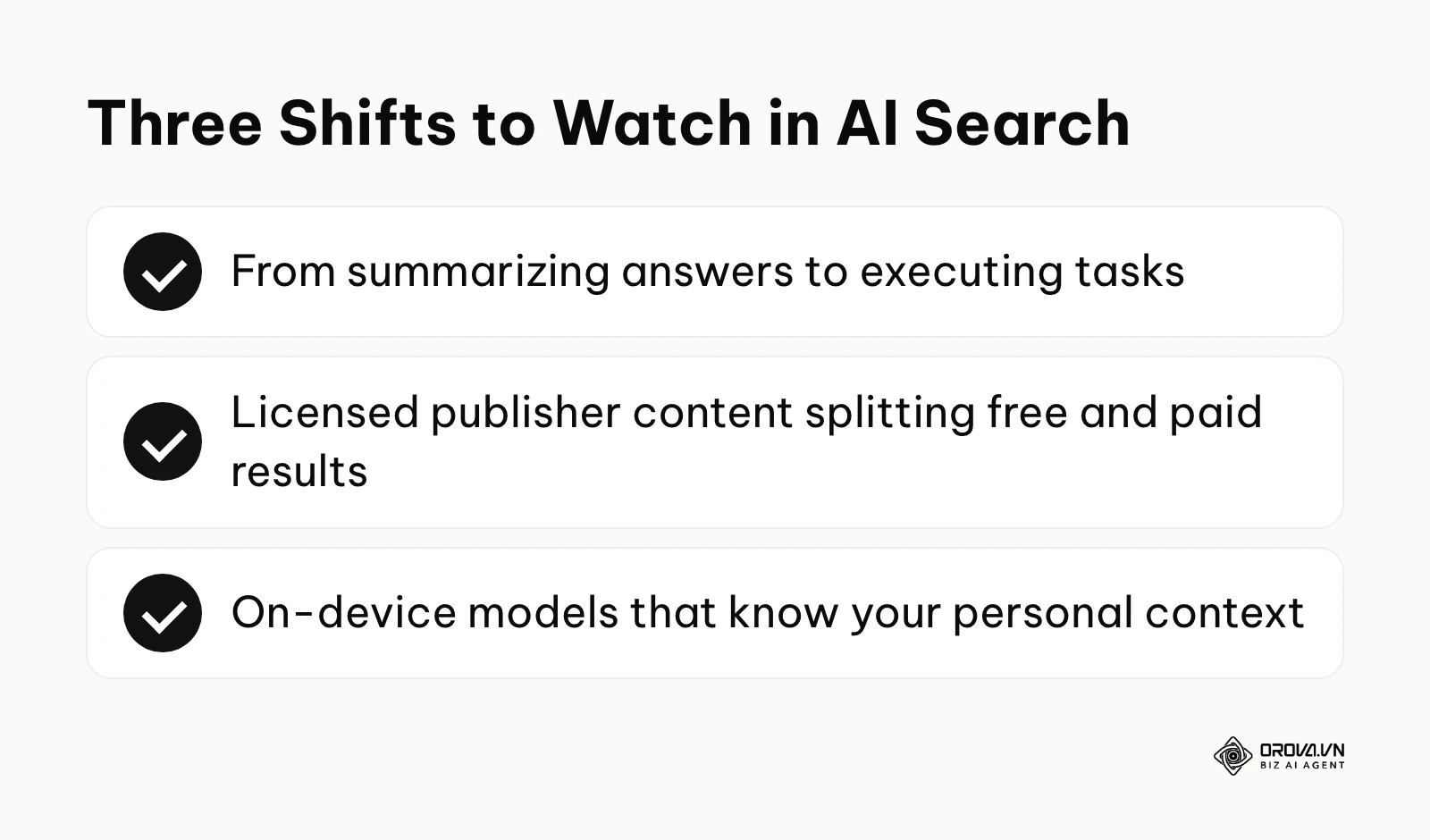
The landscape of search is shifting beneath our feet faster than any technological transition since the invention of the smartphone. Based on the current trajectory of foundational models and consumer behavior, here is where I believe we are heading over the next two to three years.
The shift from search to autonomous execution
Right now, we are in the era of summarization. You ask a question, and the AI summarizes the answer. But I believe that within the next few years, search engines will transition into execution engines. Instead of asking "what are the best flights to Tokyo," you will instruct the AI to "monitor flights to Tokyo, book the cheapest one within my budget that leaves on a Friday evening, and add the itinerary to my calendar." The AI will not just retrieve information; it will autonomously interact with the web on your behalf using browser agents. To prepare for this, businesses must ensure their websites and booking systems have clean, machine-readable APIs that autonomous agents can easily navigate.
The paywalling of high-quality data
We are currently witnessing a massive legal battle over copyright and AI training. Major publishers like The New York Times are suing AI companies, while others are signing exclusive licensing deals. I strongly believe that the open web will become increasingly fractured. In the near future, the quality of your AI search results will depend entirely on which publisher licenses your search engine has secured. A free AI search engine might only have access to low-quality blogs and Reddit, while a premium subscription will be required to search across verified, paywalled journalism and academic databases. Content creators should prepare by building direct relationships with their audience through email lists, rather than relying solely on search discovery.
The rise of hyper-personalized local models
Today, almost all AI search is processed in massive data centers. This creates latency and privacy concerns. I foresee a rapid shift toward localized, on-device AI search engines. With chips like Apple's Neural Engine and Qualcomm's latest Snapdragons becoming ubiquitous, your phone will run a smaller, highly personalized AI model locally. This model will understand your personal context—your emails, your location, your habits—and will only reach out to the cloud for heavy web retrieval. This will create a hyper-personalized search experience where the answer to "where should I eat?" is based entirely on your past dining history and current dietary goals, completely bypassing traditional SEO rankings. This prediction could be derailed if hardware limitations prevent local models from achieving the necessary reasoning capabilities, but the current momentum suggests otherwise.
Frequently asked questions about AI search engines
What is the best ai search engine for research?
For rigorous academic or professional research, Perplexity AI is a popular choice. It is designed to put source citations front and center, and its academic source filter lets you lean toward scholarly material instead of casual blogs.
Are private ai search engine options actually private?
Consumer versions of AI search engines typically use your query data to train future models. If privacy is paramount, use a business solution such as Microsoft Copilot with enterprise data protection, or review the data controls in tools like ChatGPT and Perplexity and switch off model training where the option exists.
How will AI search impact website traffic?
As more users move toward conversational interfaces, simple informational queries (e.g., "how many ounces in a cup") tend to lose clicks as AI answers them directly. However, deep experiential content and strong brand narratives will continue to drive highly qualified clicks.
What is the role of AI in shaping the future of information discovery?
AI transitions discovery from a passive, manual process into an active, synthesized dialogue. Instead of acting as a digital librarian pointing you to a book, AI acts as a research assistant, reading the book for you, summarizing the key chapters, and answering your follow-up questions in real-time.
What is the difference between perplexity vs chatgpt search for coding?
While both are highly capable, ChatGPT Search maintains deeper conversational context over long coding sessions and can run code internally using its Advanced Data Analysis tool. Perplexity is better for quickly looking up the exact syntax of a new documentation update, while ChatGPT is usually more comfortable for long, step-by-step debugging conversations.
Can I rely entirely on AI search engines for medical or legal advice?
Absolutely not. While AI answers have become more reliable, generative models still lack true reasoning and accountability. AI search engines are excellent tools for preliminary research to understand legal or medical jargon, but any critical decisions must always be verified by a certified human professional.
Where Should You Start?
Transitioning from a decade of traditional Googling to conversational AI search requires a deliberate change in habits. The best approach is not to overhaul your entire workflow overnight, but to slowly integrate these tools where they provide the most immediate relief.
If you are a casual user overwhelmed by having twenty tabs open just to research a purchase, your first step should be installing the Perplexity AI mobile app. Replace your default browser search bar with the Perplexity widget on your home screen for one week. Force yourself to ask it conversational questions rather than typing disjointed keywords, and observe how much time you save not having to sift through SEO-optimized affiliate blogs.
If you are a professional researcher or student struggling with citation formatting, your immediate action is to create a free account on the desktop version of Perplexity. Take your next research assignment and use one of its deeper search modes to map out the initial bibliography. By opening the sources it links next to each claim, you will build the trust necessary to integrate it into your daily academic workflow.
If you are a digital marketer or business owner terrified of losing website traffic, your first step is to run your own brand through Google AI Overviews and ChatGPT Search today. Ask the engine "Why should I buy [Your Product] instead of [Competitor]?" If the AI hallucinates or recommends the competitor, you immediately know that your current content strategy is failing to feed these new engines the correct semantic data, signaling that it is time to upgrade your content infrastructure.
About the author

Builder of Orova
Nguyễn Đỗ Trọng Ân has 8 years of experience in marketing, including 6 years managing market development across Asia. He builds Orova, a Biz AI Agent that never sleeps: it plans, runs and optimizes work for businesses.
Run your business with AI Agents
Orova is the always-on Biz AI Agent — it plans, runs, and optimizes the work for you.
Save time, unlock productivity.